Play on PC

International Football Sim
Contains adsIn-app purchases

1M+
Downloads

Everyone
info
After continuing, you’ll get an email for Google Play Games on PC
About this game
Features:
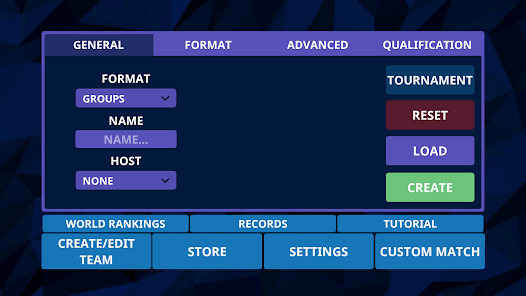
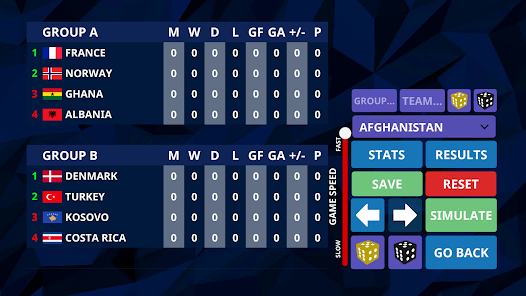
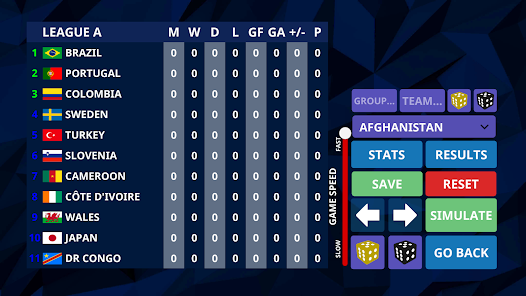
Create a tournament with whatever options you like. You want a tournament set in Russia with 8 groups and 4 teams in each group, then you can do it. Want to simulate a four league system in which you have a different amount of teams in each group with custom names, then you can do it.
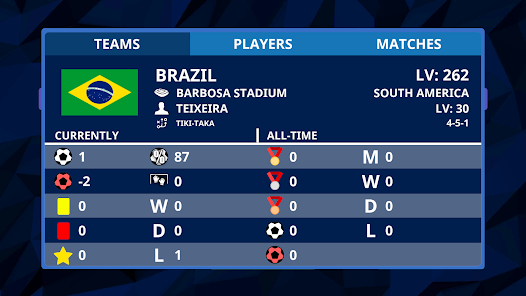
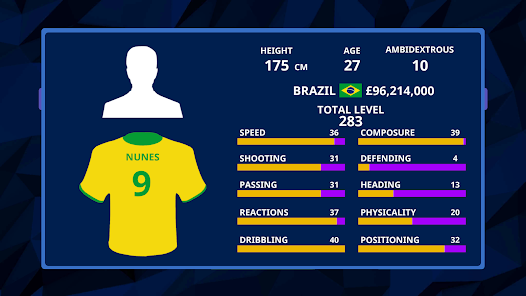
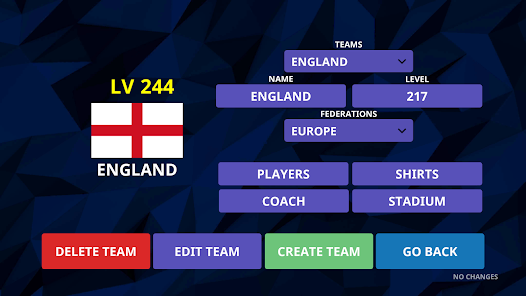
Create and edit teams, federations, players, want to change the name of something then you can do it. Each aspect has many things you can change.
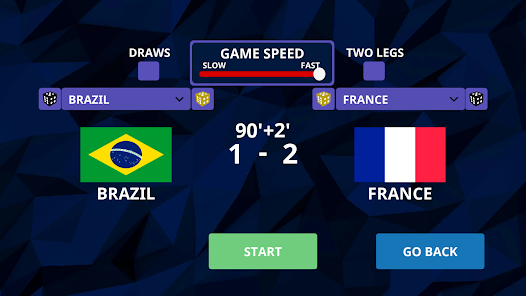
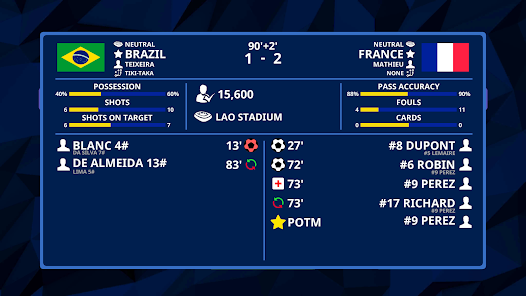
Each match has an in-depth view of match statistics such as possession, who scored, which can be view live or after the match is complete.
Simulate international football in every possible way!
Privacy Policy: https://senapp.github.io/pages/legal.html?0
Terms and Conditions: https://senapp.github.io/pages/legal.html?1
Create a tournament with whatever options you like. You want a tournament set in Russia with 8 groups and 4 teams in each group, then you can do it. Want to simulate a four league system in which you have a different amount of teams in each group with custom names, then you can do it.
Create and edit teams, federations, players, want to change the name of something then you can do it. Each aspect has many things you can change.
Each match has an in-depth view of match statistics such as possession, who scored, which can be view live or after the match is complete.
Simulate international football in every possible way!
Privacy Policy: https://senapp.github.io/pages/legal.html?0
Terms and Conditions: https://senapp.github.io/pages/legal.html?1
Updated on
Powered by Intel® technology
Safety starts with understanding how developers collect and share your data. Data privacy and security practices may vary based on your use, region, and age. The developer provided this information and may update it over time.

This app may share these data types with third parties
Location, App activity and 2 others

This app may collect these data types
Location, App activity and 2 others

Data is encrypted in transit

Data can’t be deleted
Play on PC
Play this game on your Windows PC with Google Play Games
Learn moreOfficial Google experience
Bigger screen
Level up with improved controls
Seamless sync across devices*
Earn Google Play Points
Minimum requirements
- OS: Windows 10 (v2004)
- Storage: Solid state drive (SSD) with 10 GB of available storage space
- Graphics: IntelⓇ UHD Graphics 630 GPU or comparable
- Processor: 4 CPU physical cores
- Memory: 8 GB of RAM
- Windows admin account
- Hardware virtualization must be turned on
To learn more about these requirements, visit the Help Center
Intel is a registered trademark of Intel Corporation or its subsidiaries. Windows is a trademark of the Microsoft group of companies.
*Might not be available for this game
App support
About the developer
CARL ALBIN BJOERKLUND
help.senapp@gmail.com
石垣西10丁目2−502 左山ビル
別府市, 大分県 874-0910
Japan