Play on PC

DevilutionX - Diablo 1 port

500K+
Downloads

Teen
info
After continuing, you’ll get an email for Google Play Games on PC
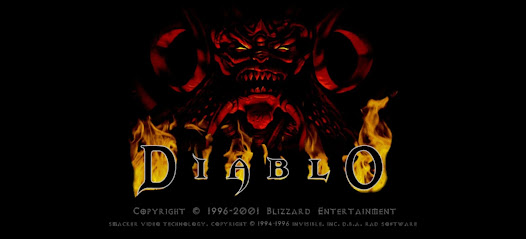
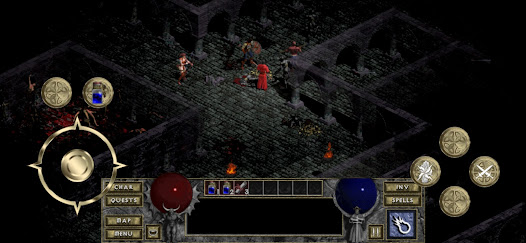
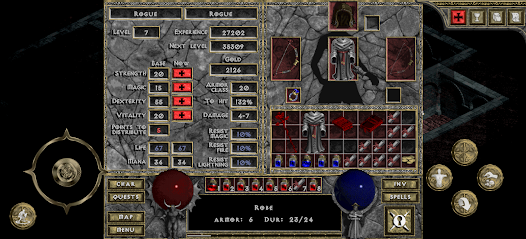
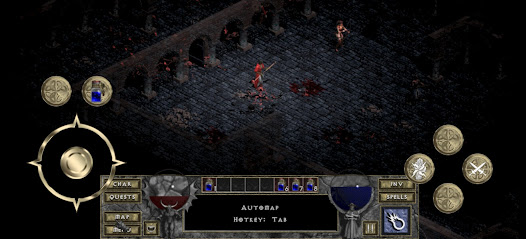
About this game
Please note that for the complete gaming experience, data from the original Diablo is required. If you don't own Diablo, you can purchase it from GOG.com (unaffiliated). However, even without the original game, you can still enjoy the demo portion.
**Features**
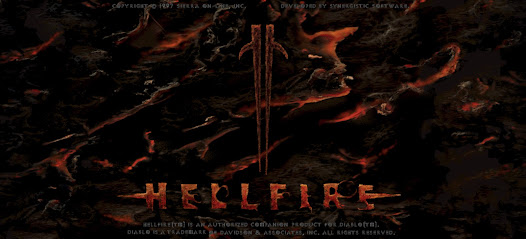
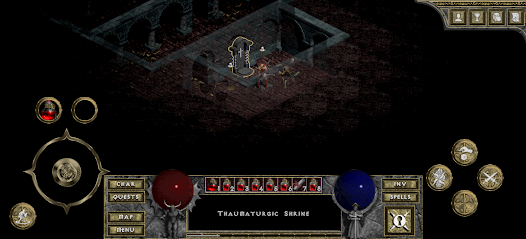
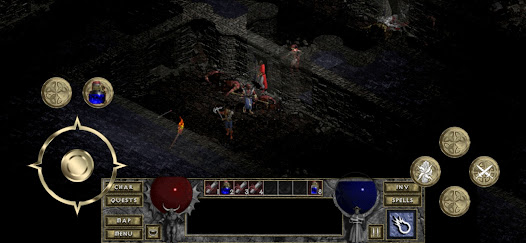
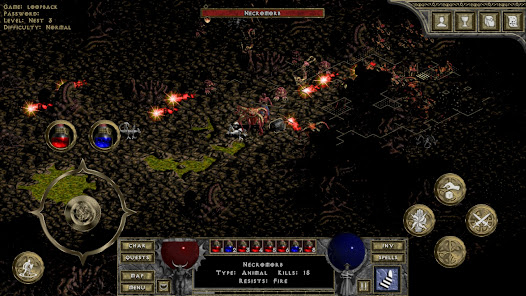
- Enjoy a fully featured port of Diablo and the Hellfire expansion.
- Play on-the-go or relax in front of your Android TV.
- Discover many subtle improvements for an enhanced experience.
- Benefit from hundreds of bug fixes to the original game.
- Engage in cross-play multiplayer for exciting adventures.
- Available in multiple languages.
**How to install the full game**
1. Install the DevilutionX app.
2. Use the Inno Setup Extractor app to extract DIABDAT.MPQ from the GOG installer (or locate it on the CD, or Windows Installation folder).
3. Long press the app icon, and select Import Data, locate and select the DIABDAT.MPQ file (or use a scoped file manager to place it in the Android/data/org.diasurgical.devilutionx/files folder)
Hellfire support also requires hellfire.mpq, hfmonk.mpq, hfvoice.mpq and hfmusic.mpq
Visit us on GitHub and chat with us on Discord:
https://github.com/diasurgical/devilutionX#readme
**Features**
- Enjoy a fully featured port of Diablo and the Hellfire expansion.
- Play on-the-go or relax in front of your Android TV.
- Discover many subtle improvements for an enhanced experience.
- Benefit from hundreds of bug fixes to the original game.
- Engage in cross-play multiplayer for exciting adventures.
- Available in multiple languages.
**How to install the full game**
1. Install the DevilutionX app.
2. Use the Inno Setup Extractor app to extract DIABDAT.MPQ from the GOG installer (or locate it on the CD, or Windows Installation folder).
3. Long press the app icon, and select Import Data, locate and select the DIABDAT.MPQ file (or use a scoped file manager to place it in the Android/data/org.diasurgical.devilutionx/files folder)
Hellfire support also requires hellfire.mpq, hfmonk.mpq, hfvoice.mpq and hfmusic.mpq
Visit us on GitHub and chat with us on Discord:
https://github.com/diasurgical/devilutionX#readme
Updated on
Safety starts with understanding how developers collect and share your data. Data privacy and security practices may vary based on your use, region, and age. The developer provided this information and may update it over time.

No data shared with third parties
Learn more about how developers declare sharing

No data collected
Learn more about how developers declare collection
Play on PC
Play this game on your Windows PC with Google Play Games
Official Google experience
Bigger screen
Level up with improved controls
Seamless sync across devices*
Earn Google Play Points
Minimum requirements
- OS: Windows 10 (v2004)
- Storage: Solid state drive (SSD) with 10 GB of available storage space
- Graphics: IntelⓇ UHD Graphics 630 GPU or comparable
- Processor: 4 CPU physical cores
- Memory: 8 GB of RAM
- Windows admin account
- Hardware virtualization must be turned on
To learn more about these requirements, visit the Help Center
Intel is a registered trademark of Intel Corporation or its subsidiaries. Windows is a trademark of the Microsoft group of companies.
*Might not be available for this game
App support
About the developer
Anders Jenbo
contact@diasurgical.org
Denmark