
EECU Mobile Banking
4.5star
6.78K reviews
100K+
Downloads

Everyone
info

About this app
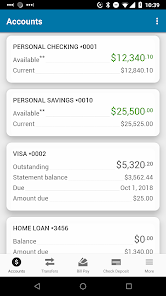
Get 24/7 access to your EECU accounts no matter where you are. Please note: this app is for EECU based in Fort Worth, Texas.
With the EECU Mobile Banking application for Android, you can:
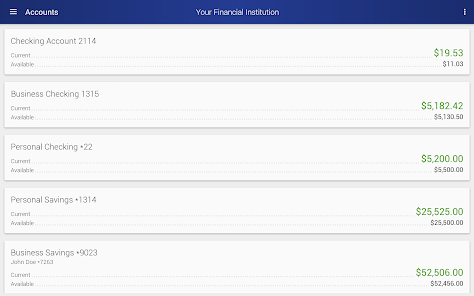
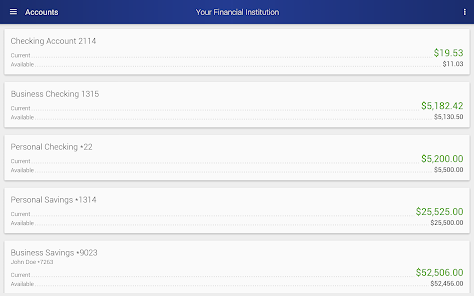
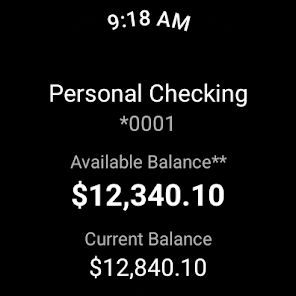
• Check balances
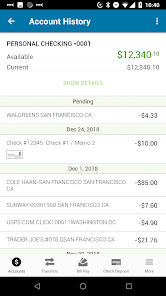
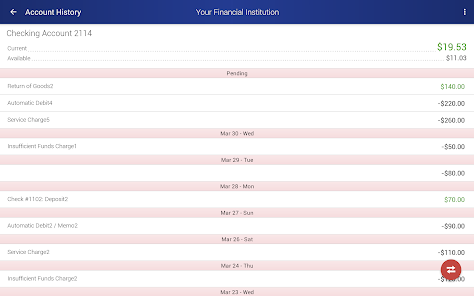
• View transactions
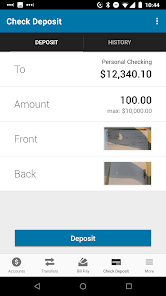
• Deposit checks
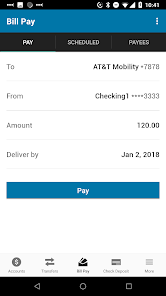
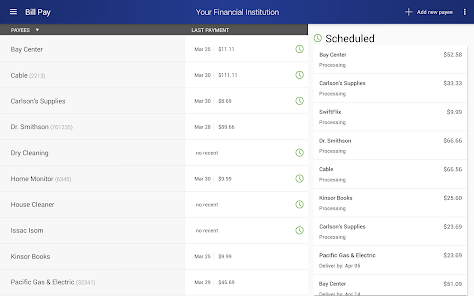
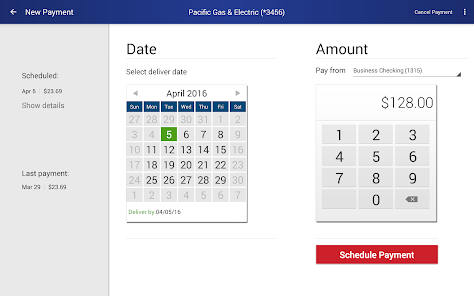
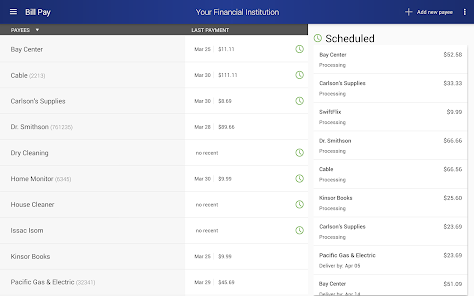
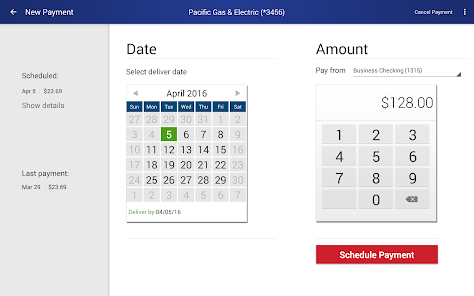
• Pay bills
• View and activate your cash back offers
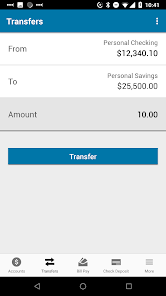
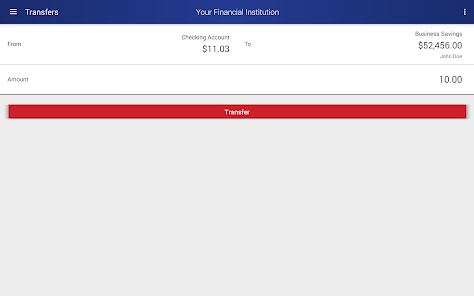
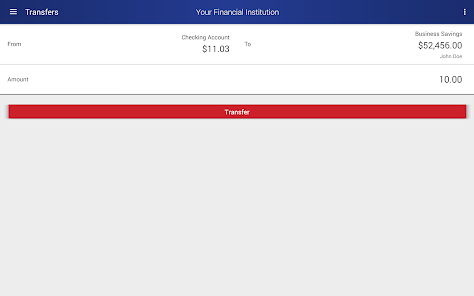
• Transfer funds
• Find branch and ATM locations
• Apply for a loan or credit card from the More screen
• Wear OS
To get started, download and launch the app. Then, sign in with your EECU Online Banking user ID and password. It’s that easy.
App now available for Wear OS.
To learn how we protect your privacy, please visit https://www.eecu.org/internet-privacy/
With the EECU Mobile Banking application for Android, you can:
• Check balances
• View transactions
• Deposit checks
• Pay bills
• View and activate your cash back offers
• Transfer funds
• Find branch and ATM locations
• Apply for a loan or credit card from the More screen
• Wear OS
To get started, download and launch the app. Then, sign in with your EECU Online Banking user ID and password. It’s that easy.
App now available for Wear OS.
To learn how we protect your privacy, please visit https://www.eecu.org/internet-privacy/
Updated on
Safety starts with understanding how developers collect and share your data. Data privacy and security practices may vary based on your use, region, and age. The developer provided this information and may update it over time.


Ratings and reviews
4.5
6.61K reviews

Sarah A
- Flag inappropriate
- Show review history
January 25, 2025
I log into the app and am met with 'Accounts unavailable'. I try to navigate to other parts of the app and I keep getting "Internal error – FMIS-1097". The app has been completely unusable for me. I tried calling customer service to troubleshoot, but when I chose 'online banking' on the menu, the annoying robo-voice told me they were closed and ended the call. TL;DR I can't access my accounts and their customer service sucks.

A Google user
- Flag inappropriate
January 10, 2019
Good app. My only issue so far is that when I make a mobile check deposit, it shows the entire deposited amount in both the "Current Balance" and "Available Balance", which is confusing, since there is a temporary hold placed on a portion of the funds (which I could only see when I open transaction details). This has led me to accidentally make an overcharge and incur an overdraft fee. It would help if the mobile deposit did not show held funds as part of the Available Balance on the main page.
40 people found this review helpful

David Huckaby
- Flag inappropriate
February 20, 2025
Pretty good, but... Zelle payments are spotty to actually get through. I continuously struggled to actually get through it, because any time from the moment you begin the process to the point of actually hitting send, it can and will fail, giving a generic error message. And of a semi-recent addition: why do we have ads in a banking app? That is poison. They might be somewhat unobtrusive now, but that does not lead anywhere good in the future.
2 people found this review helpful
App support
phone
Phone number
+18003339934
About the developer
Digital First Holdings LLC
service@eecu.org
4 Concourse Pkwy Ste 400
Atlanta, GA 30328-5397
United States
+1 817-882-0800


