
Vysor - Android control on PC
Enthält Werbung

3.2star
12.7 Tsg. Rezensionen
5 Mio.+
Downloads

Jedes Alter
info
Über diese App
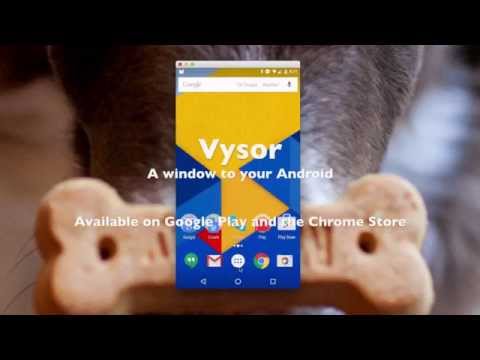
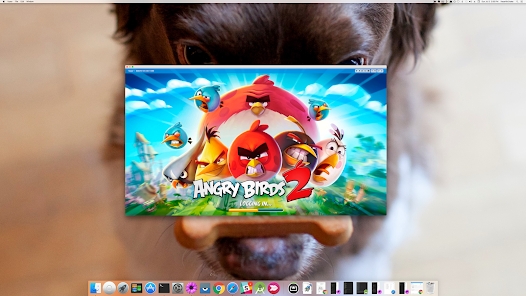
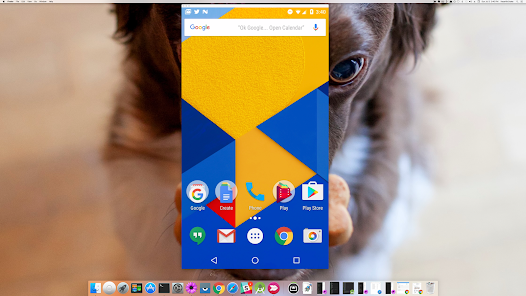
Vysor lets you view and control your Android on your computer. Use apps, play games, control your Android with your mouse and keyboard. Go wireless, and mirror your Android to your desktop; great for presentations.
Vysor Share also lets you share your screen to others for remote assistance.
Developers: Vysor lets you ditch the emulator and seamlessly work on a real Android device. No need to fiddle with it in your hands. Use Vysor Share to set up device farms and remotely debug and test your applications across a wide range of devices.
Setup:
1) Install Vysor for Android.
2) Follow the instructions for getting USB debugging enabled. Here's a Youtube video to help you out:
https://www.youtube.com/watch?v=Ucs34BkfPB0
3) Download the Vysor Chrome app. This will let you view your Android from your PC:
https://chrome.google.com/webstore/detail/vysor/gidgenkbbabolejbgbpnhbimgjbffefm
4) Windows users will need to install ADB Drivers:
http://download.clockworkmod.com/test/UniversalAdbDriverSetup.msi
5) You're good to go!
Having any issues? Head over to the support forum:
https://plus.google.com/110558071969009568835/posts/1uS4nfW7xhp
Vysor Share also lets you share your screen to others for remote assistance.
Developers: Vysor lets you ditch the emulator and seamlessly work on a real Android device. No need to fiddle with it in your hands. Use Vysor Share to set up device farms and remotely debug and test your applications across a wide range of devices.
Setup:
1) Install Vysor for Android.
2) Follow the instructions for getting USB debugging enabled. Here's a Youtube video to help you out:
https://www.youtube.com/watch?v=Ucs34BkfPB0
3) Download the Vysor Chrome app. This will let you view your Android from your PC:
https://chrome.google.com/webstore/detail/vysor/gidgenkbbabolejbgbpnhbimgjbffefm
4) Windows users will need to install ADB Drivers:
http://download.clockworkmod.com/test/UniversalAdbDriverSetup.msi
5) You're good to go!
Having any issues? Head over to the support forum:
https://plus.google.com/110558071969009568835/posts/1uS4nfW7xhp
Aktualisiert am
Was die Sicherheit angeht, solltest du als Erstes verstehen, wie Entwickler deine Daten erheben und weitergeben. Die Datenschutz- und Sicherheitspraktiken können je nach deiner Verwendung, deiner Region und deinem Alter variieren. Diese Informationen wurden vom Entwickler zur Verfügung gestellt und können jederzeit von ihm geändert werden.

Keine Daten werden mit Drittunternehmen oder -organisationen geteilt

Keine Daten erhoben
Bewertungen und Rezensionen
3.1
12.1 Tsg. Rezensionen
Support für diese App
Informationen zum Entwickler
Vysor, Inc
alumni.69.wrasse@icloud.com
1517 4TH Ave W
Seattle, WA 98119-3016
United States
+1 206-422-8017


