Clock
4.4star
736K reviews
1B+
Downloads

Rated for 3+
info



About this app
Clock combines all of the functionality you need into one simple, beautiful package.
1. Set alarms, add timers, and run a stopwatch
2. Keep track of time around the world using World Clock
3. Set a bedtime schedule, listen to sleep sounds, and see your upcoming events
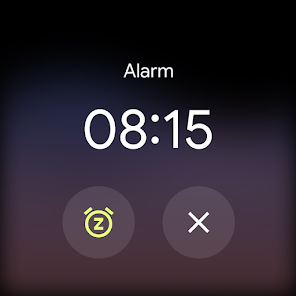
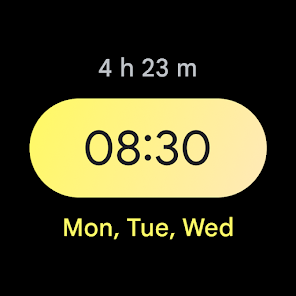
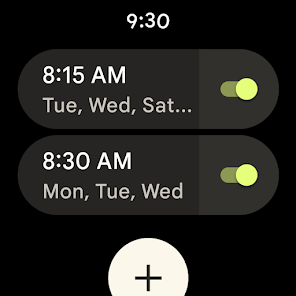
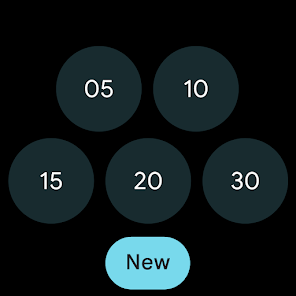
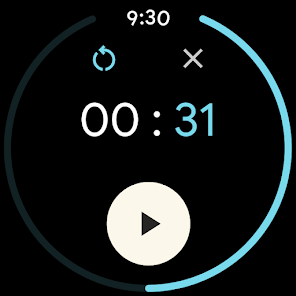
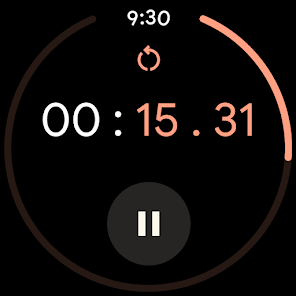
4. Pair with a Wear OS device to bring your alarms and timers to your wrist with saved tiles or watch face complications
1. Set alarms, add timers, and run a stopwatch
2. Keep track of time around the world using World Clock
3. Set a bedtime schedule, listen to sleep sounds, and see your upcoming events
4. Pair with a Wear OS device to bring your alarms and timers to your wrist with saved tiles or watch face complications
Updated on
Safety starts with understanding how developers collect and share your data. Data privacy and security practices may vary based on your use, region, and age. The developer provided this information and may update it over time.

No data shared with third parties
Learn more about how developers declare sharing

This app may collect these data types
Personal info, App activity and 2 others

Data is encrypted in transit

Data can’t be deleted

Independent security review
Ratings and reviews
4.4
686K reviews

Tim Connors
- Flag inappropriate
- Show review history
October 7, 2025
Like all things Google where the UX weenies have been let loose on production code, the new update does away with all forms of contrast, labels and iconography that may make it possible to know what you're doing. Good luck if the alarm's going off in the morning and you don't have your glasses on yet! Which way do you swipe the alarm? Who knows this week! Guess you'll find out in 10 minutes time! Good luck trying to clean out all your accumulated alarms 2 years later, "delete all" isn't a thing!
303 people found this review helpful

Sarah Kattau
- Flag inappropriate
- Show review history
September 17, 2025
The new update seems to require a lot more clicks to save and enable an alarm. The old version did that automatically - set a time and say okay, and it's enabled. Since the update, I have noticed more than once that an alarm either didn't save or didn't enable when I thought it would. I'm lucky I haven't missed anything. Also, changing the sliders to buttons is a huge miss. I don't mind a UI update, but they've changed too much about how it functions.
1,115 people found this review helpful

Nya Hargan
- Flag inappropriate
- Show review history
October 26, 2025
My phone stopped showing alarms on the lock screen and the notifications drop down, so in the morning I would have to unlock my phone, go open the app, and then I could snooze or dismiss my alarms. I bought a whole new phone because this function is pretty important. Still doesn't work on the new phone. I have uninstalled and got a 3rd party clock because the Google one regularly stops working. I found this has been an on and off issue for years when they do updates, but this has been the worst.
32 people found this review helpful
What’s new
• Updates to Material 3 expressive design
App support
About the developer
Google LLC
support@google.com
1600 Amphitheatre Pkwy
Mountain View, CA 94043
United States
+1 650-253-0000


