Bluetooth - Auto Connect

About this app
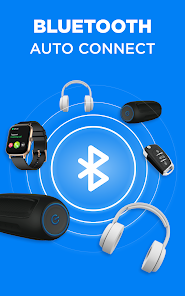
Are you facing difficulties 😥with creating a bt connect to a paired gadgets and struggling to establish a strong Bt connection between gadgets? Our newly launched Bluetooth finder application encompasses all these beneficial features.
Additional details about the most valuable features of the Connect program:
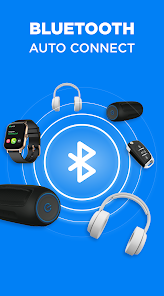
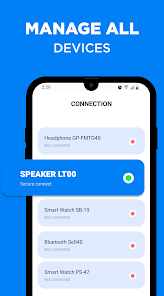
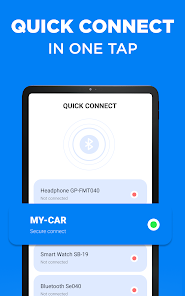
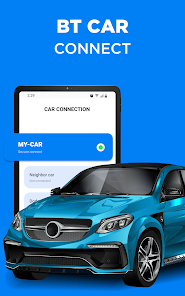
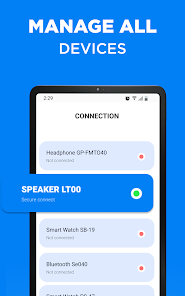
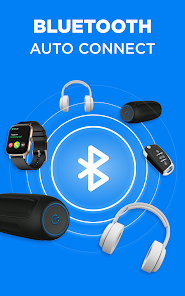
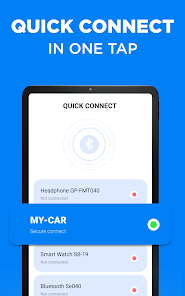
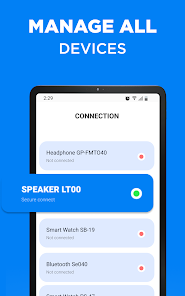
✅The "Auto-Connect" tool enables you to manage all your devices efficiently or choose specific gadgets to connect automatically. This is particularly helpful if you use several devices daily and want to avoid the hassle of manual connection. With the Bluetooth finder function, you can pick which device you want to connect to if multiple gadgets are on at once.
✅The "Reconnect" function eliminates the need to turn Blue tooth on and off repeatedly. If your phone or other paired device loses connection, you can quickly find and reconnect to it without any difficulty. This tool is especially beneficial if you encounter frequent connection drops throughout the day.
✅You can create a priority list of all your pair gadgets, so you can choose which ones are more important to connect to when all of them are available. This is beneficial for individuals who use multiple Blue tooth devices and prefer a seamless connection experience. For example, if you prioritize your headphones, you can listen to your music uninterrupted, even if your speakers are on at the same time.
Are you ready to start using Mobile Connect? 🔔 Follow these steps:
Turn on Bt on your phone and other gadgets, then download and install the Bluetooth Finder program.
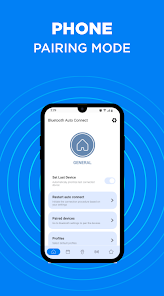
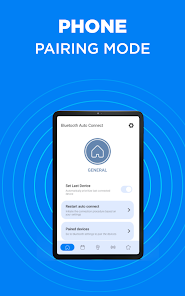
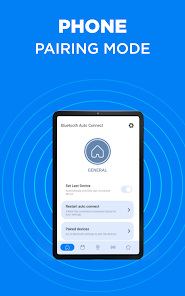
When BitTorrent is on, your phone will sync to the latest device by selecting the "Set Last Device" option.
The most popular feature of the app is automatic Bluetooth connection. When the gadget is out of range, Bt will automatically turn off.
The "Reconnecting" option in Mobile Connect allows you to quickly turn on and off all settings.
📌 Handy opportunities of the Mobile Connect app:
✅ Auto Connect:
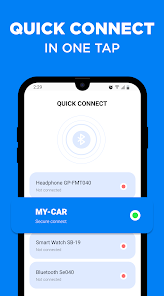
If your Bt connection is not stable, you may use this feature to automatically connect to a selected device without going through the Bluetooth menu.
✅ Priority List:
You will be able to prioritize your gadgets to help the program decide which device to connect to when multiple devices are turned on.
✅ User-Friendly:
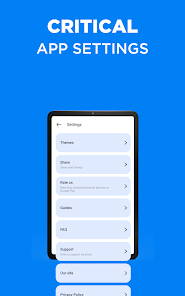
The app has a simple and modern design that is easy to understand without any special instructions. It is suitable for both experienced and new users. Additionally, all features are free to use.
✅ Support for Multiple Profiles:
The app supports various profiles such as Phone Book, Media Audio, Networking, etc.
✅ Charger/Calls Control:
These optional settings allow you to better manage your phone's battery and calls within the program, without needing any additional programs.
✅ Reconnect:
Instead of opening and closing the Bluetooth menu every time you encounter connection issues or your gadget is not paired, you can simply tap the "Reconnect" button in the app.
Also try PRO version to get some more features like:
- No ads
- Connection stability
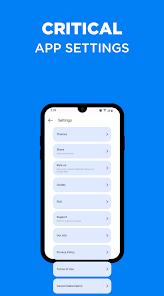
- Additional tools of bt settings
- Quick discovery and connection
- Beautiful themes
✋Use a strong Bluetooth connection to pair all your Blue tooth gadgets. Receive notifications, manage and control them all in the Bt Android Auto app settings!


Ratings and reviews

- Flag inappropriate

- Flag inappropriate

- Flag inappropriate
- Show review history


