Numeric Keyboard
Contains adsIn-app purchases
50K+
Downloads

PEGI 3
info

About this app
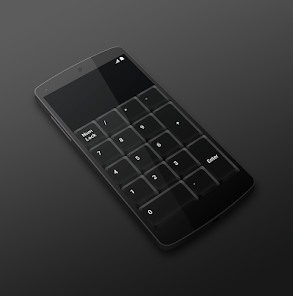
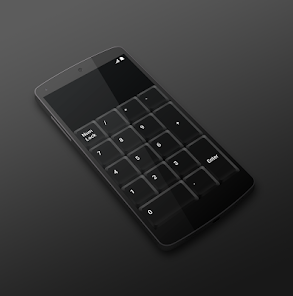
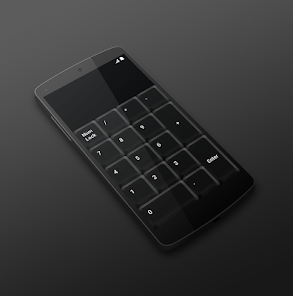
Is your laptop missing numeric keyboard? Download Numeric Keyboard and turn your mobile phone or tablet into a wireless easy-to-use remote control for your computer. Connect with just one click and enjoy your new keyboard.
TO START USING, YOU NEED:
1. Visit http://numerickeyboard.com, download and install NumKey server on your Windows computer
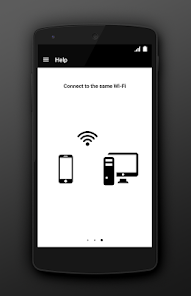
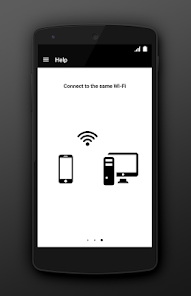
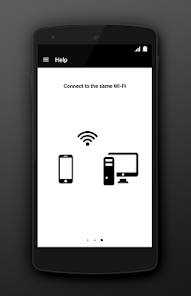
2. Connect your mobile device and computer to the same Wi-Fi network (also bluetooth option for Windows)
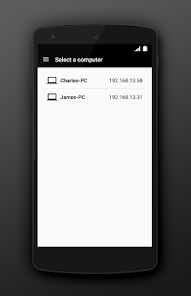
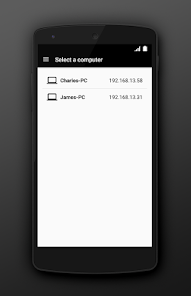
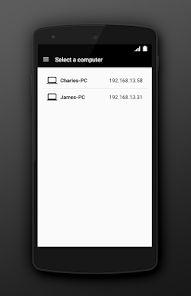
3. Open app and select a computer to connect
TO START USING, YOU NEED:
1. Visit http://numerickeyboard.com, download and install NumKey server on your Windows computer
2. Connect your mobile device and computer to the same Wi-Fi network (also bluetooth option for Windows)
3. Open app and select a computer to connect
Updated on
Safety starts with understanding how developers collect and share your data. Data privacy and security practices may vary based on your use, region, and age. The developer provided this information and may update it over time.

This app may share these data types with third parties
Location, App activity, and Device or other IDs

No data collected
Learn more about how developers declare collection

Data is encrypted in transit
What’s new
Improved performance
App support
About the developer
One Pixel Studio s. r. o.
support@onepixel.studio
Lermontovova 911/3
811 05 Bratislava
Slovakia
+421 914 239 425


