
SimpleMind Pro - Mind Mapping
4.8star
21.8K reviewsinfo
100K+
Downloads

PEGI 3
info












About this app
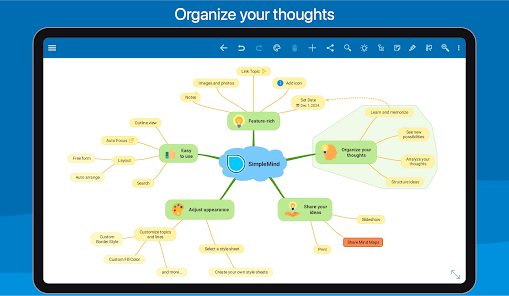
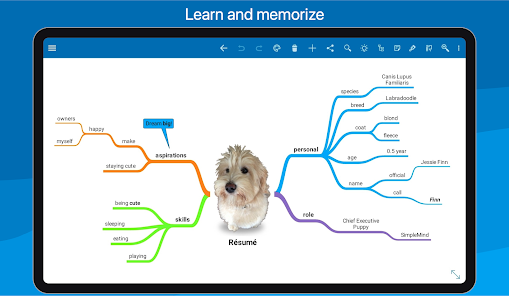
Mind mapping helps you organize your thoughts, remember information and generate new ideas. We've created a beautiful, intuitive app, so you can mind map wherever you are and whenever you want.
SimpleMind Pro is designed to synchronize your Mind Map across platforms. For example (as a separate purchase) for Windows and Mac - https://simplemind.eu/download/full-edition/
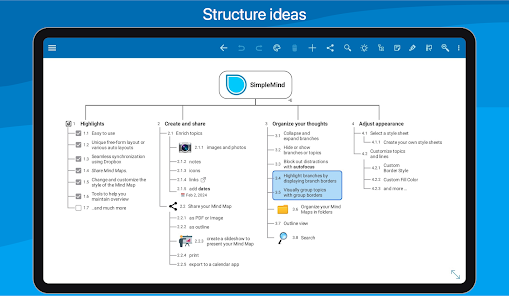
Highlights
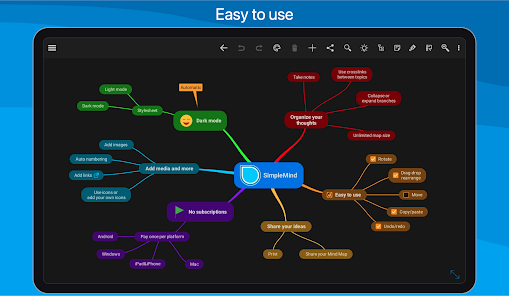
• Easy to use.
• Continuously fine-tuned based on customer feedback.
• Trustworthy and reliable: 10+ years of updates and improvements.
• Used in a wide range of applications: business, education, legal and medical.
• Unique free-form layout or various auto layouts.
• Seamless synchronization using clouds.
• Add media and documents.
• Share Mind Maps.
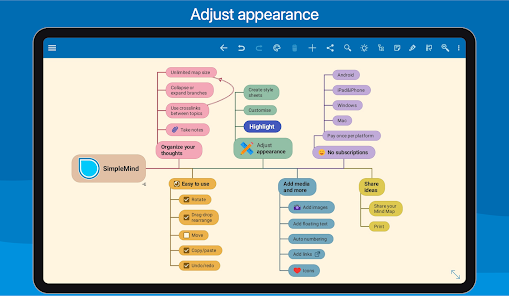
• Change and customize the style of the Mind Map.
• Tools to help you maintain overview.
Create
○ place topics anywhere you want in the free-form layout
○ or use auto layout - great for brainstorming
○ reorganize and restructure using drag, rotate, re-arrange or reconnect
○ use checkboxes, progress bars, auto-numbering
○ connect any two topics with a crosslink
○ label relations
○ virtually unlimited page size and number of elements
○ supports multiple Mind Maps on one page
Add media and documents
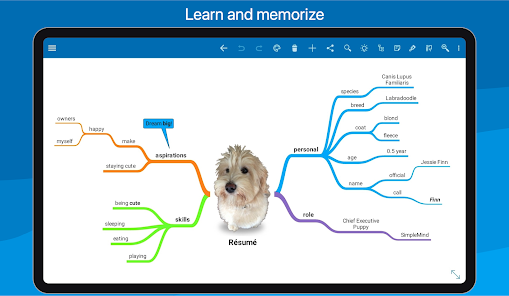
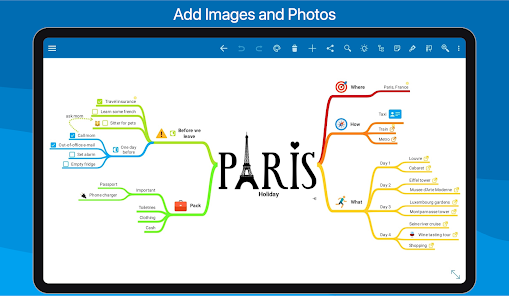
○ images and photos
○ notes
○ icons (stock, emojis or custom)
○ link to a topic, mind map, contact, file or webpage
○ voice memos
○ videos
Seamless synchronization using Dropbox
○ sync mind maps with your Android devices
○ sync mind maps across platforms. For example with Windows or Mac - as a separate purchase
Share your Mind Map
○ for example as PDF or Image
○ outline, can be imported in word processors
○ create a slideshow to present your Mind Map (Tablet only)
○ print
○ export to a calendar app
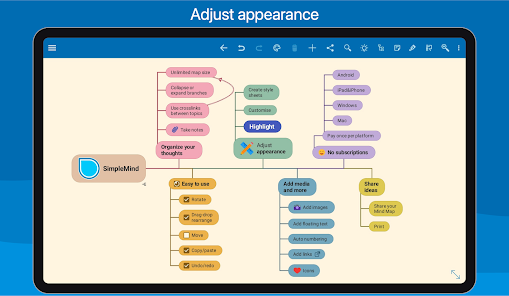
Style your mind map
○ change the appearance by selecting one of the 15+ style sheets
○ create your own style sheets
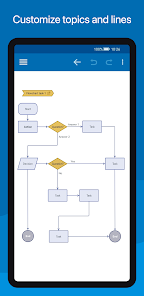
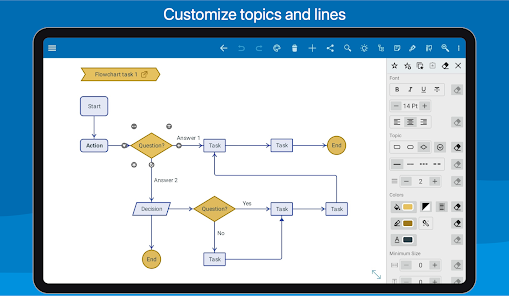
○ style every detail, exactly how you want it
○ change borders, lines, colors, background color, the checkbox color, and much more
Maintain overview
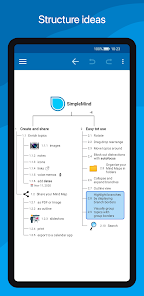
○ collapse and expand branches
○ hide or show branches or topics
○ block out distractions with autofocus
○ highlight branches by displaying branch borders
○ visually group topics with group borders
○ organize your Mind Maps in folders
○ outline view
○ search
SimpleMind for Android is optimized for phones and tablets.
SimpleMind Pro is designed to synchronize your Mind Map across platforms. For example (as a separate purchase) for Windows and Mac - https://simplemind.eu/download/full-edition/
Highlights
• Easy to use.
• Continuously fine-tuned based on customer feedback.
• Trustworthy and reliable: 10+ years of updates and improvements.
• Used in a wide range of applications: business, education, legal and medical.
• Unique free-form layout or various auto layouts.
• Seamless synchronization using clouds.
• Add media and documents.
• Share Mind Maps.
• Change and customize the style of the Mind Map.
• Tools to help you maintain overview.
Create
○ place topics anywhere you want in the free-form layout
○ or use auto layout - great for brainstorming
○ reorganize and restructure using drag, rotate, re-arrange or reconnect
○ use checkboxes, progress bars, auto-numbering
○ connect any two topics with a crosslink
○ label relations
○ virtually unlimited page size and number of elements
○ supports multiple Mind Maps on one page
Add media and documents
○ images and photos
○ notes
○ icons (stock, emojis or custom)
○ link to a topic, mind map, contact, file or webpage
○ voice memos
○ videos
Seamless synchronization using Dropbox
○ sync mind maps with your Android devices
○ sync mind maps across platforms. For example with Windows or Mac - as a separate purchase
Share your Mind Map
○ for example as PDF or Image
○ outline, can be imported in word processors
○ create a slideshow to present your Mind Map (Tablet only)
○ export to a calendar app
Style your mind map
○ change the appearance by selecting one of the 15+ style sheets
○ create your own style sheets
○ style every detail, exactly how you want it
○ change borders, lines, colors, background color, the checkbox color, and much more
Maintain overview
○ collapse and expand branches
○ hide or show branches or topics
○ block out distractions with autofocus
○ highlight branches by displaying branch borders
○ visually group topics with group borders
○ organize your Mind Maps in folders
○ outline view
○ search
SimpleMind for Android is optimized for phones and tablets.
Updated on
Safety starts with understanding how developers collect and share your data. Data privacy and security practices may vary based on your use, region, and age. The developer provided this information and may update it over time.

No data shared with third parties
Learn more about how developers declare sharing

No data collected
Learn more about how developers declare collection

Committed to follow the Play Families Policy
Ratings and reviews
4.7
15K reviews

Vince
- Flag inappropriate
- Show review history
September 26, 2024
I love this app. I do all my teaching planning on it and with dates, checklists and progress bars on certain activities. I have one central page, which I link off to all the other mindmaps. So Drive comparability has been taken away, and I've had to move everything to Dropbox. Fine. I was hoping that I could finally edit different mindmaps on either my phone or my Chromebook and have them synchronize, but sadly it still does not work. instead of synchronizing one file it keeps making new copies.
28 people found this review helpful
ModelMaker Tools
September 27, 2024
Thank you for downloading our app. We'd love to help you with this issue. Please write to us at https://simplemind.eu/support/#!/faq/contact-us/ so that we can help you better.

Isaiah Nemeth
- Flag inappropriate
December 2, 2025
As a neurospicy individual, this app has drastically helped me overcome my fear of my notes app and actually put my thoughts all in one place without getting lost. All of the features are extremely intuitive, and it is a pleasure to think of a feature you'd like, only to discover it already exists!

Lloyd Summers
- Flag inappropriate
August 21, 2025
So far, I'm really enjoying it. I had no issues syncing to Google drive once I figured out the extra few steps. I haven't bought the PC version yet (which would get me using this more) as I'm in Canada and all the dollar conversions really add up. That aside, I tried about 8 other competitors - and this is the simplest and easiest to put in ideas so far. I'm also pretty happy there is no AI clutter in here. I don't want chatgpt clogging up my mind maps. I'm quite happy so far, thank you.
3 people found this review helpful
What’s new
Enhanced OPML import. Import .opml with checkboxes (checked or unchecked).
Smart Roll-Up Detection. The parent topic changes to a Roll-Up Progress Bar if all child topics have checkboxes.
Improved Sibling Tool. Long-press the sibling tool to choose between Add Sibling (below topic) or Insert Sibling (above topic).
New keyboard shortcut: Use Shift + Left/Right to quickly collapse or expand a branch.
Smart Roll-Up Detection. The parent topic changes to a Roll-Up Progress Bar if all child topics have checkboxes.
Improved Sibling Tool. Long-press the sibling tool to choose between Add Sibling (below topic) or Insert Sibling (above topic).
New keyboard shortcut: Use Shift + Left/Right to quickly collapse or expand a branch.
App support
About the developer
ModelMaker Tools B.V.
android@simpleapps.eu
Stalen Enk 18
6881 BR Velp GLD
Netherlands
+31 6 43920392


