Simple Mirror: Zoom Fullscreen
Contains ads
4.6star
3.16K reviewsinfo
500K+
Downloads

PEGI 3
info
About this app
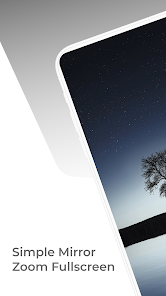
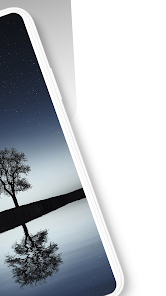
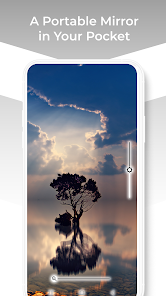
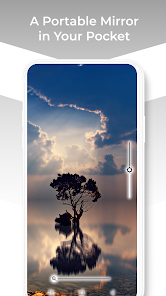
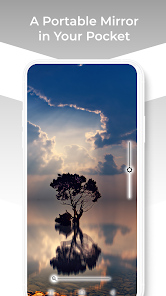
Introducing SimpleMirror - a simple, yet powerful mirror application designed with user convenience in mind! Get the perfect reflection with fullscreen mode, adjustable zoom, and brightness control.
KEY FEATURES:
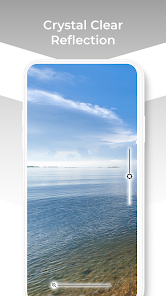
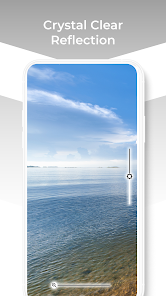
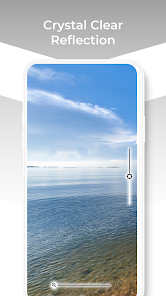
Fullscreen Mode: Utilize your entire phone screen for the most precise reflection.
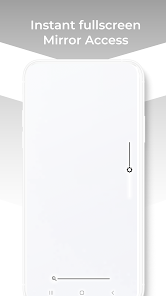
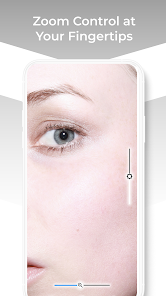
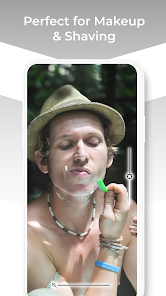
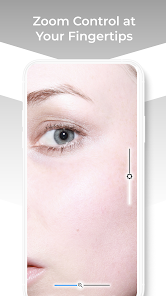
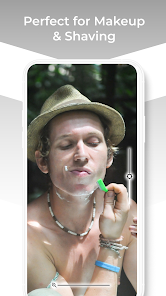
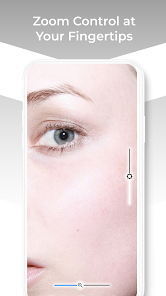
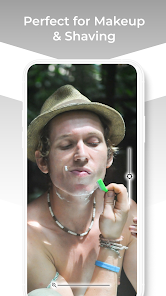
Zoom Control: Zoom in and out as needed to focus on specific areas. Ideal for makeup application, shaving, or any task that requires a close-up view.
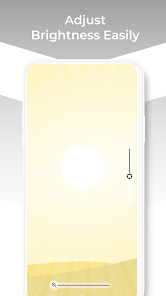
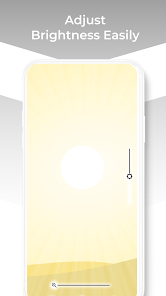
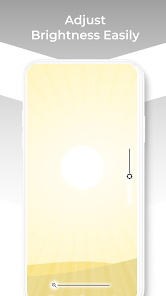
Brightness Control: Adjust the brightness of your screen to get the best lighting for your reflection. Perfect for different lighting conditions, from dimly lit rooms to bright sunlight.
WHY USE SIMPLE MIRROR:
User-Friendly: With a simple and intuitive interface, SimpleMirror is easy to use for everyone.
Lightweight: SimpleMirror is a lightweight app, ensuring smooth operation even on older devices.
No unnecessary features: We focus on providing the most essential features without complicating the app with features you'll never use.
SimpleMirror is your go-to mirror application - perfect for quick checks or detailed grooming. It's like having a personal mirror in your pocket at all times.
Download SimpleMirror today and experience the convenience of having a mirror always at your fingertips!
Note: The quality of the mirror is dependent on the quality of your device's camera.
Future updates will include more features based on your feedback, as we are committed to providing you with the best mirror application possible. We appreciate any suggestions or comments from our valued users.
Stay tuned for more exciting features and improvements!
KEY FEATURES:
Fullscreen Mode: Utilize your entire phone screen for the most precise reflection.
Zoom Control: Zoom in and out as needed to focus on specific areas. Ideal for makeup application, shaving, or any task that requires a close-up view.
Brightness Control: Adjust the brightness of your screen to get the best lighting for your reflection. Perfect for different lighting conditions, from dimly lit rooms to bright sunlight.
WHY USE SIMPLE MIRROR:
User-Friendly: With a simple and intuitive interface, SimpleMirror is easy to use for everyone.
Lightweight: SimpleMirror is a lightweight app, ensuring smooth operation even on older devices.
No unnecessary features: We focus on providing the most essential features without complicating the app with features you'll never use.
SimpleMirror is your go-to mirror application - perfect for quick checks or detailed grooming. It's like having a personal mirror in your pocket at all times.
Download SimpleMirror today and experience the convenience of having a mirror always at your fingertips!
Note: The quality of the mirror is dependent on the quality of your device's camera.
Future updates will include more features based on your feedback, as we are committed to providing you with the best mirror application possible. We appreciate any suggestions or comments from our valued users.
Stay tuned for more exciting features and improvements!
Updated on
Safety starts with understanding how developers collect and share your data. Data privacy and security practices may vary based on your use, region, and age. The developer provided this information and may update it over time.


Ratings and reviews
4.5
3.08K reviews

Jamin Koehn
- Flag inappropriate
November 2, 2025
Though I also have this on my Moto G Power, I primarily use this on my Samsung tablet: This was working great since I downloaded it, but in the last week or so, it won't stay in full screen. Technically, it works the same, except the sliders are on the left and right.

Arnold Aarons
- Flag inappropriate
November 1, 2025
Excellent App. Easy and quick to access. I would recommend

Danny Gonsoulin
- Flag inappropriate
August 21, 2023
The resolution doesn't seem too good even though I have a Galaxy S22+. Also, I was in a room with LED lights and it wouldn't adjust to the light. I was glaring and kinda waited out. I had to move to a darker room. On the upside, there are no adds and doesn't need very many permissions to install.
29 people found this review helpful
SmartToolsDev
September 3, 2023
Thank you for your detailed feedback. The camera resolution is often dependent on your device's specifications. We're working on improving light adjustment features. We're glad you appreciate the lack of ads and minimal permissions. Your input is valuable for future updates.
App support
About the developer
EL HOSNI ANAS
smartoolsdev@gmail.com
1808 St Clair Ave W #305
Toronto, ON M6N 0C1
Canada
undefined


