
Rad Pack Pro - 80's Theme

4.6star
1.26K reviews
10K+
Downloads

Everyone
info
About this app
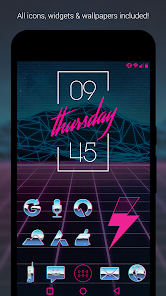
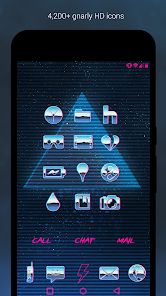
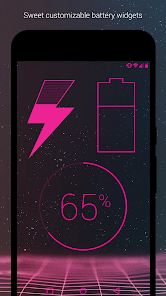
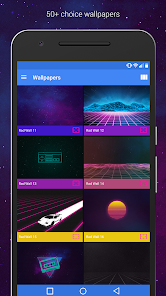
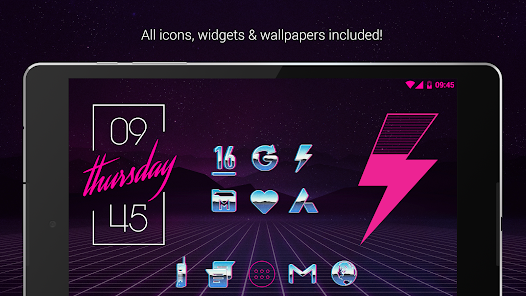
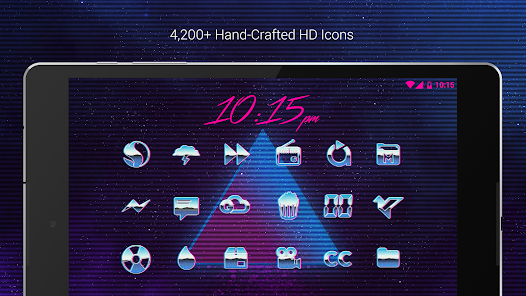
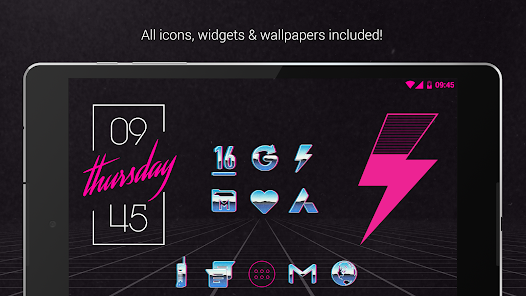
Rad Pack (pro version) is a theme that turns your phone or tablet into a gnarly retro 80's device with rad chrome and neon icons and seriously choice 80's themed wallpapers. Each retro-looking chrome and hot pink icon and was hand crafted with a simpler time in mind; the 1980's.The chrome and neon pink icons are xxxhdpi which means they're super rad. It also means they're HD. Basically, the res is gnarly and super high qual. This pro version is legit. You get all 3,200 icons, battery widgets, clock widgets, and 50+ walls.
QUICK TIPS
You can manually edit icons in most launchers by long-pressing the icon you'd like to edit.
Widgets: If your widget stops updating, check your system or battery settings to make sure the app is exempt from battery optimization. More info at https://dontkillmyapp.com/
PRO VERSION
This is the pro version of the app. Get the free version here: https://play.google.com/store/apps/details?id=com.natewren.radpackfree
DISCLAIMER
You may need a 3rd party launcher to apply the icon pack. Please download a launcher (Nova, Evie, Microsoft, etc.) before installing.
COMPATIBLE LAUNCHERS
• Nova Launcher (Recommended)
• Microsoft Launcher (Apply via launcher settings)
• Evie Launcher (Apply via launcher settings)
• Poco Launcher
• ADW Launcher
• Yandex Launcher (Apply via launcher settings)
• Action Launcher
• Apex Launcher
• Atom Launcher
• Aviate Launcher
• Go Launcher
• Holo Launcher
• Inspire Launcher
• KK Launcher
• Lucid Launcher
• Next Launcher
• Nine Launcher
• Solo Launcher
• Smart Launcher
• Themer
• TSF
Nova is recommended for the best experience and supports icon name search when manually applying icons. For more info on searching while manually applying icons please visit https://natewren.com/manually-edit-icons/.
HOW-TO GUIDE
http://natewren.com/apply
FEATURES
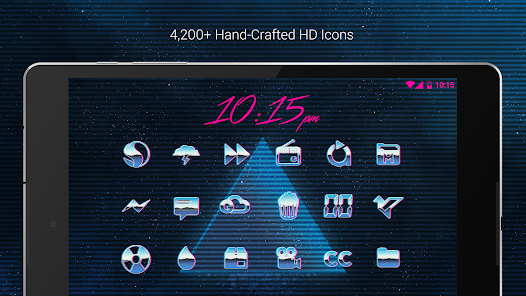
• 4,200+ Hand-crafted chrome and neon HD icons
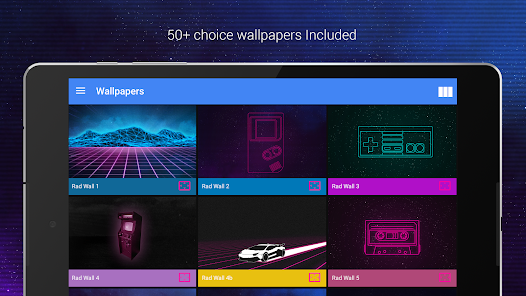
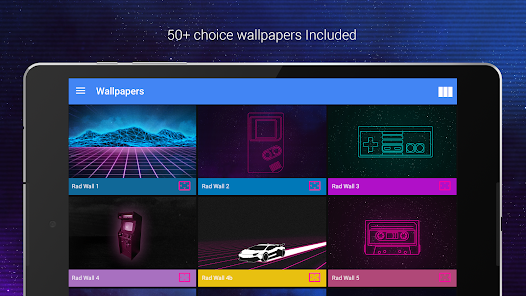
• 50+ HD wallpapers - Hosted on the cloud. Choose and save the ones you want. All wallpapers shown are included
• XXXHDPI high definition retro, chrome and neon icons included for super large HD screens with many variations of default 80's icons such as phone, contacts, camera, etc. All Icons are 192x192
• 50+ futuristic, retro, space, 80's themed wallpapers that show off the 80's icons nicely
• Some parts of the 80's theme icons are transparent letting each show the provided futuristic/retro backgrounds or your own backgrounds
• Wallpaper chooser comes installed
• Request icons via "Request" tab
• Chrome, retro and neon icons work best with dark futuristic 80's wallpapers.
• Muzei support for rotating wallpapers
• New icons added regularly
WIDGETS
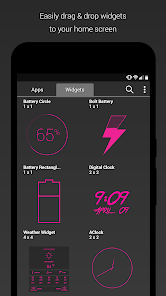
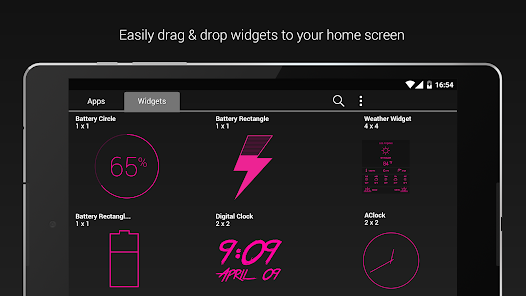
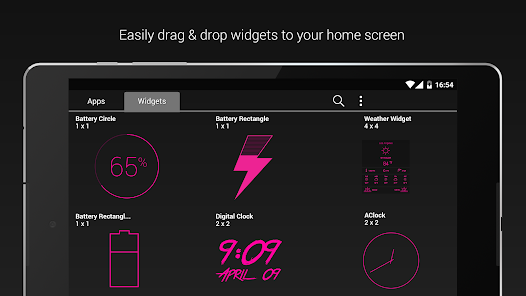
System widgets as well as editable KWGT widgets are included.
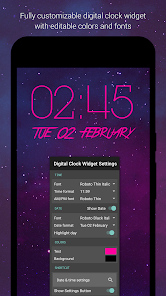
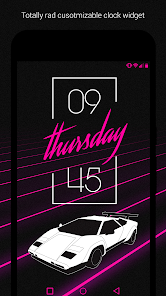
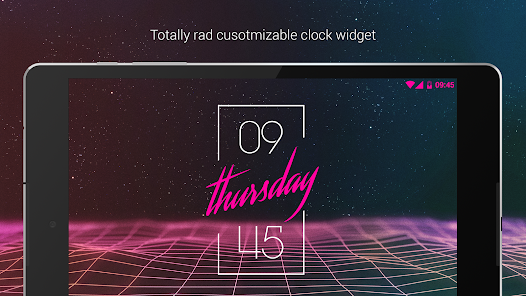
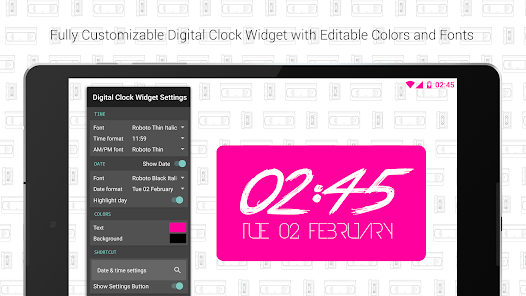
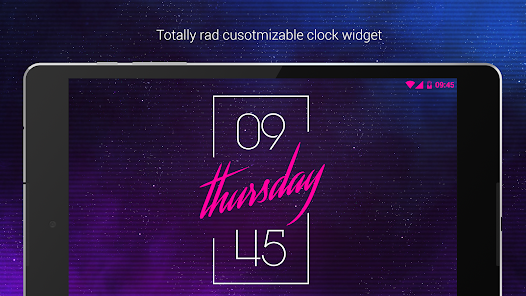
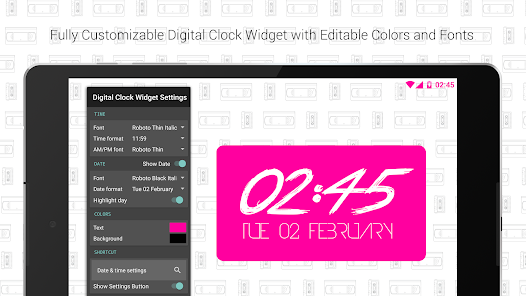
• Fully customize-able Rad Clock Widget with diagonal text
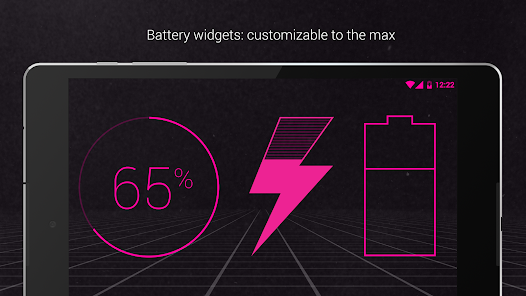
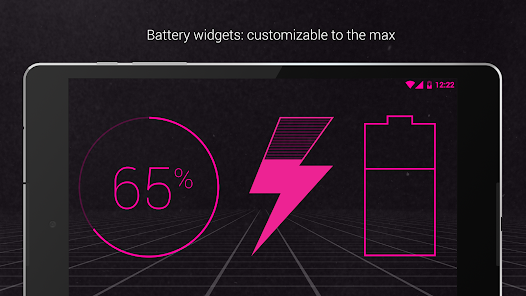
• Battery widgets
• Digital clock widgets
• Analog clock widget
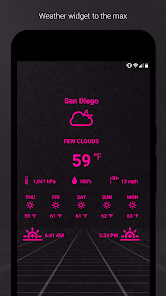
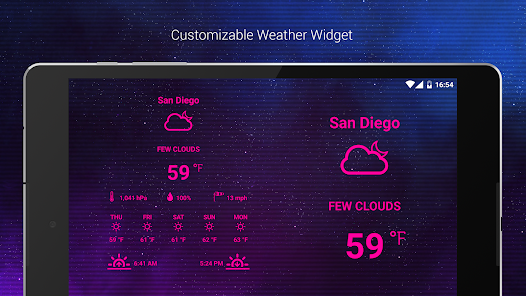
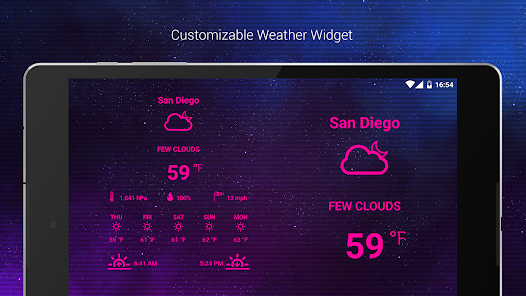
• Weather widgets
HOW TO APPLY ICONS VIA ICON PACK
1. Open the app after installing
2. Navigate to "Apply" tab
3. Select your Launcher
HOW TO APPLY ICONS VIA LAUNCHER
1. Open Launcher settings by tapping + holding on an empty area of home screen
2. Select personalization options
3. Select icon pack
HEX CODE
Pink Hex: FF009F
FOLLOW ME
Twitter: https://twitter.com/natewren
QUESTIONS/COMMENTS
natewren@gmail.com
http://www.natewren.com
QUICK TIPS
You can manually edit icons in most launchers by long-pressing the icon you'd like to edit.
Widgets: If your widget stops updating, check your system or battery settings to make sure the app is exempt from battery optimization. More info at https://dontkillmyapp.com/
PRO VERSION
This is the pro version of the app. Get the free version here: https://play.google.com/store/apps/details?id=com.natewren.radpackfree
DISCLAIMER
You may need a 3rd party launcher to apply the icon pack. Please download a launcher (Nova, Evie, Microsoft, etc.) before installing.
COMPATIBLE LAUNCHERS
• Nova Launcher (Recommended)
• Microsoft Launcher (Apply via launcher settings)
• Evie Launcher (Apply via launcher settings)
• Poco Launcher
• ADW Launcher
• Yandex Launcher (Apply via launcher settings)
• Action Launcher
• Apex Launcher
• Atom Launcher
• Aviate Launcher
• Go Launcher
• Holo Launcher
• Inspire Launcher
• KK Launcher
• Lucid Launcher
• Next Launcher
• Nine Launcher
• Solo Launcher
• Smart Launcher
• Themer
• TSF
Nova is recommended for the best experience and supports icon name search when manually applying icons. For more info on searching while manually applying icons please visit https://natewren.com/manually-edit-icons/.
HOW-TO GUIDE
http://natewren.com/apply
FEATURES
• 4,200+ Hand-crafted chrome and neon HD icons
• 50+ HD wallpapers - Hosted on the cloud. Choose and save the ones you want. All wallpapers shown are included
• XXXHDPI high definition retro, chrome and neon icons included for super large HD screens with many variations of default 80's icons such as phone, contacts, camera, etc. All Icons are 192x192
• 50+ futuristic, retro, space, 80's themed wallpapers that show off the 80's icons nicely
• Some parts of the 80's theme icons are transparent letting each show the provided futuristic/retro backgrounds or your own backgrounds
• Wallpaper chooser comes installed
• Request icons via "Request" tab
• Chrome, retro and neon icons work best with dark futuristic 80's wallpapers.
• Muzei support for rotating wallpapers
• New icons added regularly
WIDGETS
System widgets as well as editable KWGT widgets are included.
• Fully customize-able Rad Clock Widget with diagonal text
• Battery widgets
• Digital clock widgets
• Analog clock widget
• Weather widgets
HOW TO APPLY ICONS VIA ICON PACK
1. Open the app after installing
2. Navigate to "Apply" tab
3. Select your Launcher
HOW TO APPLY ICONS VIA LAUNCHER
1. Open Launcher settings by tapping + holding on an empty area of home screen
2. Select personalization options
3. Select icon pack
HEX CODE
Pink Hex: FF009F
FOLLOW ME
Twitter: https://twitter.com/natewren
QUESTIONS/COMMENTS
natewren@gmail.com
http://www.natewren.com
Updated on
Safety starts with understanding how developers collect and share your data. Data privacy and security practices may vary based on your use, region, and age. The developer provided this information and may update it over time.


Ratings and reviews
4.5
1.22K reviews

A Google user
- Flag inappropriate
January 20, 2019
I dont know why but for some reason, icons do not persist and revert back to default. Widgets stop working at some point so i had to remove and replace. I dont if it is from my end or from nova launcher. I love this icon pack, in fact this is the very first time I bought a pro version of an icon pack. But it does nit deliver a good service as of the moment. I would rate the design 5 stars though.
5 people found this review helpful

John Goepel
- Flag inappropriate
April 1, 2022
I absolutely love the look and immense catalog of icons and the clock widgets. Been using this app across multiple phones for years. My single and only issue is that the clock widgets don't keep time. I have no blocks on permissions for the app, and no power saving turned on for the app just in case. I'm seeing this issue was reported on in a 2018 review where a dev apologized and said they were working on it. This is not an issue for any other time widgets in Nova launcher. Please please fix.
5 people found this review helpful
Nate Wren Design
April 1, 2022
Hi there, sorry about that! There was an update to Android that caused the widgets to break. I'm working on a fix.

Pablo R.
- Flag inappropriate
- Show review history
December 24, 2020
Excellent theme. However, it's ruined by a clock widget that freezes. I tried the fix from dontkillmyapp with no result (Oneplus 8). Edit: Thanks for the refund offer, but it's not necessary. This is the best theme I've ever had, dear dev!. Sad the clock widget doesn't work properly. Thanks again for your attention.
6 people found this review helpful
Nate Wren Design
September 15, 2020
Hi there, sorry about that. Unfortunately there's not much I can do. Since there's no code in the widget that tells it to stop keeping time, it's definitely a system battery setting that is stopping the process from running. I can offer you a refund if you email the order number to natewren@gmail.com. Thanks
What’s new
Added 80 Icons to Pro Version
Added 20 Icons to Free Version
Now Targeting SDK version 35
Updated Appfilter - fixes to un-themed icons
Current Pro Version Icon Count: 5,470
Current Pro Version Icon Count: 2,637
If you've purchased an Icon Pack, thanks for your support!
For Updates: @natewren on bluesky | @natewrendesign on insta
Added 20 Icons to Free Version
Now Targeting SDK version 35
Updated Appfilter - fixes to un-themed icons
Current Pro Version Icon Count: 5,470
Current Pro Version Icon Count: 2,637
If you've purchased an Icon Pack, thanks for your support!
For Updates: @natewren on bluesky | @natewrendesign on insta
App support
About the developer
Nathan Wren
natewren@gmail.com
35482 Date Palm St
Winchester, CA 92596-8716
United States


