
Easy Harp

100+
Downloads
Teacher Approved

Everyone
info


About this app
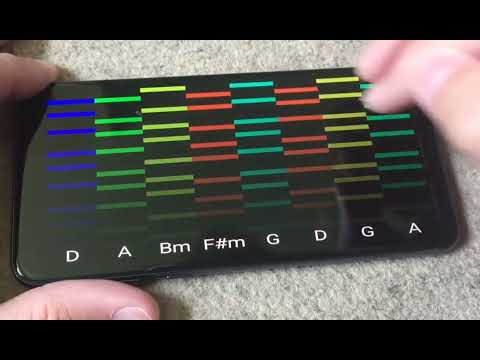
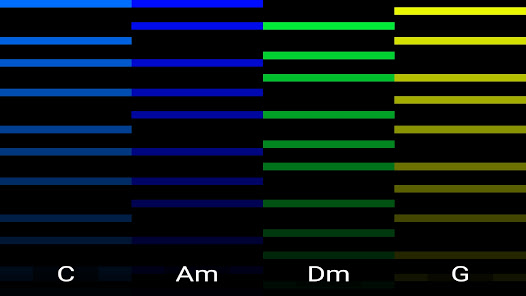
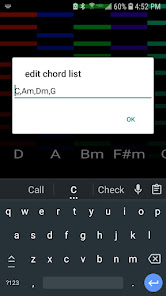
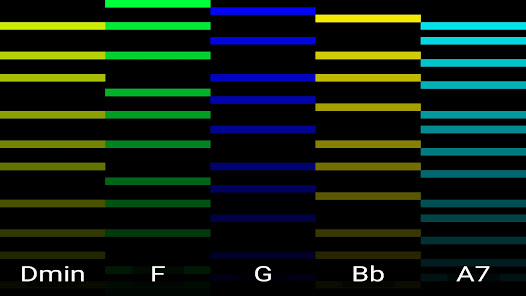
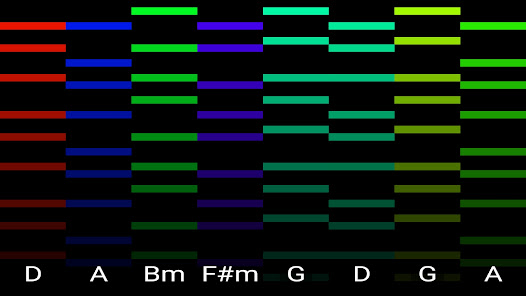
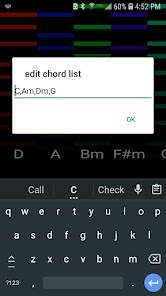
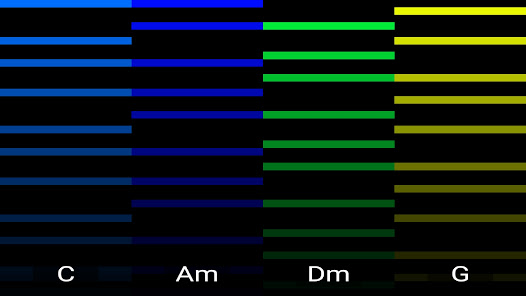
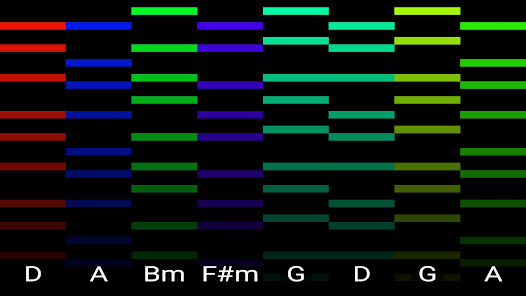
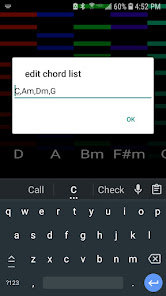
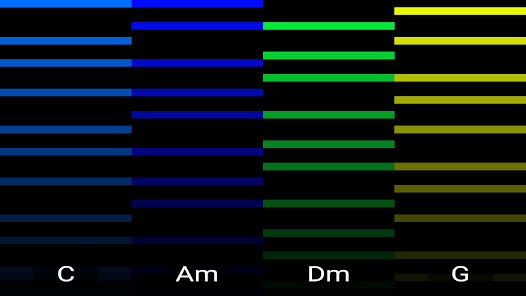
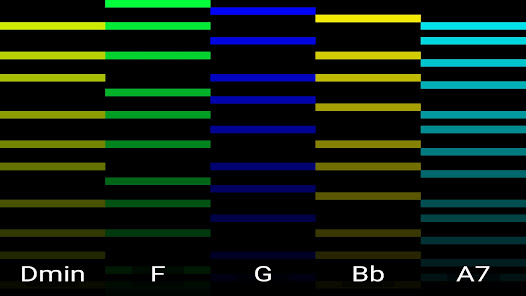
Enter a list of chord names and then strum them on the screen. Up to two notes can be tapped simultaneously.
Chord types include maj (default), min,dim,aug,sus4,,maj7,7,6
Press the back key to access menu to change sample .wav or .mp3 which should be tuned to C.
Press back key on chord strumming screen to optionally load overlay .BMP or .JPG image for lyrics
Samples and images can be imported using scoped storage under the Android/data/com.rfo.EasyHarp/data/seq directory.
Chord types include maj (default), min,dim,aug,sus4,,maj7,7,6
Press the back key to access menu to change sample .wav or .mp3 which should be tuned to C.
Press back key on chord strumming screen to optionally load overlay .BMP or .JPG image for lyrics
Samples and images can be imported using scoped storage under the Android/data/com.rfo.EasyHarp/data/seq directory.
Updated on
Safety starts with understanding how developers collect and share your data. Data privacy and security practices may vary based on your use, region, and age. The developer provided this information and may update it over time.

No data shared with third parties
Learn more about how developers declare sharing

No data collected
Learn more about how developers declare collection

Committed to follow the Play Families Policy
What’s new
updated to API 34
App support
About the developer
CHRISTOPHER DAVID TERPIN
mookieapps@gmail.com
425 Evans St B1
Buffalo, NY 14221-5628
United States
undefined


