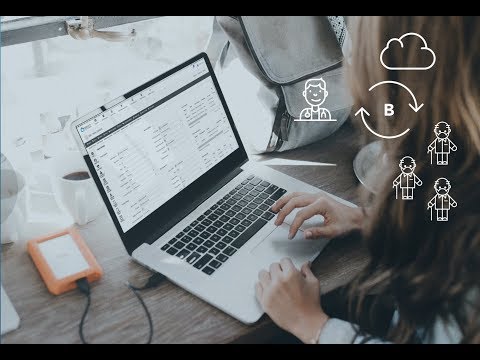

Brevity Care Software

star
297 reviews

Everyone
info
50K+
Downloads

Everyone
Learn more


About this app
This Android mobile app allows support workers to:
- Access their roster
- View client profiles & documents for their clients
- View past shift reports
- Clock In/Out of Shifts
- Complete shift reports and timesheets
- Submit leave requests
- Submit incident reports
- Access company documents
- Access their roster
- View client profiles & documents for their clients
- View past shift reports
- Clock In/Out of Shifts
- Complete shift reports and timesheets
- Submit leave requests
- Submit incident reports
- Access company documents
Brevity Care Software Support Worker App
Updated on
Safety starts with understanding how developers collect and share your data. Data privacy and security practices may vary based on your use, region, and age. The developer provided this information and may update it over time.
- No data shared with third partiesLearn more about how developers declare sharing
- This app may collect these data typesLocation, Messages and 2 others
- Data is encrypted in transit
- You can request that data be deleted


Ratings and reviews
286 reviews

Robyn Slater
- Flag inappropriate
September 27, 2026
can't access shifts can't even open the app , my employer even reset everything and still can't access it , have uninstalled and reinstall and same issue , reset all my apps and no change , I can't even access to change password was working great until the last update very disappointed

Windy Acostar
- Flag inappropriate
- Show review history
October 2, 2026
Works great so far on mt Googlr Pixel Phone, but it will not work on my Google Pixel tablet. Hope this is an operator error.

Teresa Lelievre
- Flag inappropriate
March 12, 2023
Seems to have constant glitches, can't clock in, can't clock out, can't change or add case notes. Using the availability is painfully slow, and why can't you just edit a time for either available or not available? It just deletes and you have to start again. If you go back to the dates it doesn't always save all the changes either. Wouldn't use brevity if it wasn't a requirement for my job.
11 people found this review helpful
Evello
March 17, 2023
Hi Teresa, thank you for providing feedback. Are you able to please update to the latest version to see if that helps. Can you please also get in contact via support@brevity.com.au as we would love to assist.
What’s new
- App design refresh for an improved user experience
- Minor bug fixes and enhancements
- Security updates and performance improvements
- Minor bug fixes and enhancements
- Security updates and performance improvements
Everyone
Learn moreApp support
About the developer
EVELLO PTY. LTD.
info@brevity.com.au
U 17b 9 Lyn Parade
Prestons NSW 2170
Australia
+61 405 834 108


