
GANZ CORTROL Mobile App

1K+
Downloads

Everyone
info
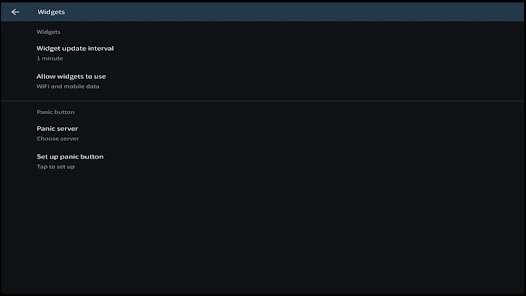
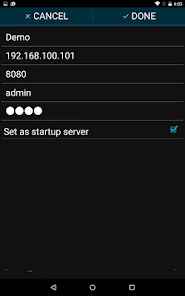
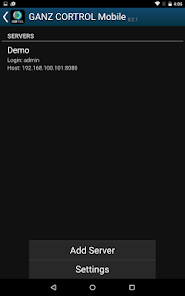

About this app
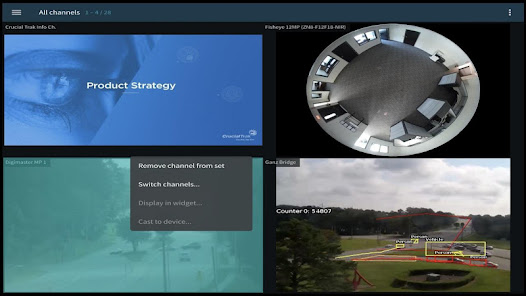
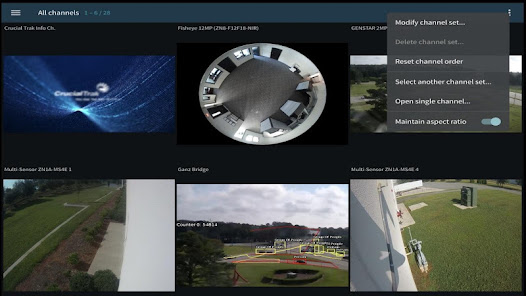
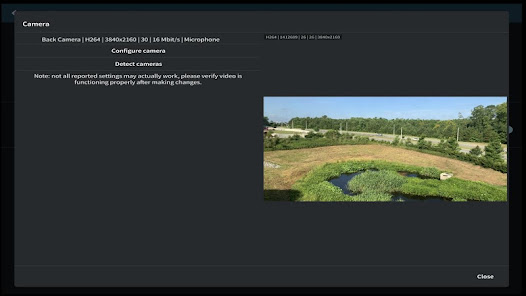
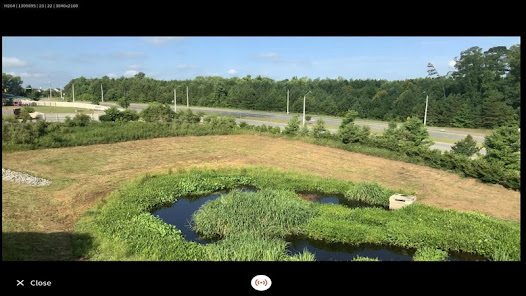
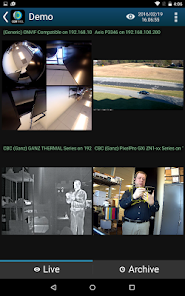
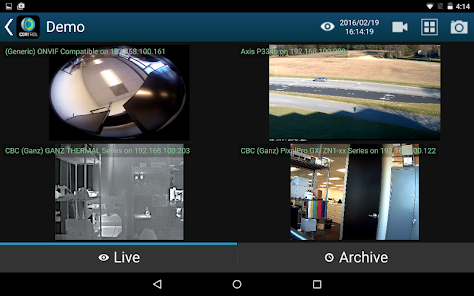
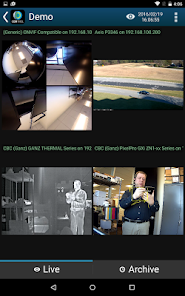
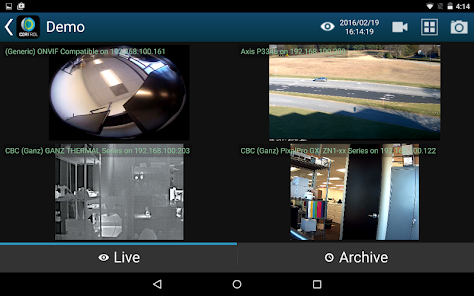
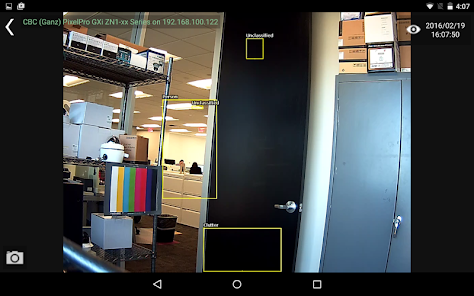
GANZ CORTROL Mobile is a free Android application that allows you to access CORTROL Servers' live and recorded video streams using your smartphone or a tablet from almost anywhere. This easy to use application allows simultaneous multiple camera monitoring. You are always in control of the situation with CORTROL Mobile.
Key features of GANZ CORTROL Mobile:
* Live video from one or multiple cameras
* Native H.264 video support
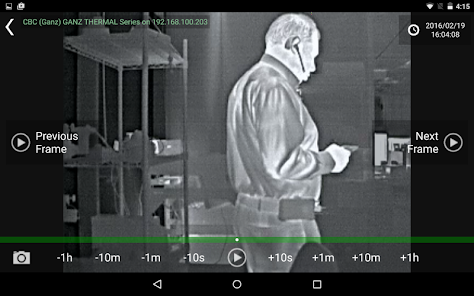
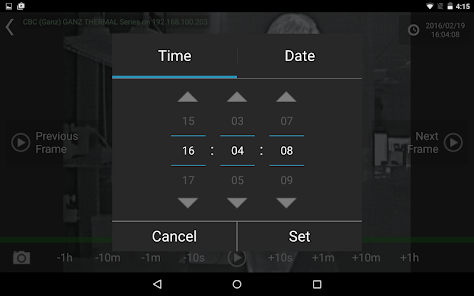
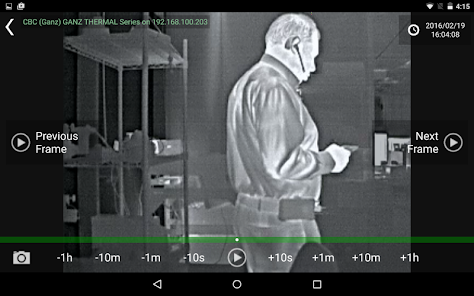
* Play back recorded video with intuitive timeline navigation
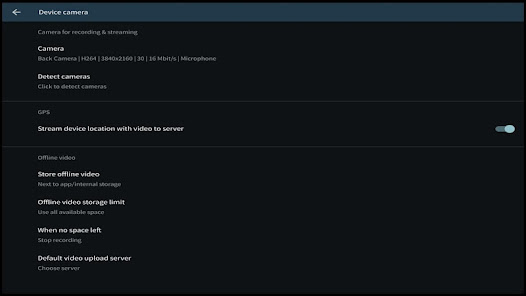
* Video and Audio streaming to CORTROL Servers
* Video stream quality adjustment for efficient bandwidth utilization
* Chromecast support
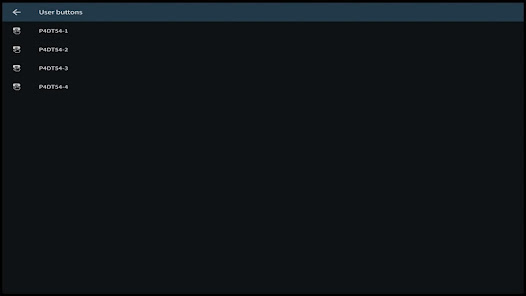
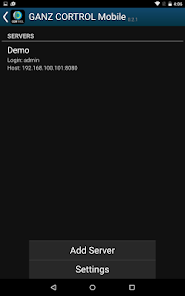
* Multiple Server setup
* Save camera screen layouts
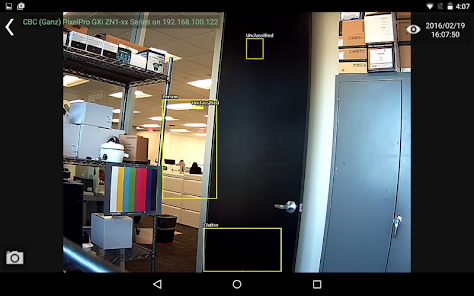
* Snapshot video
* Connect using 3G, 4G, 5G and Wi-fi
Visit our online public demos server:
- After installing the app, launch it.
- Select the icon with the green circle and plus symbol
- The icon can be found at the bottom right corner of the interface
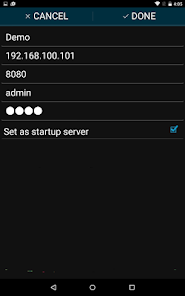
- Enter the Host IP address as: 173.42.78.61
- Leave the default Port: 8080
- Enter the Username: demo
- Enter Password: 2468
- Enter Server name: Global
- Select 'Save'
- Tap on the new server entry titled 'Global'
Key features of GANZ CORTROL Mobile:
* Live video from one or multiple cameras
* Native H.264 video support
* Play back recorded video with intuitive timeline navigation
* Video and Audio streaming to CORTROL Servers
* Video stream quality adjustment for efficient bandwidth utilization
* Chromecast support
* Multiple Server setup
* Save camera screen layouts
* Snapshot video
* Connect using 3G, 4G, 5G and Wi-fi
Visit our online public demos server:
- After installing the app, launch it.
- Select the icon with the green circle and plus symbol
- The icon can be found at the bottom right corner of the interface
- Enter the Host IP address as: 173.42.78.61
- Leave the default Port: 8080
- Enter the Username: demo
- Enter Password: 2468
- Enter Server name: Global
- Select 'Save'
- Tap on the new server entry titled 'Global'
Updated on
Safety starts with understanding how developers collect and share your data. Data privacy and security practices may vary based on your use, region, and age. The developer provided this information and may update it over time.

No data shared with third parties
Learn more about how developers declare sharing

No data collected
Learn more about how developers declare collection
What's new
Reduced battery usage by turning off unnecessary synchronization with server
Reduced network traffic usage by turning off unnecessary synchronization with server
Minor usability improvements
Reduced network traffic usage by turning off unnecessary synchronization with server
Minor usability improvements
