

Squid: Take Notes, Markup PDFs
In-app purchases

4.3star
69.7K reviewsinfo
10M+
Downloads
Teacher Approved

PEGI 3
info




About this app
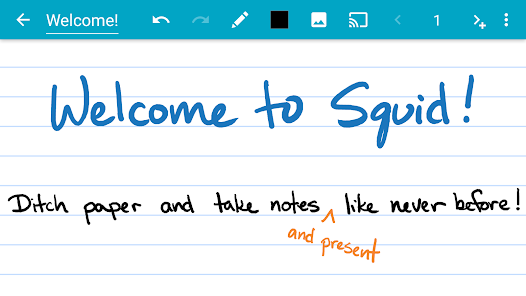
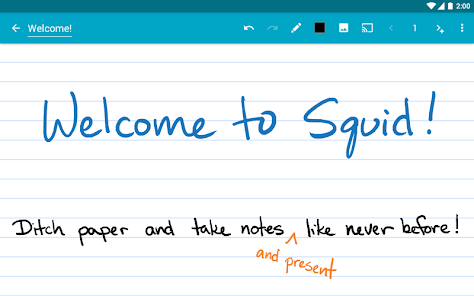
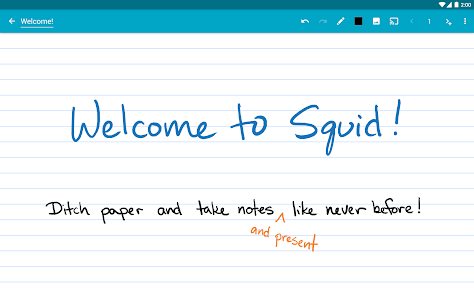
Transform your note-taking experience with Squid! For over 12 years, Squid has been a trusted app with over 12 million installs, helping users replace paper, save money, and reduce waste. Write just like you would on paper on your Android tablet, phone, or Chromebook!
✨ Key Features:
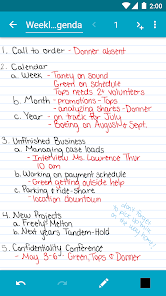
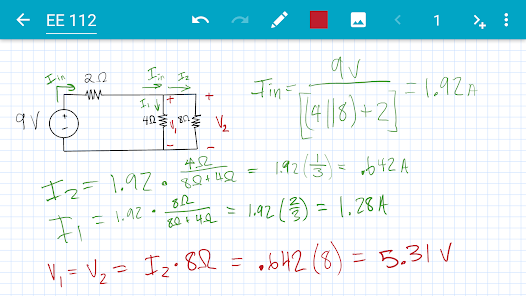
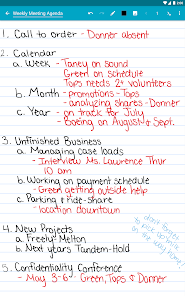
• ✍️ Natural Writing: Seamlessly write with a pen and erase with your finger on active pen enabled devices like Samsung devices with S Pen. Use your finger or capacitive stylus on other devices.
• ⚡ Low Latency Ink: Enjoy a seamless and responsive writing experience with support for low latency ink¹.
• 🔒 Private: Notes are stored on your device and are completely private. No account or sign-in required. Backup your notes to your desired location.
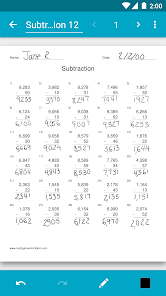
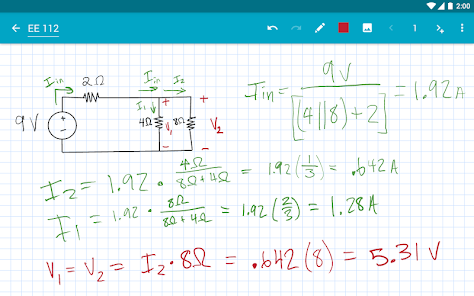
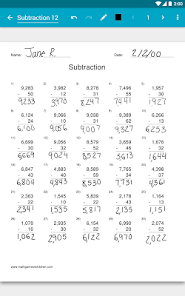
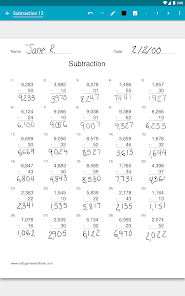
• 📝 PDF Markup: Easily annotate PDFs, fill out forms, edit/grade papers, and sign documents.
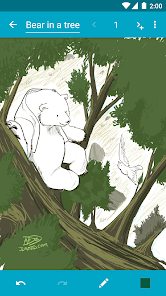
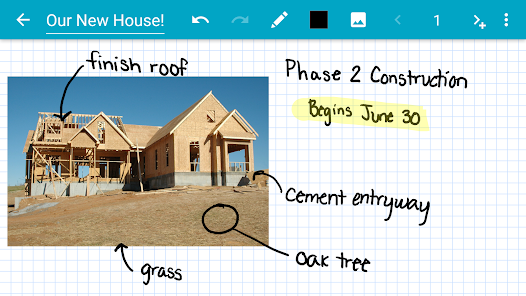
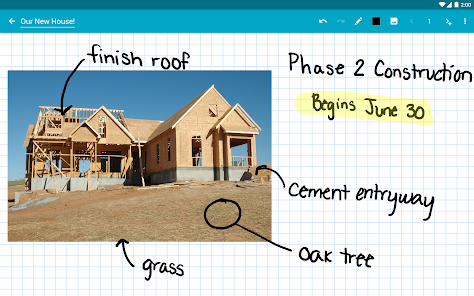
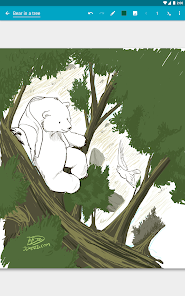
• 🧰 Versatile Tools: Use any color pen or highlighter, import images, draw shapes, and add typed text.
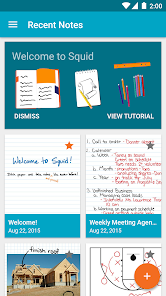
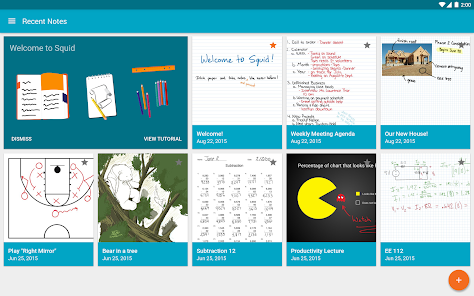
• 📁 Organize: Select, copy/paste, and move content between pages and notes. Place notes in folders to stay organized.
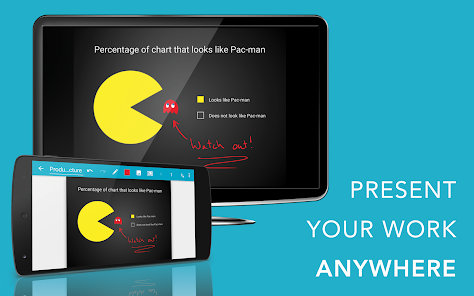
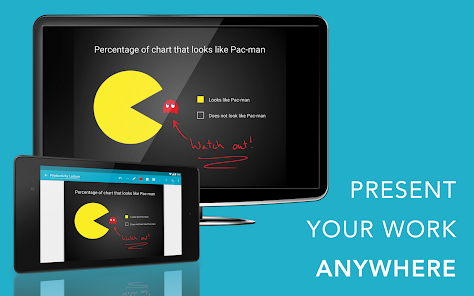
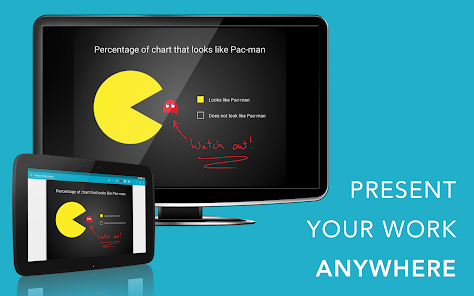
• 📊 Presentations: Turn your device into a virtual whiteboard and cast your notes to a TV/projector.
• 📤 Export: Export notes as PDFs, images, or Squid Note format and share or store in the cloud.
• 💰 Save: Reduce stationery costs and replace paper notebooks with Squid for eco-friendly note-taking!
🏆 Awards/Recognition:
• 🌟 Featured App and Editors' Choice in Google Play
• 📈 Category Honorable Mention for Productivity in the Samsung Galaxy Note S Pen App Challenge
• 🎉 Popular Choice Award in the Dual Screen App Challenge
👑 Squid Premium:
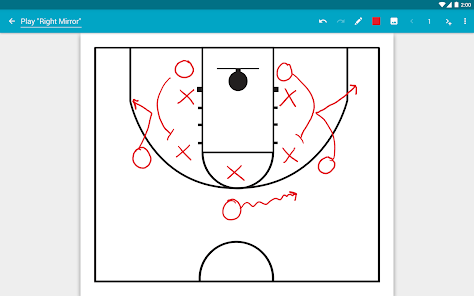
• Premium paper backgrounds: math, engineering, music, sports, planning, & more
• Import and markup PDFs
• Additional tools: highlighter, true eraser, shapes, text
• Backup/restore and bulk export notes as PDFs to Google Drive, Dropbox, or Box
🛠️ Base Features:
• Vector graphics engine keeps your notes beautiful at any zoom level and on any device
• Various paper backgrounds (blank, ruled, graph) and sizes (infinite, letter, A4)
• Erase entire letters or words quickly with the stroke eraser
• Undo/redo, select, move, and resize
• Change color and weight of selected items
• Cut, copy, and paste items between notes
• Two-finger scroll, pinch-to-zoom, and double tap for quick zoom
• Sort and organize notes and folders
• Import, crop, and resize images
• Export notes to PDF, PNG, JPEG, or Squid Note format
• Share notes via email, Google Drive, Evernote, etc.
• Multi-Window support (take notes while watching a video)
• Shortcuts to create new notes or open folders
• Dark theme
🎓 Google Workspace for Education customers can purchase Squid Premium in bulk at https://squidnotes.com/edu
🐞 If you encounter any bugs, please email us at help@squid.app with a description.
💡 We would love to hear your feedback or feature requests at https://idea.squidnotes.com
¹Low latency ink is available now on Chromebooks and coming soon to Android devices.
🎯 Increase your productivity and unleash your creativity with digital handwritten notes. 👉 Try Squid for FREE today!
✨ Key Features:
• ✍️ Natural Writing: Seamlessly write with a pen and erase with your finger on active pen enabled devices like Samsung devices with S Pen. Use your finger or capacitive stylus on other devices.
• ⚡ Low Latency Ink: Enjoy a seamless and responsive writing experience with support for low latency ink¹.
• 🔒 Private: Notes are stored on your device and are completely private. No account or sign-in required. Backup your notes to your desired location.
• 📝 PDF Markup: Easily annotate PDFs, fill out forms, edit/grade papers, and sign documents.
• 🧰 Versatile Tools: Use any color pen or highlighter, import images, draw shapes, and add typed text.
• 📁 Organize: Select, copy/paste, and move content between pages and notes. Place notes in folders to stay organized.
• 📊 Presentations: Turn your device into a virtual whiteboard and cast your notes to a TV/projector.
• 📤 Export: Export notes as PDFs, images, or Squid Note format and share or store in the cloud.
• 💰 Save: Reduce stationery costs and replace paper notebooks with Squid for eco-friendly note-taking!
🏆 Awards/Recognition:
• 🌟 Featured App and Editors' Choice in Google Play
• 📈 Category Honorable Mention for Productivity in the Samsung Galaxy Note S Pen App Challenge
• 🎉 Popular Choice Award in the Dual Screen App Challenge
👑 Squid Premium:
• Premium paper backgrounds: math, engineering, music, sports, planning, & more
• Import and markup PDFs
• Additional tools: highlighter, true eraser, shapes, text
• Backup/restore and bulk export notes as PDFs to Google Drive, Dropbox, or Box
🛠️ Base Features:
• Vector graphics engine keeps your notes beautiful at any zoom level and on any device
• Various paper backgrounds (blank, ruled, graph) and sizes (infinite, letter, A4)
• Erase entire letters or words quickly with the stroke eraser
• Undo/redo, select, move, and resize
• Change color and weight of selected items
• Cut, copy, and paste items between notes
• Two-finger scroll, pinch-to-zoom, and double tap for quick zoom
• Sort and organize notes and folders
• Import, crop, and resize images
• Export notes to PDF, PNG, JPEG, or Squid Note format
• Share notes via email, Google Drive, Evernote, etc.
• Multi-Window support (take notes while watching a video)
• Shortcuts to create new notes or open folders
• Dark theme
🎓 Google Workspace for Education customers can purchase Squid Premium in bulk at https://squidnotes.com/edu
🐞 If you encounter any bugs, please email us at help@squid.app with a description.
💡 We would love to hear your feedback or feature requests at https://idea.squidnotes.com
¹Low latency ink is available now on Chromebooks and coming soon to Android devices.
🎯 Increase your productivity and unleash your creativity with digital handwritten notes. 👉 Try Squid for FREE today!
Updated on
Safety starts with understanding how developers collect and share your data. Data privacy and security practices may vary based on your use, region, and age. The developer provided this information and may update it over time.

No data shared with third parties
Learn more about how developers declare sharing

This app may collect these data types
App activity and App info and performance

Data is encrypted in transit

You can request that data be deleted

Committed to follow the Play Families Policy
Ratings and reviews
4.1
33.5K reviews

A Google user
- Flag inappropriate
- Show review history
July 27, 2019
So happy with this app. I take notes, and love the option of copying and pasting pieces of my notes in other pages, create PDF (paying) and the wide range of templates. Though I do not know if this is only me but compared to other apps, the sensitivity when writing is a bit lower. It makes my writing a bit less readable, uncomfortable and ugly 😊. I use the pen that comes with my Tablet ASUS ZenPad, so I guess it is because of the app.
4 people found this review helpful
Steadfast Innovation, LLC
July 29, 2019
Thanks for your review, Tatiana! Can you please email us at help@squidnotes.com about the issue with your writing?

V. Field
- Flag inappropriate
January 10, 2026
Good for notes & doodles. Could use more art tools now that its mature. Would love a Rasterized brush where the eraser doesnt delete as much as the Vector brushes. Consider it.
5 people found this review helpful
Steadfast Innovation, LLC
January 13, 2026
Hi there! We’re so happy you’re enjoying Squid. We’re always eager to hear from our users—please share your ideas and vote for new features at idea.squidnotes.com. And if you ever have any questions, don’t hesitate to reach out to us at help@squid.app. Your feedback helps us shape the future of Squid!

Rodolf
- Flag inappropriate
- Show review history
July 12, 2024
It works super nice with a stylus; tho I think the weight could be a little more sensitive so the writing would look even nicer, but it's already very good. Wish it had the option to make the paper black or even better change its color. I use it for math, so I use the grid. I would be perfect if I could have black paper with white grid for example, please add this feature it's awful to use white all the time. Also, why is the select tool and eraser not always visible? Have to click the pen first
35 people found this review helpful
Steadfast Innovation, LLC
July 15, 2024
Hi there - Thank you for your review. We're so excited that you're enjoying Squid! Be sure to visit our feedback site to share your ideas and vote for feature requests, and opt-in for notifications at idea.squidnotes.com. You can also reach out to our support team at help@squidnotes.com with any questions.
What’s new
Squid is over 10 years old! We’ve been working hard on some big updates, which we've coined "Squid10". Squid10 is not yet fully featured and is available via opt-in to get your feedback and make improvements. Just tap "Try Squid10" and be sure to send us your feedback!
Latest Highlights
• Improved support for Android 15+
• Improved local backup process
• Fixed several PDF rendering issues and crashes
• Updated translations
• Misc bug fixes and improvements
Full changelog: http://goo.gl/EsAlNK
Latest Highlights
• Improved support for Android 15+
• Improved local backup process
• Fixed several PDF rendering issues and crashes
• Updated translations
• Misc bug fixes and improvements
Full changelog: http://goo.gl/EsAlNK
App support
About the developer
STEADFAST INNOVATION, LLC
support@steadfastinnovation.com
890 Monterey St Ste D
San Luis Obispo, CA 93401-3291
United States
+1 805-470-1015


