
Bar Chart Maker
Contains ads
4.9star
315 reviews

Everyone
info
100K+
Downloads

Everyone
Learn more

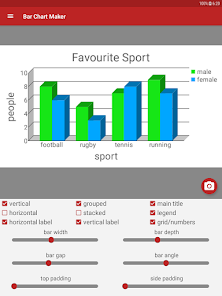
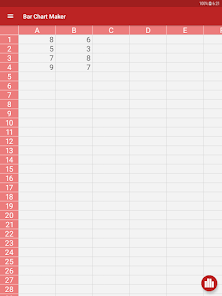


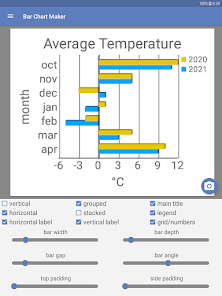
About this app
• Easy to use interface.
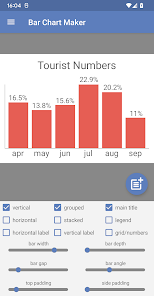
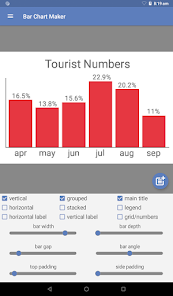
• Save bar charts to the image gallery to use in your own work.
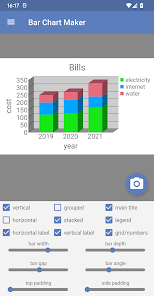
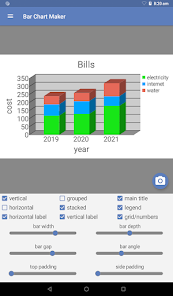
• 2D and 3D views.
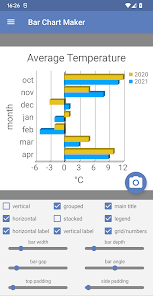
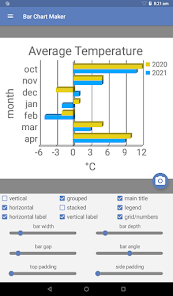
• Optional chart legend, or add labels directly to the bar chart.
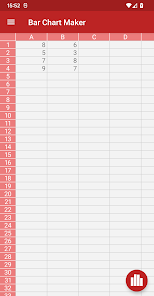
• Paste totals or percentages from the data editor directly to the bar chart sheet.
• Display multiple sets of data as grouped or stacked bar charts.
• All colors fully customizable.
• Save bar charts to the image gallery to use in your own work.
• 2D and 3D views.
• Optional chart legend, or add labels directly to the bar chart.
• Paste totals or percentages from the data editor directly to the bar chart sheet.
• Display multiple sets of data as grouped or stacked bar charts.
• All colors fully customizable.
Updated on
Safety starts with understanding how developers collect and share your data. Data privacy and security practices may vary based on your use, region, and age. The developer provided this information and may update it over time.

This app may share these data types with third parties
Location, App activity and 2 others

No data collected
Learn more about how developers declare collection

Data is encrypted in transit

You can request that data be deleted
Ratings and reviews
4.8
289 reviews

Fortunatus Mazigo
- Flag inappropriate
January 2, 2023
The app is simple but does a great job to create professionally looking bar charts. It's one of the best bar chart maker I have seen at Play Store. Although some few cool features are not very obvious at the initial stages of using the app, later you discover them and communicating with the developer will also help on how to Use the app
6 people found this review helpful

Jessica Shelton
- Flag inappropriate
April 4, 2023
My daughter and I were working on her 4th grade science fair project and having trouble making a quality bar graph to chart her data. This app was really easy to use. I was actually over-thinking it at first.
8 people found this review helpful

S K
- Flag inappropriate
March 22, 2023
Great app, I can save several bar charts and use them any time, very simple and handy!)
2 people found this review helpful
What’s new
Adjustable height scale.
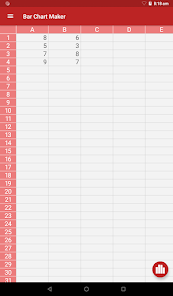
Cut, copy and paste values to and from the data entry screen.
Import .csv files or tab separated .txt files.
Cut, copy and paste values to and from the data entry screen.
Import .csv files or tab separated .txt files.
Everyone
Learn moreApp support
About the developer
Philip Stephens
stephens278@btinternet.com
Plaza Constitucion 2C
18614 Gualchos
Spain


