Toggle Status Widget
3.7star
172 reviews
10K+
Downloads

Everyone
info
About this app
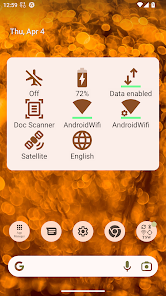
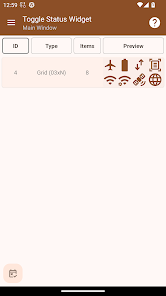
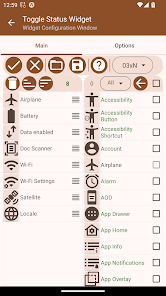
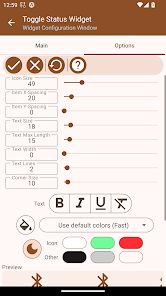
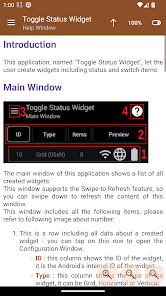
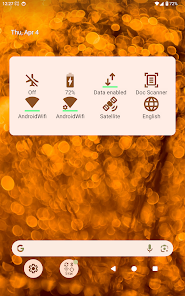
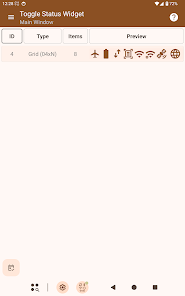
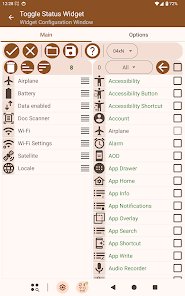
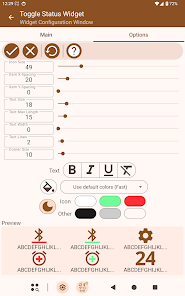
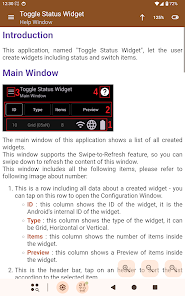
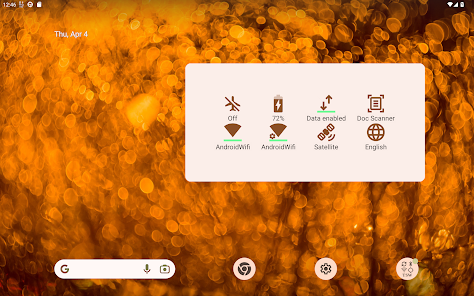
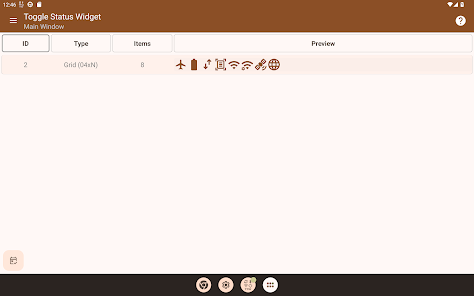
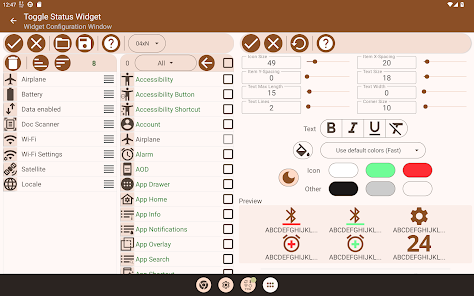
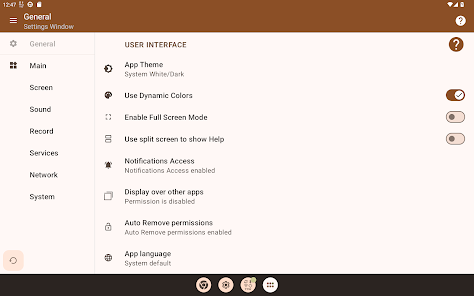
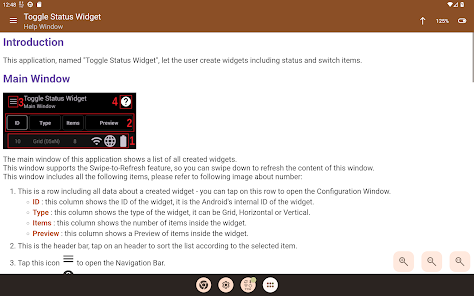
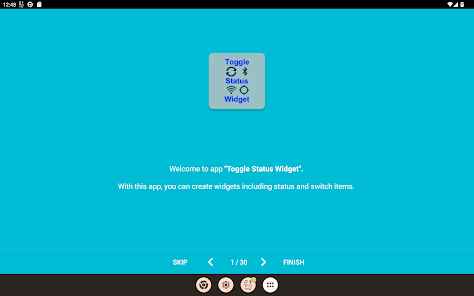
This application, named "Toggle Status Widget", let the user create widgets including status and switch items.
This application supports three different widgets, Horizontal, Vertical and Grid widgets.
Note 1 : This is the version distributed on the Google Store. Some features have been disabled, but they are available in the "Premium" version.
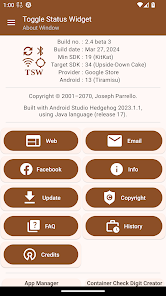
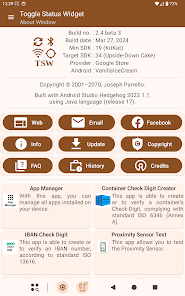
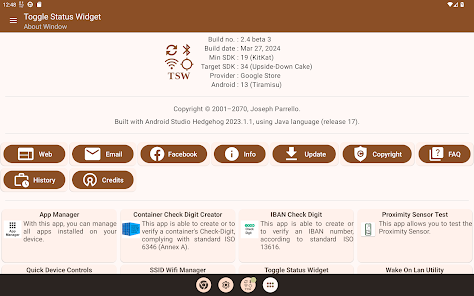
For more information, go to the "About" window and press the "Additional Info" button.
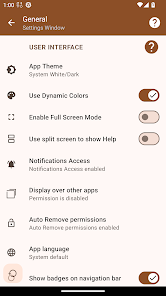
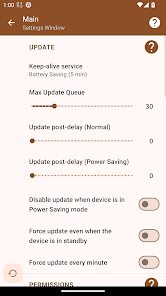
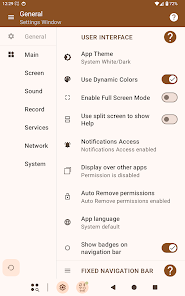
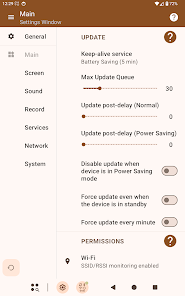
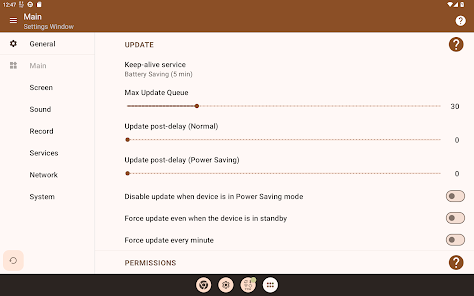
Note 2 : Please take note that, in order to reduce battery consumption, the widget update service is disabled. If you see that widgets do not change the values and the status of their items anymore, please manually enable it inside Settings page. 5, 10 or 15 minutes should be considered as optimal values in order to reduce battery consumption.
Note 3 : starting from Android 6.0 (Marshmallow), all apps having to do with Wi-Fi, need to have the permission for Geolocation. This app has the permissions for Geolocation but only to update SSID/RSSI values. Geolocation service normally is disabled. The user needs to enable it manually inside Settings page. This app does not need GPS service, and does not collect any GPS data.
===================
Accessibility access
===================
Toggle Status Widget uses Accessibility access to perform the following Android actions:
* "Back" (Action to go back)
* "Home" (Action to go home)
* "Recents" (Action to toggle showing the overview of recent apps)
* "Notifications" (Action to open the notifications)
* "Quick Settings" (Action to open the quick settings)
* "Power Dialog" (Action to open the power long-press dialog)
* "Toggle Split-Screen" (Action to toggle docking the current app's window)
* "Lock Screen" (Action to lock the screen)
* "Take Screenshot" (Action to take a screenshot)
* "Keycode-Headset-Hook" (Action to send the KEYCODE_HEADSETHOOK KeyEvent, which is used to answer/hang up calls and play/stop media)
* "Accessibility All Apps" (Action to show Launcher's all apps)
Toggle Status Widget does not watch any user action by Accessibility access, though grant is required for Accessibility service.
Toggle Status Widget will discard any event sent by Android system.
Toggle Status Widget will use an integrated Accessibility Service to send the "performGlobalAction" action in order to perform the above-mentioned actions.
This application supports three different widgets, Horizontal, Vertical and Grid widgets.
Note 1 : This is the version distributed on the Google Store. Some features have been disabled, but they are available in the "Premium" version.
For more information, go to the "About" window and press the "Additional Info" button.
Note 2 : Please take note that, in order to reduce battery consumption, the widget update service is disabled. If you see that widgets do not change the values and the status of their items anymore, please manually enable it inside Settings page. 5, 10 or 15 minutes should be considered as optimal values in order to reduce battery consumption.
Note 3 : starting from Android 6.0 (Marshmallow), all apps having to do with Wi-Fi, need to have the permission for Geolocation. This app has the permissions for Geolocation but only to update SSID/RSSI values. Geolocation service normally is disabled. The user needs to enable it manually inside Settings page. This app does not need GPS service, and does not collect any GPS data.
===================
Accessibility access
===================
Toggle Status Widget uses Accessibility access to perform the following Android actions:
* "Back" (Action to go back)
* "Home" (Action to go home)
* "Recents" (Action to toggle showing the overview of recent apps)
* "Notifications" (Action to open the notifications)
* "Quick Settings" (Action to open the quick settings)
* "Power Dialog" (Action to open the power long-press dialog)
* "Toggle Split-Screen" (Action to toggle docking the current app's window)
* "Lock Screen" (Action to lock the screen)
* "Take Screenshot" (Action to take a screenshot)
* "Keycode-Headset-Hook" (Action to send the KEYCODE_HEADSETHOOK KeyEvent, which is used to answer/hang up calls and play/stop media)
* "Accessibility All Apps" (Action to show Launcher's all apps)
Toggle Status Widget does not watch any user action by Accessibility access, though grant is required for Accessibility service.
Toggle Status Widget will discard any event sent by Android system.
Toggle Status Widget will use an integrated Accessibility Service to send the "performGlobalAction" action in order to perform the above-mentioned actions.
Updated on
Safety starts with understanding how developers collect and share your data. Data privacy and security practices may vary based on your use, region, and age. The developer provided this information and may update it over time.

No data shared with third parties
Learn more about how developers declare sharing

No data collected
Learn more about how developers declare collection
Ratings and reviews
3.7
163 reviews

John F
- Flag inappropriate
January 13, 2024
As with all of these types of app, it doesn't reliably update the icon on/off, and most of the time brings up the system setting rather than doing it in the background. These are Android issues, AFAIK. Pity bc otherwise looks good and seems well documented, although finding the details took me a while - opening the app rather than my widget gets a whole other set of info. I'm not sure why there are no other reviews. Anyway, won't do what I want it to, so uninstalled. Might suit you tho. :(
2 people found this review helpful

Kirk Barrett
- Flag inappropriate
November 26, 2024
Been looking for this functionality for months! I wanted some that showed the current volume status on my home screen. (The icons at the top are so tiny). I tried lots of apps. They would allow me to set the volume status, but none displayed the current volume status. But this one does!! In a big, easy to spot icon. Hallelujah! It can show a lot of other stuff too. Very appreciative!
1 person found this review helpful

Jeremy Garo
- Flag inappropriate
- Show review history
March 17, 2023
I was looking for an info widget that gives me quick access to system settings and real time updates to connections status on my android head unit. I'm happy to say this does exactly what I need. And a ton of customization options as a bonus. Apps like this are why I love android. But because Google seems to limit functionality of apps with every update, downloading the free pro version works best.
2 people found this review helpful
Sourcenet Italia
March 17, 2023
Thanks for your feedback.
What’s new
Settings window - main section - new option "Hide Toolbars during scrolling".
Preliminary support for Android 16 ("Baklava").
Preliminary support for Android 16 ("Baklava").
App support
About the developer
Parrello Giuseppe
sourcenetitalia@gmail.com
Italy


