

HeartImageMaker byNSDev
বিজ্ঞাপনযুক্ত

১০+
ডাউনল’ড

সকলো
info
এই এপ্টোৰ বিষয়ে
*How to use
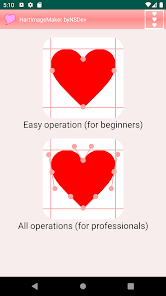
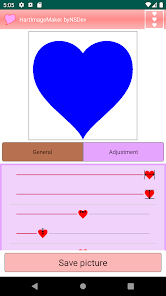
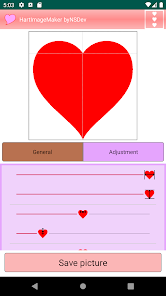
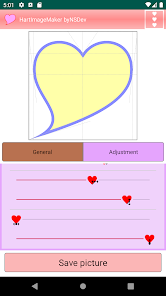
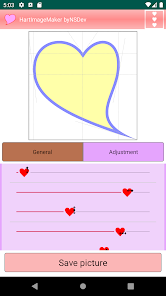
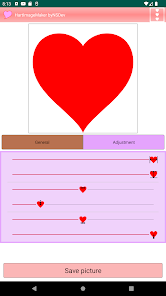
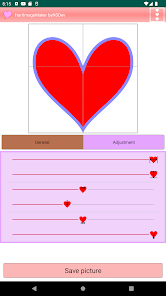
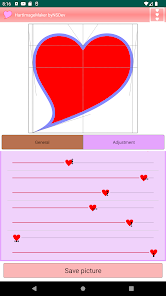
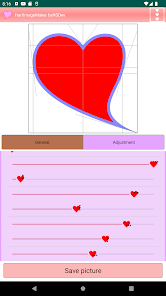
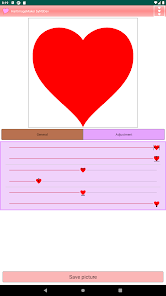
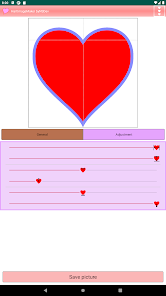
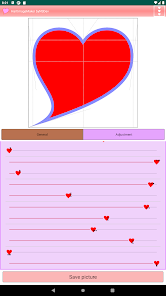
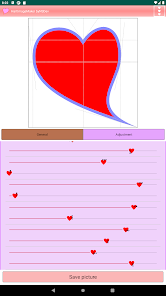
Adjust the shape of the heart with the height, width and points bars.
Create an image with the image save button at the bottom of the screen.
*Function
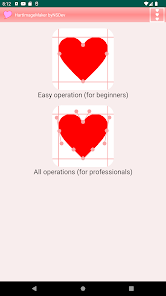
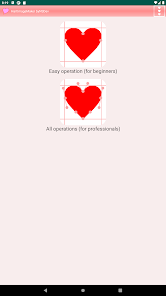
There is a simple mode and a pro mode for detailed adjustments.
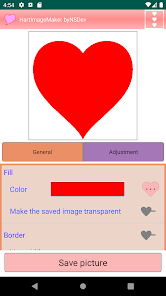
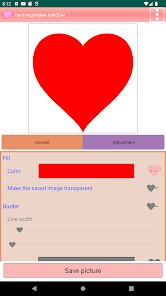
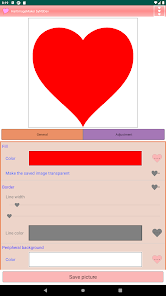
You can specify the fill color of the heart. Transparency is also possible when creating an image file.
You can add a border.
You can specify the surrounding background color. Transparency is also possible when creating an image file.
You can choose the image size from 600px to 2400px on one side.
*Request
Please post your request in the review.
We will do our best to accommodate you.
*Others
The created image can be used freely.
Adjust the shape of the heart with the height, width and points bars.
Create an image with the image save button at the bottom of the screen.
*Function
There is a simple mode and a pro mode for detailed adjustments.
You can specify the fill color of the heart. Transparency is also possible when creating an image file.
You can add a border.
You can specify the surrounding background color. Transparency is also possible when creating an image file.
You can choose the image size from 600px to 2400px on one side.
*Request
Please post your request in the review.
We will do our best to accommodate you.
*Others
The created image can be used freely.
আপডে’ট কৰা তাৰিখ
বিকাশকৰ্তাসকলে আপোনাৰ ডেটা কেনেকৈ সংগ্ৰহ আৰু শ্বেয়াৰ কৰে সেয়া বুজি পোৱাৰ জৰিয়তে সুৰক্ষা আৰম্ভ হয়। ডেটাৰ গোপনীয়তা আৰু সুৰক্ষা প্ৰণালী আপোনাৰ ব্যৱহাৰ, অঞ্চল আৰু বয়সৰ ওপৰত ভিত্তি কৰি ভিন্ন হ’ব পাৰে। বিকাশকৰ্তাগৰাকীয়ে এই তথ্যখিনি প্ৰদান কৰিছে আৰু সময়ৰ লগে লগে এয়া আপডে’ট কৰিব পাৰে।


নতুন কি আছে
Android 16 compatible
এপৰ সমৰ্থন
বিকাশকৰ্তাৰ বিষয়ে
NIHON SYSTEM DEVELOPER CORPORATION
nsd@nsgd.co.jp
691-1, SUE, AYAGAWACHO
AYAUTA-GUN, 香川県 761-2103
Japan
+81 87-816-0304


