

HeartImageMaker byNSDev
Sadržava oglase

10+
Preuzimanja

Svako
info
O aplikaciji
*How to use
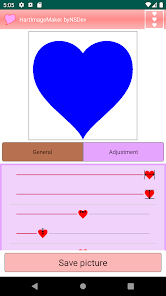
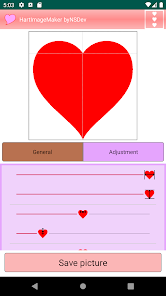
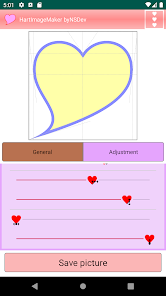
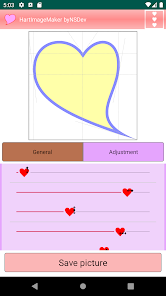
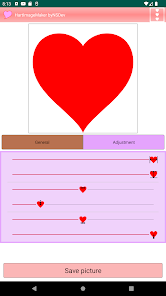
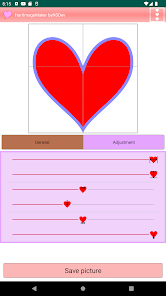
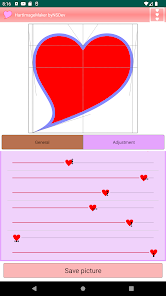
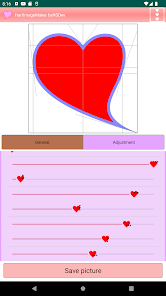
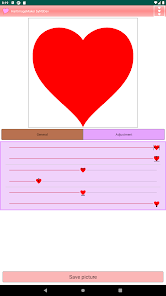
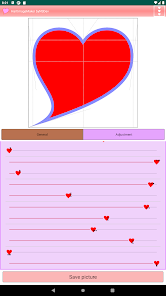
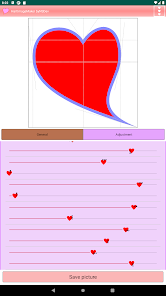
Adjust the shape of the heart with the height, width and points bars.
Create an image with the image save button at the bottom of the screen.
*Function
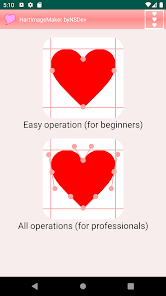
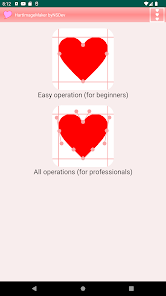
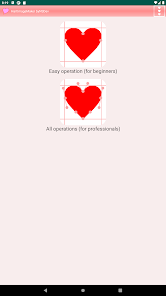
There is a simple mode and a pro mode for detailed adjustments.
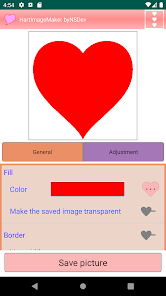
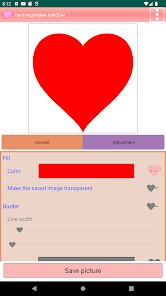
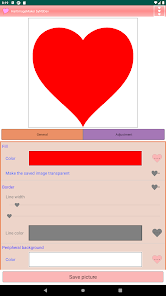
You can specify the fill color of the heart. Transparency is also possible when creating an image file.
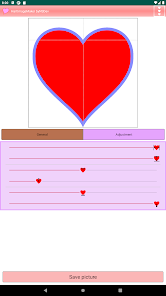
You can add a border.
You can specify the surrounding background color. Transparency is also possible when creating an image file.
You can choose the image size from 600px to 2400px on one side.
*Request
Please post your request in the review.
We will do our best to accommodate you.
*Others
The created image can be used freely.
Adjust the shape of the heart with the height, width and points bars.
Create an image with the image save button at the bottom of the screen.
*Function
There is a simple mode and a pro mode for detailed adjustments.
You can specify the fill color of the heart. Transparency is also possible when creating an image file.
You can add a border.
You can specify the surrounding background color. Transparency is also possible when creating an image file.
You can choose the image size from 600px to 2400px on one side.
*Request
Please post your request in the review.
We will do our best to accommodate you.
*Others
The created image can be used freely.
Ažurirano dana
Sigurnost počinje razumijevanjem na koji način programeri prikupljaju i dijele vaše podatke. Privatnost podataka i sigurnosne prakse se mogu razlikovati ovisno o korištenju, regiji i dobi. Programer je naveo ove informacije i može ih s vremenom ažurirati.

Podaci se ne dijele s trećim stranama
Saznajte više o načinu na koji programeri pružaju izjavu o dijeljenju

Podaci se ne prikupljaju
Saznajte više o načinu na koji programeri pružaju izjavu o prikupljanju

Podaci se šifriraju tokom prenosa

Podaci se ne mogu izbrisati
Što je novo
Android 16 compatible
Podrška za aplikaciju
Informacije o programeru
NIHON SYSTEM DEVELOPER CORPORATION
nsd@nsgd.co.jp
691-1, SUE, AYAGAWACHO
AYAUTA-GUN, 香川県 761-2103
Japan
+81 87-816-0304


