
JStudio - IDE for Java, Kotlin
In-app purchases
4.2star
4.3k reviews
500k+
Downloads

Everyone
info
About this app
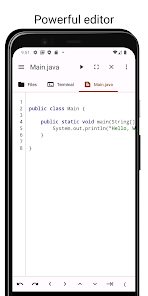
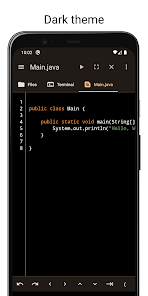
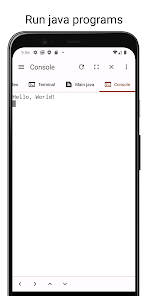
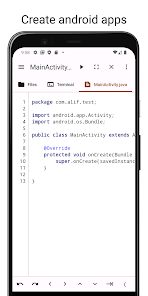
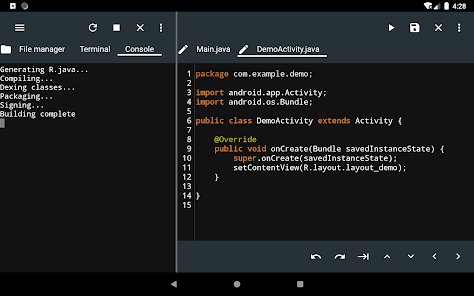
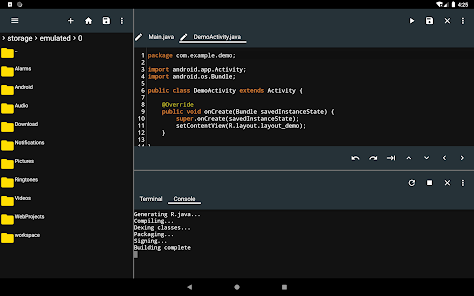
JStudio is an integrated development environment(IDE) for developing Android apps or Java/Kotlin console programs on your device with support for auto completion and real time error checking among others.
It supports modern Java build tools like Gradle, Ant and Maven.
Editor
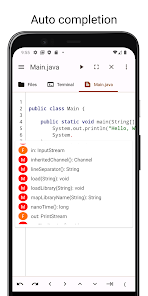
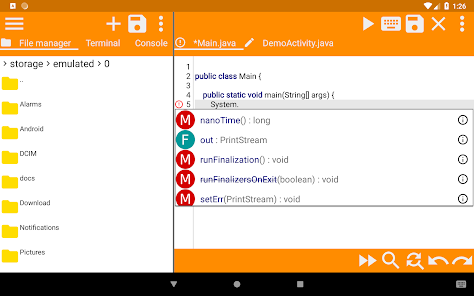
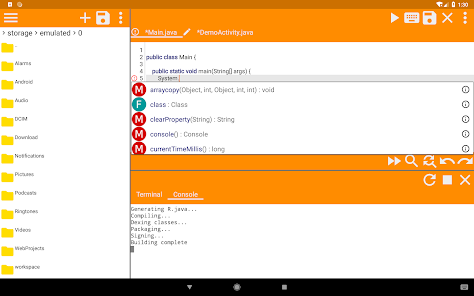
- Code completion for java.
- Real Time error checking.
- Auto backup if you leave the app without saving.
- Undo and Redo.
- Support for characters not normally present in the virtual keyboard like tabs and arrows.
Terminal
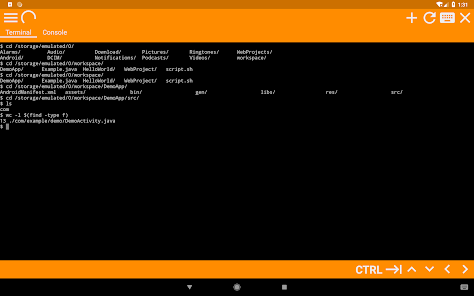
- Access the shell and commands that ship with android.
- Preinstalled with basic unix command like grep and find(Missing in older android versions but newer devices already ship with them)
- Support for tab and arrows even if the virtual keyboard lacks them.
File Manager
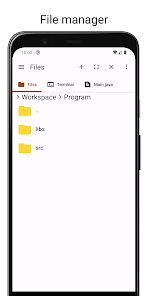
- Access your files without leaving the app.
- Copy, Paste and Delete.
It supports modern Java build tools like Gradle, Ant and Maven.
Features
Editor
- Code completion for java.
- Real Time error checking.
- Auto backup if you leave the app without saving.
- Undo and Redo.
- Support for characters not normally present in the virtual keyboard like tabs and arrows.
Terminal
- Access the shell and commands that ship with android.
- Preinstalled with basic unix command like grep and find(Missing in older android versions but newer devices already ship with them)
- Support for tab and arrows even if the virtual keyboard lacks them.
File Manager
- Access your files without leaving the app.
- Copy, Paste and Delete.
Updated on
Safety starts with understanding how developers collect and share your data. Data privacy and security practices may vary based on your use, region and age. The developer provided this information and may update it over time.

No data shared with third parties
Learn more about how developers declare sharing

No data collected
Learn more about how developers declare collection
Ratings and reviews
4.3
4.03k reviews

A Google user
- Flag inappropriate
23 September 2019
An excellent IDE for coding in java. Many great features right on your phone, that you expect from an IDE that runs on PC. Error checking as you type, code completion with links to the relevant javadoc, as well as redo, undo, and my favorite, buttons to move the curser. Unneeded on a PC, its a blessing when writing code on your phone. I would trade the tab button for one that performs a right-click though.
60 people found this review helpful

Kevin Harrelson
- Flag inappropriate
1 February 2023
I am just learning Java. It seemed promising for doing homework in a portable device, but I can change my code all that I want, save it, but the code never seems to recompile, as it gives me the same result every single time. Plus, the terminal gives me a spinning circle in the upper left that never goes away, and you can't use a Bluetooth mouse to change tabs; you can only use the touch screen. Plus some UI elements could be smaller to save screen space. If these get fixed it will be great!
54 people found this review helpful

Kapila.S. Barot
- Flag inappropriate
26 January 2026
JStudio is a solid app with many useful development features. However, release builds are not supported properly. I can only build debug APKs. Release builds work in Android Studio, but fail in JStudio, including when using Gradle via terminal. Please add proper support for assembling release APK/AAB with signing configs. Fixing this would greatly improve the app.
1 person found this review helpful
What's new
The separate download that was required to build projects is now included with the app itself.
App support
About the developer
Abdirahman Mohammed
aliftech6@gmail.com
Schweigaards gate 54C
0656 Oslo
Norway


