
SUPRINT
2.3star
258 reviews
50K+
Downloads

Everyone
info
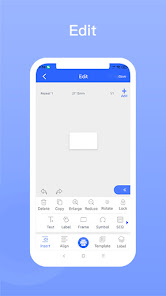
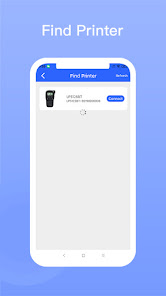
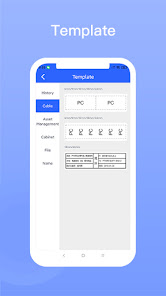
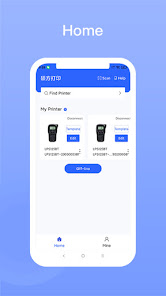
About this app
Safety starts with understanding how developers collect and share your data. Data privacy and security practices may vary based on your use, region, and age. The developer provided this information and may update it over time.

No data shared with third parties
Learn more about how developers declare sharing

This app may collect these data types
Location, Personal info and 6 others

Data is encrypted in transit

You can request that data be deleted
Ratings and reviews
2.3
252 reviews

James Anderson
- Flag inappropriate
- Show review history
August 22, 2025
The app itself is now garbage. The app says there is now no traps in the device (there's plenty) and it's just an endless pain in the rear. Will be leaving a review on amazon because the printer isn't usable without this app, and it's just going into the bin.
6 people found this review helpful

S. B.
- Flag inappropriate
September 30, 2023
I like this label maker. It connects easily and it's fine for its purpose. HOWEVER, I'd like to see a lot more images and fonts. I see other thermal printers that have a ton of icons and over 300 fonts! This has about a dozen fonts if you're lucky and while it does have some images, nothing as detailed as these other thermal printer companies. Once this app does a nice update with more things we can use, or advice on what I could do (maybe I'm missing an option), then I'll change my review.
7 people found this review helpful

Alana Jean-Louis
- Flag inappropriate
January 8, 2023
Where is text justification? How did you miss something so important? you only justification of the text box compared to the project border. in the text format pop-up you do all text rotation so we can type one letter over the next to have text on a book or case spine that we can read without turning our heads 90 degrees... BUT it defaults to left justification which looks awful, and I can't find any way to change it to center justification so that every letter is centered over the next. Help!
5 people found this review helpful
App support
About the developer
wangdali
799057811@qq.com
China
undefined