
Jvdroid - IDE for Java
Contains adsIn-app purchases
4.4star
5.62K reviews
1M+
Downloads

Everyone
info
About this app
Jvdroid is the most easy to use and powerful educational Java IDE for Android.
Features:
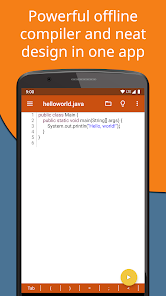
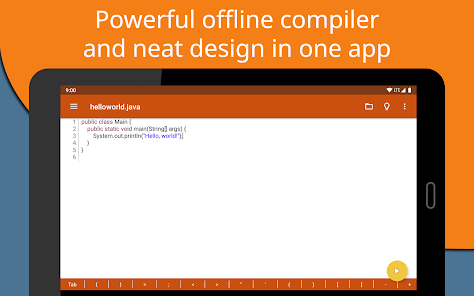
- Offline Java compiler: no Internet is required to run Java programs.
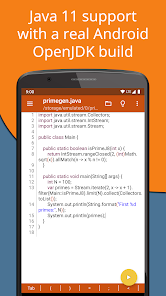
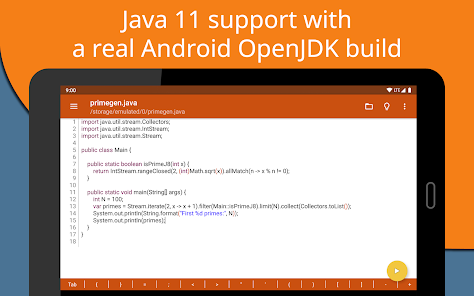
- Standalone OpenJDK 11: enjoy the latest standards support and use any jar libraries you like.
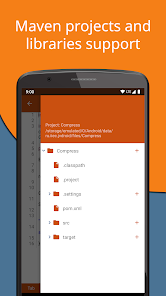
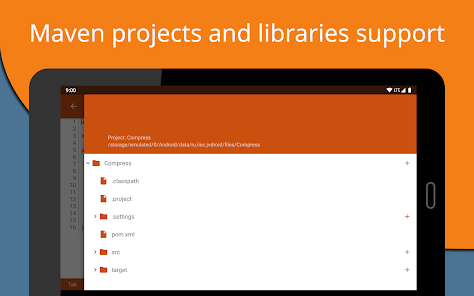
- Maven projects and libraries support.
- Examples available out-of-the-box for quicker learning.
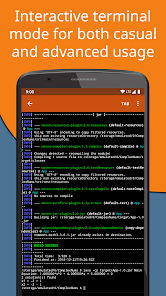
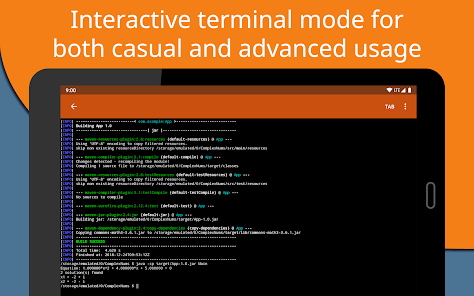
- Full-featured Terminal Emulator.
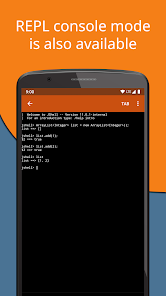
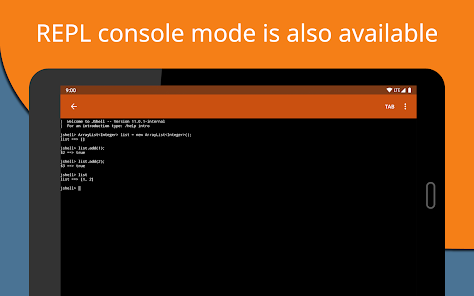
- Java interpreter mode (REPL) based on JShell is also available.
- Outstanding compiler performance with Nailgun.
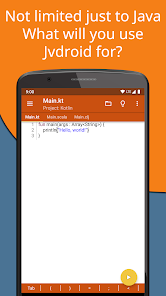
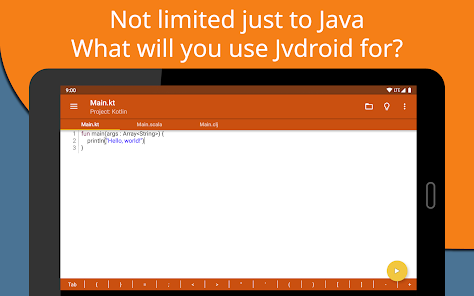
- Kotlin, Scala and Clojure programs can be built using Maven (no code prediction and analysis is provided for these languages).
Editor features:
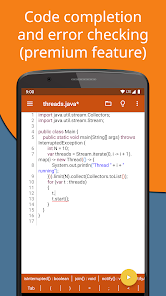
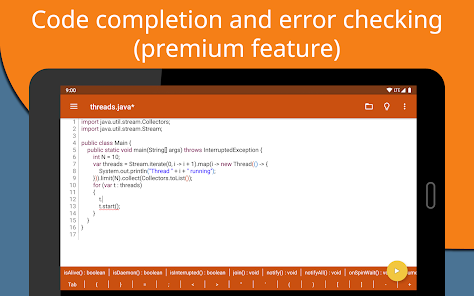
- Code prediction, auto indentation and real time code analysis just like in any real IDE. *
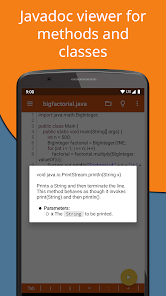
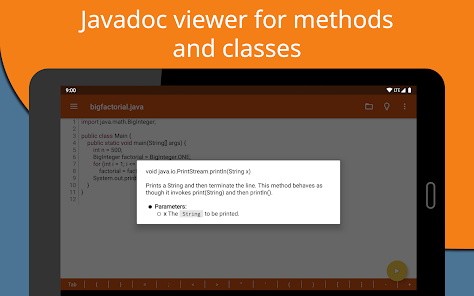
- Javadoc viewer for methods and classes.
- Code formatter.
- Extended keyboard bar with all symbols you need to program in Java.
- Syntax highlighting & themes.
- Tabs.
- One click share on Pastebin.
* Features marked by asterisk are available in Premium version only.
Important notices:
Jvdroid requires at least 250MB free internal memory. 300MB+ is recommended. More if you are using heavy Maven libraries (like Kotlin runtime).
Jvdroid doesn't build native Android applications, as Android uses other Java implementation, and its Java version is older.
Take a part in development of Jvdroid by reporting bugs or providing feature requests to us. We appreciate that.
Legal information.
Busybox and OpenJDK in Jvdroid APK are licensed under GPL, email us for the source code.
This application is considered to be distributed legally when downloaded from the Play Store only.
Samples available in the application are free for educational usage with one exception: they, or their derivative works, cannot be used in any competing products (in any way). If you are unsure, whether your app is affected by this restriction, always ask for a permission via email.
Oracle and Java are registered trademarks of Oracle and/or its affiliates.
Android is a trademark of Google Inc.
Features:
- Offline Java compiler: no Internet is required to run Java programs.
- Standalone OpenJDK 11: enjoy the latest standards support and use any jar libraries you like.
- Maven projects and libraries support.
- Examples available out-of-the-box for quicker learning.
- Full-featured Terminal Emulator.
- Java interpreter mode (REPL) based on JShell is also available.
- Outstanding compiler performance with Nailgun.
- Kotlin, Scala and Clojure programs can be built using Maven (no code prediction and analysis is provided for these languages).
Editor features:
- Code prediction, auto indentation and real time code analysis just like in any real IDE. *
- Javadoc viewer for methods and classes.
- Code formatter.
- Extended keyboard bar with all symbols you need to program in Java.
- Syntax highlighting & themes.
- Tabs.
- One click share on Pastebin.
* Features marked by asterisk are available in Premium version only.
Important notices:
Jvdroid requires at least 250MB free internal memory. 300MB+ is recommended. More if you are using heavy Maven libraries (like Kotlin runtime).
Jvdroid doesn't build native Android applications, as Android uses other Java implementation, and its Java version is older.
Take a part in development of Jvdroid by reporting bugs or providing feature requests to us. We appreciate that.
Legal information.
Busybox and OpenJDK in Jvdroid APK are licensed under GPL, email us for the source code.
This application is considered to be distributed legally when downloaded from the Play Store only.
Samples available in the application are free for educational usage with one exception: they, or their derivative works, cannot be used in any competing products (in any way). If you are unsure, whether your app is affected by this restriction, always ask for a permission via email.
Oracle and Java are registered trademarks of Oracle and/or its affiliates.
Android is a trademark of Google Inc.
Updated on
Safety starts with understanding how developers collect and share your data. Data privacy and security practices may vary based on your use, region, and age. The developer provided this information and may update it over time.


Ratings and reviews
4.5
5.33K reviews

Arav Jauhari
- Flag inappropriate
November 11, 2025
the app has provided me to practice more efficiently and effectively over java programs...... being a class 10 student of ICSE....... this platform helps me a lot to excel in my programming skills included in the Computer Applications Syllabus....... this is the best platform where you can excel your java skills without any pc, laptop and other devices...... Thank you Jvdroid team...... Thank you creators
7 people found this review helpful

Shivanshi
- Flag inappropriate
November 16, 2025
What an app better than Blue J brooo tells uh every mistake let's u copy paste and everything...One of the besttt IDEs... Just a lot of irritating advertisements ... If this issue is resolved it can beat blue j
3 people found this review helpful

Biswajit Bhattacharya
- Flag inappropriate
November 19, 2025
thus is very useful for run a java program. A man can make a project in java using this application, he won't need any computer for it. Otherwise this app's size is short.
What’s new
Minor bug fixes
App support
About the developer
Лидия Жмайлова Петровна
zhlidev@gmail.com
el Farabi
building 56
050059 Kaskelen
Kazakhstan


