Strong Password Generator
Enthält Werbung

Jedes Alter
info
100+
Downloads

Jedes Alter
Weitere Informationen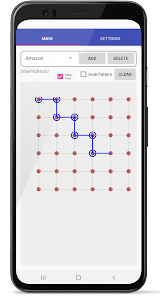


Über diese App
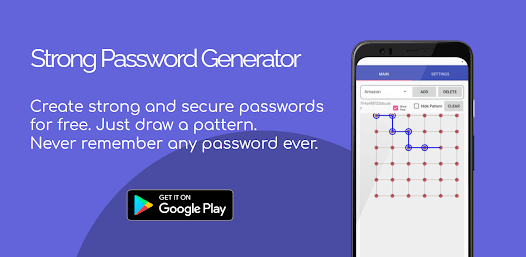
With Strong Password Creator, you will never have to type a password again.
Instead, follow these two simple steps:
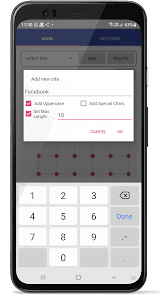
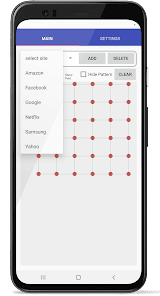
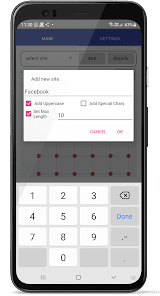
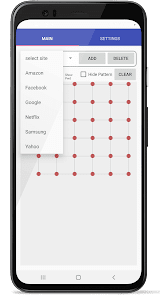
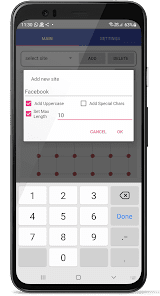
1. Add a site key (a small text to remind you what the password will be used for).
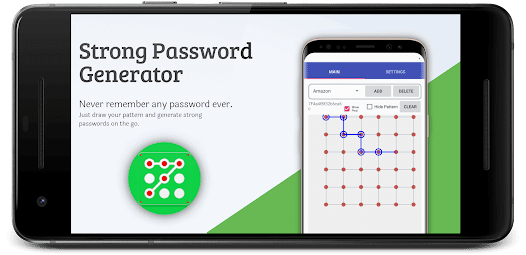
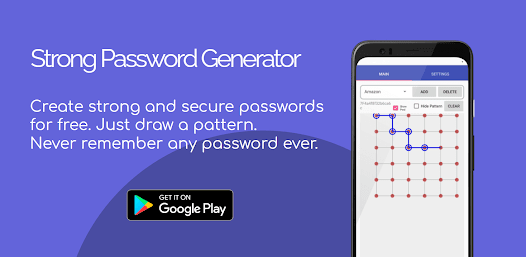
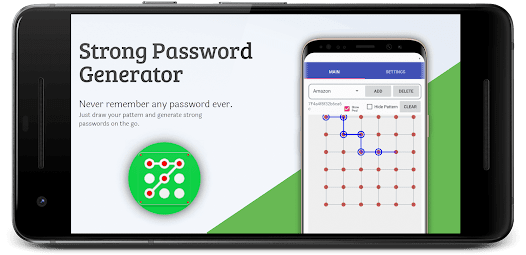
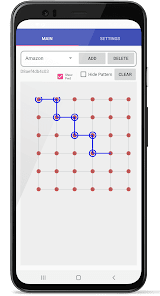
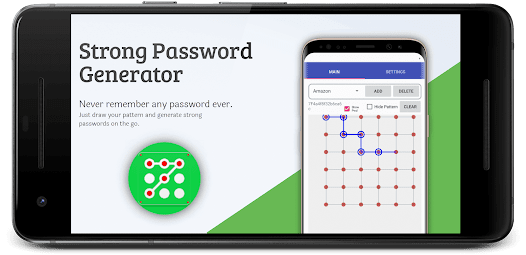
2. Draw your geometric shape on a 6 X 6 grid.
The application does the rest of the work. It copies the password to your clipboard so you can paste it into your site.
You will never have to remember any password ever again.
Best way to manage passwords for all your accounts. Live worry free.
Your passwords are not stored anywhere. Instead, they are generated from an SHA-256 hash (strong one-way encryption).
Only your site keys are stored in your local storage, but none of your data is stored anywhere else on the Internet. You alone control your keys.
Your geometric pattern is also not stored anywhere.
Each time you start the program, just draw your pattern and then select each site key and your password is generated for you. It's that simple and secure.
Instead, follow these two simple steps:
1. Add a site key (a small text to remind you what the password will be used for).
2. Draw your geometric shape on a 6 X 6 grid.
The application does the rest of the work. It copies the password to your clipboard so you can paste it into your site.
You will never have to remember any password ever again.
Best way to manage passwords for all your accounts. Live worry free.
Your passwords are not stored anywhere. Instead, they are generated from an SHA-256 hash (strong one-way encryption).
Only your site keys are stored in your local storage, but none of your data is stored anywhere else on the Internet. You alone control your keys.
Your geometric pattern is also not stored anywhere.
Each time you start the program, just draw your pattern and then select each site key and your password is generated for you. It's that simple and secure.
Aktualisiert am
Was die Sicherheit angeht, solltest du als Erstes verstehen, wie Entwickler deine Daten erheben und weitergeben. Die Datenschutz- und Sicherheitspraktiken können je nach deiner Verwendung, deiner Region und deinem Alter variieren. Diese Informationen wurden vom Entwickler zur Verfügung gestellt und können jederzeit von ihm geändert werden.

Keine Daten werden mit Drittunternehmen oder -organisationen geteilt

Diese App kann die folgenden Datentypen erheben
App-Aktivitäten, App-Informationen und -Leistung und Geräte- oder andere IDs

Daten werden bei der Übertragung verschlüsselt

Daten können nicht gelöscht werden
Neuerungen
Bug fixes for a smoother experience.
Create strongest passwords ever.
Create strongest passwords ever.
Jedes Alter
Weitere InformationenSupport für diese App
Informationen zum Entwickler
INFINITE WORLD SOFTWARE SOLUTIONS
toachieveinfinity@gmail.com
227, Satish Colony, Kaladungi Road
Haldwani, Uttarakhand 263139
India
+91 98081 05923


