

Samsung Classroom Management

1K+
Téléchargements

Tout public
info


À propos de l'application
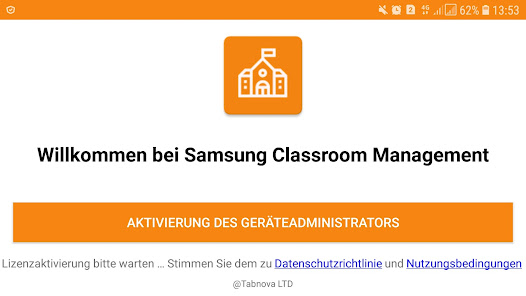
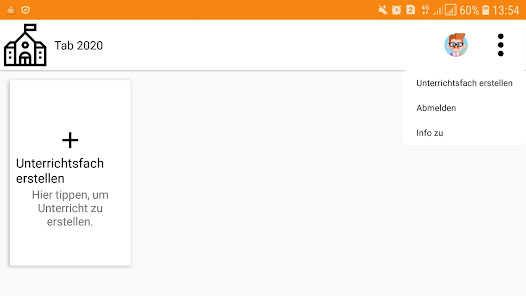
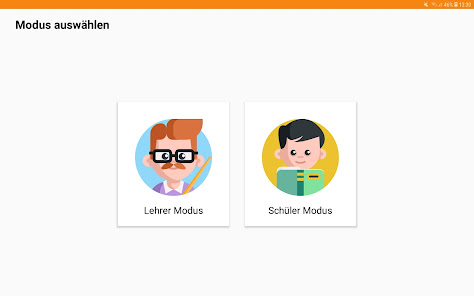
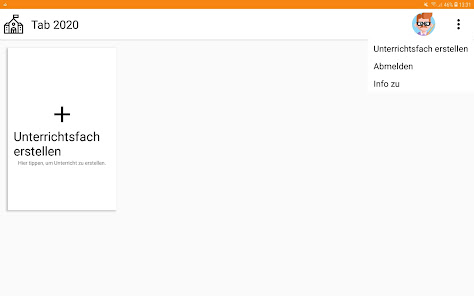
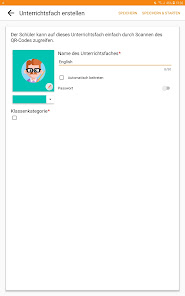
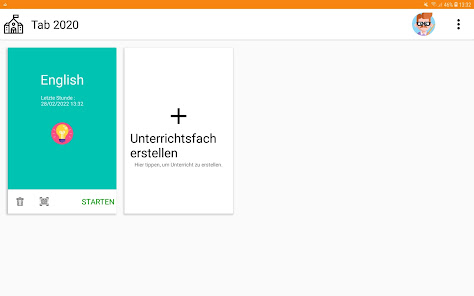
Digital education is possible using the Samsung Classroom management app. The teacher and student can interact using their tablet devices.
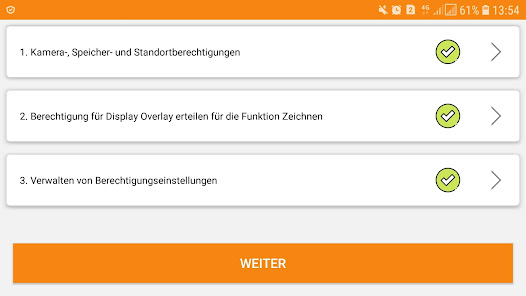
Document management app: This application required file access permission (MANAGE_EXTERNAL_STORAGE) to manage course materials.
There are 2 modes in the app:
CLASS MODE: The teacher and students are connected over same Wi-Fi
CLOUD MODE: The teacher and student are located remotely and are connected over internet.
CLASS MODE FEATURES:
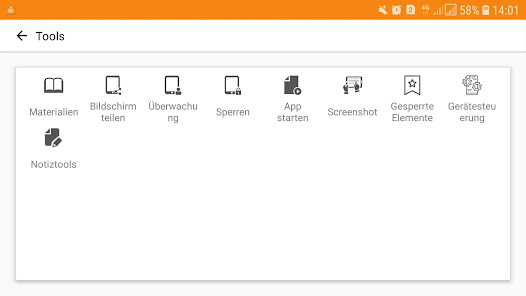
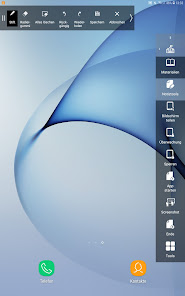
• Use the Note tool to draw on the tablet screen.
• Capture and send screen shots to students.
• Media sharing and control.
• Launch applications on students screen.
• Launch websites on student screen.
• Whitelist applications that are allowed during the course.
• View students messages to the teacher.
• Block hardware keys.
• Apply wallpaper on the student device.
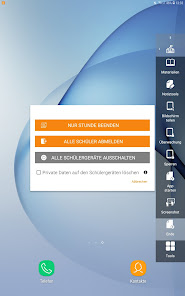
• Lock student screen.
• Mute student devices.
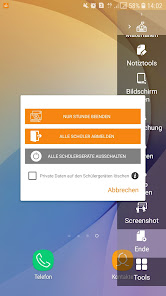
• Logout students.
• Monitor student screen.
• Clear data from student devices during logout.
CLOUD MODE FEATURES:
• All functions from CLASS MODE is available
• Teacher can start a conference call and students can join and participate
• Teacher can create advanced course contents such an Exams, Polls and
Assignments
• Exams are automatically graded
• Calendar function is available to inform students about the key dates
• Teacher and students can login from any device using a browser or
using the APP
VPN Service: VPN service used in student or teacher devices for stop use of unknown and suspicious websites. Local VPN is used and no data uploaded to any server.
For more details, please visit: https://www.tabnova.com/education/
Videos: https://www.youtube.com/watch?v=hl3GRQgVlz0&t=68s
https://www.youtube.com/watch?v=QXKpsAMJI7Q
Document management app: This application required file access permission (MANAGE_EXTERNAL_STORAGE) to manage course materials.
There are 2 modes in the app:
CLASS MODE: The teacher and students are connected over same Wi-Fi
CLOUD MODE: The teacher and student are located remotely and are connected over internet.
CLASS MODE FEATURES:
• Use the Note tool to draw on the tablet screen.
• Capture and send screen shots to students.
• Media sharing and control.
• Launch applications on students screen.
• Launch websites on student screen.
• Whitelist applications that are allowed during the course.
• View students messages to the teacher.
• Block hardware keys.
• Apply wallpaper on the student device.
• Lock student screen.
• Mute student devices.
• Logout students.
• Monitor student screen.
• Clear data from student devices during logout.
CLOUD MODE FEATURES:
• All functions from CLASS MODE is available
• Teacher can start a conference call and students can join and participate
• Teacher can create advanced course contents such an Exams, Polls and
Assignments
• Exams are automatically graded
• Calendar function is available to inform students about the key dates
• Teacher and students can login from any device using a browser or
using the APP
VPN Service: VPN service used in student or teacher devices for stop use of unknown and suspicious websites. Local VPN is used and no data uploaded to any server.
For more details, please visit: https://www.tabnova.com/education/
Videos: https://www.youtube.com/watch?v=hl3GRQgVlz0&t=68s
https://www.youtube.com/watch?v=QXKpsAMJI7Q
Date de mise à jour
La sécurité, c'est d'abord comprendre comment les développeurs collectent et partagent vos données. Les pratiques concernant leur confidentialité et leur protection peuvent varier selon votre utilisation, votre région et votre âge. Le développeur a fourni ces informations et peut les modifier ultérieurement.

Aucune donnée partagée avec des tiers
En savoir plus sur la manière dont les développeurs déclarent le partage

Cette appli peut recueillir ces types de données
Position, Informations personnelles et 4 autres

Les données sont chiffrées lors de leur transfert

Impossible de supprimer les données
Assistance de l'appli
À propos du développeur
TABNOVA LTD
xavier@tabnova.com
First Floor 85 Great Portland Street
LONDON
W1W 7LT
United Kingdom
+44 7702 873539


