
Fantasia Painter
In-app purchases
4.4star
31 reviews
100K+
Downloads

Everyone
info






About this app
Unique photo editor, the top painting app on Windows Phone now on Android.
Unleash your inner artist with this artistic expression tool, even if newbie in painting, and impress your friends.
Great for kids and adults!
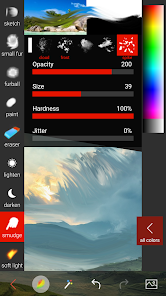
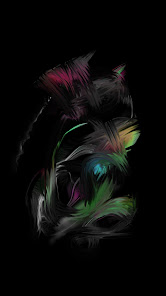
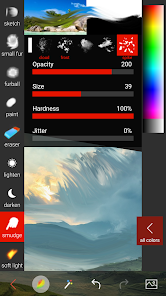
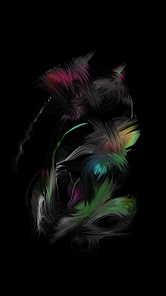
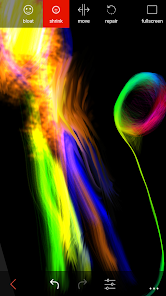
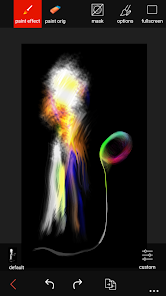
Unlike other apps Fantasia has 32 unique brushes (e.g. Fur, Rainbow, Makeup) that adapt to your painting style,
speed, direction and nearby colors to make even simple strokes look professional.
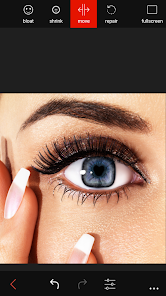
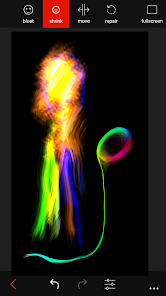
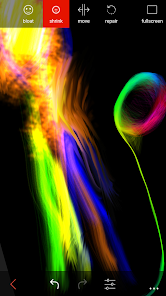
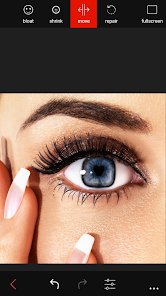
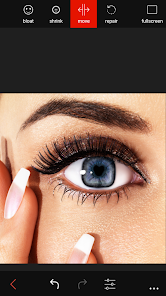
Powerful effects, like Sculpt and Clone, help you enlarge muscles, swap faces, body shape, and more.
All effects can be "painted" to part of image, so you can create works of art that are uniquely your own.
The free version is full-featured, with ads. You can buy the full version at any time to remove the ads.
Embark on your own art adventure and discover where the rabbit hole leads!
Brushes:
Eye color/shadow/makeup
Fur, Furball - Paint cute furry animals, furry flowers, add fur to photos.
Sketch - Create pencil sketches, with far less strokes compared to real pencil
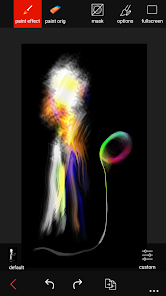
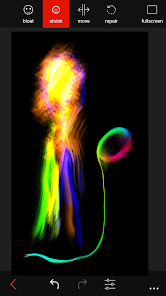
Fairy lights - "alive" abstract brush
Rainbow - Beautiful organic color transitions add life to your paintings.
Twisted Squares, Paint, Dirty Paint, Pen, Eraser
100+ Effects:
Colorize - change to grayscale; brush back color with your finger.
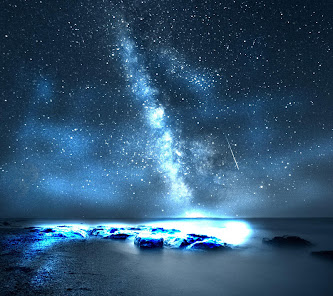
Dark Dream - gloomy feel; brush on and off to add subtle and powerful changes
Sculpt - change smiles, thin/fatten waists, make curved flowers, and much more
Vintage, borders, collage
Text: amazing, rare fonts, 500+ symbols, comic/speech bubbles
Lifelike Colors - combines steps from online tutorials to improve most photos. Tap Invert for before/after view.
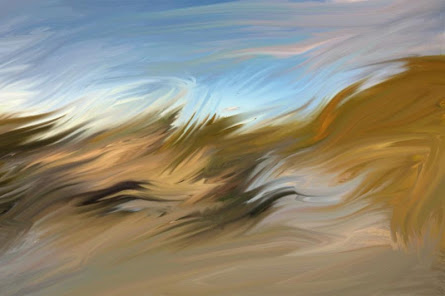
Recolor, Soft light, Blur, Gentle Painter, more
Paint with one finger. Zoom/pan with two fingers.
What people say:
"Did you really do this? It's amazing!"
"Look at what my son did!"
I believe there is an artist in any of us. We just need the right tools to show it.
90% of new features are due to direct customer feedback. Please send yours too!
Unleash your inner artist with this artistic expression tool, even if newbie in painting, and impress your friends.
Great for kids and adults!
Unlike other apps Fantasia has 32 unique brushes (e.g. Fur, Rainbow, Makeup) that adapt to your painting style,
speed, direction and nearby colors to make even simple strokes look professional.
Powerful effects, like Sculpt and Clone, help you enlarge muscles, swap faces, body shape, and more.
All effects can be "painted" to part of image, so you can create works of art that are uniquely your own.
The free version is full-featured, with ads. You can buy the full version at any time to remove the ads.
Embark on your own art adventure and discover where the rabbit hole leads!
Brushes:
Eye color/shadow/makeup
Fur, Furball - Paint cute furry animals, furry flowers, add fur to photos.
Sketch - Create pencil sketches, with far less strokes compared to real pencil
Fairy lights - "alive" abstract brush
Rainbow - Beautiful organic color transitions add life to your paintings.
Twisted Squares, Paint, Dirty Paint, Pen, Eraser
100+ Effects:
Colorize - change to grayscale; brush back color with your finger.
Dark Dream - gloomy feel; brush on and off to add subtle and powerful changes
Sculpt - change smiles, thin/fatten waists, make curved flowers, and much more
Vintage, borders, collage
Text: amazing, rare fonts, 500+ symbols, comic/speech bubbles
Lifelike Colors - combines steps from online tutorials to improve most photos. Tap Invert for before/after view.
Recolor, Soft light, Blur, Gentle Painter, more
Paint with one finger. Zoom/pan with two fingers.
What people say:
"Did you really do this? It's amazing!"
"Look at what my son did!"
I believe there is an artist in any of us. We just need the right tools to show it.
90% of new features are due to direct customer feedback. Please send yours too!
Updated on
Safety starts with understanding how developers collect and share your data. Data privacy and security practices may vary based on your use, region, and age. The developer provided this information and may update it over time.


Ratings and reviews
4.4
30 reviews

Meixia Huang
- Flag inappropriate
August 21, 2023
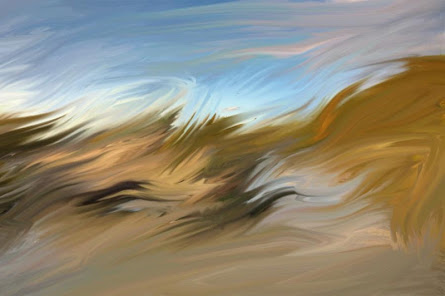
Very fun easy to use painting app with cool brushes especially for abstract styles! Unique brushes like the default make every swipe/stroke look good. I use the app as a casual way to do something creative instead of playing games or scrolling on social.
3 people found this review helpful
Artswept
August 21, 2023
Thank you for downloading! I'll keep working on it!

Not Found
- Flag inappropriate
- Show review history
December 25, 2023
Love this app..... Using this app from my WINDOWS PHONE time. The only editing app which makes sense on windows phone and today on Android.
4 people found this review helpful

x x
- Flag inappropriate
- Show review history
December 12, 2023
My child plays with this, but watches ibisPaint artwork. Simply likes using this to create better.
1 person found this review helpful
What's new
Crash fix for Samsung S23 and few other phones.
