
Tap Task Tracker
Contains ads


Everyone
info
10+
Downloads

Everyone
Learn more


About this app
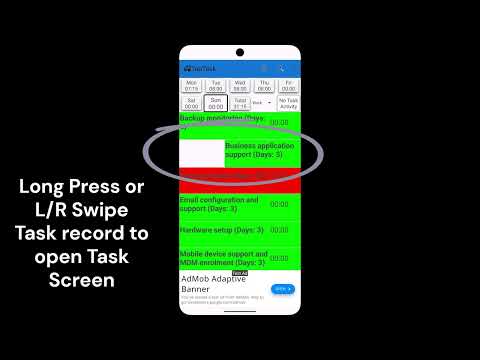
Stay organised and in control with a simple task tracker designed for both work and life. Log what you do, track how long it takes, and build a clear picture of where your time really goes. Day totals can exceed 24 hours through multi-tasking.
Keep track of work and life activities with simple, flexible logging.
Updated on
Safety starts with understanding how developers collect and share your data. Data privacy and security practices may vary based on your use, region, and age. The developer provided this information and may update it over time.
- No data shared with third partiesLearn more about how developers declare sharing
- This app may collect these data typesLocation, App activity and 2 others
- Data is encrypted in transit
- Data can’t be deleted


What’s new
Clone day tasks from selected record of previous 30 days.
Copy notes and time from existing task day note into current record.
Copy notes and time from existing task day note into current record.
Everyone
Learn moreApp support
About the developer
David Peter Byrne
dpbyrne2011@gmail.com
UNIT 32 554-558 PACIFIC HWY
MOUNT COLAH NSW 2079
Australia