ExcelVBAクイズ講座 中級Ⅰ データ集計

10+
Downloads

Everyone
info



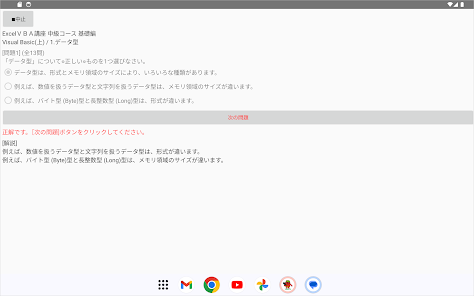
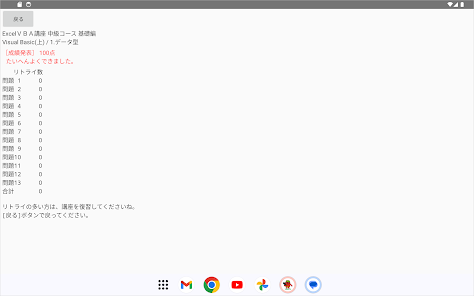
About this game
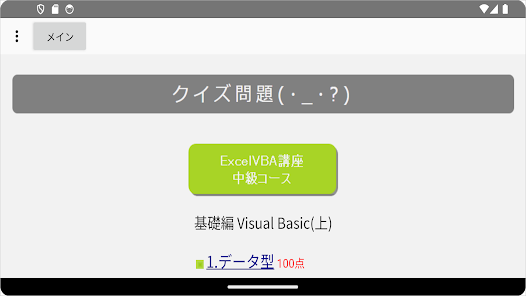
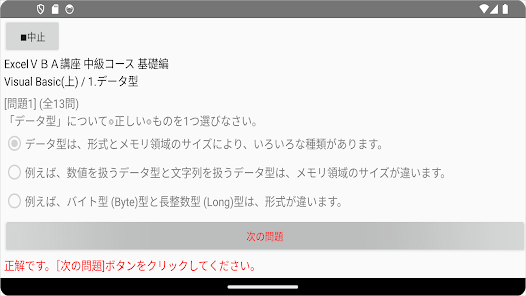
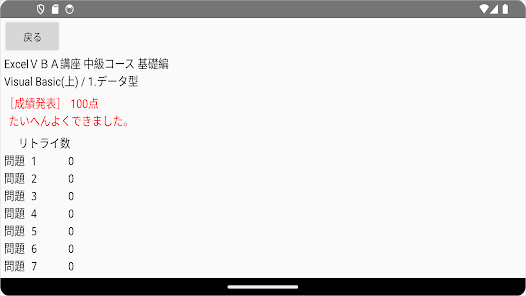
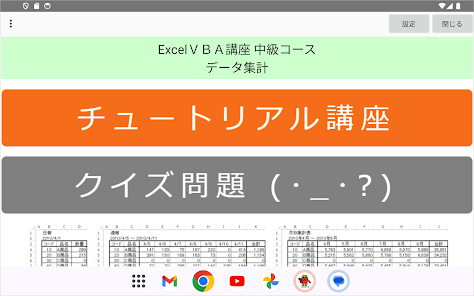
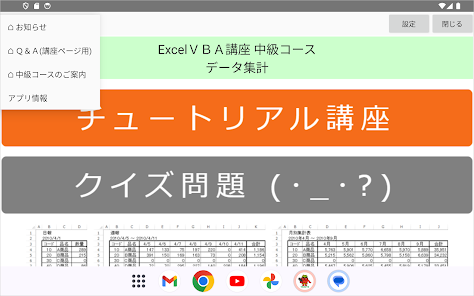
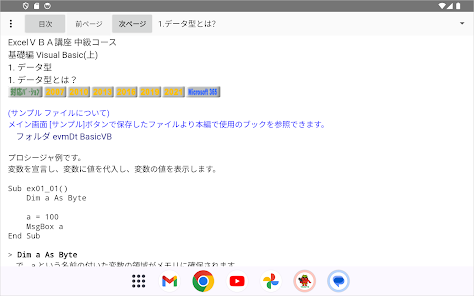
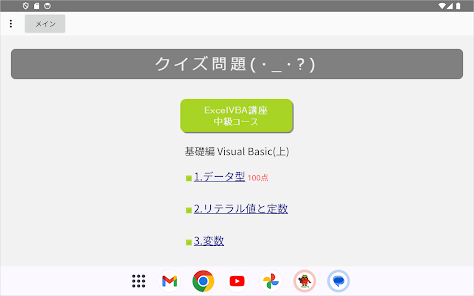
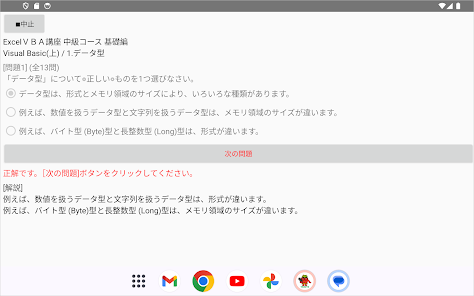
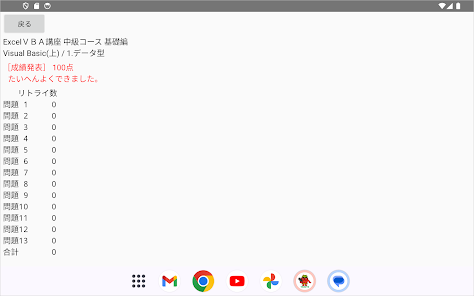
Excel VBA (macro) intermediate level tutorial course and quiz questions.
This is the version of Excel that has been confirmed to work in this course.
Excel (Windows version) 2007 to 2021 Microsoft365
The first part of the intermediate course trilogy! (Second edition: User form, Third edition: Access collaboration)
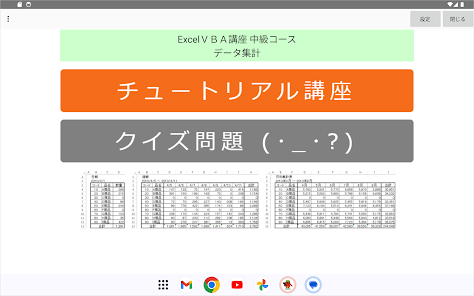
This time, we will discuss how the familiar data aggregation, which is often done manually, such as creating documents for administrative processing, will be systemized. You will experience and learn how to use Excel objects and Visual Basic through system development procedures.
In the basics course, you will not only further improve the skills learned in the beginner's course, but also learn new programming concepts such as arrays, scope, exception handling, debugging, and system design.
In the practical edition, we will take up ``data aggregation'', which is familiar from the preparation of documents for administrative processing, as a subject for case studies. Students will learn practical programming based on the ``Intermediate Course Basic Edition'' through the systemization of ``data aggregation,'' which is often done manually.
Finally, we have included a collection of tips that categorize Visual Basic, so please use it as a dictionary.
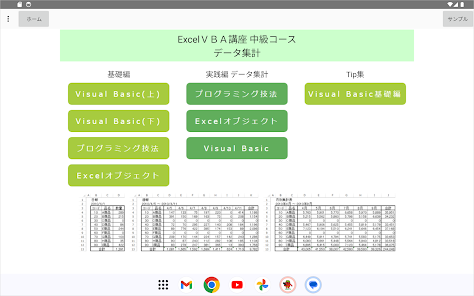
This is the course outline.
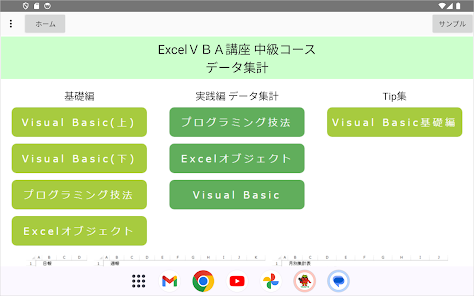
In this course, we will study the following intermediate level Excel VBA (macro) courses.
(reference)
We recommend that you take the Excel VBA beginner's course provided by our school in advance.
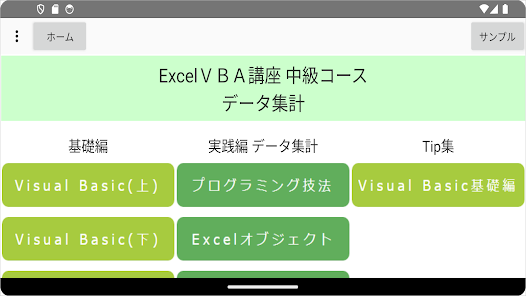
■Excel VBA course intermediate course basic edition■
Learn the intermediate level of programming required using Excel VBA (macro).
●Visual Basic
You will study the following intermediate level courses in Visual Basic, a programming language.
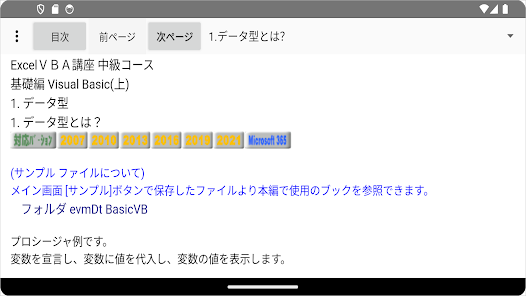
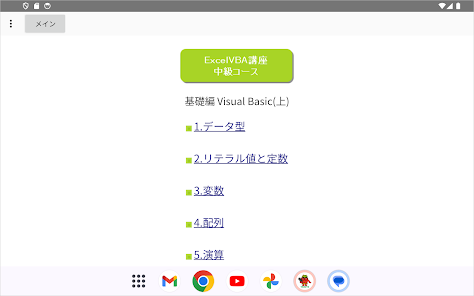
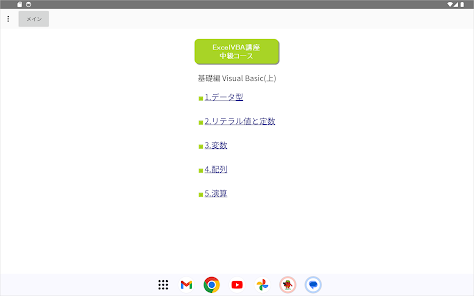
(Volume 1): Data types, literal values and constants, variables, arrays, operations
(Volume 2): Scope, procedures, control structures, exception handling, debugging
●Programming techniques
You will study the following intermediate level courses that cover the necessary programming skills.
1. Systems thinking
2. Programming etiquette
3. Algorithm
4. System development
5. Coding
●Excel object
Learn intermediate level skills such as how to use Excel objects in Visual Basic.
1. What is an object?
Before learning about Excel objects, we will clarify the true nature of objects, which are the core of object orientation.
You will also learn how to write objects in Visual Basic and how to use object variables.
And each object in Excel.
2. Application
3. Book
4. Window
5. Worksheet
6. Cell
7. Event
■Excel VBA course intermediate course practical edition■
Using case studies based on the basics, you will learn practical programming through the systemization of data aggregation, which is often done manually.
●Programming techniques Data aggregation
We will consider the system design and program processing procedures for "data aggregation" according to the steps in "Basic System Development."
●Excel object data aggregation
Based on the system design and program processing procedures we have considered, we will code a data aggregation system using Excel objects.
●Visual Basic data aggregation
We will utilize the functions of Visual Basic to integrate systems, expand functionality, and take on the challenge of creating and reproducing functions similar to the Excel objects used in this article in Visual Basic.
■Excel VBA Course Intermediate Course Tip Collection Visual Basic Basic Edition■
This is a collection of Visual Basic tips categorized by the following categories.
Numbers, strings, dates, times, folders and files
Please use it as a dictionary.
This is the version of Excel that has been confirmed to work in this course.
Excel (Windows version) 2007 to 2021 Microsoft365
The first part of the intermediate course trilogy! (Second edition: User form, Third edition: Access collaboration)
This time, we will discuss how the familiar data aggregation, which is often done manually, such as creating documents for administrative processing, will be systemized. You will experience and learn how to use Excel objects and Visual Basic through system development procedures.
In the basics course, you will not only further improve the skills learned in the beginner's course, but also learn new programming concepts such as arrays, scope, exception handling, debugging, and system design.
In the practical edition, we will take up ``data aggregation'', which is familiar from the preparation of documents for administrative processing, as a subject for case studies. Students will learn practical programming based on the ``Intermediate Course Basic Edition'' through the systemization of ``data aggregation,'' which is often done manually.
Finally, we have included a collection of tips that categorize Visual Basic, so please use it as a dictionary.
This is the course outline.
In this course, we will study the following intermediate level Excel VBA (macro) courses.
(reference)
We recommend that you take the Excel VBA beginner's course provided by our school in advance.
■Excel VBA course intermediate course basic edition■
Learn the intermediate level of programming required using Excel VBA (macro).
●Visual Basic
You will study the following intermediate level courses in Visual Basic, a programming language.
(Volume 1): Data types, literal values and constants, variables, arrays, operations
(Volume 2): Scope, procedures, control structures, exception handling, debugging
●Programming techniques
You will study the following intermediate level courses that cover the necessary programming skills.
1. Systems thinking
2. Programming etiquette
3. Algorithm
4. System development
5. Coding
●Excel object
Learn intermediate level skills such as how to use Excel objects in Visual Basic.
1. What is an object?
Before learning about Excel objects, we will clarify the true nature of objects, which are the core of object orientation.
You will also learn how to write objects in Visual Basic and how to use object variables.
And each object in Excel.
2. Application
3. Book
4. Window
5. Worksheet
6. Cell
7. Event
■Excel VBA course intermediate course practical edition■
Using case studies based on the basics, you will learn practical programming through the systemization of data aggregation, which is often done manually.
●Programming techniques Data aggregation
We will consider the system design and program processing procedures for "data aggregation" according to the steps in "Basic System Development."
●Excel object data aggregation
Based on the system design and program processing procedures we have considered, we will code a data aggregation system using Excel objects.
●Visual Basic data aggregation
We will utilize the functions of Visual Basic to integrate systems, expand functionality, and take on the challenge of creating and reproducing functions similar to the Excel objects used in this article in Visual Basic.
■Excel VBA Course Intermediate Course Tip Collection Visual Basic Basic Edition■
This is a collection of Visual Basic tips categorized by the following categories.
Numbers, strings, dates, times, folders and files
Please use it as a dictionary.
Updated on
Safety starts with understanding how developers collect and share your data. Data privacy and security practices may vary based on your use, region, and age. The developer provided this information and may update it over time.

No data shared with third parties
Learn more about how developers declare sharing

No data collected
Learn more about how developers declare collection
What's new
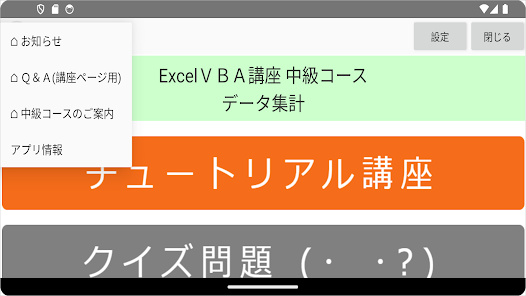
オプションメニューより Q&A(無料) を始めました。