AudioLab Audio Cutter & Editor
Contains adsIn-app purchases

4.7star
327K reviews

Everyone
info
10M+
Downloads
Enjoy this app for free, plus many more free of ads and in-app purchases, with a Google Play Pass subscription. Learn more

Everyone
Learn more






About this app
AudioLab - The Only Audio Editor App You Will Ever Need
Edit, Record, and Create Audio - All in One App
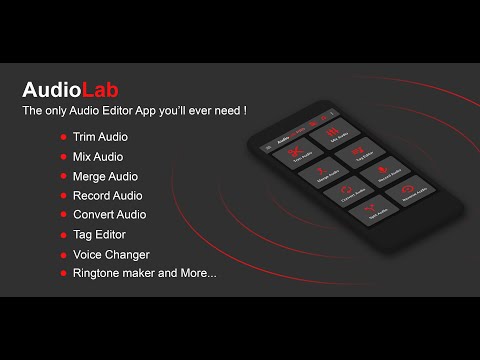
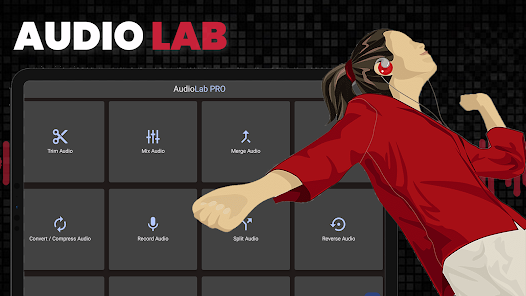
AudioLab is a powerful audio editor and voice recorder designed for anyone who wants to edit audio, record voice, cut MP3s, or create custom ringtones on Android. Whether you’re editing music, recording voice notes, making podcasts, or creating ringtones, AudioLab provides professional audio tools in a simple, easy-to-use app.
From quick trimming to advanced editing and conversion, AudioLab helps you turn raw sound into polished audio in just a few taps.
🎧 Audio Editor & MP3 Cutter
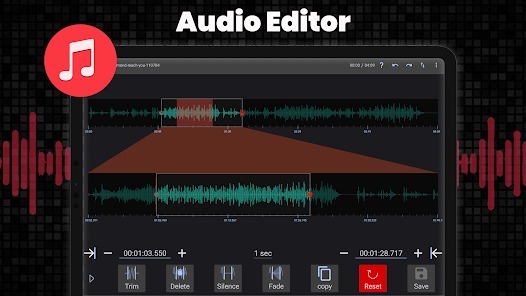
Edit audio files precisely using a clean and intuitive audio editor.
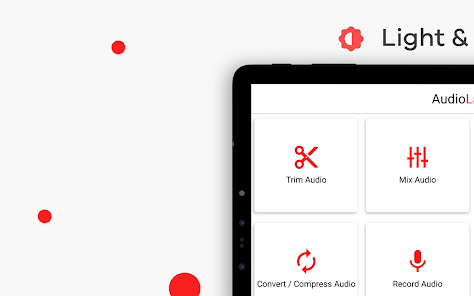
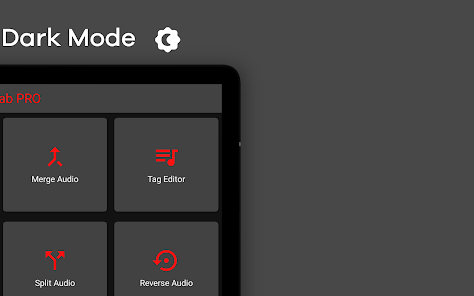
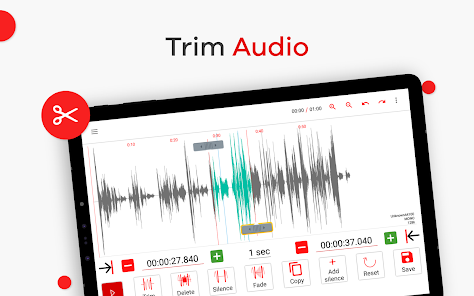
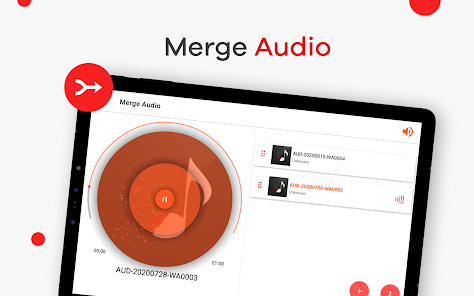
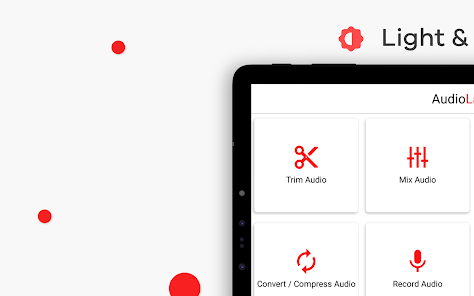
● Cut, trim, split, and merge audio tracks
● MP3 cutter for songs, voice clips, and music files
● Trim audio accurately and save the best parts
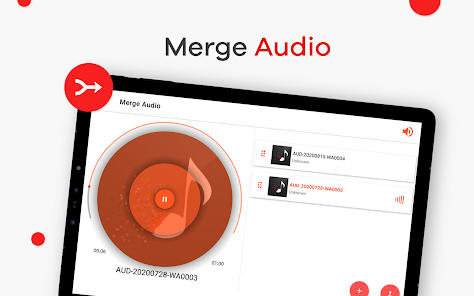
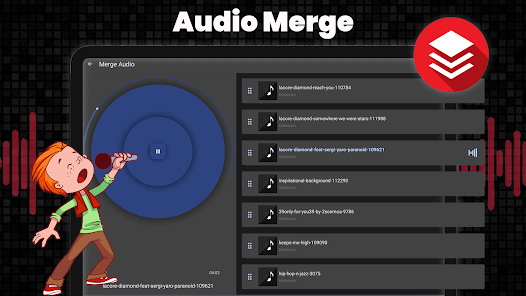
● Merge multiple audio files into one
● Edit music tracks without losing quality
Try AudioLab now and create your perfect sound!
🎙️ Voice Recorder & Audio Recorder
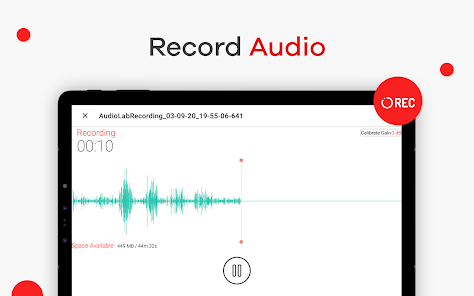
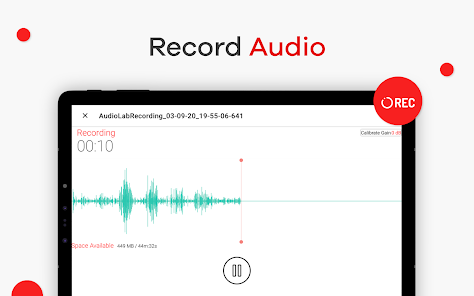
Capture clear, high-quality sound with the built-in voice recorder and audio recorder.
● Record voice, music, podcasts, and meetings
● Adjust volume and improve clarity
● Save recordings instantly and edit them later
Ideal for students, content creators, and everyday voice recording needs.
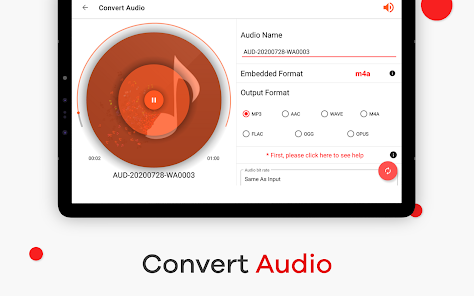
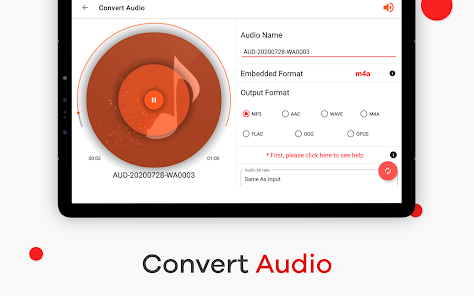
🔄 Audio Converter & MP3 Converter
Convert audio files quickly and easily with AudioLab’s audio converter.
● Convert between MP3, WAV, AAC, FLAC, M4A, and more
● Compress audio files for easier sharing
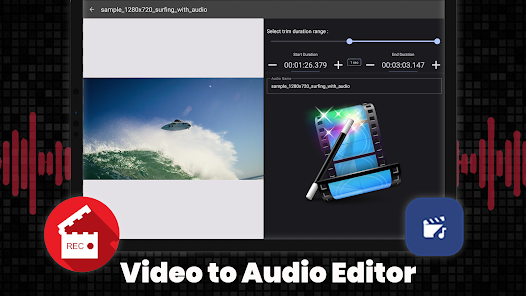
● Convert video to audio and extract sound from videos
A simple solution for managing multiple audio formats on your phone.
🎶 Music Maker, Song Maker & Beat Tools
Create and experiment with sound using AudioLab’s creative tools.
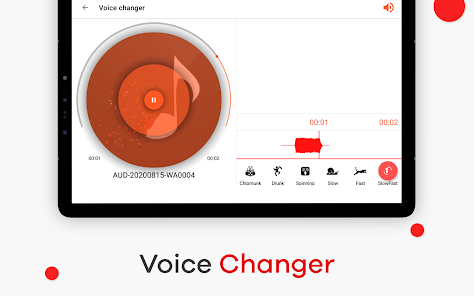
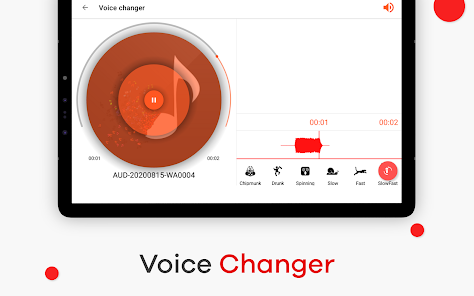
● Mix multiple audio tracks
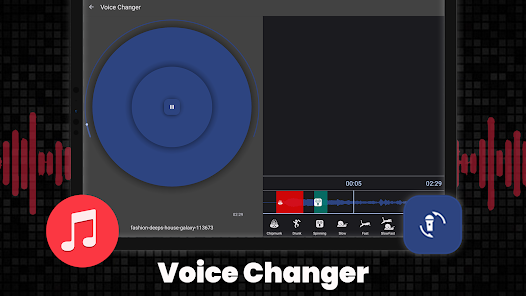
● Adjust speed, pitch, and tempo
● Create songs, remixes, and basic beats
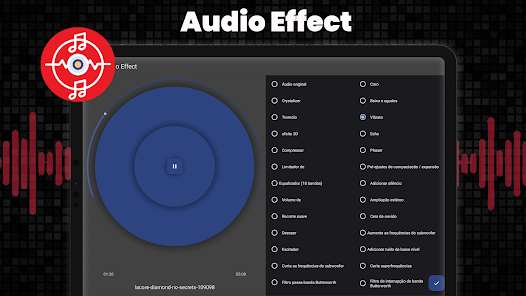
● Enhance audio with an equalizer and sound effects
AudioLab works as a lightweight music maker and song maker for quick ideas and edits.
🔔 Ringtone Maker & Audio Customization
Turn any audio file into a custom ringtone or notification sound.
● Create ringtones from songs or recordings
● Set audio as a ringtone, alarm, or notification
● Edit the ringtone length and volume easily
Personalize your phone with sounds that match your style.
Why Choose AudioLab?
● All-in-one audio editor, recorder, and converter
● Clean interface and easy to use
● Powerful tools for advanced users
● Free to use with no complex setup
AudioLab combines all essential audio tools into one app, saving you time, storage, and effort.
Download AudioLab today and master your sound!
AudioLab - Audio Editor Recorder & Ringtone Maker uses FFmpeg under LGPL
Download AudioLab - Audio Editor Recorder & Ringtone Maker today & transform the way you edit music, record & create ringtones
Edit, Record, and Create Audio - All in One App
AudioLab is a powerful audio editor and voice recorder designed for anyone who wants to edit audio, record voice, cut MP3s, or create custom ringtones on Android. Whether you’re editing music, recording voice notes, making podcasts, or creating ringtones, AudioLab provides professional audio tools in a simple, easy-to-use app.
From quick trimming to advanced editing and conversion, AudioLab helps you turn raw sound into polished audio in just a few taps.
🎧 Audio Editor & MP3 Cutter
Edit audio files precisely using a clean and intuitive audio editor.
● Cut, trim, split, and merge audio tracks
● MP3 cutter for songs, voice clips, and music files
● Trim audio accurately and save the best parts
● Merge multiple audio files into one
● Edit music tracks without losing quality
Try AudioLab now and create your perfect sound!
🎙️ Voice Recorder & Audio Recorder
Capture clear, high-quality sound with the built-in voice recorder and audio recorder.
● Record voice, music, podcasts, and meetings
● Adjust volume and improve clarity
● Save recordings instantly and edit them later
Ideal for students, content creators, and everyday voice recording needs.
🔄 Audio Converter & MP3 Converter
Convert audio files quickly and easily with AudioLab’s audio converter.
● Convert between MP3, WAV, AAC, FLAC, M4A, and more
● Compress audio files for easier sharing
● Convert video to audio and extract sound from videos
A simple solution for managing multiple audio formats on your phone.
🎶 Music Maker, Song Maker & Beat Tools
Create and experiment with sound using AudioLab’s creative tools.
● Mix multiple audio tracks
● Adjust speed, pitch, and tempo
● Create songs, remixes, and basic beats
● Enhance audio with an equalizer and sound effects
AudioLab works as a lightweight music maker and song maker for quick ideas and edits.
🔔 Ringtone Maker & Audio Customization
Turn any audio file into a custom ringtone or notification sound.
● Create ringtones from songs or recordings
● Set audio as a ringtone, alarm, or notification
● Edit the ringtone length and volume easily
Personalize your phone with sounds that match your style.
Why Choose AudioLab?
● All-in-one audio editor, recorder, and converter
● Clean interface and easy to use
● Powerful tools for advanced users
● Free to use with no complex setup
AudioLab combines all essential audio tools into one app, saving you time, storage, and effort.
Download AudioLab today and master your sound!
AudioLab - Audio Editor Recorder & Ringtone Maker uses FFmpeg under LGPL
Download AudioLab - Audio Editor Recorder & Ringtone Maker today & transform the way you edit music, record & create ringtones
Updated on
Safety starts with understanding how developers collect and share your data. Data privacy and security practices may vary based on your use, region, and age. The developer provided this information and may update it over time.


Ratings and reviews
4.6
315K reviews

Ronda Bernstein
- Flag inappropriate
- Show review history
April 18, 2026
This is the absolute best app. I'm not a professional when it comes to music but it works for my needs - removing audio from video to make music files and removing vocals from songs. Editing audio files is good too but a little tedious on a phone. The developers are awesome and very helpful if you have questions or just came figure something out. I subscribed almost immediately, not because features were limited, they weren't, but because it was perfect for my needs.
8 people found this review helpful

J. Adams
- Flag inappropriate
March 14, 2026
I tried using Audiolab to clean up background noise. They require you to watch a "short ad," which wasn't a problem, but what was a HUGE problem was that after I watched the "short ad," and went back to the menu, it wouldn't let me use the background noise tool. I watched 3 ads & every time I went back to the menu it said I had to watch a "short ad." If they think that's going to convince people they need the pro version they're mistaken. I'll stick with Audacity and Cap Cut!
6 people found this review helpful

STENY
- Flag inappropriate
March 23, 2026
excellent, I just use the free version. I use the recorder and the video to audio converter. this has more recording and export options than half the software for PCs and and Apple computers. you got a deal a little bit with the add thing and some file system stuff because I think they just want you to use their players so you can watch the an ad before whatever you recorded plays but that's fair. I didn't notice how cheap it was to buy until today though what I have been doing watching ads!
6 people found this review helpful
What’s new
AudioLab now targets Android 15 (API 35)
New Features added:-
- Speed significant improvements (up to 30%)
- Search added in the main menu
- AI features Vocal remover, multi stem separation, noise, echo, reverb removal, key bpm finder
- Audio copy tools in the audio trim improved
- Audio Mix improved
- Mix added in AI stem separation
Improvement:-
- Lots of bug fixes and performance improvements
- Lots of UI improvements
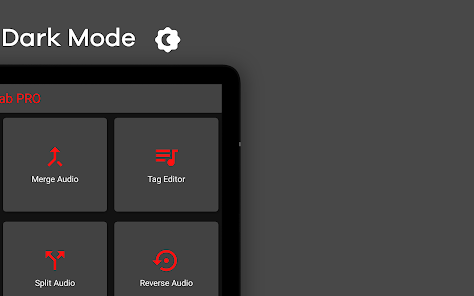
- Landscape UI is optimised
New Features added:-
- Speed significant improvements (up to 30%)
- Search added in the main menu
- AI features Vocal remover, multi stem separation, noise, echo, reverb removal, key bpm finder
- Audio copy tools in the audio trim improved
- Audio Mix improved
- Mix added in AI stem separation
Improvement:-
- Lots of bug fixes and performance improvements
- Lots of UI improvements
- Landscape UI is optimised
Everyone
Learn moreApp support
About the developer
Kumar Rohit
support@hitrolab.com
H.No. 417, Ward No. 9, Kamasi, Near Shyama Sarowar Park
Sheikhpura, Bihar 811105
India


