TimeLapse Calculator
Contains ads
4.5star
180 reviews
10K+
Downloads

Everyone
info







About this app
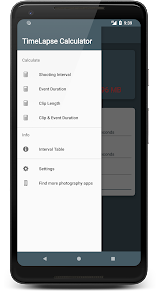
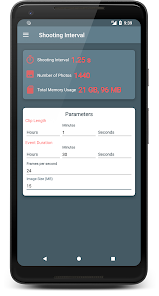
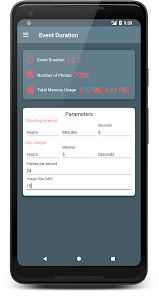
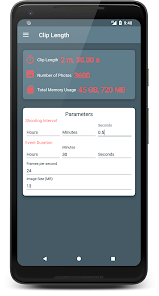
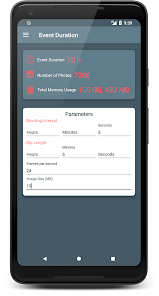
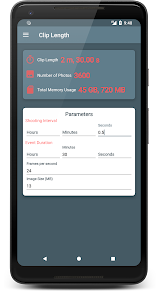
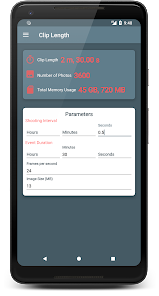
The missing tool for time lapse photographers, who already have their camera & tripod and just need to calculate different parameters for their timelapse video. TimeLapse Calculator is the most flexible time lapse calculator on Google Play. It helps you to choose appropriate parameters for your time-lapse video.
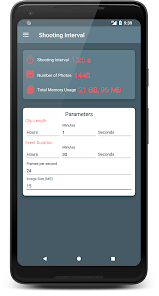
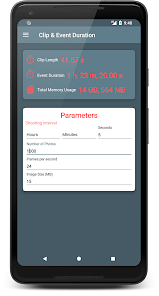
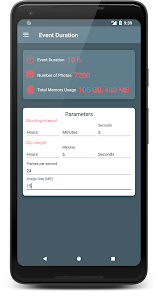
Input any parameters which you know (or want to achieve) and app will calculate all other parameters.
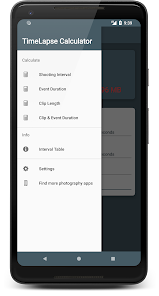
With this app you can calculate:
- Shooting interval
- Event duration
- Clip length
- Clip & Event Duration
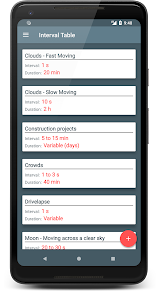
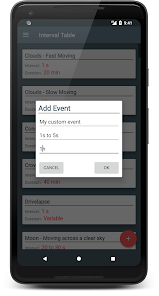
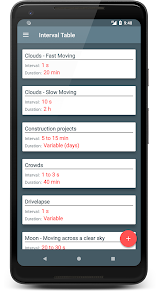
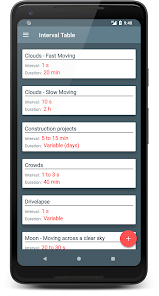
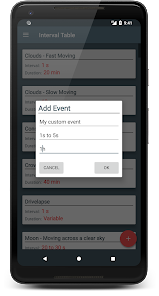
The application also offers a list of commonly used intervals for different types of timelapses like sunrise, sunset, fast moving clouds etc. You can also add your own intervals for your own events.
Supported languages:
- English
- Arabic
- Chinese
- French
- German
- Hindi
- Italian
- Korean
- Portuguese
- Russian
- Spanish
This is the free ad-supported version.
Input any parameters which you know (or want to achieve) and app will calculate all other parameters.
With this app you can calculate:
- Shooting interval
- Event duration
- Clip length
- Clip & Event Duration
The application also offers a list of commonly used intervals for different types of timelapses like sunrise, sunset, fast moving clouds etc. You can also add your own intervals for your own events.
Supported languages:
- English
- Arabic
- Chinese
- French
- German
- Hindi
- Italian
- Korean
- Portuguese
- Russian
- Spanish
This is the free ad-supported version.
Updated on
Safety starts with understanding how developers collect and share your data. Data privacy and security practices may vary based on your use, region, and age. The developer provided this information and may update it over time.


Ratings and reviews
4.5
175 reviews

A Google user
- Flag inappropriate
- Show review history
May 25, 2019
Seems to work backwards to the way I wanted it to work. edit: type in hours, type in photos interval, output fps. dont worry, another app did that for me perfectly. didnt require file size or have 4 different modes that just confised matters. the other app did 1 thing and did it without adverts. so much better for me
11 people found this review helpful
Ioannis Ioannou
May 25, 2019
Hi. How did you want it to work?

Allen Reinecke
- Flag inappropriate
- Show review history
June 12, 2023
Just what I need to calculate time lapse photo intervals! Only problem is the display works best in Landscape mode as it's too wide for Portrait and the numbers bunch up, overwriting themselves (Pixel 6a).
1 person found this review helpful
Ioannis Ioannou
June 12, 2023
Thank you for your kind feedback. Could you please use the contact form to send me some screenshots to check the layout in portrait and landscape mode?

Ardia Ovidius
- Flag inappropriate
November 2, 2023
So far, great utility. Works like a charm. Thank you..


