Safe Notes Pro Secure NotePad
4.2star
286 reviews
10K+
Downloads

Everyone
info







About this app
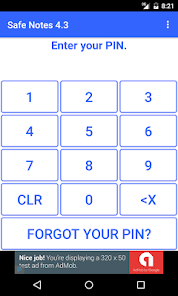
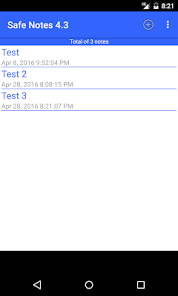
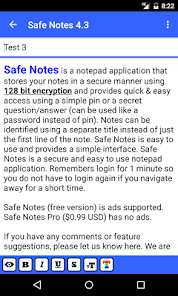
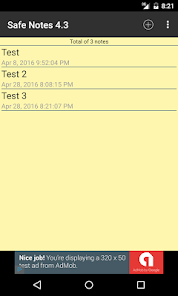
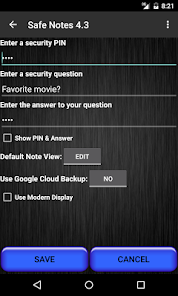
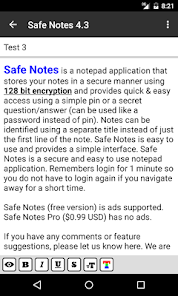
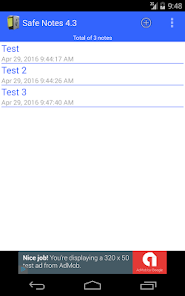
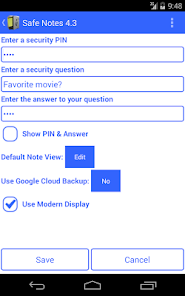
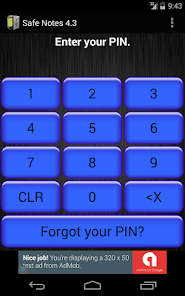
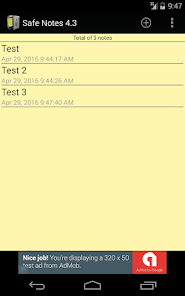
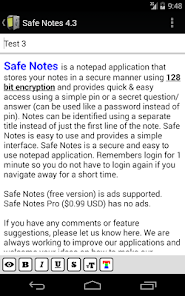
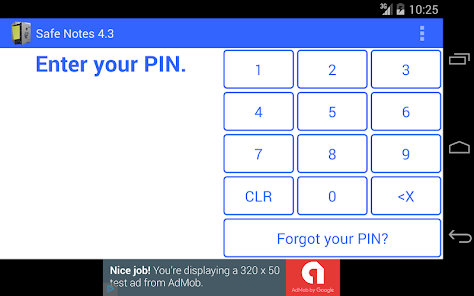
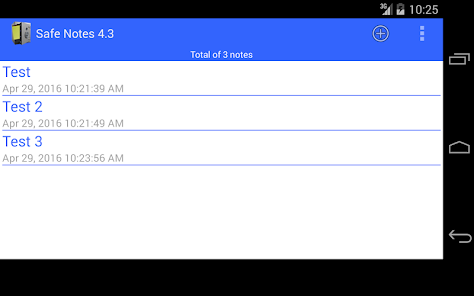
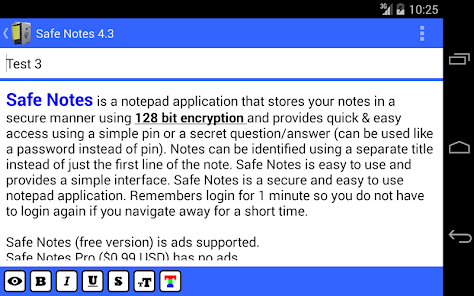
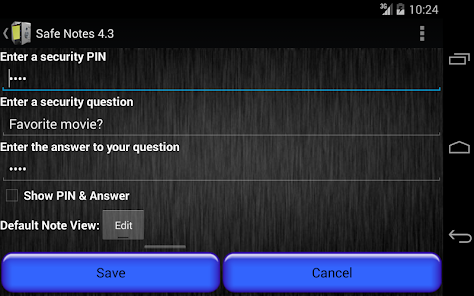
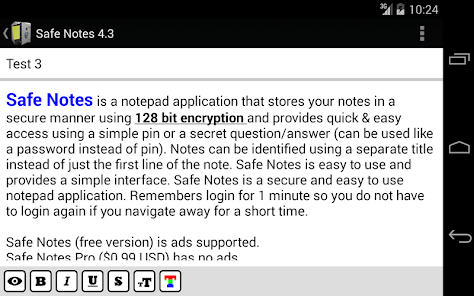
Safe Notes is a notepad application that stores your notes in a secure manner using 128 bit encryption and provides quick & easy access using a simple pin number or a secret question/answer (can be used like a password instead of pin). Notes can be identified using a separate title instead of just the first line of the note. Safe Notes stores all your data on the device instead of uploading your personal information to the internet. Safe Notes is easy to use and provides a simple interface. Safe Notes is a secure and easy to use notepad application.
Remembers login for 1 minute so you do not have to login again if you navigate away for a short time.
Delete notes by long tapping on a note in the list.
Please update and run Safe Notes before upgrading to Gingerbread (Android 2.3). This is required to ensure you will be able to access your notes after upgrading your phone/device.
Safe Notes (free version) is ads supported.
If you have any comments or feature suggestions, please let us know at www.yougosoft.com. We are always working to improve our applications and welcome your ideas on how to make our applications better.
Features:
* Pin Number access (auto locks after 1 minute)
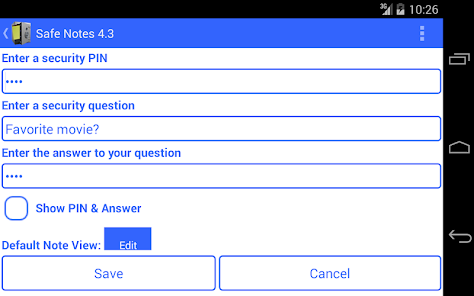
* Secret question/answer access (can leave out pin for password style access)
* Separate note title
* Create/Delete notes
* Notes can be up to 5000 characters
* Sort Options (ascending and descending)
* Search functionality
* Send note as SMS or Email
* Database storage
* Send note as email or SMS message
* Destroy Database option
* Help screens and messages
* All data encrypted (128 bit encryption)
* All data stored on device
* Email Backup and Transfer
* Auto-Save notes
* Auto Backup to Google Cloud (optional)
Requirements:
* Available space
* English language only
Keywords:
Notepad/notebook/textpad/secure/notes/note/note pad/text pad/safe/note book/memo/pad/legal pad/legal/scratch pad
Remembers login for 1 minute so you do not have to login again if you navigate away for a short time.
Delete notes by long tapping on a note in the list.
Please update and run Safe Notes before upgrading to Gingerbread (Android 2.3). This is required to ensure you will be able to access your notes after upgrading your phone/device.
Safe Notes (free version) is ads supported.
If you have any comments or feature suggestions, please let us know at www.yougosoft.com. We are always working to improve our applications and welcome your ideas on how to make our applications better.
Features:
* Pin Number access (auto locks after 1 minute)
* Secret question/answer access (can leave out pin for password style access)
* Separate note title
* Create/Delete notes
* Notes can be up to 5000 characters
* Sort Options (ascending and descending)
* Search functionality
* Send note as SMS or Email
* Database storage
* Send note as email or SMS message
* Destroy Database option
* Help screens and messages
* All data encrypted (128 bit encryption)
* All data stored on device
* Email Backup and Transfer
* Auto-Save notes
* Auto Backup to Google Cloud (optional)
Requirements:
* Available space
* English language only
Keywords:
Notepad/notebook/textpad/secure/notes/note/note pad/text pad/safe/note book/memo/pad/legal pad/legal/scratch pad
Updated on
Safety starts with understanding how developers collect and share your data. Data privacy and security practices may vary based on your use, region, and age. The developer provided this information and may update it over time.

No data shared with third parties
Learn more about how developers declare sharing

This app may collect these data types
App info and performance

Data isn’t encrypted
Data can’t be deleted
Ratings and reviews
4.1
263 reviews

L-M
- Flag inappropriate
- Show review history
September 11, 2022
I have had this application for year, works great in the application. However, this will not open the curretly emailed / downloaded or saved downloads in Google drive or the Application, it states, unsupported file. Even while I am using or in the application on my current device, it is installed. I have tried a multitude of times over the years. I have gmail. I emailed it to my email, then it supposedly downloads, after i open email then try to open download. Nope still dies not work.
1 person found this review helpful

Ian Kench
- Flag inappropriate
August 13, 2022
I've been using the Pro version for many years - can't remember exactly which year I first installed it or what phone I had but I suspect maybe 2010 or 2011. It's served me well. Don't remember ever having any problems with it. Two points I'd like to know although I suspect the answers will be no, are, Is there a way to set the backup default location to my sd card and is it possible to copy the data to my pc in order to edit / use it?
6 people found this review helpful

Dale N
- Flag inappropriate
February 15, 2021
This app works great. I haven't had any problems with it yet. Some have said it has a white background and white lettering but I haven't seen that in my Samsung galaxy s9 yet. Mine is yellow background with white lettering. It backs up each time I make any change to a note when I go to close it.
7 people found this review helpful
What's new
Updated Google libraries and misc bug fixes