
Photo Editor
Contains adsIn-app purchases

4.4star
505K reviews
50M+
Downloads

Everyone
info
Enjoy this app for free, plus many more free of ads and in-app purchases, with a Google Play Pass subscription. Learn more


About this app
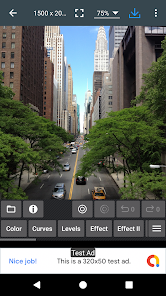
If you have some knowledge of photography, you can do a lot with Photo Editor.
Now use Photo Editor to edit photos on your mobile phone just like you would on a PC.
Features
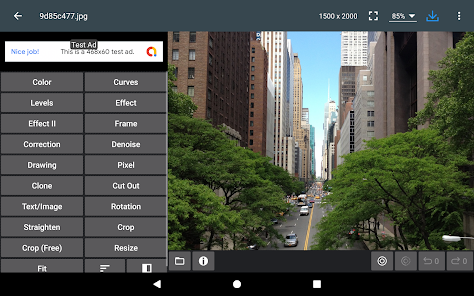
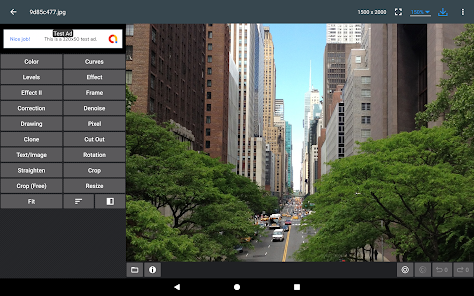
* Color : exposure, brightness, contrast, saturation, temperature, tint and hue
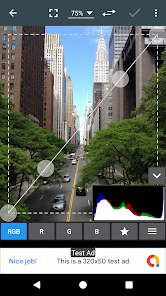
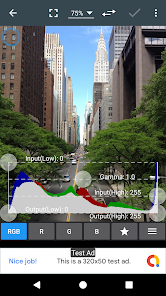
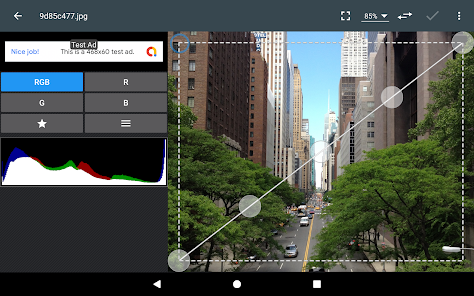
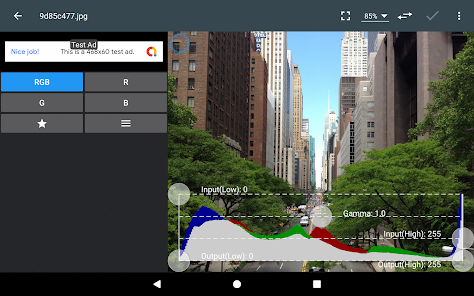
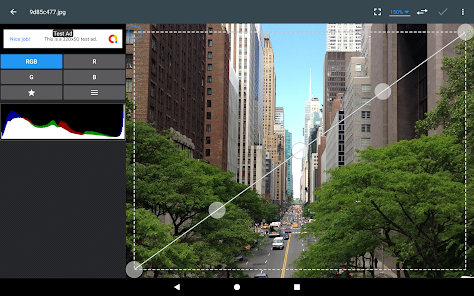
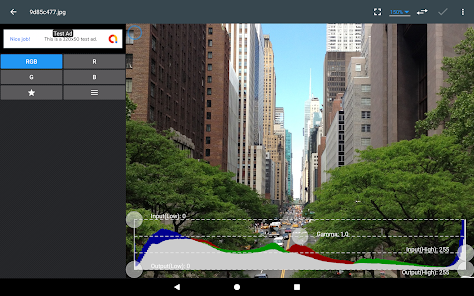
* Curves & Levels : fine-tuning of colors
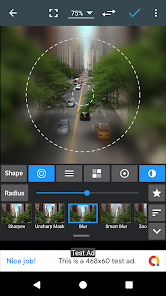
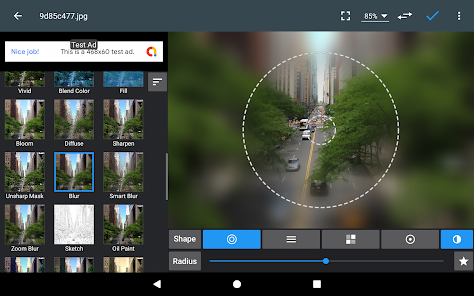
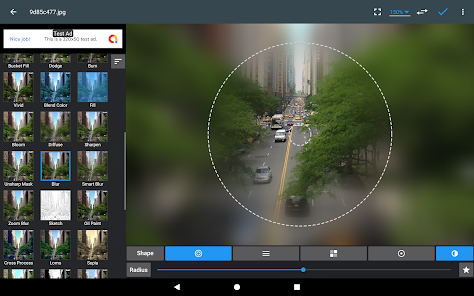
* Effects : gamma correction, auto contrast, auto tone, vibrance, blur, sharpen, oil paint, sketch, black & white high contrast, sepia, and more
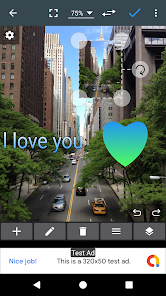
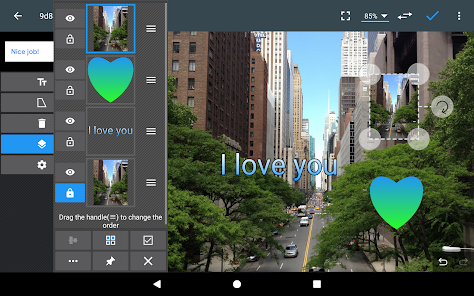
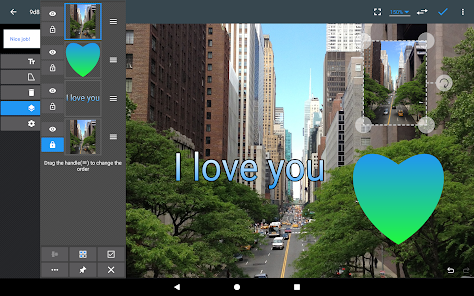
* Adding text, images or shapes
* Frame, Denoise, Drawing, Pixel, Clone, Cut Out
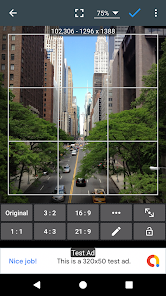
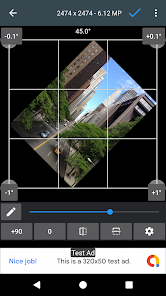
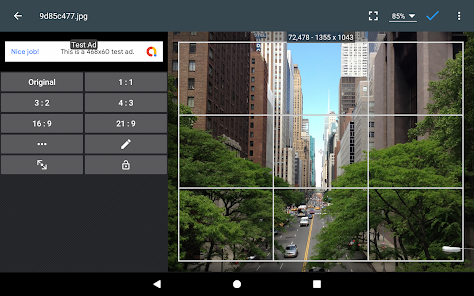
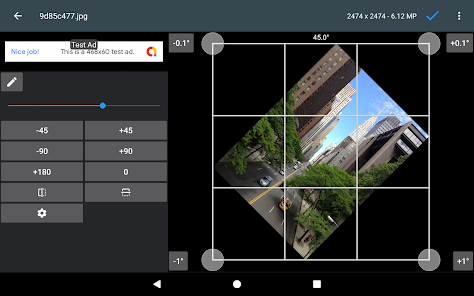
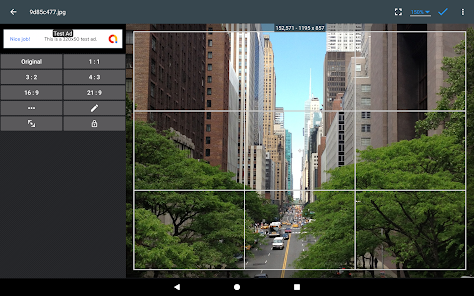
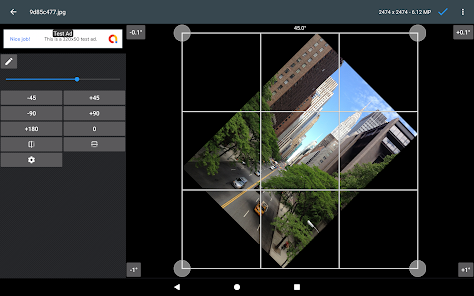
* Rotation, Straighten, Crop, Resize
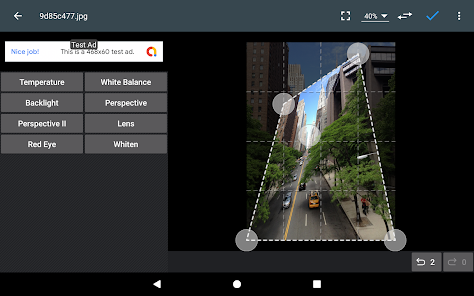
* Corrections : perspective, lens, red-eye, white balance and backlight
* Easily edit with the touch and pinch-to-zoom interface
* Save images in JPEG, PNG, GIF, WebP and PDF
* View, edit, or delete Metadata (EXIF, IPTC, XMP)
* Save your final result to your gallery, as wallpaper, or on your SD card
* Share photos via email, social media, and more
* Batch, Crop(Puzzle), Compress to ZIP, Create PDF, Animated GIF
* Webpage Capture, Video Capture, PDF Capture
* Compare Photos, GIF Frame Extractor, SVG Rasterizer
* Ad-free option is available (Settings > Purchase Items)
*** Links
Website: https://www.iudesk.com
Tutorials: https://www.iudesk.com/photoeditor/tutorial
*** PHOTO EDITOR IS NOT SPYWARE/VIRUS!!!
Photo Editor does not contain any viruses or malicious code.
https://www.iudesk.com/photoeditor/security
Now use Photo Editor to edit photos on your mobile phone just like you would on a PC.
Features
* Color : exposure, brightness, contrast, saturation, temperature, tint and hue
* Curves & Levels : fine-tuning of colors
* Effects : gamma correction, auto contrast, auto tone, vibrance, blur, sharpen, oil paint, sketch, black & white high contrast, sepia, and more
* Adding text, images or shapes
* Frame, Denoise, Drawing, Pixel, Clone, Cut Out
* Rotation, Straighten, Crop, Resize
* Corrections : perspective, lens, red-eye, white balance and backlight
* Easily edit with the touch and pinch-to-zoom interface
* Save images in JPEG, PNG, GIF, WebP and PDF
* View, edit, or delete Metadata (EXIF, IPTC, XMP)
* Save your final result to your gallery, as wallpaper, or on your SD card
* Share photos via email, social media, and more
* Batch, Crop(Puzzle), Compress to ZIP, Create PDF, Animated GIF
* Webpage Capture, Video Capture, PDF Capture
* Compare Photos, GIF Frame Extractor, SVG Rasterizer
* Ad-free option is available (Settings > Purchase Items)
*** Links
Website: https://www.iudesk.com
Tutorials: https://www.iudesk.com/photoeditor/tutorial
*** PHOTO EDITOR IS NOT SPYWARE/VIRUS!!!
Photo Editor does not contain any viruses or malicious code.
https://www.iudesk.com/photoeditor/security
Updated on
Safety starts with understanding how developers collect and share your data. Data privacy and security practices may vary based on your use, region, and age. The developer provided this information and may update it over time.


Ratings and reviews
4.4
475K reviews

Maddog M.
- Flag inappropriate
January 4, 2026
This is ALWAYS one of the first things I download to my phone. It ain't Photoshop but it does a damn good job and meets 90% of my needs. Developer keeps keeps it up to date. Sometimes some parts are a little awkward to use but the range of tools is excellent. It even has a curves tool for people who know how to use it! The footprint is small, the previews & processing are fast and the ads are not intrusive. Lots of save as & editing options including zip & even pdf files. HIGHLY recommended!
79 people found this review helpful

gD - Lacey Stinson
- Flag inappropriate
December 3, 2025
Awesome! Many features you'd expect only in dedicated PC programs (Corel, Gimp). I don't think it handles layers yet, but if you want complete control of everything else, rather than presets, you'll find it here. I've used it for years. Only recently did they start running ads (hit back button to exit ad). I felt obligated to buy it for a minimal fee considering how much use I've gotten out of it. Keep up the excellent work.
30 people found this review helpful

Charlotte Bradley
- Flag inappropriate
- Show review history
January 17, 2026
Hands-down the best image editing tool on Android if you're looking for pixel-level precision. I routinely use this app every day, several times a day, to crop, merge, overlay, and convert images, in addition to functions such as Levels editing for photos. 100% worth the full version, no doubt about it.
2 people found this review helpful
What’s new
Version 12.5
• Crash & Bug fixes
• Crash & Bug fixes
App support
About the developer
(주)엠지소프트
dev@mgsoftinc.com
대한민국 서울특별시 강남구
강남구 도곡로78길 22, 105동 602호 (대치동,대치삼성아파트)
06279
+82 70-7556-3472


