
Meeting Room 365
10K+
Downloads

Everyone
info




About this app
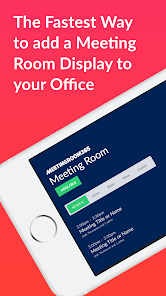
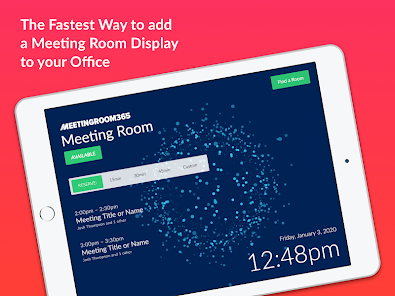
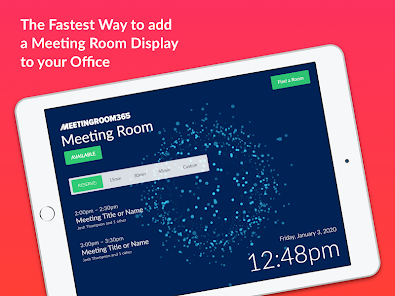
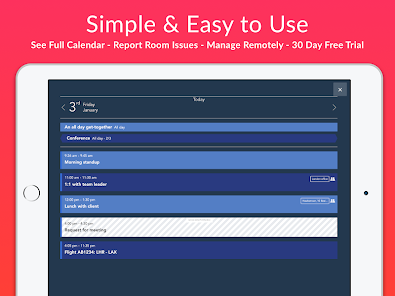
Meeting Room 365 is the Fastest Way to add a Meeting Room Display to your office - providing everything you need to coordinate, schedule, and organize your meeting rooms. Log into your web account to customize the look and feel of the display, and administer all of the tablets on from a single website.
Supports Office 365™ & Outlook™, G Suite™, and Exchange™.
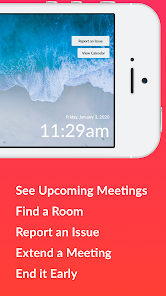
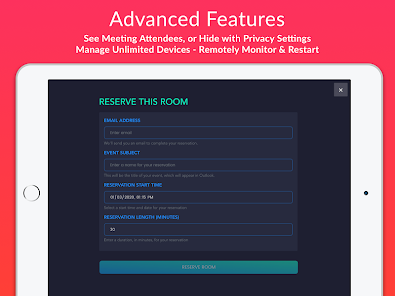
• Find an available room for a meeting, and book with a single tap
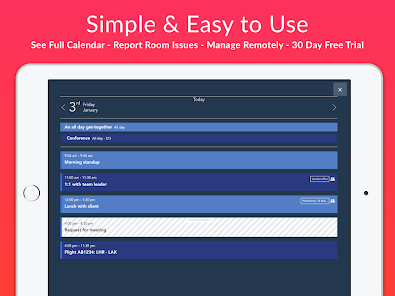
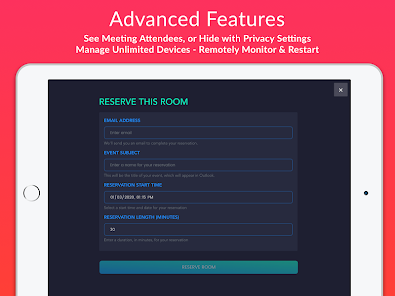
• All settings can be managed remotely, with device statuses & reporting
• Let users report room issues or make custom requests from the tablet
• Connects to IFTTT for presence detection and hardware integration
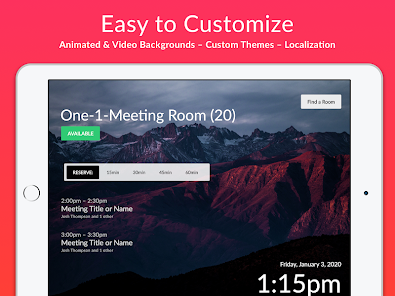
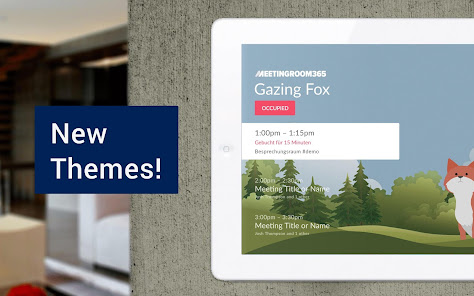
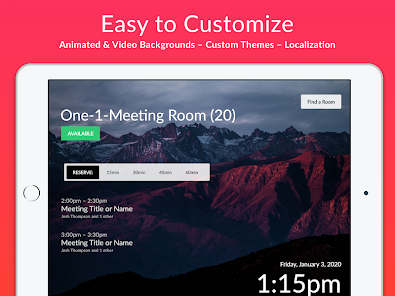
• Complete theming & style customization available online
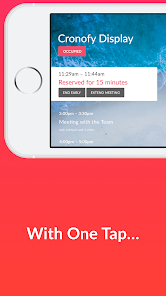
• Automatically cancel meetings if nobody shows up
• Automatically Prevents double booking
• Always in-sync with your calendar system
• Create Unlimited Meeting Room Displays
• Works with your existing email tenant
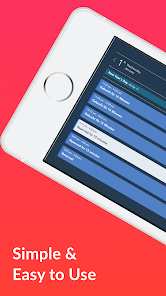
• Works great in Portrait or Landscape
• Compatible with most MDM software
• Localizable and Translatable
• Fast & Easy to setup
Visit our website for more details, and to create a Meeting Room 365 account.
Supports Office 365™ & Outlook™, G Suite™, and Exchange™.
• Find an available room for a meeting, and book with a single tap
• All settings can be managed remotely, with device statuses & reporting
• Let users report room issues or make custom requests from the tablet
• Connects to IFTTT for presence detection and hardware integration
• Complete theming & style customization available online
• Automatically cancel meetings if nobody shows up
• Automatically Prevents double booking
• Always in-sync with your calendar system
• Create Unlimited Meeting Room Displays
• Works with your existing email tenant
• Works great in Portrait or Landscape
• Compatible with most MDM software
• Localizable and Translatable
• Fast & Easy to setup
Visit our website for more details, and to create a Meeting Room 365 account.
Updated on
Safety starts with understanding how developers collect and share your data. Data privacy and security practices may vary based on your use, region, and age. The developer provided this information and may update it over time.


What's new
Updates to restart feature and bug fixes
