
TTKeyboard - Myanmar Keyboard
4.5star
4.14K reviews
1M+
Downloads

Everyone
info
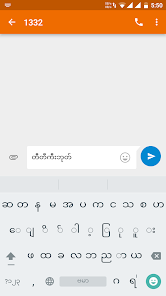
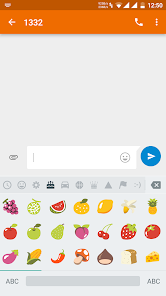

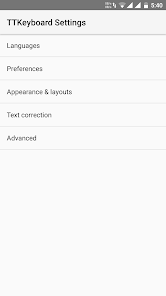
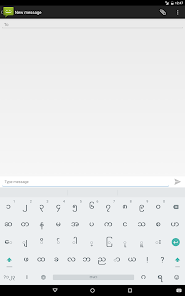
About this app
Safety starts with understanding how developers collect and share your data. Data privacy and security practices may vary based on your use, region, and age. The developer provided this information and may update it over time.

No data shared with third parties
Learn more about how developers declare sharing

No data collected
Learn more about how developers declare collection
Ratings and reviews
4.5
3.96K reviews

Keith White
- Flag inappropriate
- Show review history
July 17, 2024
TTKeyboard - Myanmar Keyboard is fast and accurate after testing it out it's very similar to Gboard. It just needs some new keyboard updates and new emoji updates. Sometimes the autocorrect feature automatically kicks in and sometimes it doesn't.
1 person found this review helpful

fire dragon
- Flag inappropriate
October 12, 2023
This app can read our contacts. Searching for accounts on the device Ability to modify storage and delete stored content; Able to silently download files without any ad ID permission notification. Controlling vibration for the sole reason that bottom service is performed; It can appear on top of other apps; Being able to start Even when the network is blocked, it can still have full access;👎
22 people found this review helpful

Zaw Myo
- Flag inappropriate
November 13, 2022
You should update this app like iOS version. Just like iOS version, this app should have more languages, more themes and other better functions. And you need to fix the errors like underlining text constantly in some Android phones when typing Burmese Unicode and Zawcode keyboard has some missing alphabets. I'm waiting for your biggest update. 🙂
47 people found this review helpful
What's new
Fix crashing issue on newer MIUI devices