
PStouch
2.4star
335 reviews
50K+
Downloads

Everyone
info




About this app
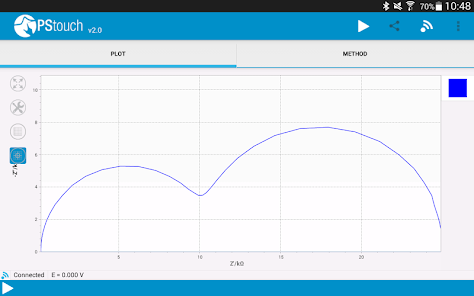
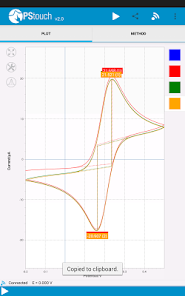
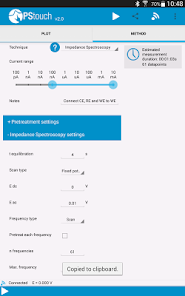
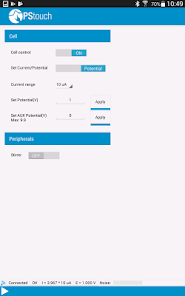
PStouch features:
- Control PalmSens and EmStat devices via USB* or Bluetooth
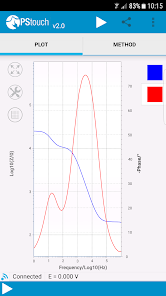
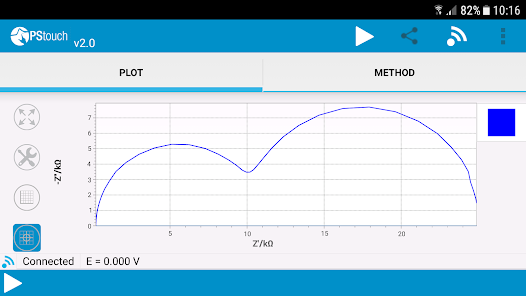
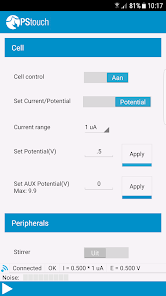
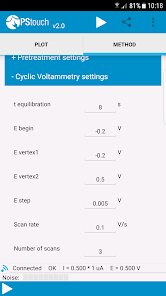
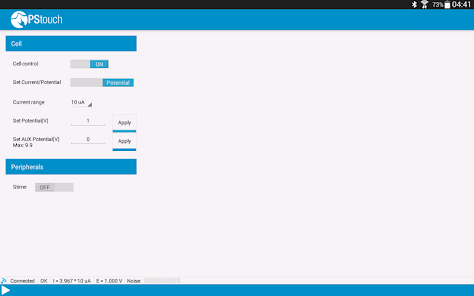
- Configure and run measurements
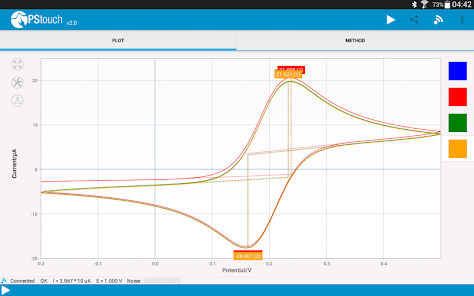
- Load and save measured curves
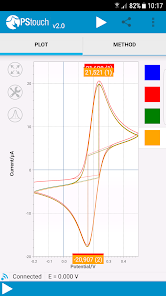
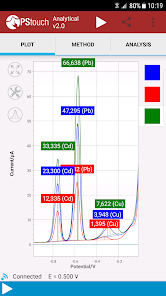
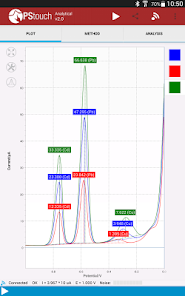
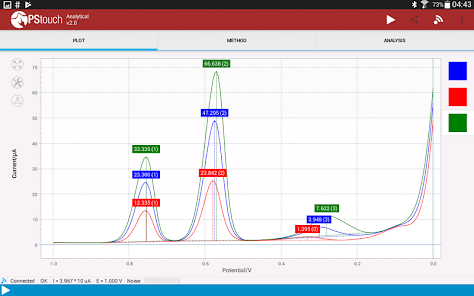
- Analyse and manipulate peaks
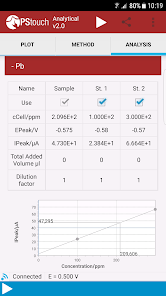
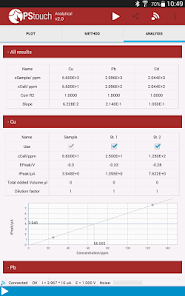
- Analytical mode for concentration determination by means of standard addition or a calibration curve
- Share measurement and analysis data directly via e-mail or Dropbox
- Support for PalmSens accessories such as a multiplexer, stirrer or bipot
- Since version 1.12 PStouch will request Wi-fi and network access permissions when it is installed. These are used only for (anonymous) analytics and automated bug reports. When PStouch is first started the user is asked about anonymous data collection and bug reports, if he/she selects no then PStouch will never use the wi-fi connection. We respect your privacy and will never collect personal information!
Important notes:
1. If PStouch fails to update or does not start after updating then please uninstall it, delete the PStouch folder on your SD card and reinstall PStouch from the Google Play store. Also make sure that there is enough free space on your phone and SD card.
2. If you would like to connect you EmStat or PalmSens device to your mobile phone or tablet via USB then your phone or tablet must support USB host mode. Most modern phones and full-sized tablets support USB host mode, if you are unsure then please consult your device manual.
3. Emstat 3 devices may have problems connection via USB depending on your mobile device, if you are having problems then please consult the Help section of PStouch for solutions. You can find the Help section listed in the main menu.
*) Depends on Android device model
- Control PalmSens and EmStat devices via USB* or Bluetooth
- Configure and run measurements
- Load and save measured curves
- Analyse and manipulate peaks
- Analytical mode for concentration determination by means of standard addition or a calibration curve
- Share measurement and analysis data directly via e-mail or Dropbox
- Support for PalmSens accessories such as a multiplexer, stirrer or bipot
- Since version 1.12 PStouch will request Wi-fi and network access permissions when it is installed. These are used only for (anonymous) analytics and automated bug reports. When PStouch is first started the user is asked about anonymous data collection and bug reports, if he/she selects no then PStouch will never use the wi-fi connection. We respect your privacy and will never collect personal information!
Important notes:
1. If PStouch fails to update or does not start after updating then please uninstall it, delete the PStouch folder on your SD card and reinstall PStouch from the Google Play store. Also make sure that there is enough free space on your phone and SD card.
2. If you would like to connect you EmStat or PalmSens device to your mobile phone or tablet via USB then your phone or tablet must support USB host mode. Most modern phones and full-sized tablets support USB host mode, if you are unsure then please consult your device manual.
3. Emstat 3 devices may have problems connection via USB depending on your mobile device, if you are having problems then please consult the Help section of PStouch for solutions. You can find the Help section listed in the main menu.
*) Depends on Android device model
Updated on
Safety starts with understanding how developers collect and share your data. Data privacy and security practices may vary based on your use, region, and age. The developer provided this information and may update it over time.

No data shared with third parties
Learn more about how developers declare sharing

This app may collect these data types
App activity and App info and performance

Data is encrypted in transit

Data can’t be deleted
Ratings and reviews
2.6
301 reviews

Kingu Rici Ryadi
- Flag inappropriate
March 14, 2024
Constant crashes before and after measurements. Lost some data because autosave wasn't enabled automatically
1 person found this review helpful

A Google user
- Flag inappropriate
December 25, 2019
I know this is a great app but this app keeps stopping on my SAMSUNG-SM-G891A please fox this and reply :)
42 people found this review helpful

Jose Ramos
- Flag inappropriate
July 17, 2024
Never worked on my Moto Z phone
What's new
- Added support for EmStat4S/R/M
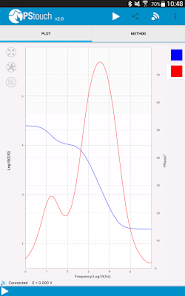
- Added support for Galvanostatic Electrochemical Impedance Spectroscopy on PalmSens4 and Emstat4
- Added support for Linear Sweep Potentiometry on PalmSens4 and EmStat4
- Added support for MixedMode on Sensit, Emstat Pico and EmStat4
- Improved maximum sampling rate over Bluetooth for Sensit BT, EmStat Pico devboard, EmStat4R and EmStat4X
- Improved loading/saving of files
- Fixed issue with sharing of impedimetric measurements
- Added support for Galvanostatic Electrochemical Impedance Spectroscopy on PalmSens4 and Emstat4
- Added support for Linear Sweep Potentiometry on PalmSens4 and EmStat4
- Added support for MixedMode on Sensit, Emstat Pico and EmStat4
- Improved maximum sampling rate over Bluetooth for Sensit BT, EmStat Pico devboard, EmStat4R and EmStat4X
- Improved loading/saving of files
- Fixed issue with sharing of impedimetric measurements