
HDHomeRun
2.8star
881 reviews
100K+
Downloads

Everyone
info



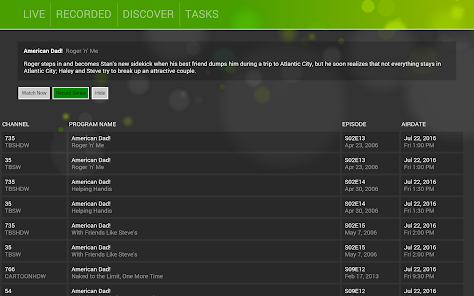

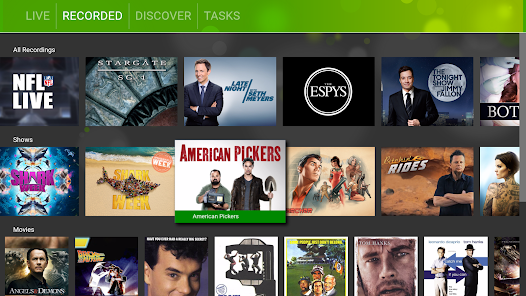
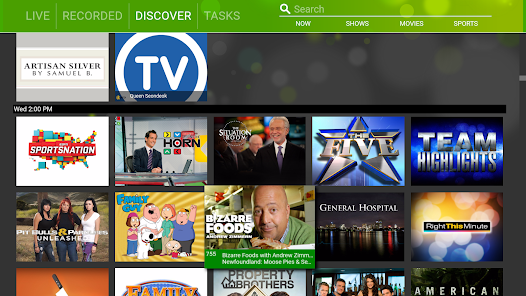
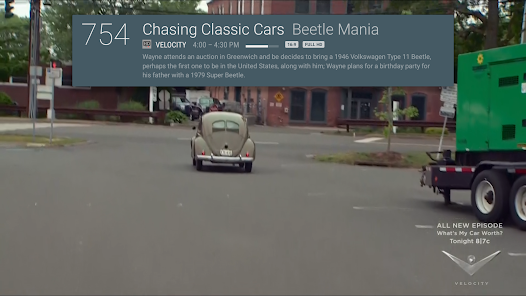
About this app
* This app requires an HDHomeRun tuner present on your local area network
* Update to the latest release
https://my.hdhomerun.com/
The HDHomeRun app requires an HDHomeRun tuner to watch Live TV on your Android phone, tablet, or Android TV box.
REQUIREMENTS:
• Compatible HDHomeRun device:
HDHomeRun CONNECT, EXTEND, EXPAND, or PRIME
Legacy model HDHomeRuns like the DUAL will support Live TV streaming; however, DVR is not supported.
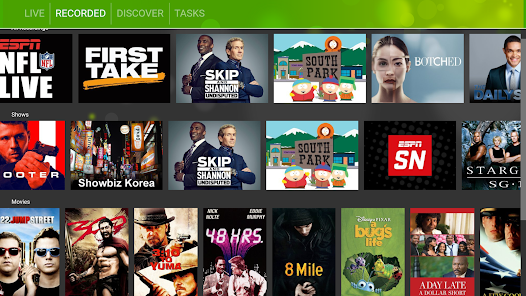
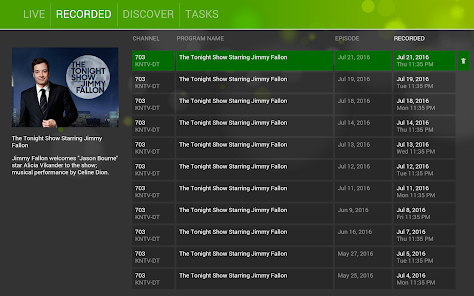
• DVR features (including pause and rewind) will require the HDHomeRun DVR:
https://www.silicondust.com/shop/
• Reliable Wi-Fi network
• Android 4.4.2 or later
FEATURES:
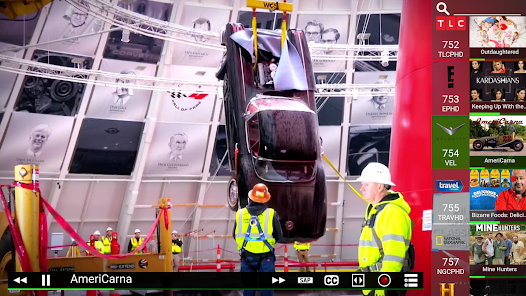
• Live TV (cable TV and over-the-air) viewing on your Android phone, tablet, or Android TV box.
• Supports HD channels
• Cable TV and OTA.
• No external player needed
• Fast Channel changes
• Intuitive UI and OSD to control closed caption, audio tracks, and zoom with a single tap
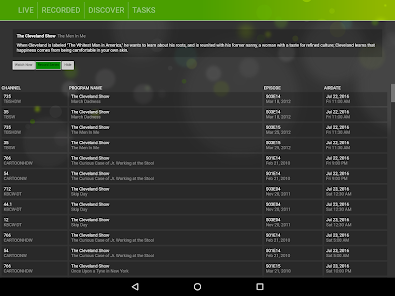
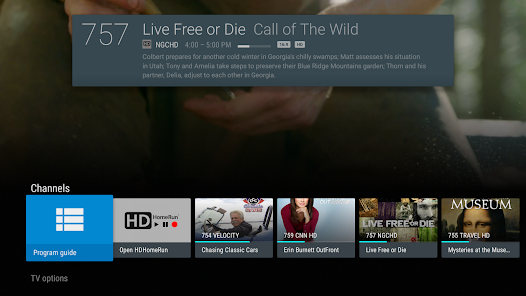
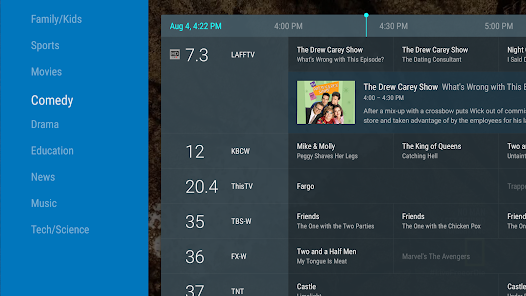
• What’s on now and what’s on next guide data
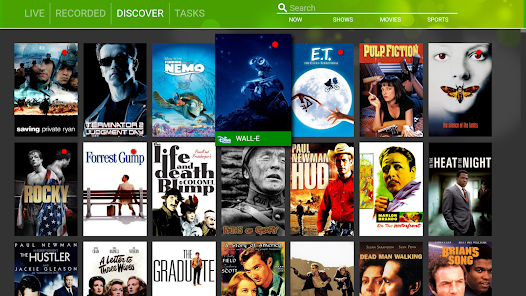
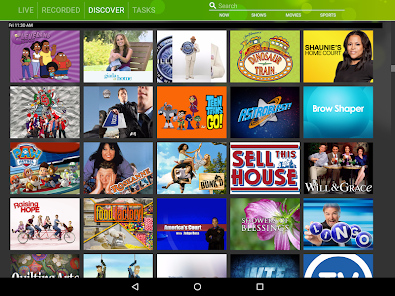
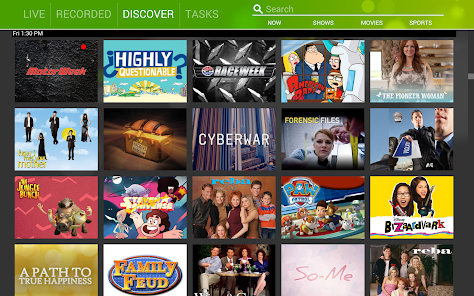
• Program images, show cards, and channel logos
• Program progress bar
• Consolidated list of channels (for user with both Cable and ATSC tuners).
• Does NOT require an always on computer
• Full 14 day guide data for DVR subscribers / Non-DVR subscribers get free 24 hour guide data
www.hdhomerun.com
* Guide data and images are officially licensed by Gracenote
* The HDHomeRun app does not work outside of your home network. Your Android device must be connected to the same local network as your HDHomeRun tuner.
For questions, concerns, bug reports, and feature requests, contact us on via email support@silicondust.com or on the HDHomeRun forums: www.silicondust.com/forum
* Update to the latest release
https://my.hdhomerun.com/
The HDHomeRun app requires an HDHomeRun tuner to watch Live TV on your Android phone, tablet, or Android TV box.
REQUIREMENTS:
• Compatible HDHomeRun device:
HDHomeRun CONNECT, EXTEND, EXPAND, or PRIME
Legacy model HDHomeRuns like the DUAL will support Live TV streaming; however, DVR is not supported.
• DVR features (including pause and rewind) will require the HDHomeRun DVR:
https://www.silicondust.com/shop/
• Reliable Wi-Fi network
• Android 4.4.2 or later
FEATURES:
• Live TV (cable TV and over-the-air) viewing on your Android phone, tablet, or Android TV box.
• Supports HD channels
• Cable TV and OTA.
• No external player needed
• Fast Channel changes
• Intuitive UI and OSD to control closed caption, audio tracks, and zoom with a single tap
• What’s on now and what’s on next guide data
• Program images, show cards, and channel logos
• Program progress bar
• Consolidated list of channels (for user with both Cable and ATSC tuners).
• Does NOT require an always on computer
• Full 14 day guide data for DVR subscribers / Non-DVR subscribers get free 24 hour guide data
www.hdhomerun.com
* Guide data and images are officially licensed by Gracenote
* The HDHomeRun app does not work outside of your home network. Your Android device must be connected to the same local network as your HDHomeRun tuner.
For questions, concerns, bug reports, and feature requests, contact us on via email support@silicondust.com or on the HDHomeRun forums: www.silicondust.com/forum
Updated on
Safety starts with understanding how developers collect and share your data. Data privacy and security practices may vary based on your use, region and age The developer provided this information and may update it over time.

No data shared with third parties
Learn more about how developers declare sharing

No data collected
Learn more about how developers declare collection
Ratings and reviews
2.8
672 reviews

Jim F
- Flag inappropriate
7 July 2024
I love this app! The DVR is the best entertainment purchase I've made in decades. The hardware is cheap, the set up is easy, and the available free content is off the charts. I spend a few minutes each week scheduling recordings and have a fully stocked library of my choices at all times. And I can watch the commercials or not. Highly recommended.

S. C. C
- Flag inappropriate
17 April 2024
I have had these app for a while and never really had any issues. However, for more than a week now it has stopped working on all my devices. Android, Roku, and Fire stick. Forums and online chats stated that it was a bad update. Took several days to come out with another update but it only worked for a day...now back to not working at all on all devices. Not happy at all! Just go back to what was working already.
3 people found this review helpful

Pamela Curry
- Flag inappropriate
- Show review history
27 March 2024
I actually live my HDHOMERUN FLEX4K and SERVIO. Recently though while using my CHROMECAST GOOGLE TV while watching sometimes Live TV sometimes watching timeshifted recorded content; playback suddenly stops and can't found devices until I do a force stop on the app. This happens on both of my chromecast/Google TV devices. WiFi signal is very strong (ASUS 86UAX router) same room.
2 people found this review helpful
What's new
* Fix possible crash in Digital Passthrough speaker mode when the audio channel count changes