
Pigments: Color Scheme Creator
Contains adsIn-app purchases
4.1star
1.82K reviews
100K+
Downloads

Everyone
info
About this app
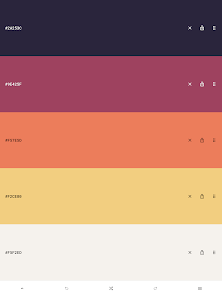
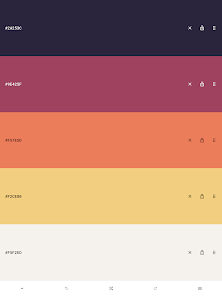
Pigments is the all-around tool when it comes to creating and editing color palettes.
Features:
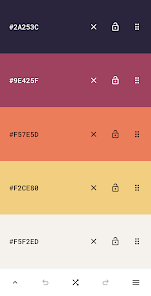
★ Simple - Create color palettes with a simple tap.
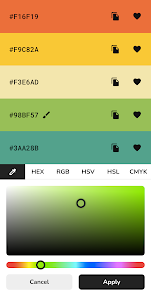
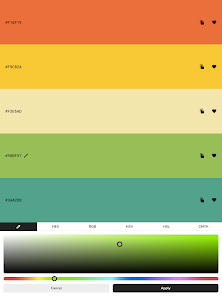
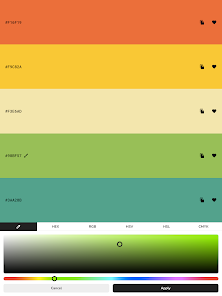
★ Adjustable colors - Tweak individual colors by using the color picker mode of your choice (visual, HEX, RGB, HSV, HSL or CMYK color picker).
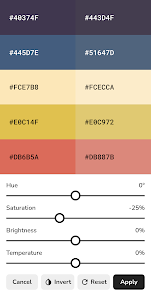
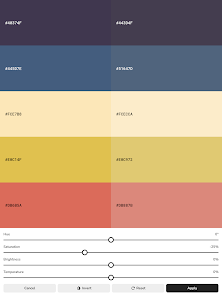
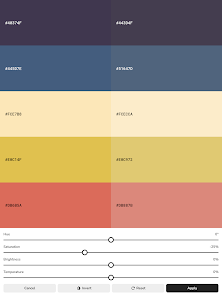
★ Adjustable palette - Tweak the hue, saturation, brightness or temperature of the entire color palette.
★ Adjustable size - Each color scheme can have up to 30 colors.
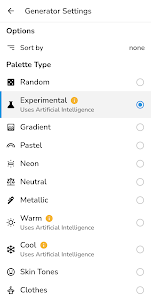
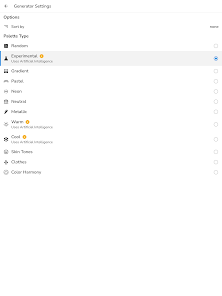
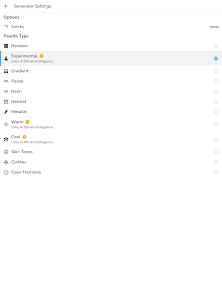
★ Multiple generator types - Select from a variety of modes used for generating starter color palettes including random, gradient, pastel, neutral, metallic, experimental modes powered by artificial intelligence and more.
★ Color wheel - Interactive RGB/RYB color wheels for generating color harmonies (monochromatic, analogous, complementary, compound, triadic and more).
★ History - Undo or redo any changes made to the color palette.
★ Reorder - The colors can be arranged in any order.
★ Lock colors - Prevent certain colors from changing when generating a new color scheme.
★ Isolation mode - Add spacing around the colors.
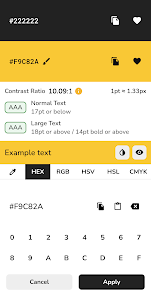
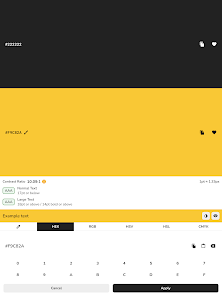
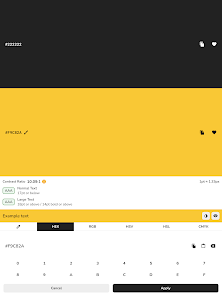
★ Contrast checker - Check the contrast score between two colors.
★ Simulate color vision deficiencies - Validate the accessibility of a color palette by simulating color blindness (protanopia, protanomaly, deuteranopia, deuteranomaly, tritanopia, tritanomaly, achromatopsia, achromatomaly).
★ Blend mode - Mix two colors together.
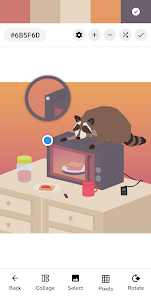
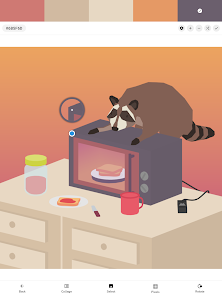
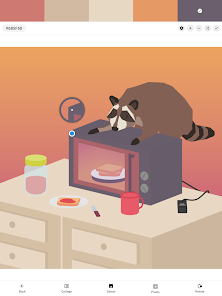
★ Image color picker - Create color palettes from images by selecting the colors manually or by using the auto pick feature.
★ Image color palette collage - Export a collage containing an image and its color palette.
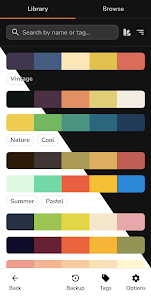
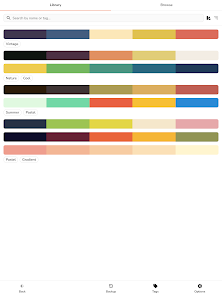
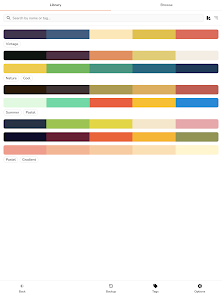
★ Save for later - The colors/palettes can be saved and tagged. The data is stored locally in your library.
★ Browse - Browse an online selection of color palettes.
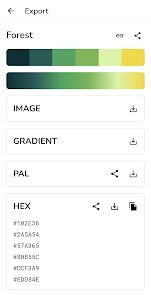
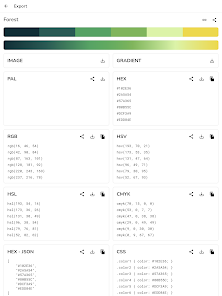
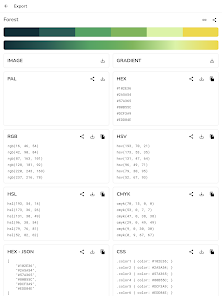
★ Export - Export the color palettes in various formats.
★ Share - Create a link to a palette and share it with other people.
★ Theme - Dark and light app theme.
Features:
★ Simple - Create color palettes with a simple tap.
★ Adjustable colors - Tweak individual colors by using the color picker mode of your choice (visual, HEX, RGB, HSV, HSL or CMYK color picker).
★ Adjustable palette - Tweak the hue, saturation, brightness or temperature of the entire color palette.
★ Adjustable size - Each color scheme can have up to 30 colors.
★ Multiple generator types - Select from a variety of modes used for generating starter color palettes including random, gradient, pastel, neutral, metallic, experimental modes powered by artificial intelligence and more.
★ Color wheel - Interactive RGB/RYB color wheels for generating color harmonies (monochromatic, analogous, complementary, compound, triadic and more).
★ History - Undo or redo any changes made to the color palette.
★ Reorder - The colors can be arranged in any order.
★ Lock colors - Prevent certain colors from changing when generating a new color scheme.
★ Isolation mode - Add spacing around the colors.
★ Contrast checker - Check the contrast score between two colors.
★ Simulate color vision deficiencies - Validate the accessibility of a color palette by simulating color blindness (protanopia, protanomaly, deuteranopia, deuteranomaly, tritanopia, tritanomaly, achromatopsia, achromatomaly).
★ Blend mode - Mix two colors together.
★ Image color picker - Create color palettes from images by selecting the colors manually or by using the auto pick feature.
★ Image color palette collage - Export a collage containing an image and its color palette.
★ Save for later - The colors/palettes can be saved and tagged. The data is stored locally in your library.
★ Browse - Browse an online selection of color palettes.
★ Export - Export the color palettes in various formats.
★ Share - Create a link to a palette and share it with other people.
★ Theme - Dark and light app theme.
Updated on
Safety starts with understanding how developers collect and share your data. Data privacy and security practices may vary based on your use, region, and age. The developer provided this information and may update it over time.


Ratings and reviews
4.1
1.65K reviews

PhobosTerrorPup
- Flag inappropriate
- Show review history
March 21, 2024
It's literally perfect for getting colors that work well together, mostly what amazed me was the fact it can help you mix contrast colors!^^ [Edit]: You asked what it would take to make it 5 stars, I'd say less ads but I'd rather have an app that supports yall then something to use for completely free, I've changed it to Five stars because I honestly and wholeheartedly enjoy your app and the time you've obviously put into it. 🧡
6 people found this review helpful
Sorin Covor
March 21, 2024
Thank you very much for your response!

A Google user
- Flag inappropriate
- Show review history
February 28, 2020
Wonderful and Simple App! Only addition I would make is an undo and redo button in the bottom toolbar. But as stated, the simplicity of this app really makes it shine. EDIT: The current undo/redo is a swipe left and right. Although it functions how I want, I find that I will unintentionally swipe, which can leave me a little confused as to what happened. Having visible buttons would resolve this occasional mishap and, personally, I find more intuitive.
61 people found this review helpful
Sorin Covor
February 28, 2020
Thank you! Is it more convenient to have undo and redo buttons instead of swiping left and right as it currently is?

Whoops It's me (Hamilton)
- Flag inappropriate
- Show review history
January 26, 2023
I'm trying to get just simple, monochromatic gradients, right? For example, black to red to white. But when I select the gradient option, it doesn't follow the colors I put in? So instead of dark red like I want, it makes a gradient from dark pinkish to red, and then from red to a far more vibrant pink. (Response to dev) I do have the 2 gradient stops turned on, but still face the same problem unfortunately :(
27 people found this review helpful
Sorin Covor
January 26, 2023
Hi! Did you press the generate button after that?
What's new
- The add color button is now back on the main screen.
- Fix the issue where a long press on the color code not only copies it but also opens the color editor.
- Removed swipe to undo/redo feature since we have buttons for that.
- Fix the issue where a long press on the color code not only copies it but also opens the color editor.
- Removed swipe to undo/redo feature since we have buttons for that.