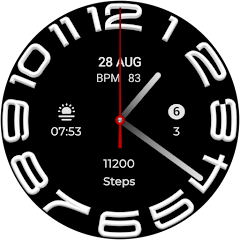
W6 Style WF Wear OS 5+
4.4star
187 reviews
5K+
Downloads

Everyone
info
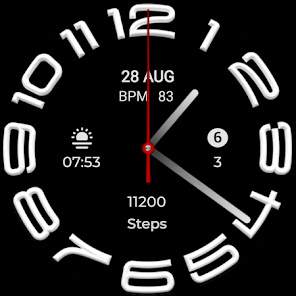
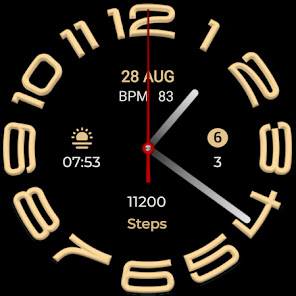
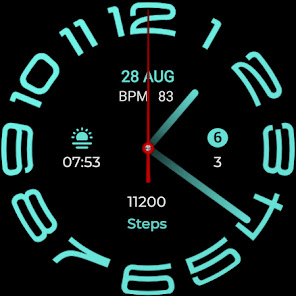
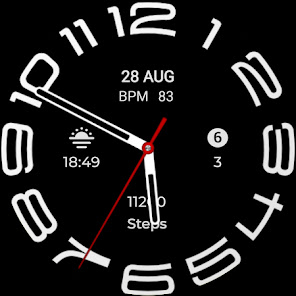
About this app
=======================================================
NOTICE: READ THIS ALWAYS BEFORE AND AFTER DOWNLOADING OUR WATCH FACE TO AVOID ANY SITUATION YOU DON'T LIKE.
=======================================================
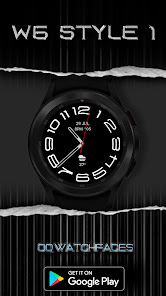
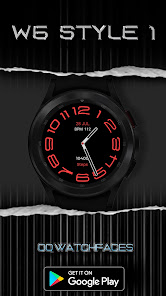
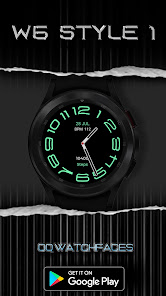
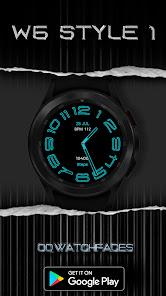
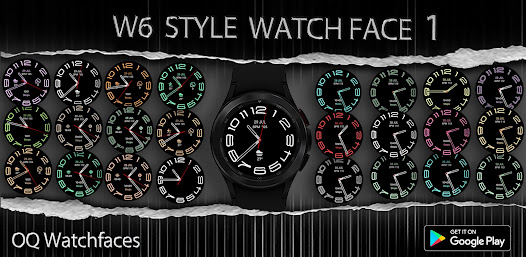
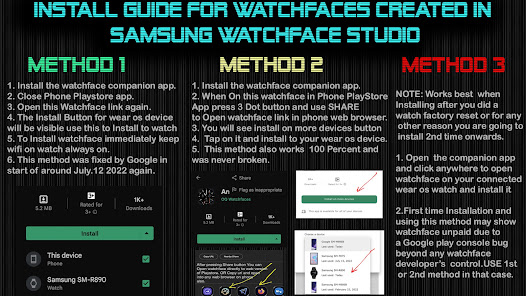
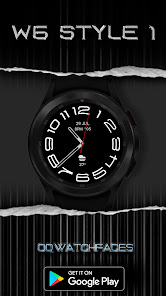
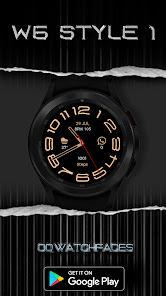
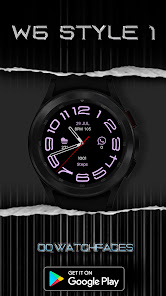
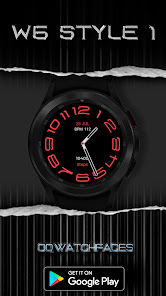
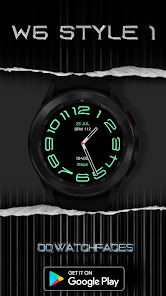
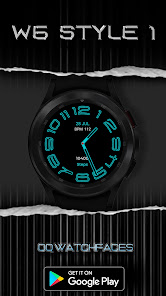
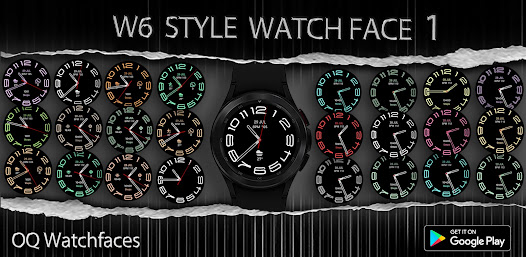
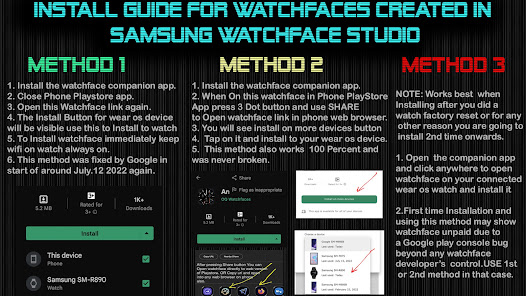
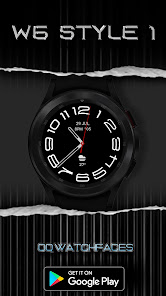
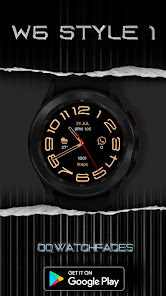
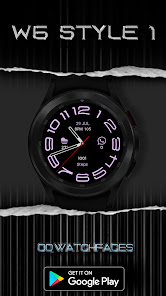
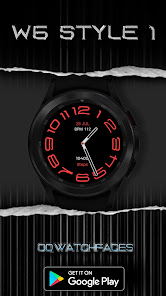
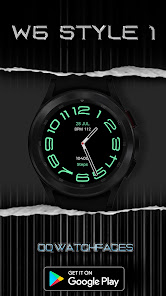
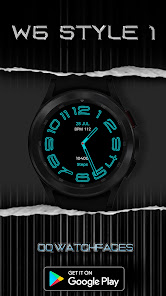
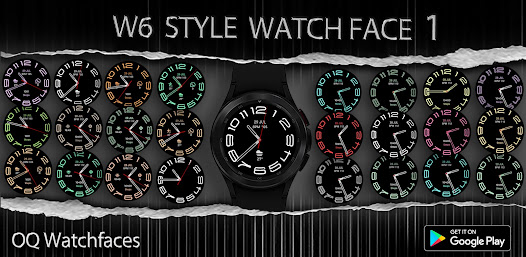
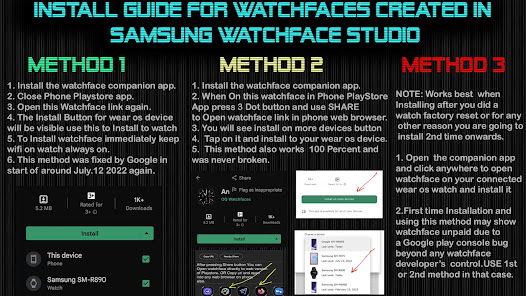
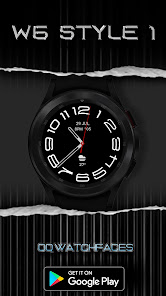
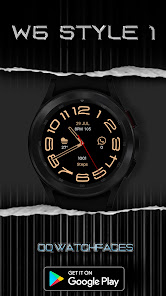
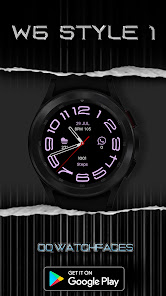
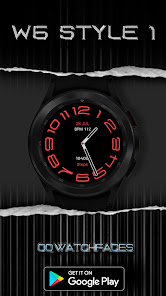
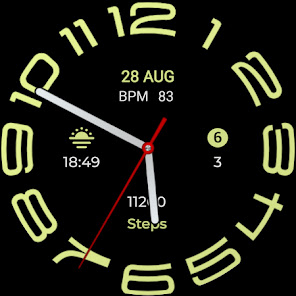
This watch face for WEAR OS 5+ has been made in Samsung Galaxy Watch face studio.
I have physically tested on Samsung Watch 8 Classic 46mm , Samsung Watch 5 Pro, and Samsung Watch Ultra. It also supports other wear os 5+ devices. Some feature experience can be slightly different on other watches.
1.Tap at 1 o clock to open watch Google phone play store app.
2. Tap at 11 o clock to open Google Maps app on your watch.
3. Tap at 2 o Clock to open watch settings menu.
4. Tap at 4 o Clock to open watch phone app.
5. Tap at 5 o clock to open watch alarm app.
6. Tap at 8 o clock to open watch calendar menu.
7. Tap On BPM Text or Reading to open Heart rate counter.
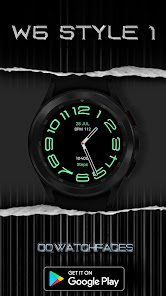
8. Left , Right , Bottom Complications, Date Text, & Heart Rate reading & Complications can be hidden/Un-hidden separately from customization menu for main.
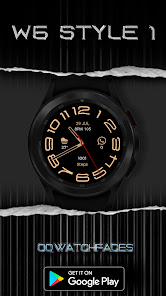
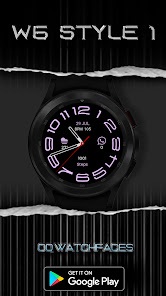
9. Customizable Complications can be customized from the customization menu.
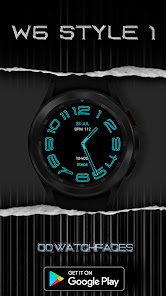
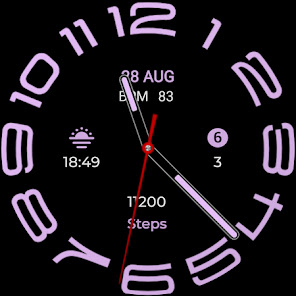
10. Hands Styles option to change various hand styles in customization menu are available.
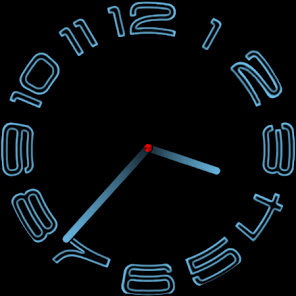
11. 3x AoD styles including default select-able via customization menu.
12. Seconds Movement can be changed as well from customization menu.
NOTICE: READ THIS ALWAYS BEFORE AND AFTER DOWNLOADING OUR WATCH FACE TO AVOID ANY SITUATION YOU DON'T LIKE.
=======================================================
This watch face for WEAR OS 5+ has been made in Samsung Galaxy Watch face studio.
I have physically tested on Samsung Watch 8 Classic 46mm , Samsung Watch 5 Pro, and Samsung Watch Ultra. It also supports other wear os 5+ devices. Some feature experience can be slightly different on other watches.
1.Tap at 1 o clock to open watch Google phone play store app.
2. Tap at 11 o clock to open Google Maps app on your watch.
3. Tap at 2 o Clock to open watch settings menu.
4. Tap at 4 o Clock to open watch phone app.
5. Tap at 5 o clock to open watch alarm app.
6. Tap at 8 o clock to open watch calendar menu.
7. Tap On BPM Text or Reading to open Heart rate counter.
8. Left , Right , Bottom Complications, Date Text, & Heart Rate reading & Complications can be hidden/Un-hidden separately from customization menu for main.
9. Customizable Complications can be customized from the customization menu.
10. Hands Styles option to change various hand styles in customization menu are available.
11. 3x AoD styles including default select-able via customization menu.
12. Seconds Movement can be changed as well from customization menu.
Updated on
Safety starts with understanding how developers collect and share your data. Data privacy and security practices may vary based on your use, region, and age. The developer provided this information and may update it over time.

No data shared with third parties
Learn more about how developers declare sharing

No data collected
Learn more about how developers declare collection
Ratings and reviews
4.7
66 reviews

Chris Vitale
- Flag inappropriate
March 28, 2024
Seems to work very well. I liked this style on the Wear App ,but functionality is limited on the stock one. I want to have a complication that show notifications and this watchface allows that. Happy so far.
1 person found this review helpful

D H (WrathDh)
- Flag inappropriate
August 1, 2023
Excellent information layout. Great color options, especially like the online index font. Nice use of custom complications.
OQ Watchfaces
August 1, 2023
Thank you very much 🙂

Anand Nevrekar
- Flag inappropriate
- Show review history
August 20, 2023
After guidance from technical team through email my installation problem is solved. Thanks to the W6 Style team. Thanks a lot. This watch face is superb. 👍
OQ Watchfaces
August 20, 2023
Thanks . You can always email us if you have any issues. We will resolve the issue. If we cannot we will refund you even if google doesnot .
What’s new
V1.0.7 Change Log:-
1.Watch face bundle updated to Target min SDK 34 as required by Google with latest Samsung Watch face Studio Version 1.9.5 Sep 2025 Release.
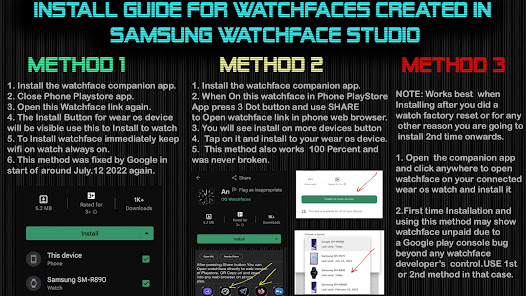
2. New Watch face Companion App updated with latest Google Android Studio Otter as required by Google.
1.Watch face bundle updated to Target min SDK 34 as required by Google with latest Samsung Watch face Studio Version 1.9.5 Sep 2025 Release.
2. New Watch face Companion App updated with latest Google Android Studio Otter as required by Google.
App support
About the developer
OSMAN QADIR
osmanqadir78@gmail.com
House no 307 Sector C Street 12 Askari X
Lahore Cantt, 54810
Pakistan


