
Wifi Analyzer Pro
4.4star
1.15K reviews
10K+
Downloads

Everyone
info
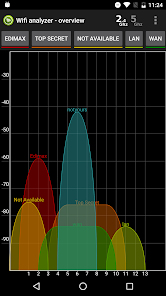
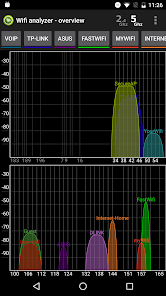
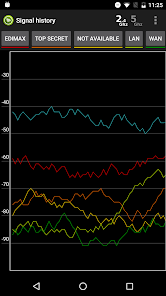
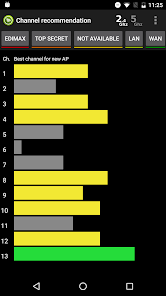

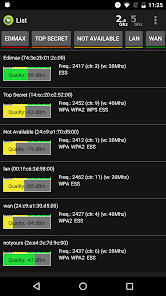

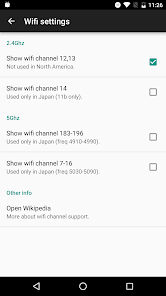

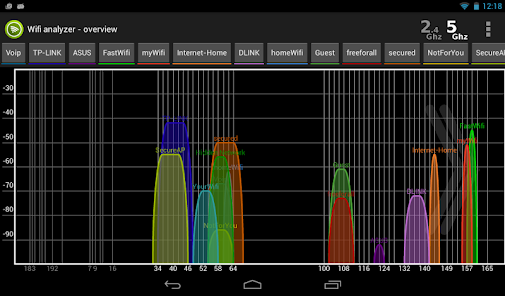


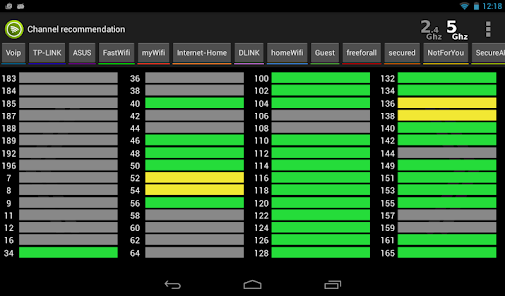




About this app
IMPORTANT: Due to changes in Android OS is Android PIE 9 support limited. OS limits app up to 4 scans per 2 minutes. Future Android Q 10 will probably remove any support for wifi scan for apps. Proof bellow. This app is tested and provided primary for Android 8.1 and lower. If you have higher version or upgrading to higher version its up to you.
https://developer.android.com/reference/android/net/wifi/WifiManager.html#startScan()
"This method was deprecated in API level 28. The ability for apps to trigger scan requests will be removed in a future release. "
-----------------------
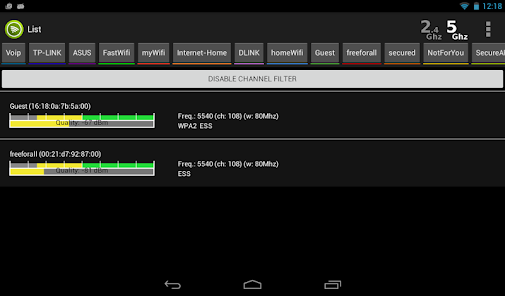
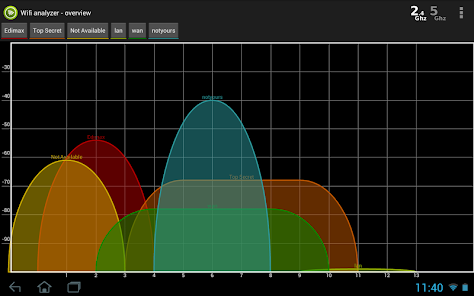
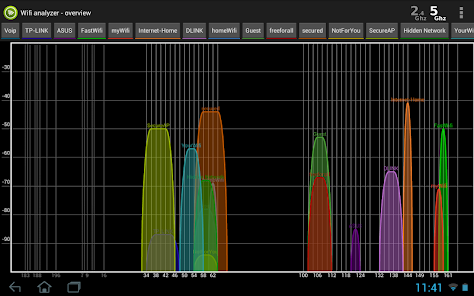
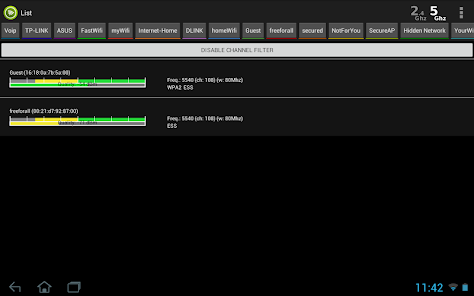
Wifi Analyzer will provide useful information about wireless signals around you. App supports 2.4Ghz and 5Ghz.
- NO ADS
- screenshot/CSV export of found networks
- Helps to find optimal placement for wifi receivers
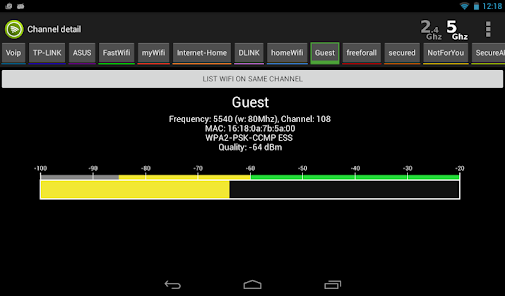
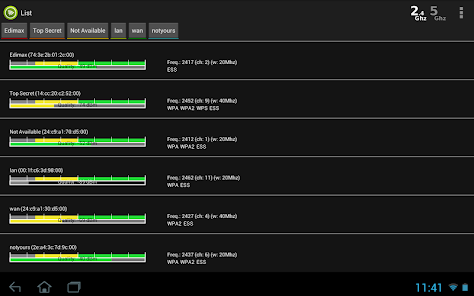
- Provides you information individually on wifi channels
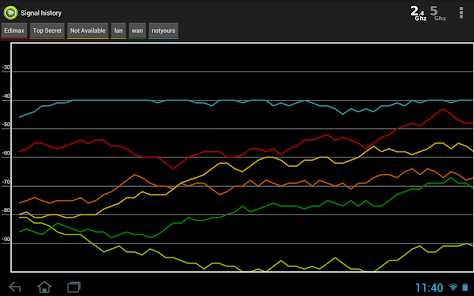
- Shows signal strength in history graph
- Recommends the best channel for new AP
- Information of the channel width (20/40/80MHz - only Android 6+)
Note: Android 6+ (Marshmallow) requires LOCATION permission and location enabled - the reasons explained on the official website android.com: http://developer.android.com/about/versions/marshmallow/android-6.0-changes.html#behavior-hardware-id
https://developer.android.com/reference/android/net/wifi/WifiManager.html#startScan()
"This method was deprecated in API level 28. The ability for apps to trigger scan requests will be removed in a future release. "
-----------------------
Wifi Analyzer will provide useful information about wireless signals around you. App supports 2.4Ghz and 5Ghz.
- NO ADS
- screenshot/CSV export of found networks
- Helps to find optimal placement for wifi receivers
- Provides you information individually on wifi channels
- Shows signal strength in history graph
- Recommends the best channel for new AP
- Information of the channel width (20/40/80MHz - only Android 6+)
Note: Android 6+ (Marshmallow) requires LOCATION permission and location enabled - the reasons explained on the official website android.com: http://developer.android.com/about/versions/marshmallow/android-6.0-changes.html#behavior-hardware-id
Updated on
Safety starts with understanding how developers collect and share your data. Data privacy and security practices may vary based on your use, region, and age. The developer provided this information and may update it over time.

No data shared with third parties
Learn more about how developers declare sharing

No data collected
Learn more about how developers declare collection
Ratings and reviews
4.5
968 reviews

A Google user
- Flag inappropriate
May 12, 2019
I'm giving it a 3 STAR rating mainly due to its extremely limited functionality in regards to settings/configuration, I also have to point out the fact that in reality what's shown in the publisher's screenshots DOESN'T ACCURATELY DEPICT THE ACTUAL/TRUE APP SCREEN!!! Further more I'm disappointed that the 5Ghz band aren't detecting/showing the adjacent channel being used i.e. CH. 161+153 for example. Lastly I'm really annoyed with the sloppiness for listing Channel Recommendation in 5Ghz mode!!!
22 people found this review helpful

Jack Santos
- Flag inappropriate
February 8, 2024
Excellent app. I've been using it for years and it is very helpful to scan signal strength when setting up and diagnosing Mesh environments and WiFi Extenders. It is also very useful to scan for available and hidden WiFi APs when travelling.

William Ramsey
- Flag inappropriate
August 1, 2022
Good basic tool... Refresh rates for scanning needs to be adjustable, the current rate of 30 seconds seems like a lifetime. I haven't had a chance to get into the heat map functionality yet but I will update my review when I can.
3 people found this review helpful
What's new
Android SDK 33 update (Android OS 13)


