
ConnectBot
4.2star
45.2K reviews
5M+
Downloads

Everyone
info
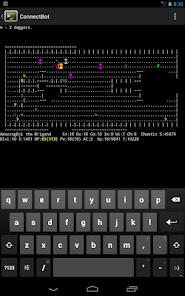
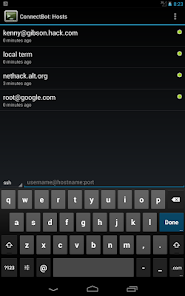
About this app
Safety starts with understanding how developers collect and share your data. Data privacy and security practices may vary based on your use, region and age The developer provided this information and may update it over time.

No data shared with third parties
Learn more about how developers declare sharing

No data collected
Learn more about how developers declare collection
Ratings and reviews
4.2
42.4K reviews

Toby Bartels
- Flag inappropriate
9 January 2024
I liked this app, but it's now unusable. Although I didn't change any settings (and can't find any setting for it), it now saves all key presses until a word is completed. That's inconvenient, but what makes it unusable is that it sends Ctrl sequences as plain letters too. I tried to do a fresh install, but my phone is lying about the data that it's keeping around (which I'm sure is not the app's fault, I give Google Pixel 2★ too), so I can't even do that.
47 people found this review helpful

Jon McGuire
- Flag inappropriate
5 August 2023
It doesn't spam you with a bunch of ads you'll never intentionally click, so that alone is worth four stars. It would be five stars, but it's a little buggy. But it's free, it's actively supported, and It Just Works. I use this almost daily. The other recentreviews are worth reading to understand what you'll get. I do wish the row of extra keys was configurable, and I wish Enter was one of them (I frequently will up-arrow and enter to re-run a command), but you're crazy if you use anything else.
118 people found this review helpful

A Google user
- Flag inappropriate
25 July 2019
Out of all the SSH clients available for android, this is by far my favorite, and the only one ill use. I use a Galaxy S Relay 4G with a slide out QWERTY keyboard. None of the other clients are completly compatible. ConnectBot works perfectly with it. Other features I find important and are included are VT100 emulation including graphic characters, complete control of text colors, screen size, and font size. Special keys take up very small part of screen when displayed. no ads, free, and more!
150 people found this review helpful
What's new
Fixes for Terrapin attack.


