Ace that presentation with these slideshow apps
Grab the team's attention and keep it, too. When you have something important to share, these apps will help you polish up your presentation to make your message shine. Next slide, please.
Canva

Canva: AI Photo & Video Editor
Canva
การซื้อในแอป

4.8star
25.2M รีวิว
500M+
ดาวน์โหลด

ทุกคนที่มีอายุ 10 ปีขึ้นไป
info
- 1Create anything from ads to social media posts with this all-in-one graphic design and audiovisual editing app
- 2Design logos or access customizable templates to generate flyers, invitations, gift certificates, and more
- 3Collaborate with others in real-time, or use the Whiteboard tool for group project planning or brainstorming


You don't need a graphic design degree to make a standout presentation with this intuitive app. Canva's templates are easy to customize with colors, photos, text, and audio to fit your project or brand identity. Upload your own content, design a custom logo, or add fun elements like animated stickers. Present directly in the app, invite collaborators, or download the final product to share with others.
Share your expertise with a greater audience on SlideShare. Upload that winning presentation for users who work in your industry or have the same passions. You can also search millions of presentations to learn about everything from finance to the environment. Follow the topics, colleagues, and leaders that interest you – there's always something new to discover.
Presentation Creator


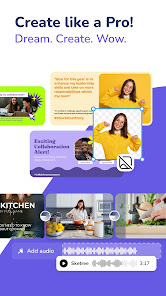
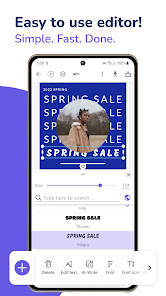
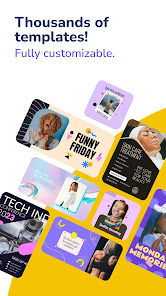
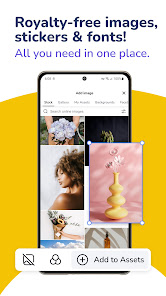

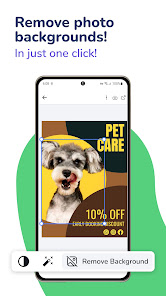
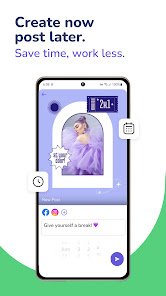

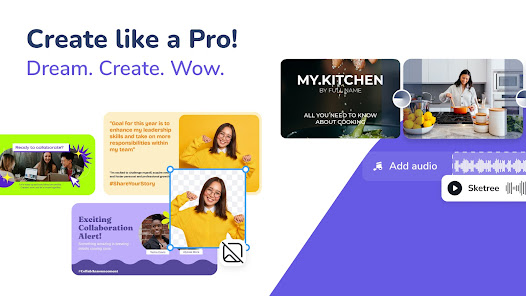
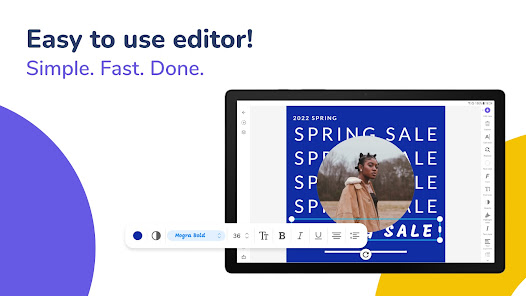
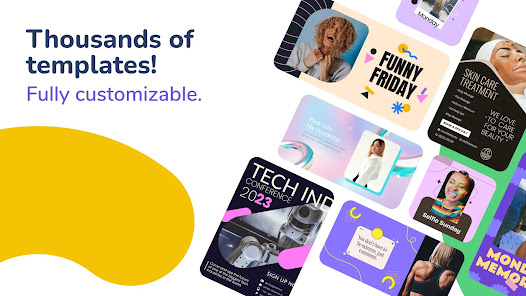
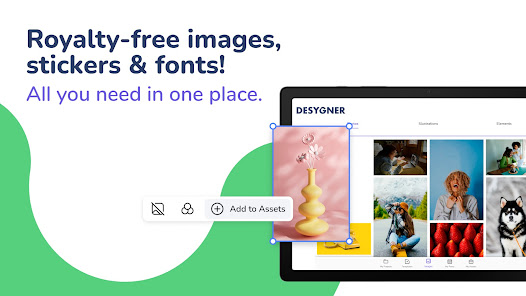

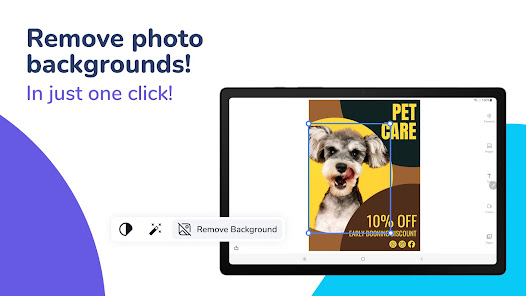
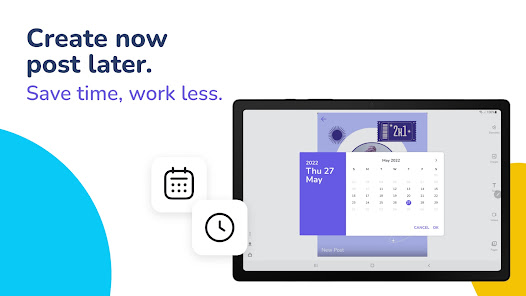

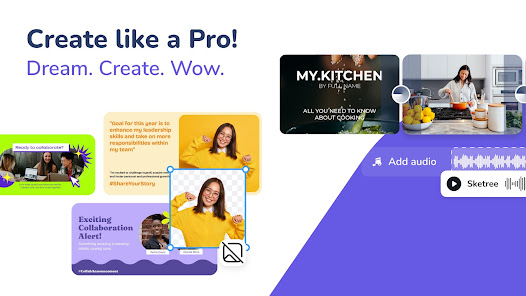
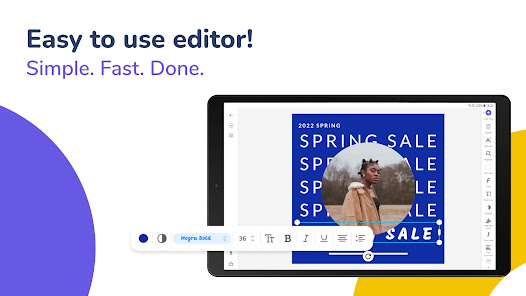
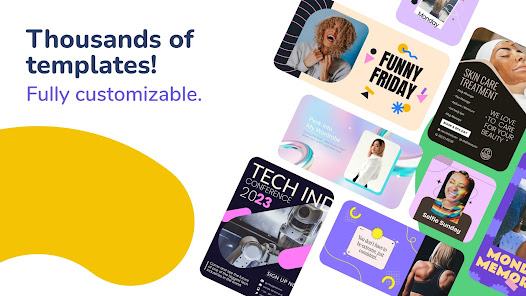


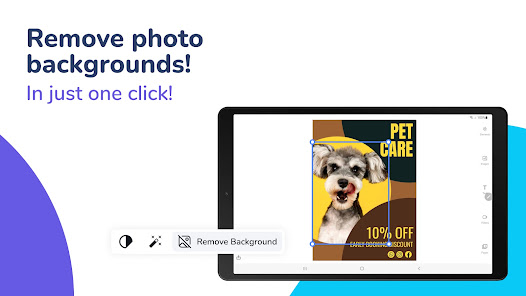
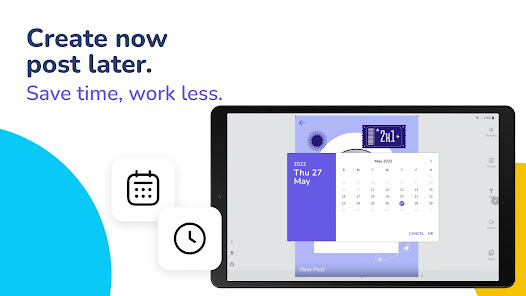
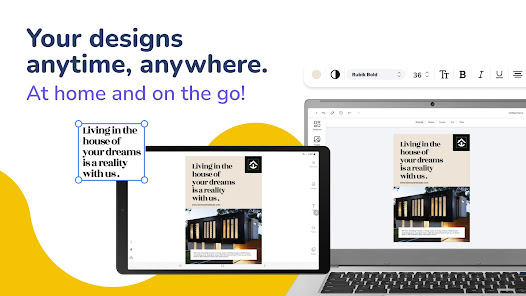
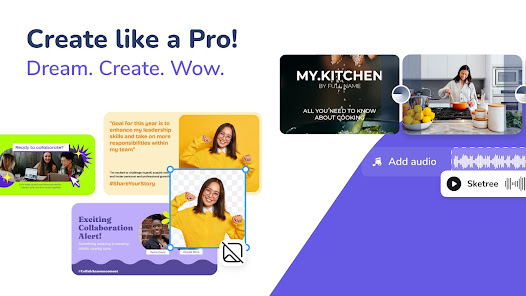
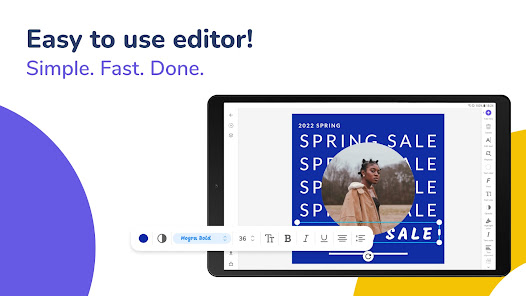
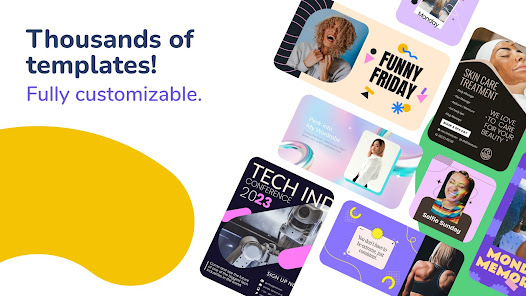
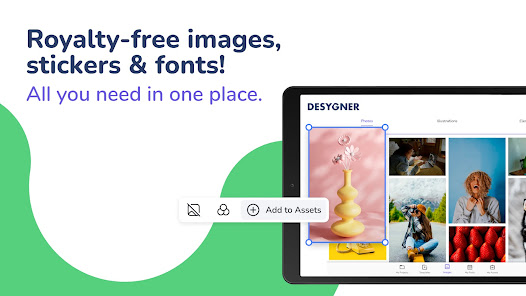

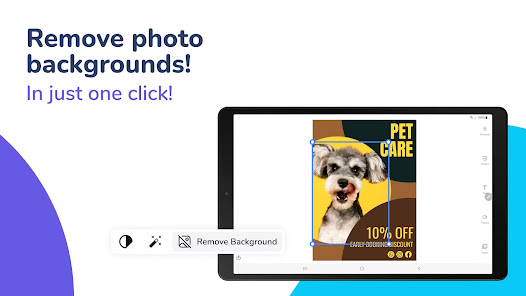
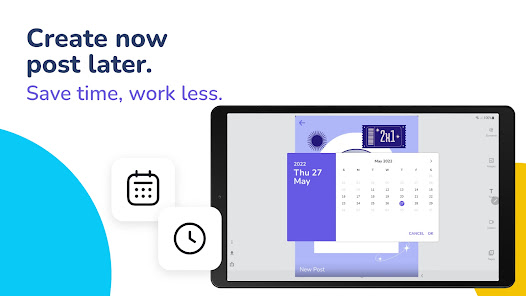
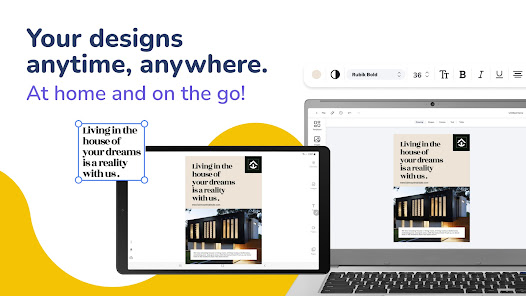
Deadline coming in hot? Put together a professional slideshow fast with Presentation Creator. Start by choosing a template, background, or blank presentation, then customize each slide with images, illustrations, and stickers. Switch up the font or text color to emphasize key points and drag slides to rearrange. When it's time for the big reveal, tap to share, download, or print your slides.


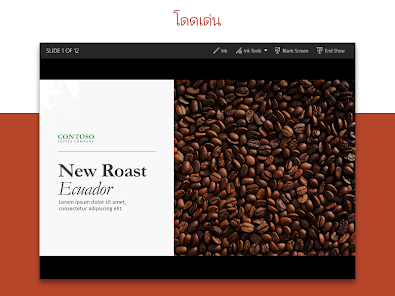
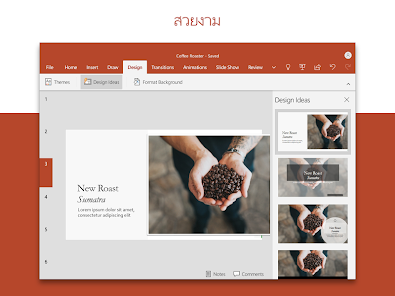
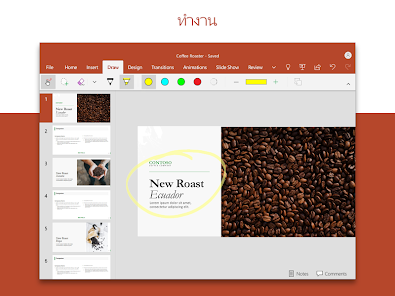
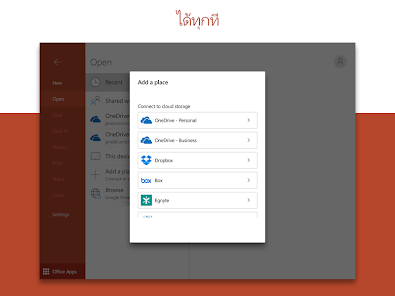
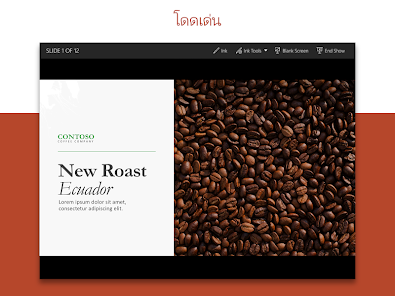
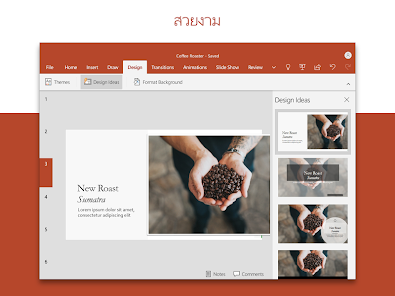
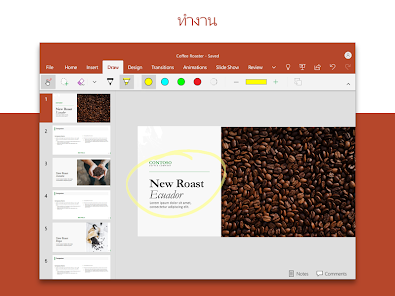
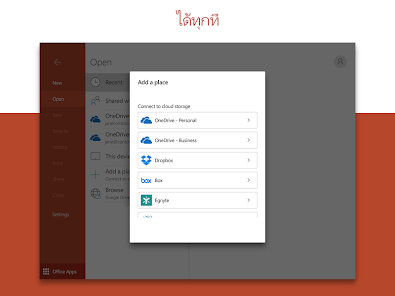
Microsoft PowerPoint has been synonymous with slideshows for 30+ years. Now, you can use the app to create, edit, and share presentations whenever, wherever. Just choose a template and insert tables, upload images, and more. Comments make it easy to collaborate with teammates while transition effects like fading and splitting allow you to set the pace and mood for your audience.


The Google Slides app makes it simple to build slideshows for school reports, business proposals, case studies, and more while keeping all of your hard work secure. Import photos, videos, and files directly from your Drive or Box account and connect to your calendar for seamless presentations during scheduled meetings or events. It's everything you need to share your ideas in one place.