
Microsoft Power BI

4.6star
72.1K reviews
5M+
Downloads

Everyone
info





About this app
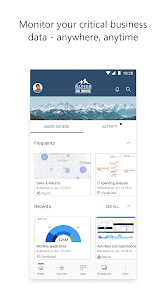
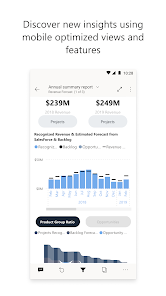
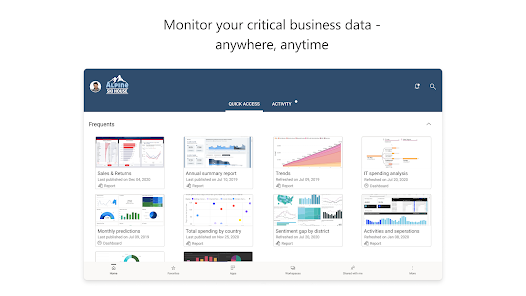
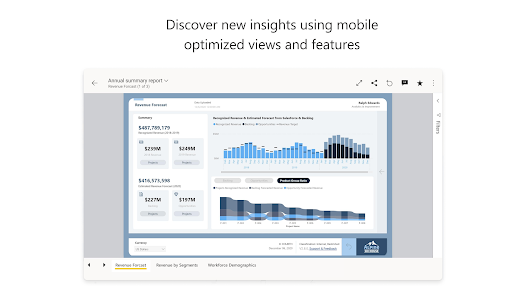
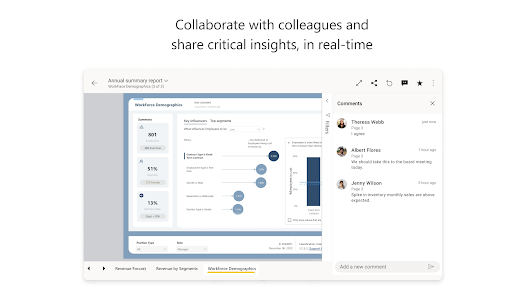
Access your data from anywhere with the Power BI app. Get notifications, annotate and share, and dive deep into your data with powerful features for decision making on the go.
Highlights:
-View all your important data in one place
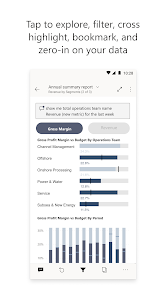
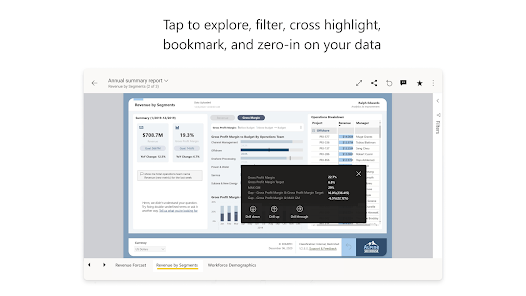
-Tap to explore, filter, and focus on what’s most important
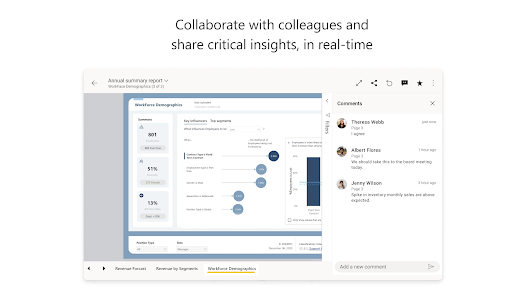
-Easily annotate and share reports and data visualizations
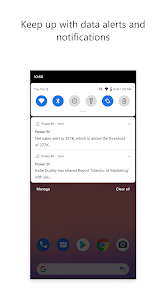
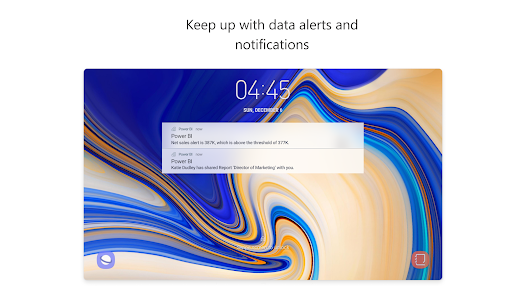
-Set data alerts and get real-time notifications
-Securely access your on-premises data
-Scan QR codes to get real-world data in context
-Start exploring your Power BI data instantly, with no setup needed
Make informed decisions with Power BI's industry-leading data analytics, business intelligence, and data visualization tools.
Get the full Power BI suite and never miss a beat with Power BI Desktop, the Power BI web service, and Power BI Mobile.
Privacy: https://go.microsoft.com/fwlink/?linkid=282053
By installing this app, you agree to the terms at: https://go.microsoft.com/fwlink/?linkid=2178520
Highlights:
-View all your important data in one place
-Tap to explore, filter, and focus on what’s most important
-Easily annotate and share reports and data visualizations
-Set data alerts and get real-time notifications
-Securely access your on-premises data
-Scan QR codes to get real-world data in context
-Start exploring your Power BI data instantly, with no setup needed
Make informed decisions with Power BI's industry-leading data analytics, business intelligence, and data visualization tools.
Get the full Power BI suite and never miss a beat with Power BI Desktop, the Power BI web service, and Power BI Mobile.
Privacy: https://go.microsoft.com/fwlink/?linkid=282053
By installing this app, you agree to the terms at: https://go.microsoft.com/fwlink/?linkid=2178520
Updated on
Safety starts with understanding how developers collect and share your data. Data privacy and security practices may vary based on your use, region, and age. The developer provided this information and may update it over time.

No data shared with third parties
Learn more about how developers declare sharing

This app may collect these data types
Personal info, App activity and 2 others

Data is encrypted in transit

Data can’t be deleted
Ratings and reviews
4.6
68.3K reviews

Susan Young
- Flag inappropriate
- Show review history
December 13, 2025
PowerBI as an app is slow to load. The program overall crashes for days at a time, and is half a day behind on sales data. On a positive note, it is very analytics heavy - so if that is what you need it for you might be happier than we are. I find it to be an exceedingly cumbersome tool.
Microsoft Corporation
June 22, 2021
Thanks for reaching out! We would be happy to get some more information into the specifics of your issue, please contact us at mpbisup@microsoft.com

Mikael Hrannar Sigurdsson
- Flag inappropriate
December 15, 2025
UI desperately needs overhaul. You need to change those big blocks of boxes for the quick view. It's so cluttered between "Recent and frequent", "Favourites" and and "recommended" they take too much space and serve the same functionality. Inefficient flow. The copilot button isn't needed. Takes up real estate on the screen if it's not used, and I don't see a use case for it. Apps and workspaces should be the focus point and streamlined because that's whats primarily used.
1 person found this review helpful
Microsoft Corporation
December 16, 2025
We appreciate your feedback. As store feedback has little information for providing support, and limitations due to privacy issues, please send a direct email to our support team via mpbisup@microsoft.com. Please include in your email a detailed description of the issue, error messages if available, and screenshots. Thank you, The Power BI team.

Paul K
- Flag inappropriate
December 12, 2025
Really quite straight forward to set up and getting to use, I'm only using it for rather basic visuals and I am sure there is a lot more that I could utilise but becomes a bit technical and long winded from MS documentation
1 person found this review helpful
What’s new
Attach a reference to your Copilot chat
Add a Power BI report or semantic model to your chat and ask Copilot questions based on this item to get insights you need. To add a reference, tap the + icon or type “/” to search and select an item.
Add a Power BI report or semantic model to your chat and ask Copilot questions based on this item to get insights you need. To add a reference, tap the + icon or type “/” to search and select an item.
App support
About the developer
Microsoft Corporation
Appservices@microsoft.com
1 Microsoft Way
Redmond, WA 98052
United States
+1 800-642-7676


