
Drawboard PDF - Pro
1.6star
1.12K reviews
100K+
Downloads

Teen
info
About this app
Early access to Drawboard PDF for Pro users is here!
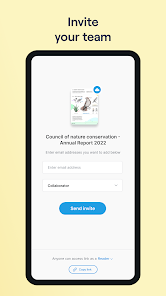
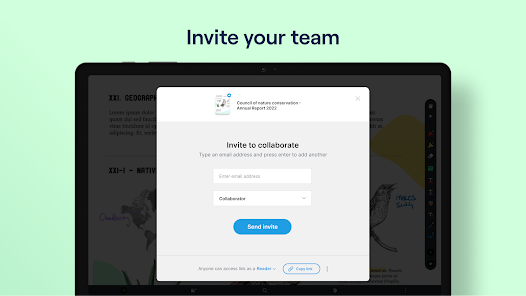
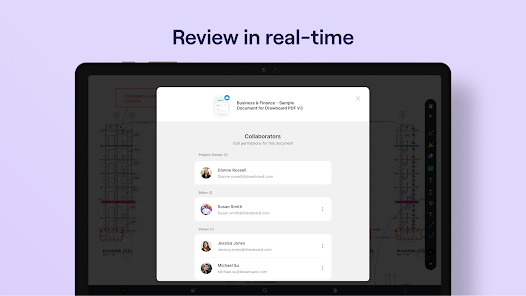
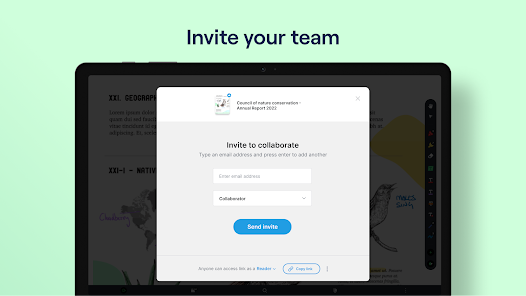
Drawboard PDF is the world’s first multi-platform PDF app with live sync and share capabilities.
After the overwhelming success of the Drawboard PDF Windows application with over 10 million users, Drawboard PDF is now available on Android as well as iOS, Mac, and Web.
Drawboard PDF for Android is intended as an extension of the powerful Windows application for Pro users.
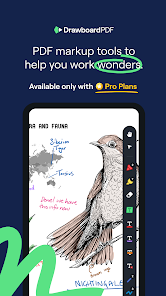
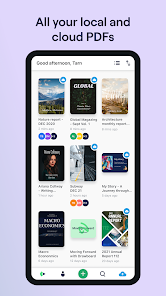
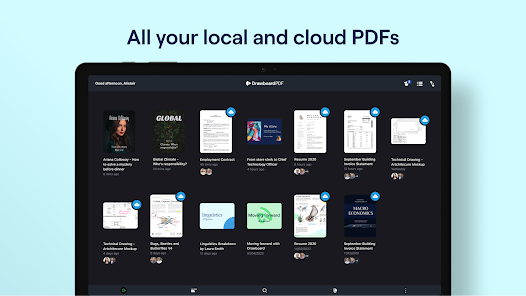
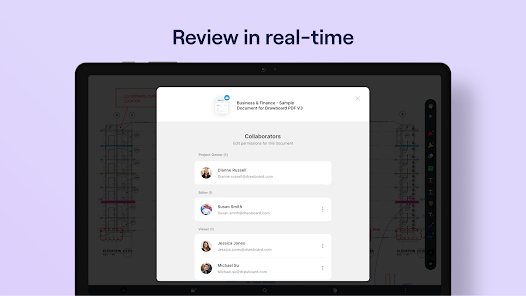
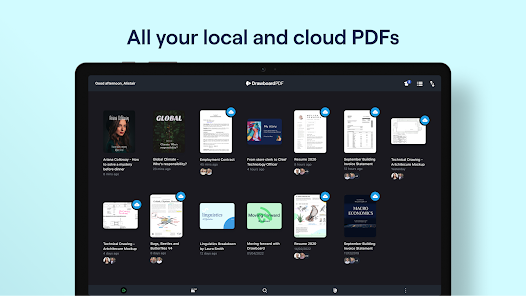
Pro users can now access the Drawboard PDF app, where they can view their Drawboard Cloud Synced docs, and apply markup and changes with their touchscreen and stylus.
Features offered:
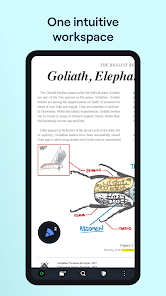
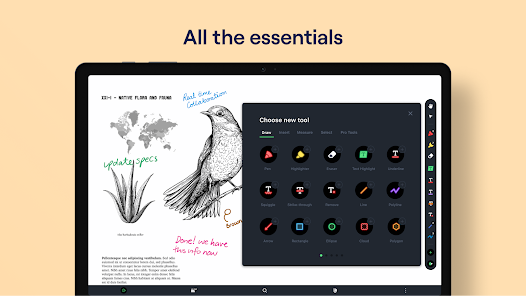
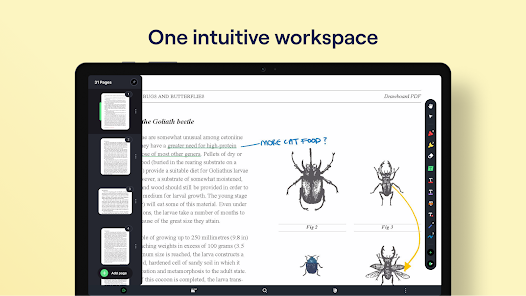
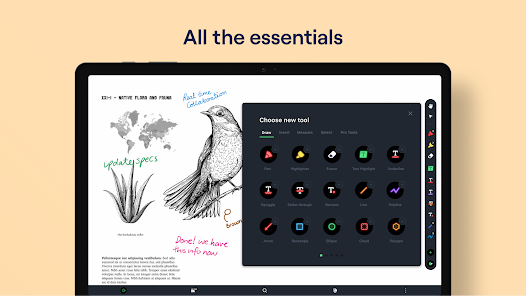
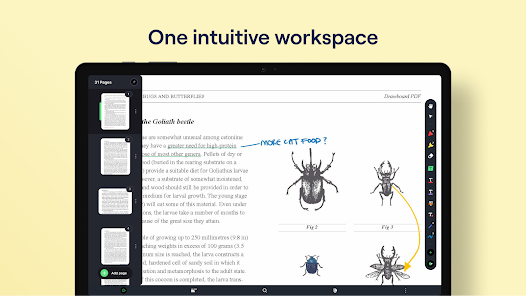
- Clean clear canvas with fast and easy navigation
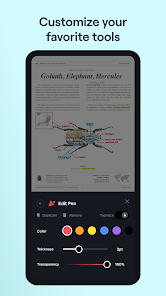
- Markup your PDF with Drawboard ink, via finger touch or stylus
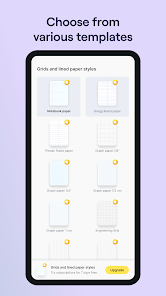
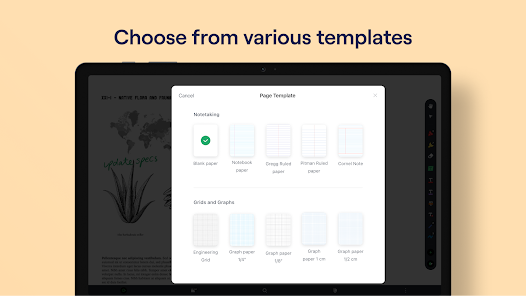
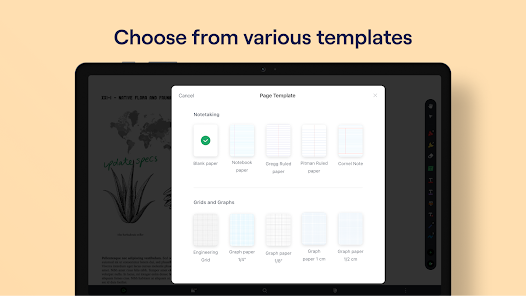
- Create new documents with lined templates
- Calibrate and take accurate measurements
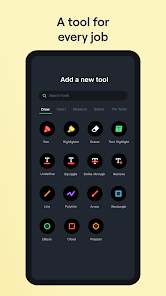
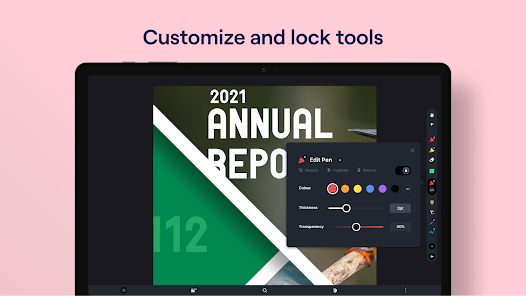
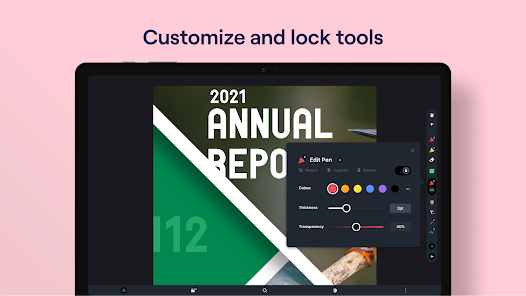
- Highlight, underline, place callouts, and more
- Insert shapes, lines, and text
NOTE: you will require a Drawboard PDF Pro license to use this application. Trials and purchases are available in the app.
Drawboard PDF is the world’s first multi-platform PDF app with live sync and share capabilities.
After the overwhelming success of the Drawboard PDF Windows application with over 10 million users, Drawboard PDF is now available on Android as well as iOS, Mac, and Web.
Drawboard PDF for Android is intended as an extension of the powerful Windows application for Pro users.
Pro users can now access the Drawboard PDF app, where they can view their Drawboard Cloud Synced docs, and apply markup and changes with their touchscreen and stylus.
Features offered:
- Clean clear canvas with fast and easy navigation
- Markup your PDF with Drawboard ink, via finger touch or stylus
- Create new documents with lined templates
- Calibrate and take accurate measurements
- Highlight, underline, place callouts, and more
- Insert shapes, lines, and text
NOTE: you will require a Drawboard PDF Pro license to use this application. Trials and purchases are available in the app.
Updated on
Safety starts with understanding how developers collect and share your data. Data privacy and security practices may vary based on your use, region, and age. The developer provided this information and may update it over time.


Ratings and reviews
1.8
714 reviews

Josh Denke
- Flag inappropriate
February 2, 2026
The constant auto logging out of the app is frustrating. Nothing like paying for professional, trying to bring up a set of plans in front of customers just to be logged out, and your stupid little ad that comes up and goes go to Pro. I then have to turn around and re-enter all my credentials to make it work again. Its excessive and happens multiple times a week. Do better.
3 people found this review helpful

Ellis DeGuzman
- Flag inappropriate
October 11, 2025
When compared to the iOS and Windows versions, the Android version feels like it was just an afterthought and no effort is being put into it. Problems with rendering simple highlights and annotations make this a very frustrating program to use on Android. I love it on iOS and Windows, and I pay the subscription because of that, I just wish they put more focus in the Android version so that it is actually usable on my Samsung Fold and S-pen.
15 people found this review helpful

Kyanite Evans
- Flag inappropriate
September 10, 2023
2 stars instead of 1 because I do enjoy this app on my windows laptop. There should at least be a few features to use on the basic free plan. Instead you have to upgrade to use it at all. I'm trying to use this with a mental health journal and it's difficult not being able to access that on the go. I'd at the very least like to be able to access the PDF, even if I can't edit it.
26 people found this review helpful
App support
About the developer
DRAWBOARD PTY. LIMITED
support@drawboard.com
10-20 Gwynne St
Cremorne VIC 3121
Australia
+61 413 258 745


