Krita
In-app purchases
3.4star
4.07K reviewsinfo
1M+
Downloads

PEGI 3
info





About this app
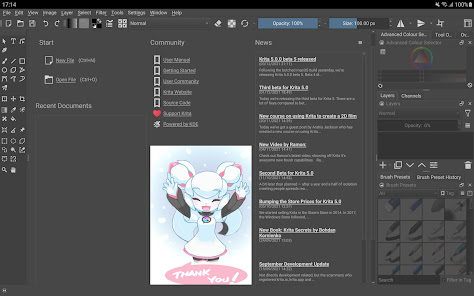
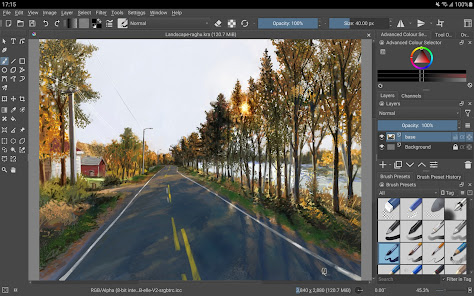
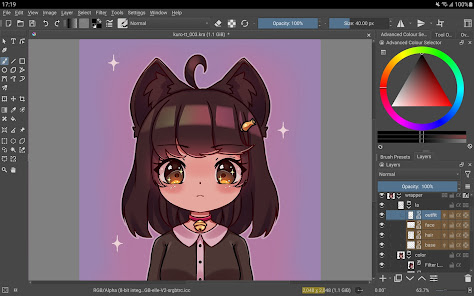
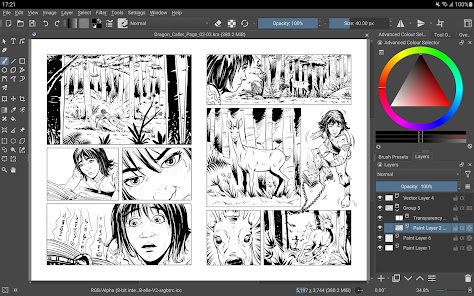
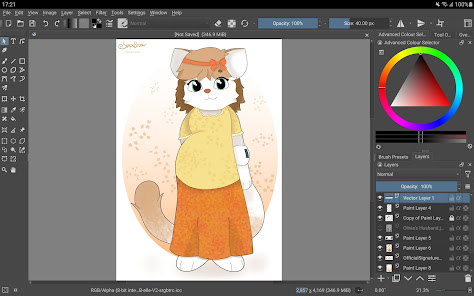
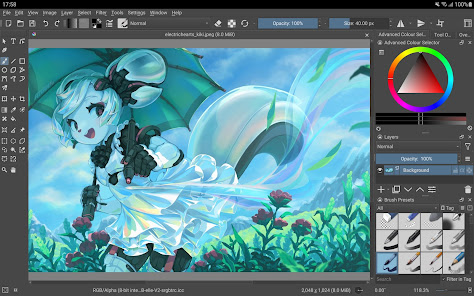
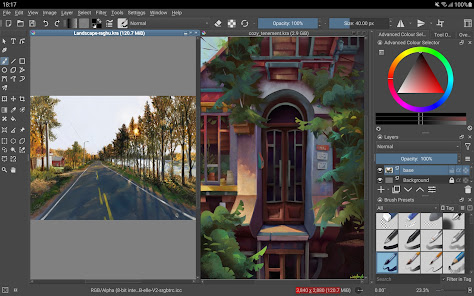
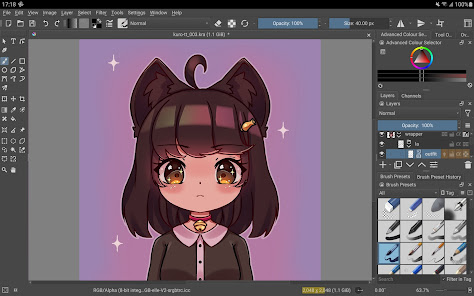
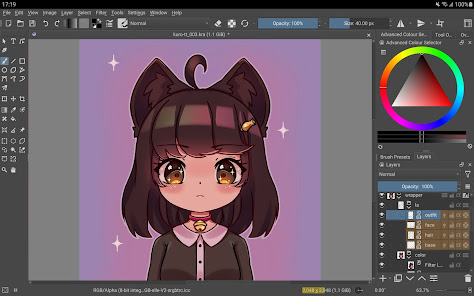
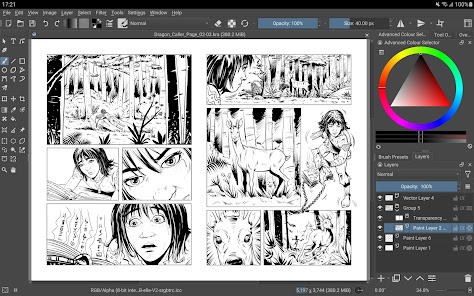
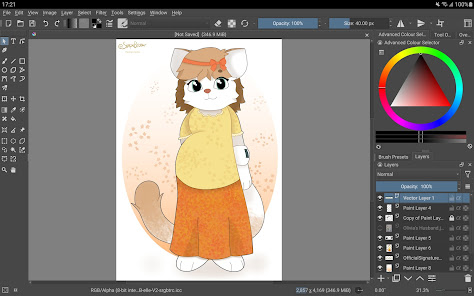
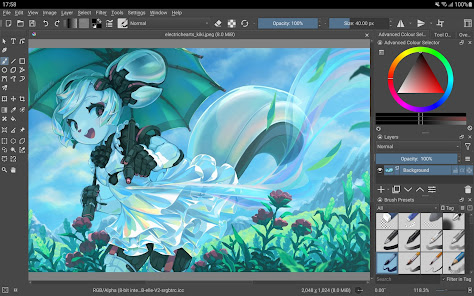
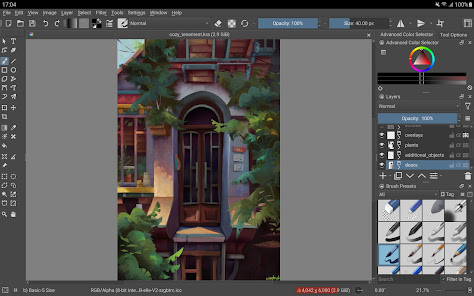
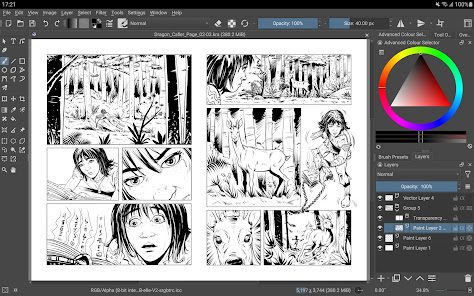
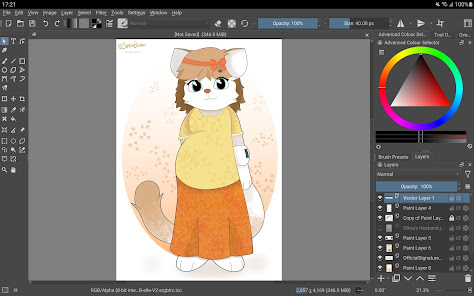
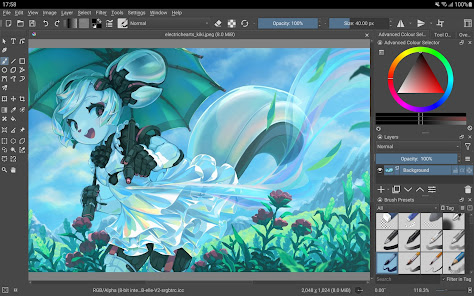
Krita is a full-featured digital painting application designed for artists. Whether you create illustrations, comics, animations, concept art or storyboards – Krita will be a powerful tool for you.
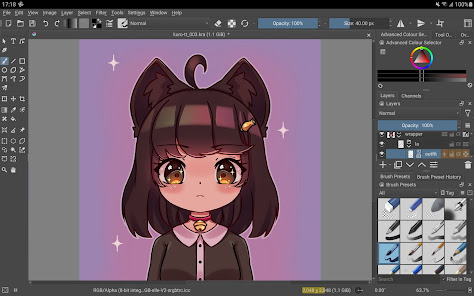
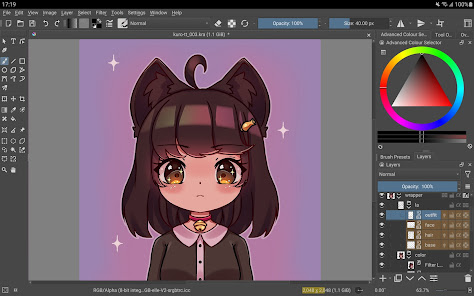
Krita offers many common and innovative features to make painting more fun and more productive. There are great brush engines for sketching and painting, stabilizers for freehand inking, assistants for constructing complex scenes, a distraction-free canvas-only mode for painting without bother, clone layers, layer styles, filter and transform masks for non-destructive editing. Krita supports all the most used file formats, including PSD.
Krita supports animation with onion skinning, storyboarding, comic book project management, scripting in Python, many powerful filters, selection tools, colorizing tools, color managed workflows, flexible workspaces… And much, much more. Discover the full feature set of Krita at https://krita.org!
This is a beta release of Krita and is not suitable for real work yet. Since the interface is currently optimized for big screen devices (tablets and chromebooks) we are not making it available for phones yet.
Krita is created by the Krita Foundation and Halla Rempt Software. The Krita project is part of the KDE community.
Krita offers many common and innovative features to make painting more fun and more productive. There are great brush engines for sketching and painting, stabilizers for freehand inking, assistants for constructing complex scenes, a distraction-free canvas-only mode for painting without bother, clone layers, layer styles, filter and transform masks for non-destructive editing. Krita supports all the most used file formats, including PSD.
Krita supports animation with onion skinning, storyboarding, comic book project management, scripting in Python, many powerful filters, selection tools, colorizing tools, color managed workflows, flexible workspaces… And much, much more. Discover the full feature set of Krita at https://krita.org!
This is a beta release of Krita and is not suitable for real work yet. Since the interface is currently optimized for big screen devices (tablets and chromebooks) we are not making it available for phones yet.
Krita is created by the Krita Foundation and Halla Rempt Software. The Krita project is part of the KDE community.
Updated on
Safety starts with understanding how developers collect and share your data. Data privacy and security practices may vary based on your use, region, and age. The developer provided this information and may update it over time.

No data shared with third parties
Learn more about how developers declare sharing

No data collected
Learn more about how developers declare collection
Ratings and reviews
2.6
522 reviews

Glenn Borland
- Flag inappropriate
July 3, 2025
I tell you wHat. This port is the bees knees. However, I cant help but notice some effort has been put into the S-pen. I understand it's a little silly to ask considering this app isn't exactly inteeended for phones. HOWEVER, I see a good portion of people here seem to want to utilize this on their phones rather than tablets. Couple suggestions, 1st: Volume Key, hotkey input. 2nd: Possibly emulate a rightclick, using s-pen button. 3rd? Gesture for navigation would then make it PERFECT. ty
231 people found this review helpful

Abigail Devereaux
- Flag inappropriate
January 6, 2026
Not usable on mobile yet. The app windows flow over the edge in both portrait and landscape mode. When trying to create a new file, for instance, you can set the image size but you can't confirm your selections because the button to do so is inaccessible in any orientation. Zooming out is not possible.
18 people found this review helpful

Hunter Reinbolt
- Flag inappropriate
- Show review history
October 11, 2025
If you have a compatible device, a tablet with a pen preferably, this is just about the best deal for an art program out there. Fully featured raster and vector layers, scripts, and full stylus support. All this at the cost of free, because of the dedicated Open Source community. The app is still in development, but the only issue I've had was creating a new file from the splash screen, doesn't update the window.
97 people found this review helpful
What’s new
Release of Krita 5.2.15
This is a bugfix release that fixes a lot of issues on Android and improves stylus support on Xiaomi tablets.
This is a bugfix release that fixes a lot of issues on Android and improves stylus support on Xiaomi tablets.
App support
About the developer
Halla Rempt Software
support@krita.org
Korte Assenstraat 11
7411JP Deventer
Netherlands


