
Office Reader - PDF,Word,Excel
In-app purchases
500K+
Downloads

Everyone
info



About this app
Office Reader – All-in-One Document Viewer
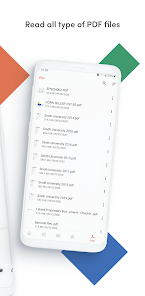
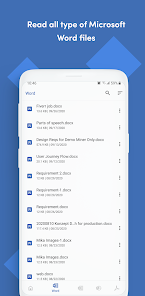
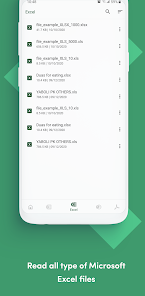
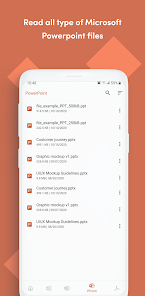
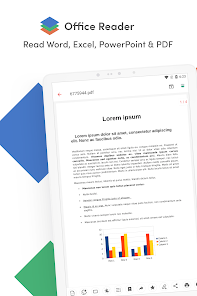
Read, view, and manage all your documents in one free app. Open Word, Excel, PowerPoint, PDF, eBooks, and more—anytime, anywhere, even offline.
✨ Key Features
• All Document Formats Supported
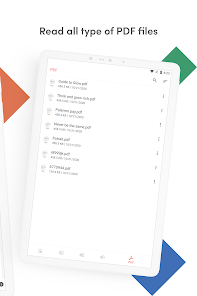
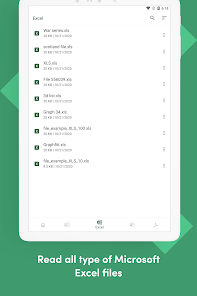
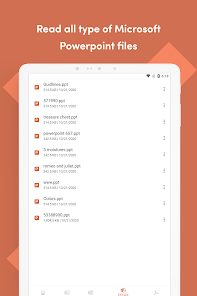
Open DOC, DOCX, XLS, XLSX, PPT, PPTX, PDF, RTF, TXT, CSV, HTML, MD, EPUB, MOBI, FB2, DJVU, AZW, EML, MSG, IPYNB, PGN, MML, and source codes (Java, Python, C++, etc.).
• Password-Protected Files
Securely view locked DOCX, XLS/XLSX, PPT/PPTX, and PDF files.
• File Conversion
Convert Word, Excel, PowerPoint, PDF, RTF, HTML, Markdown, Emails, and even source codes into PDF or text.
• Productivity Tools
📷 Doc Scan – scan documents into PDF.
📂 Folder Navigation – easily manage files.
⏱️ Quick Access – long press app icon to see recent files.
🚀 Why Choose Office Reader?
• Fast & lightweight
• 100% free, no hidden cost
• Works offline – perfect for travel or study
• Clean & simple design for easy navigation
Whether it’s business documents, study notes, eBooks, or source codes, Office Reader makes file viewing simple, fast, and secure.
Read, view, and manage all your documents in one free app. Open Word, Excel, PowerPoint, PDF, eBooks, and more—anytime, anywhere, even offline.
✨ Key Features
• All Document Formats Supported
Open DOC, DOCX, XLS, XLSX, PPT, PPTX, PDF, RTF, TXT, CSV, HTML, MD, EPUB, MOBI, FB2, DJVU, AZW, EML, MSG, IPYNB, PGN, MML, and source codes (Java, Python, C++, etc.).
• Password-Protected Files
Securely view locked DOCX, XLS/XLSX, PPT/PPTX, and PDF files.
• File Conversion
Convert Word, Excel, PowerPoint, PDF, RTF, HTML, Markdown, Emails, and even source codes into PDF or text.
• Productivity Tools
📷 Doc Scan – scan documents into PDF.
📂 Folder Navigation – easily manage files.
⏱️ Quick Access – long press app icon to see recent files.
🚀 Why Choose Office Reader?
• Fast & lightweight
• 100% free, no hidden cost
• Works offline – perfect for travel or study
• Clean & simple design for easy navigation
Whether it’s business documents, study notes, eBooks, or source codes, Office Reader makes file viewing simple, fast, and secure.
Updated on
Safety starts with understanding how developers collect and share your data. Data privacy and security practices may vary based on your use, region, and age. The developer provided this information and may update it over time.

This app may share these data types with third parties
Files and docs and Device or other IDs

No data collected
Learn more about how developers declare collection

Data is encrypted in transit
What’s new
- Bug fixes and performance improvements.
App support
About the developer
Moo Chan Song
support@ntoolslab.com
673 Comet Dr
Foster City, CA 94404-1705
United States


