
Scanner App - PDF & QR Scanner
Contains adsIn-app purchases
4.0star
9.1K reviews
5M+
Downloads

Everyone
info
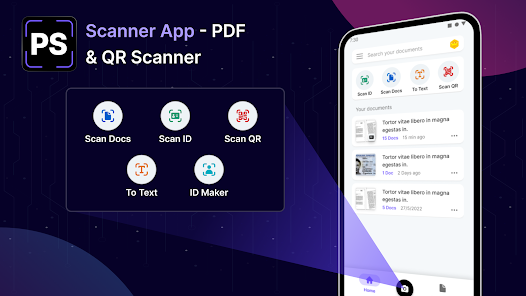
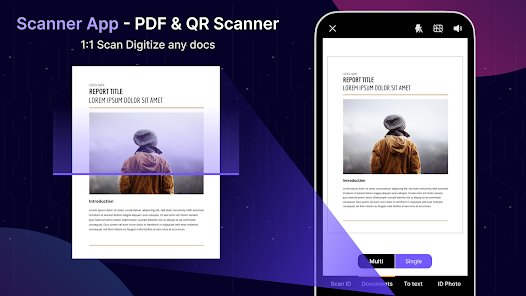
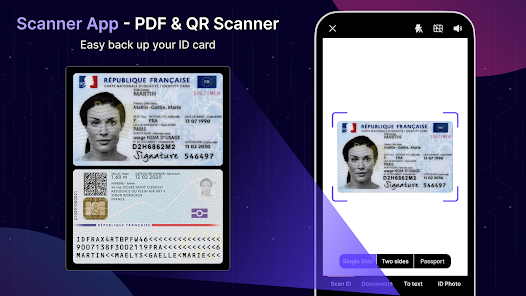
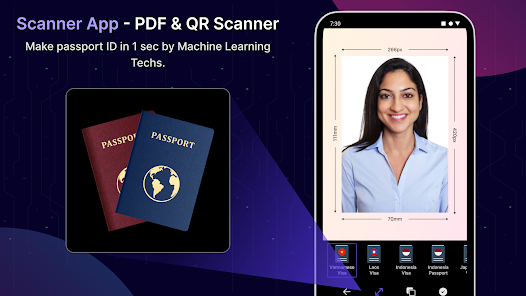
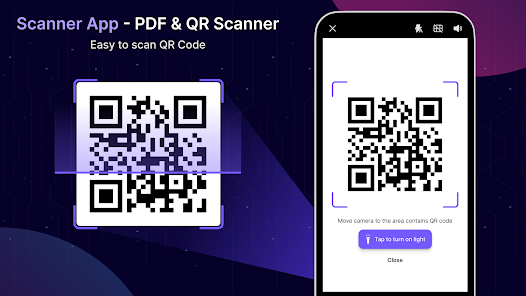
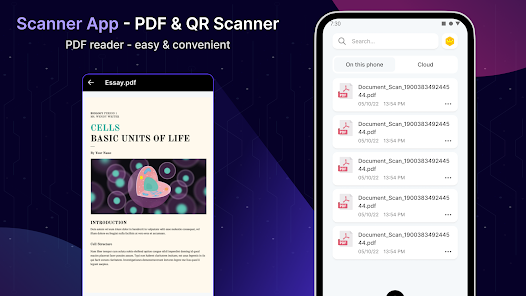
About this app
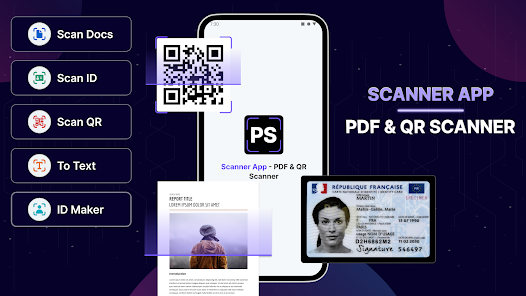
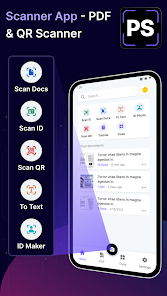
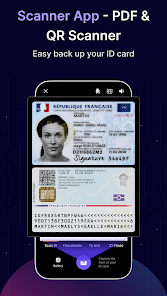
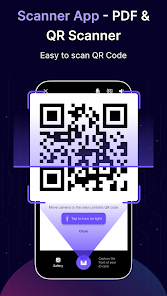
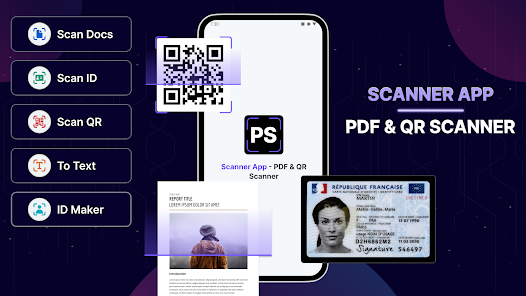
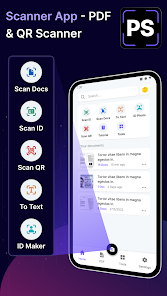
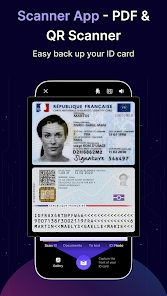
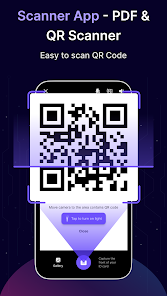
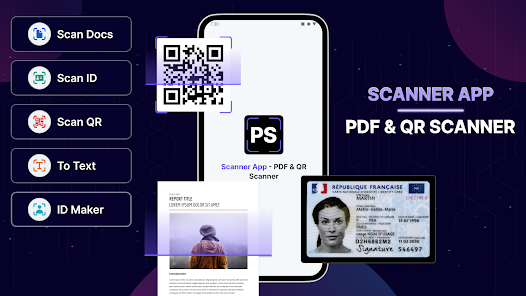
Embrace the future of document management with Scanner App - PDF & QR Scanner, the definitive app for decluttering and digitizing your paperwork with precision and ease. Experience the power of a comprehensive suite of scanning tools directly from your smartphone.
🚀 Revolutionize Mobile Scanning:
Convert your phone into a potent portable scanner that boasts leading-edge OCR technology, and wave goodbye to unwieldy paper stacks while embracing a streamlined digital organization.
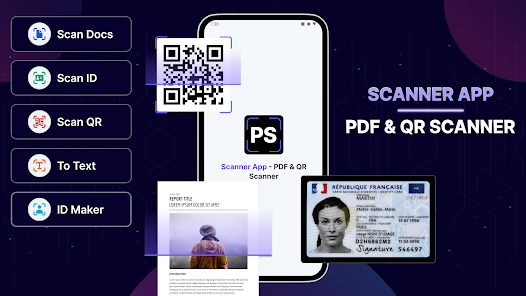
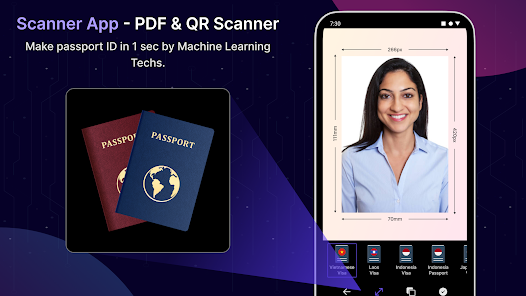
📑 Professional ID Maker Included:
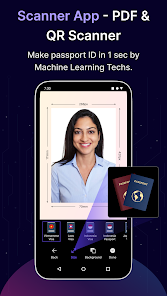
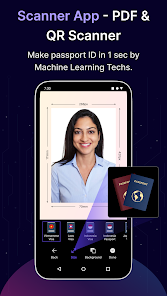
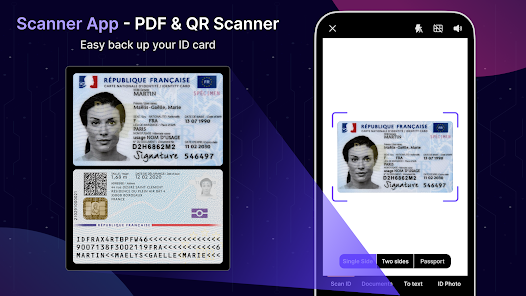
Craft official ID photos swiftly and dependably with our built-in ID maker, tailored for various documents and verification needs.
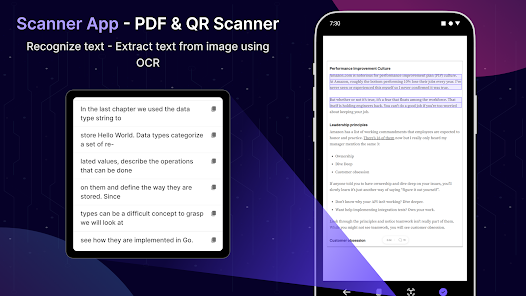
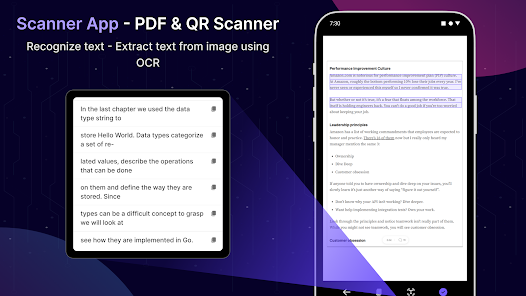
🔍 Advanced OCR Technology:
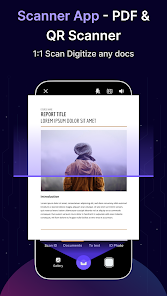
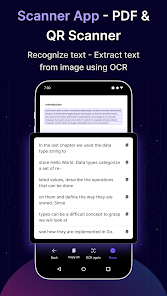
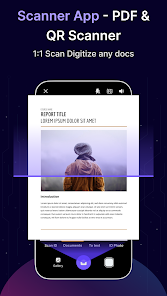
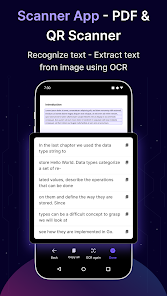
Utilize our powerful OCR capabilities to flawlessly extract text from scans, rendering it editable without the need for additional software.
📸 Precision Scanning with One Tap:
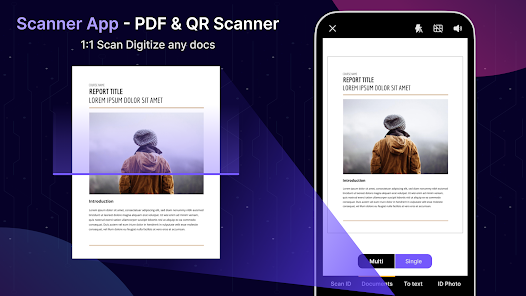
Achieve pristine, high-resolution scans with just a single tap, courtesy of our auto edge detection that ensures your documents are perfectly cropped every time.
✒️ Quick Digital Signatures:
Authenticate your documents instantly by adding your e-signature with a simple tap, facilitating fast verification across diverse platforms.
🔖 Personalize with Watermarks:
Secure and brand your documents by applying custom watermarks, enhancing their protection and personalizing your files.
🔗 Seamless File Sharing:
Share your scanned documents effortlessly via email or your preferred method, enabling easy and forwarding and collaboration.
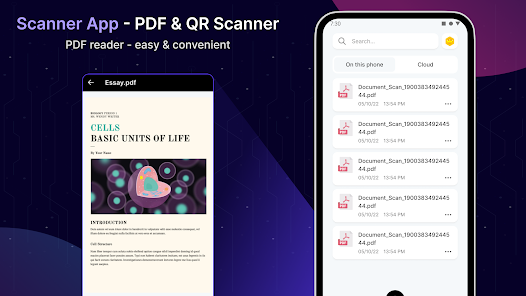
🛠 Comprehensive PDF Tools:
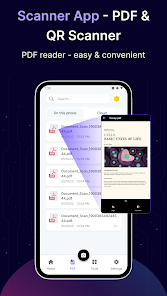
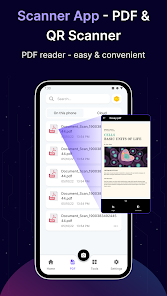
Transform photos into searchable PDF files and manage various document formats with our versatile PDF functions including viewing, editing, and signing capabilities.
🗄 Smart File Management:
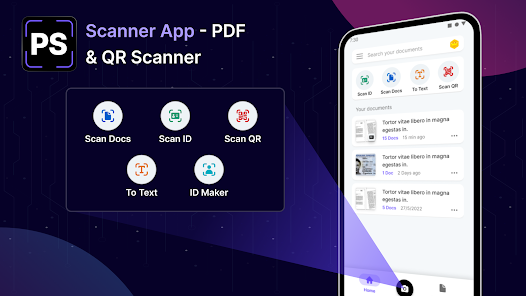
Effortlessly manage your scans with a user-centric interface that makes sorting, renaming, and deleting documents a breeze.
📱 Release Your Workspace:
Dive into a clutter-free, paperless office environment, and access your documents on the go with our intuitive app.
We are dedicated to providing an exceptional experience with Scanner App - PDF & QR Scanner, and we value your feedback highly. Should you have any inquiries or suggestions, please reach out to us at support_android@jellymedia.vn. Elevate your scanning game with Scanner App - PDF & QR Scanner and join the many users who have streamlined their document handling processes with us today!
🚀 Revolutionize Mobile Scanning:
Convert your phone into a potent portable scanner that boasts leading-edge OCR technology, and wave goodbye to unwieldy paper stacks while embracing a streamlined digital organization.
📑 Professional ID Maker Included:
Craft official ID photos swiftly and dependably with our built-in ID maker, tailored for various documents and verification needs.
🔍 Advanced OCR Technology:
Utilize our powerful OCR capabilities to flawlessly extract text from scans, rendering it editable without the need for additional software.
📸 Precision Scanning with One Tap:
Achieve pristine, high-resolution scans with just a single tap, courtesy of our auto edge detection that ensures your documents are perfectly cropped every time.
✒️ Quick Digital Signatures:
Authenticate your documents instantly by adding your e-signature with a simple tap, facilitating fast verification across diverse platforms.
🔖 Personalize with Watermarks:
Secure and brand your documents by applying custom watermarks, enhancing their protection and personalizing your files.
🔗 Seamless File Sharing:
Share your scanned documents effortlessly via email or your preferred method, enabling easy and forwarding and collaboration.
🛠 Comprehensive PDF Tools:
Transform photos into searchable PDF files and manage various document formats with our versatile PDF functions including viewing, editing, and signing capabilities.
🗄 Smart File Management:
Effortlessly manage your scans with a user-centric interface that makes sorting, renaming, and deleting documents a breeze.
📱 Release Your Workspace:
Dive into a clutter-free, paperless office environment, and access your documents on the go with our intuitive app.
We are dedicated to providing an exceptional experience with Scanner App - PDF & QR Scanner, and we value your feedback highly. Should you have any inquiries or suggestions, please reach out to us at support_android@jellymedia.vn. Elevate your scanning game with Scanner App - PDF & QR Scanner and join the many users who have streamlined their document handling processes with us today!
Updated on
Safety starts with understanding how developers collect and share your data. Data privacy and security practices may vary based on your use, region, and age. The developer provided this information and may update it over time.


Ratings and reviews
4.0
9.01K reviews

Auspicious Malik
- Flag inappropriate
May 3, 2025
This app is a garbage waste full of dirty things, ready for dumping. It wastes time because in its advertisement, it was shown that it can make the handwritten notes, a document, but it didn't actually do these things. Even, there are also too many other fluctuations and faults filling it with more garbage. I'm highly disappointed and dissatisfied, since it is not actually what it looks like... I'm request to those who make ads for this app, to ensure this clickbait issue in its ads, ASAP.
58 people found this review helpful

Vivian Edoziem
- Flag inappropriate
September 20, 2023
I was pleased with the little experiment I did just now,nice one, but if there's a way to add maybe a marker or something that'll make the marking of just the section you want to scan easier and align better and the edges to be equal as well, it would be just excellent, thanks and a big thumbs up to the app.
171 people found this review helpful

RONALD BYARUGABA
- Flag inappropriate
October 24, 2025
what we see in ads is a scam. it can't make text it leaves as images
9 people found this review helpful
What’s new
+ Update UI, UX
App support
About the developer
Phạm Việt Thắng
phamvietthang081193@gmail.com
Tổ 1 Phúc Diễn, Bắc Từ Liêm
Hà Nội 100000
Vietnam


