
Droid Tesla Pro
4.1star
695 reviews
10K+
Downloads

Everyone
info


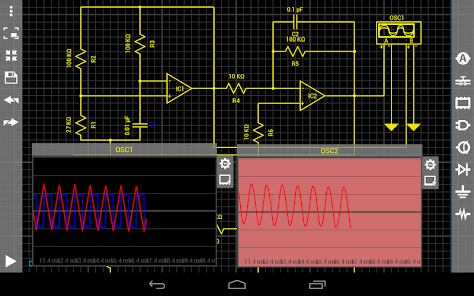

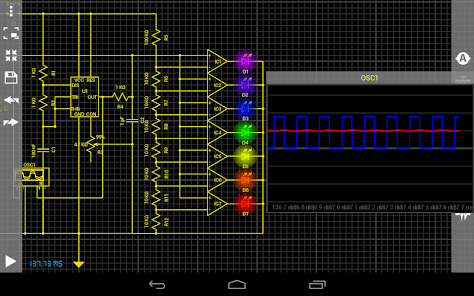
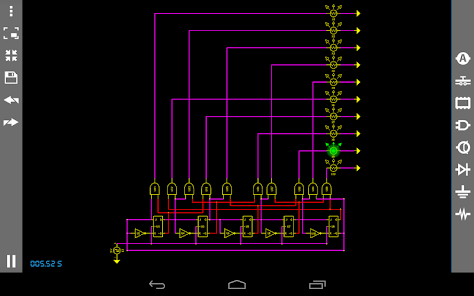
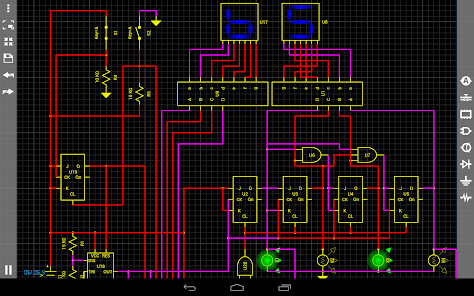
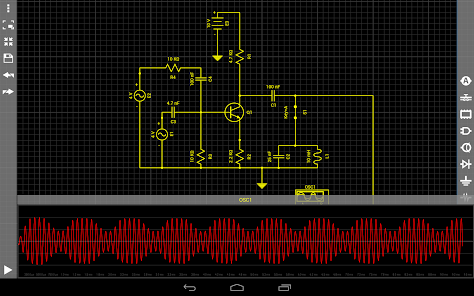
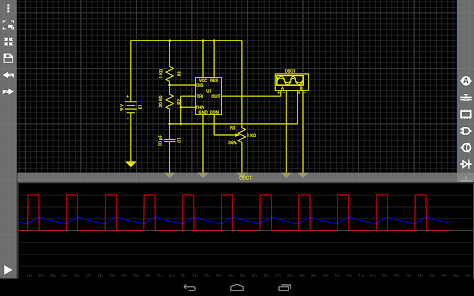
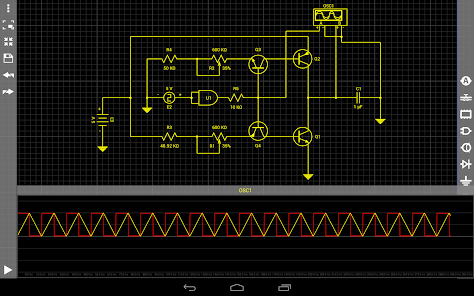
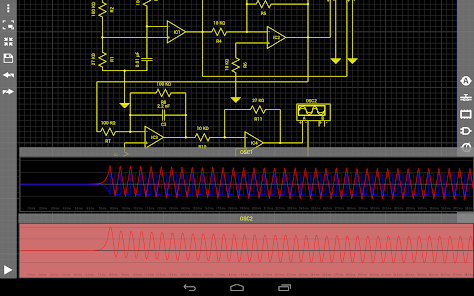
About this app
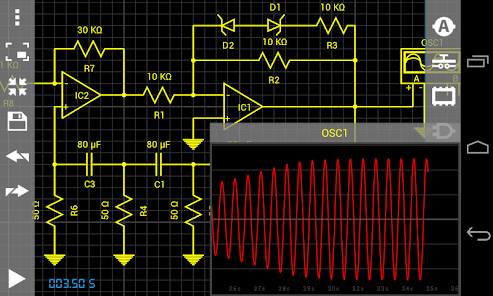
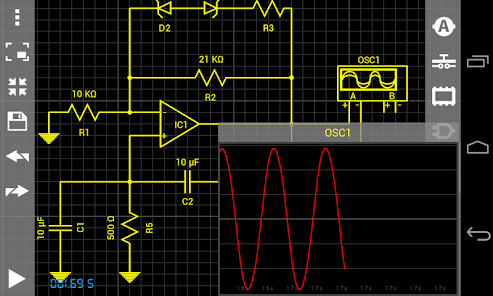
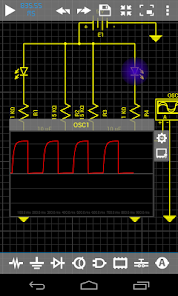
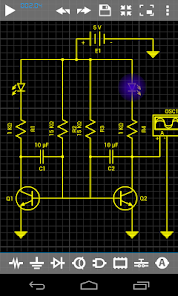
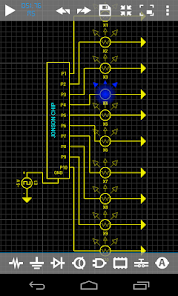
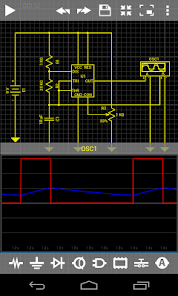
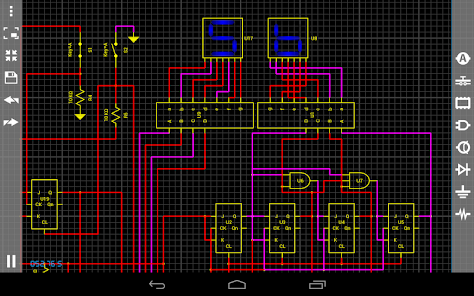
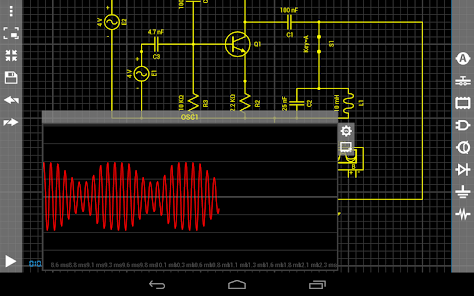
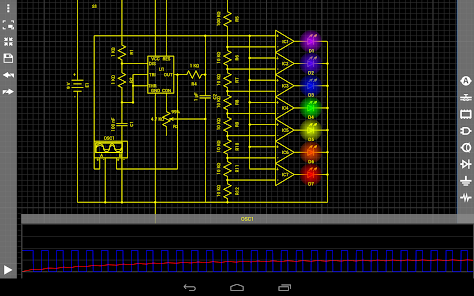
DroidTesla is a simple and powerful circuit simulator.
Perfect for students new to electronics circuit design and construction,
hobbyist and tinkerers and even seasoned professionals who want a quick,
handy tool to perform electronics circuit design calculations.
That's interactivity and innovation you can't find in best SPICE tools for PC like Multisim, LTspice, OrCad or PSpice (trademarks belong to their respective owners).
DroidTesla simulator solves basic resistive circuits using Kirchoff’s Current Law (KCL)
in much the same way a student in a circuits class would,the simulator systematically forms a matrix in accordance
with KCL and then proceeds to solve for the unknown quantities using various algebraic
techniques such as Gaussian elimination and sparse matrix techniques.
For non-linear components, such as the diode and BJT ,DroidTesla engine searching for the approximate solution by making an initial guess at an answer
and then improving the solution with successive calculations built upon this guess.
This is called an iterative process.DroidTesla simulation uses the Newton-Raphson iterative algorithm
to solve circuits with non-linear I/V relationships.
For reactive elements(capacitors and inductors),the DroidTesla uses numeric integration methods to approximate the state of the reactive elements as a function of time.
DroidTesla offers the Trapezoidal(I'll add a GEAR method later) integration methods to approximate the state of the reactive elements.
Although for most circuits, both methods will provide almost identical results,
it is generally regarded that the Gear method is more stable, but trapezoidal method is faster and more accurate.
DroidTesla for now can simulate:
-Resistor
-Capacitor
-Inductor
-Potentiometer
-Light Bulb
-Ideal operational amplifier
-Bipolar junction transistor (NPN PNP)
-MOSFET N-channel depletion
-MOSFET N-channel enhancement
-MOSFET P-channel depletion
-MOSFET P-channel enhancement
-JFET N and P
-PN Diode
-PN Led diode
-PN Zener diode
-AC current source
-DC current source
-AC voltage source
-DC voltage(battery) source
-CCVS - current controlled voltage source
-CCCS - current controlled current source
-VCVS - voltage controlled voltage source
-VCCS - voltage controlled current source
-Square wave voltage source
-Triangle wave voltage source
-AC ampermeter
-DC ampermeter
-AC voltmeter
-DC voltmeter
-Two channe oscilloscope
-SPST Switch
-SPDT Switch
-Voltage controlled switch
-Current controlled switch
-AND
-NAND
-OR
-NOR
-NOT
-XOR
-XNOR
-JK flip-flop
-7 Segment Display
-D flip-flop
-Relay
-IC 555
-Transformer
-Graetz Circuit
If you are making an
oscillators you have to put a small initial value on some of the
reactive elements.(see the examples)
Perfect for students new to electronics circuit design and construction,
hobbyist and tinkerers and even seasoned professionals who want a quick,
handy tool to perform electronics circuit design calculations.
That's interactivity and innovation you can't find in best SPICE tools for PC like Multisim, LTspice, OrCad or PSpice (trademarks belong to their respective owners).
DroidTesla simulator solves basic resistive circuits using Kirchoff’s Current Law (KCL)
in much the same way a student in a circuits class would,the simulator systematically forms a matrix in accordance
with KCL and then proceeds to solve for the unknown quantities using various algebraic
techniques such as Gaussian elimination and sparse matrix techniques.
For non-linear components, such as the diode and BJT ,DroidTesla engine searching for the approximate solution by making an initial guess at an answer
and then improving the solution with successive calculations built upon this guess.
This is called an iterative process.DroidTesla simulation uses the Newton-Raphson iterative algorithm
to solve circuits with non-linear I/V relationships.
For reactive elements(capacitors and inductors),the DroidTesla uses numeric integration methods to approximate the state of the reactive elements as a function of time.
DroidTesla offers the Trapezoidal(I'll add a GEAR method later) integration methods to approximate the state of the reactive elements.
Although for most circuits, both methods will provide almost identical results,
it is generally regarded that the Gear method is more stable, but trapezoidal method is faster and more accurate.
DroidTesla for now can simulate:
-Resistor
-Capacitor
-Inductor
-Potentiometer
-Light Bulb
-Ideal operational amplifier
-Bipolar junction transistor (NPN PNP)
-MOSFET N-channel depletion
-MOSFET N-channel enhancement
-MOSFET P-channel depletion
-MOSFET P-channel enhancement
-JFET N and P
-PN Diode
-PN Led diode
-PN Zener diode
-AC current source
-DC current source
-AC voltage source
-DC voltage(battery) source
-CCVS - current controlled voltage source
-CCCS - current controlled current source
-VCVS - voltage controlled voltage source
-VCCS - voltage controlled current source
-Square wave voltage source
-Triangle wave voltage source
-AC ampermeter
-DC ampermeter
-AC voltmeter
-DC voltmeter
-Two channe oscilloscope
-SPST Switch
-SPDT Switch
-Voltage controlled switch
-Current controlled switch
-AND
-NAND
-OR
-NOR
-NOT
-XOR
-XNOR
-JK flip-flop
-7 Segment Display
-D flip-flop
-Relay
-IC 555
-Transformer
-Graetz Circuit
If you are making an
oscillators you have to put a small initial value on some of the
reactive elements.(see the examples)
Updated on
Safety starts with understanding how developers collect and share your data. Data privacy and security practices may vary based on your use, region, and age. The developer provided this information and may update it over time.

No data shared with third parties
Learn more about how developers declare sharing

No data collected
Learn more about how developers declare collection
Ratings and reviews
4.3
531 reviews

Thomas White
- Flag inappropriate
October 18, 2025
works great. worth the upgrade fee. but one issue I am having is that community/public uploads don't seem to update with new content. For example I can't find any of my circuits on my friends phone even though I saved them "public" (not private). one more suggestion I have for the developer is to give a quick description of the different parameters when a user clicks the "i" for more info. Love the app keep up the great work!

Tim Brengle
- Flag inappropriate
- Show review history
July 20, 2024
Formerly an outstanding and truly useful app which I used for years. Upgrading to the new user interface lost all but two of dozens of my circuits and subcircuits. Plus the new user interface is far less intuitive and I couldn't find any help for it. I wish I could go back and have access to all my lost work! Old version: 5 stars. New version: 2 stars. Average: 3.5 stars. Hope the new version catches up to the quality and usefulness of the old one very quickly!!!
1 person found this review helpful

A Google user
- Flag inappropriate
- Show review history
June 5, 2024
Before upgrading to version 7.0, I spent over 8 years on this app, creating more than two hundred circuits and dozens of sub-circuits. However, after upgrading to version 7.0, I found no way to recover those hundreds of circuits. Currently, the user data for the app stands at 187MB. I hope the developer can provide me with an entry point to access the hundreds of circuits I've created, rather than hiding the access. 2024.06.06 Update: I have to resort to using older versions of the software.
12 people found this review helpful
Vladimir Djokic Djole
June 5, 2024
Please send me your email.I have to send you old app version!
: vladimirdjokic76@gmail.com
What’s new
UI improvements
App support
phone
Phone number
+381601778018
About the developer
VLADIMIR ĐOKIĆ
tesladynamics76@gmail.com
Venizelosova 029
STAN 18
11108 Beograd
Serbia
undefined


