
Screenshot Assistant
Contains adsIn-app purchases

4.2star
8.66K reviews
1M+
Downloads

Everyone
info






About this app
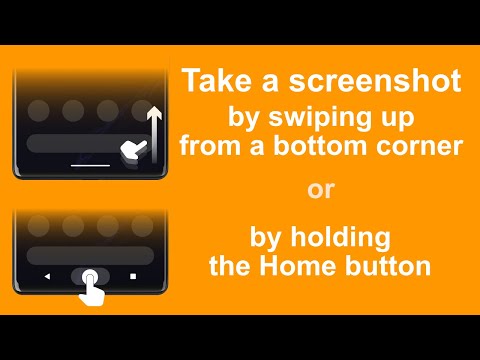
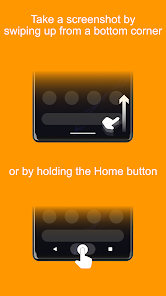
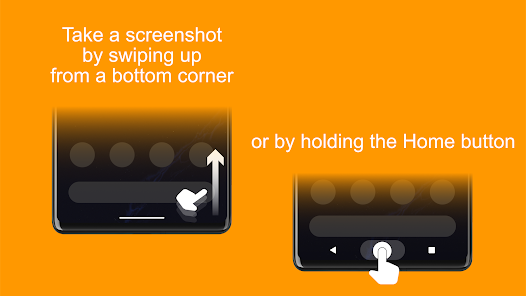
Take a screenshot by swiping up from a bottom corner or by holding the Home button.
Features:
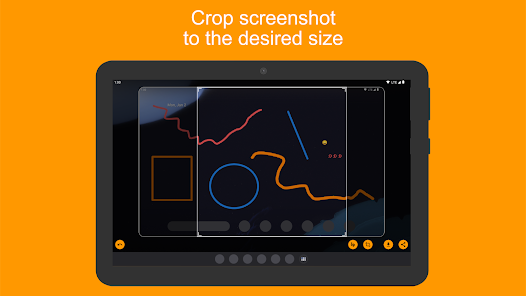
• Crop screenshot to the desired size
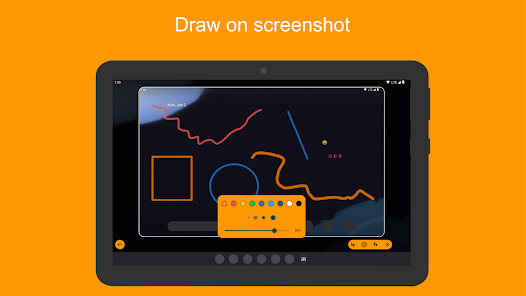
• Draw on screenshot
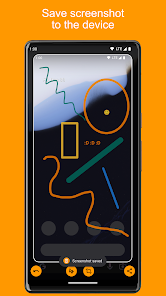
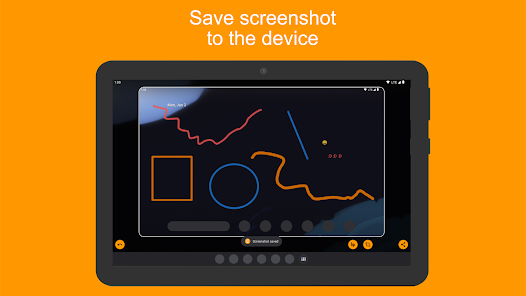
• Save screenshot to the device
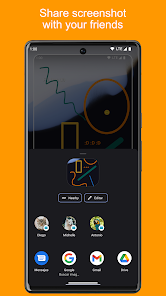
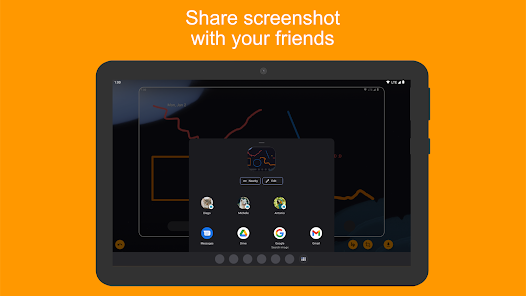
• Share screenshot with your friends
How to configure the app:
• From the Home screen navigate to Settings
• Select Apps
• Press Settings icon in the upper right corner
• Select Assist & voice input
• Press Assist app and select Screenshot Assistant
Features:
• Crop screenshot to the desired size
• Draw on screenshot
• Save screenshot to the device
• Share screenshot with your friends
How to configure the app:
• From the Home screen navigate to Settings
• Select Apps
• Press Settings icon in the upper right corner
• Select Assist & voice input
• Press Assist app and select Screenshot Assistant
Updated on
Safety starts with understanding how developers collect and share your data. Data privacy and security practices may vary based on your use, region, and age. The developer provided this information and may update it over time.

This app may share these data types with third parties
Location, Financial info and 3 others

No data collected
Learn more about how developers declare collection

Data is encrypted in transit

Data can’t be deleted
Ratings and reviews
4.1
8.46K reviews

Mr. Stoner
- Flag inappropriate
- Show review history
June 9, 2024
Note: Since googles newest update in order to take a screenshot, I just swipe up from the bottom right corner towards the center and this app works like usual. I've used this app for quite a few years now....and on 3 different phones. It's works great! And does everything I need it to do. Edit: the only thing I would like is the ability to select resolutions for screenshot. ie: 8K, 4K, 2k and different formats ie: .png, .jpg, etc. And obviously without resolution loss or different compressions
50 people found this review helpful

Tim Miles
- Flag inappropriate
- Show review history
October 9, 2025
It's recently started wasting your time by showing adverts which occupy the whole screen so that you can't even do anything else while you wait. I might well have paid a small one-off fee to get rid of adverts in notifications, because I liked the app, but I'm not paying a subscription to get rid of such a user-hostile feature. Uninstalled. Lifetime sub for Pro version now available, £4.59.
7 people found this review helpful
Waskysoft
October 9, 2025
Such full-screen ads should never appear. Please note there’s also a one-time purchase (Pro version) available that permanently removes all ads, no subscription needed.

Olive Branch
- Flag inappropriate
November 29, 2025
Can't launch it. Digital assistant don't show this app. Uninstall
Waskysoft
November 30, 2025
Sorry it’s not working for you. Screenshot Assistant should appear in the digital assistant list on most devices. Could you email us the details of your phone model and Android version at support@waskysoft.pl so we can check what’s happening?
App support
About the developer
Michał Henryk Wolski
support@waskysoft.pl
Kazimierza Kuratowskiego 3/26
02-747 Warszawa
Poland


