

CNC Milling Simulator
Contains ads

4.0star
1.26K reviews
100K+
Downloads

Everyone
info

About this app
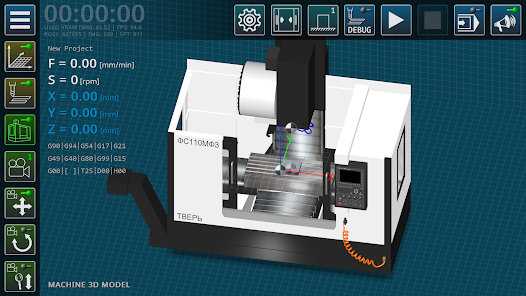
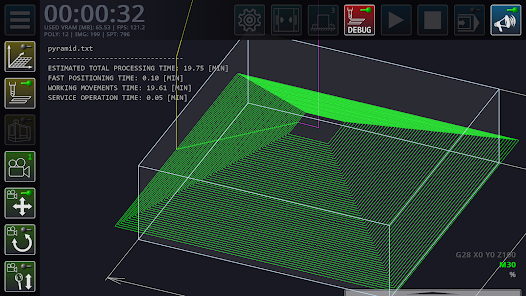
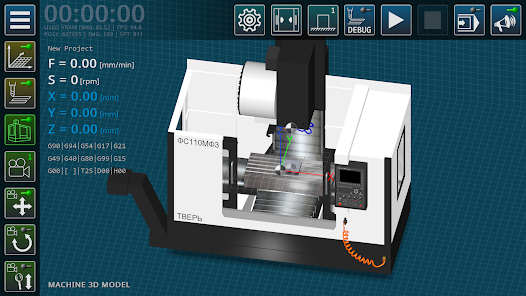
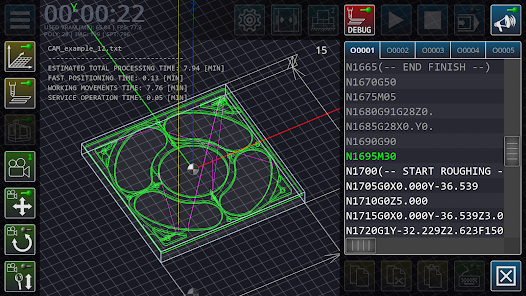
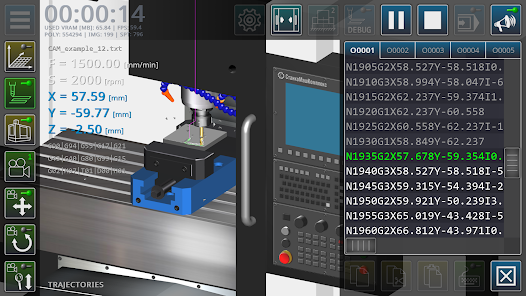
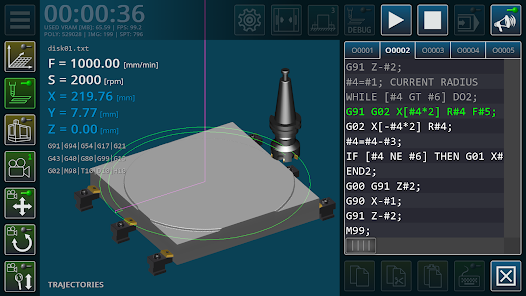
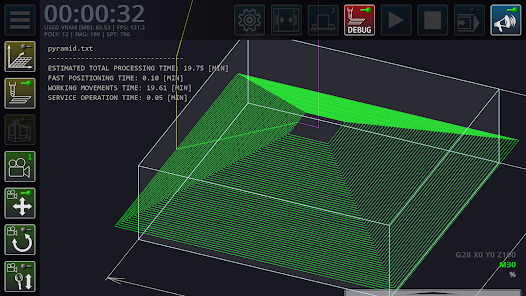
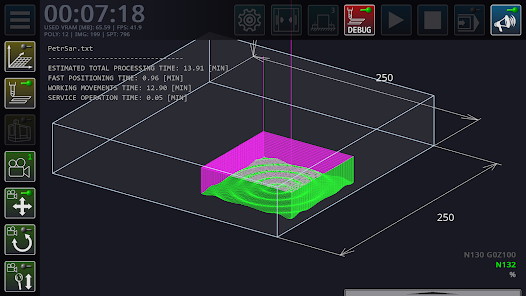
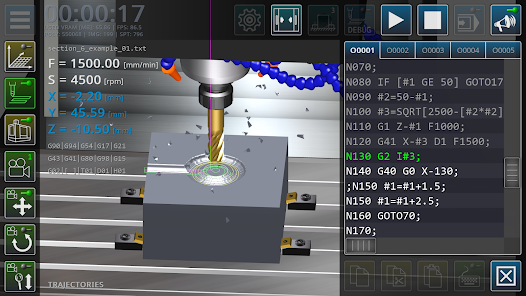
The CNC milling machine simulator is a multimedia application designed to provide a basic introduction to beginner mechanical engineering professionals with the principles of programming operations for milling parts using a standard (ISO) G-code.
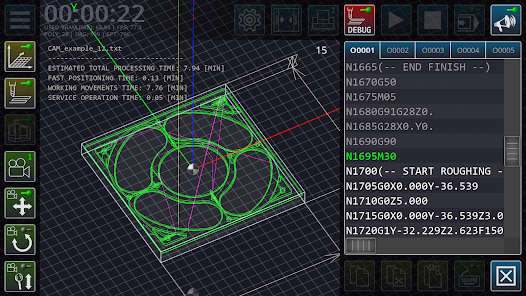
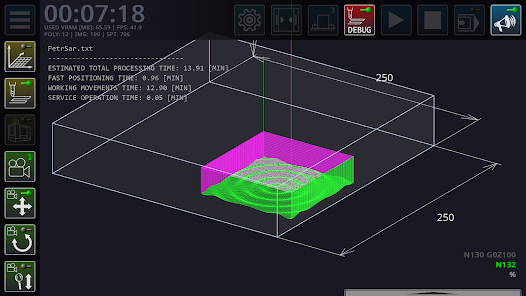
The main task of the application is syntactic analysis (parsing) of the code of control programs in order to build a graphical model of cutting tool trajectories in three-dimensional space.
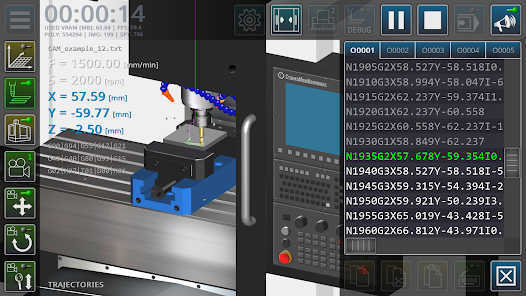
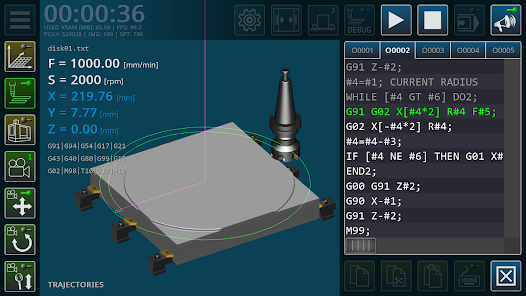
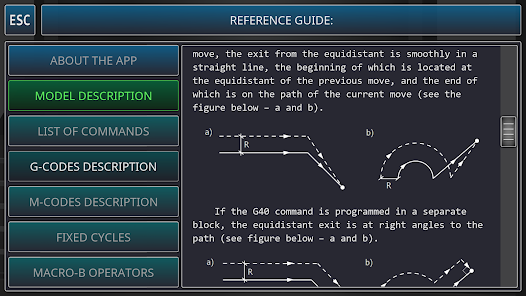
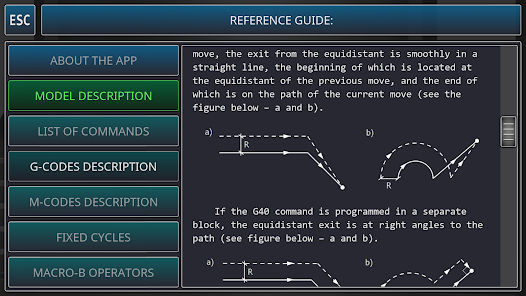
The main functions of the application: editing the code of the control programs of the milling machine, operations with files of control programs, setting the geometric parameters of the cutting tool, continuous/step-by-step execution of blocks of control programs, three-dimensional visualization of tool movements in the working space of the machine, simplified visualization of the machined surface of the part, calculation of processing modes, a quick reference guide to using G-code.
The main limitations of the application are: low accuracy of cutting surface modeling, the impossibility of using polygonal geometry as a workpiece, a simplified model of machine tooling elements.
The main task of the application is syntactic analysis (parsing) of the code of control programs in order to build a graphical model of cutting tool trajectories in three-dimensional space.
The main functions of the application: editing the code of the control programs of the milling machine, operations with files of control programs, setting the geometric parameters of the cutting tool, continuous/step-by-step execution of blocks of control programs, three-dimensional visualization of tool movements in the working space of the machine, simplified visualization of the machined surface of the part, calculation of processing modes, a quick reference guide to using G-code.
The main limitations of the application are: low accuracy of cutting surface modeling, the impossibility of using polygonal geometry as a workpiece, a simplified model of machine tooling elements.
Updated on
Safety starts with understanding how developers collect and share your data. Data privacy and security practices may vary based on your use, region, and age. The developer provided this information and may update it over time.

No data shared with third parties
Learn more about how developers declare sharing

No data collected
Learn more about how developers declare collection
Ratings and reviews
4.0
1.2K reviews

KOTTILIL HARISH
- Flag inappropriate
- Show review history
November 24, 2025
Work piece size option for length and breadth is locked
1 person found this review helpful

Chad Taljaard
- Flag inappropriate
December 13, 2025
3 stars for well made app. Minus 2 stars due to restrictions. Not all of us can afford to pay premium costs, it is 2025 and getting worse. The dimensions of your work piece is restricted only to Z movement allowed and the use of only TWO TOOLS. Love the app but seriously.

Jerry Bartz
- Flag inappropriate
October 30, 2022
It's cool, I wish it had more tooling options, boring bars, saw slitters, more face mills different insert mill options etc, and also I wish the rotational view was 360° with full zoom capabilities. Other than that, I wish the app would open regularly, it really is hard to open sometimes it takes a few taps before it opens if it opens at all.
15 people found this review helpful
Virtual Laboratories and Technical Simulators
November 6, 2022
Hello! On Samsungs, in some cases, increasing the allocated RAM helps (the RAM Plus option in the smartphone settings).
What’s new
Added support for 16 kb memory pages (for Android 15).
App support
About the developer
Илья Образцов
scien.labs@gmail.com
ул. Виноградова, 3
69
Тверь
Тверская область
Russia
170001


