Morph mod for minecraft
Contains ads
3,9star
2,06K reviews

Everyone
info
1M+
Downloads

Everyone
Learn more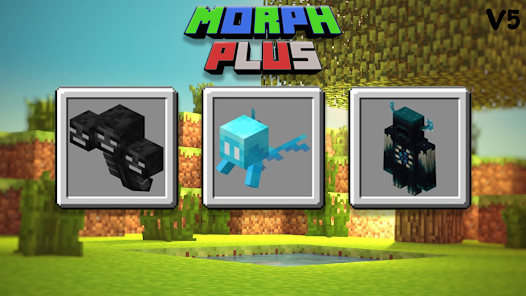
About this app
Morph mod for minecraft
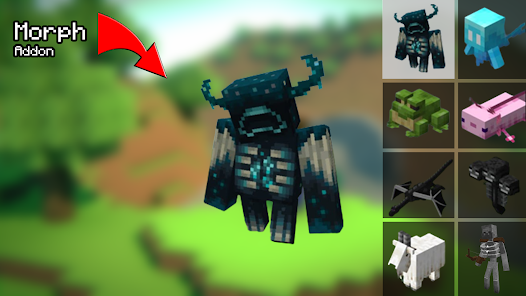
Welcome to this Cool "MorphCraft Universe," the ultimate destination for Minecraft Morph Mod enthusiasts!
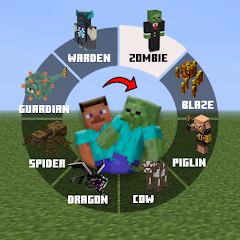
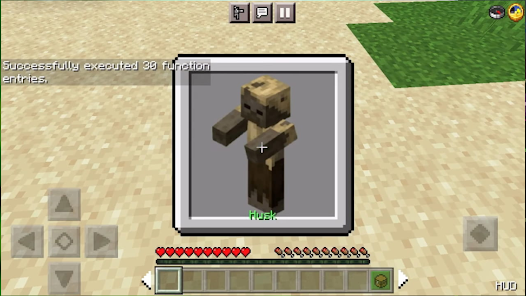
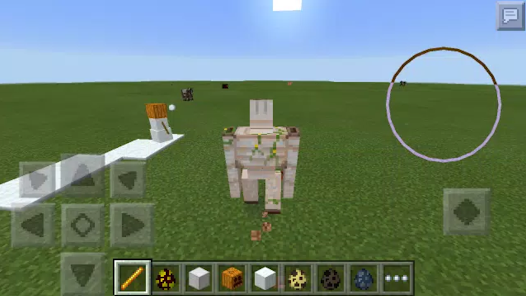
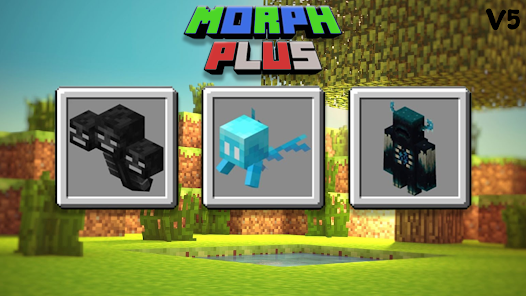
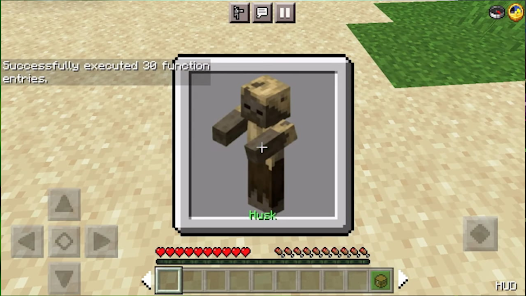
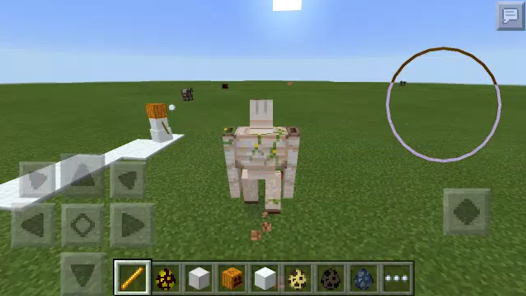
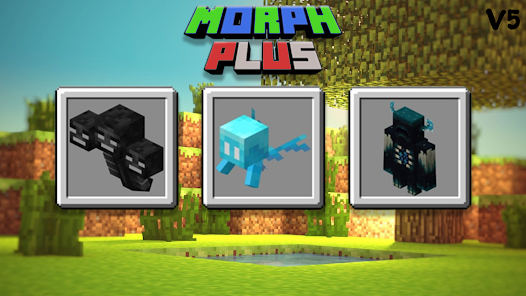
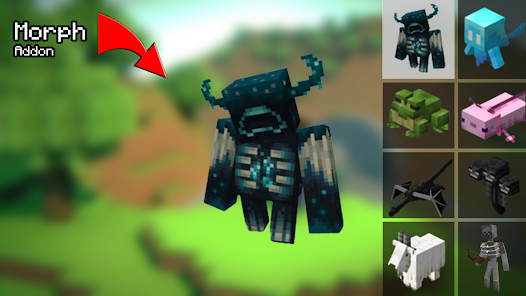
Morph Mod is an Addon allowed you to morph into any mob that you Like, The Addon now support A lot of mobs, and we will add More Mobs soon.
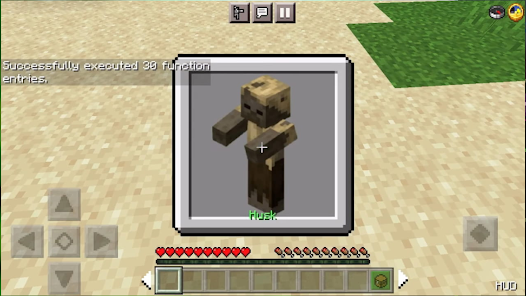
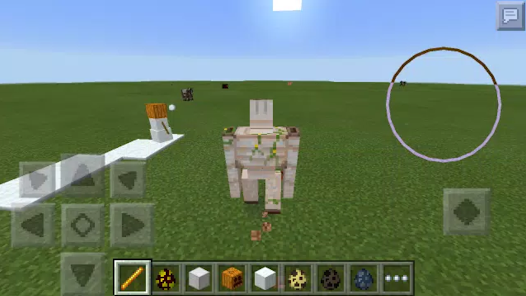
With the Morph mod for MCPE, you can transform into various monsters and animals within Minecraft, including those from different add-ons.
This morph mod offers exciting opportunities for players, allowing them to become both mobs and animals, adding a fun and intriguing dimension to the game.
Do you want a hight Quality Mods for minecraft PE ?
So you are in the right place in the right time.
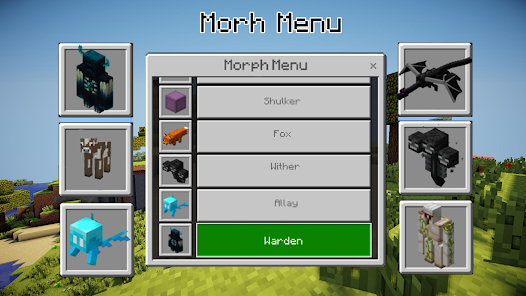
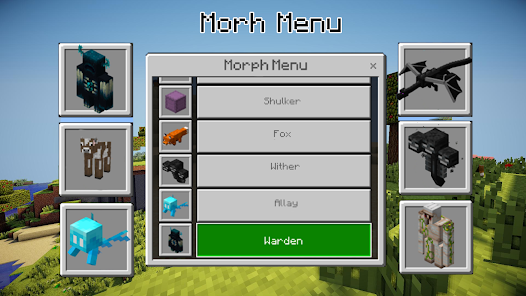
How to use Morph menu?
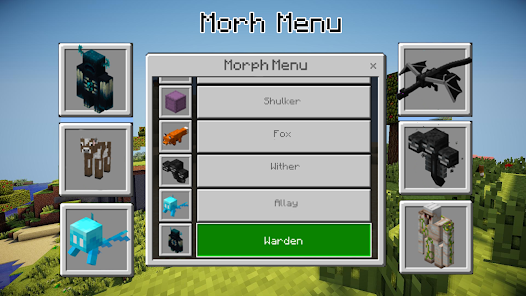
You can open Morph Menu with two ways: First way is with sneaking and jumping Second way is with type MM or Morph Menu on the chat.
🎮 Morph mod for minecraft Features:
🌟 Morph into Mobs Minecraf.
🌟 Maps and server lists that allow players to explore different worlds and resources, Also join interesting servers.
🌟 various Morph skins that players can use to personalize their character's appearance
🌟 One-Click Content Download: Easily download and install addons, skins, and maps with a single click, saving you time and effort.
🌟 Nice app design and intuitive UI.
🌟 Compatible with other mods or addon.
🌟 Supports the latest Minecraft version 1.21.
🌟 Multiplayer Mode: Join forces with friends online, build, and explore together with full multiplayer support.
🌟 Effortless Mod Installer: Our user-friendly mod installer requires just one click, making customization a breeze.
🌟 Regular Updates: Stay on the cutting edge with frequent updates that bring you the latest features and bug fixes.
You can Morph into:
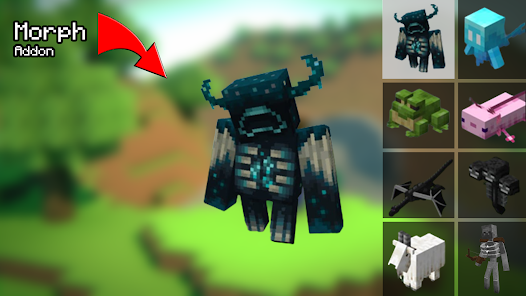
Zombie, Husk, Dorwned ,Zombie Pigman ,Enderman ,Skeleton ,Stray ,Wither Skeleton ,Creeper ,Blaze ,Cow ,Pig ,Sheep ,Chicken ,Spider Iron Golem ,Villager ,Wolf ,Cat ,Bat ,Slime ,Snow Golem ,Ghast ,Vex ,Bee ,Horse ,Witch ,Axolotl ,Shulker ,Fox ,Wither ,Allay ,Warden.
🔥 Step into the Pixelated Adventure Now! 🔥
Once you've downloaded and installed this addon, you can immediately start transformation into mobs you want.
Download Morph mod for Minecraft PE now and embark on an incredible journey of creativity and fun.
keywords :
🔻 DISCLAIMER:
This app is not affiliated with Mojang AB. The Minecraft name, trademark, and assets are the property of Mojang AB. Visit https://account.mojang.com/documents/brand_guidelines for usage guidelines.
Welcome to this Cool "MorphCraft Universe," the ultimate destination for Minecraft Morph Mod enthusiasts!
Morph Mod is an Addon allowed you to morph into any mob that you Like, The Addon now support A lot of mobs, and we will add More Mobs soon.
With the Morph mod for MCPE, you can transform into various monsters and animals within Minecraft, including those from different add-ons.
This morph mod offers exciting opportunities for players, allowing them to become both mobs and animals, adding a fun and intriguing dimension to the game.
Do you want a hight Quality Mods for minecraft PE ?
So you are in the right place in the right time.
How to use Morph menu?
You can open Morph Menu with two ways: First way is with sneaking and jumping Second way is with type MM or Morph Menu on the chat.
🎮 Morph mod for minecraft Features:
🌟 Morph into Mobs Minecraf.
🌟 Maps and server lists that allow players to explore different worlds and resources, Also join interesting servers.
🌟 various Morph skins that players can use to personalize their character's appearance
🌟 One-Click Content Download: Easily download and install addons, skins, and maps with a single click, saving you time and effort.
🌟 Nice app design and intuitive UI.
🌟 Compatible with other mods or addon.
🌟 Supports the latest Minecraft version 1.21.
🌟 Multiplayer Mode: Join forces with friends online, build, and explore together with full multiplayer support.
🌟 Effortless Mod Installer: Our user-friendly mod installer requires just one click, making customization a breeze.
🌟 Regular Updates: Stay on the cutting edge with frequent updates that bring you the latest features and bug fixes.
You can Morph into:
Zombie, Husk, Dorwned ,Zombie Pigman ,Enderman ,Skeleton ,Stray ,Wither Skeleton ,Creeper ,Blaze ,Cow ,Pig ,Sheep ,Chicken ,Spider Iron Golem ,Villager ,Wolf ,Cat ,Bat ,Slime ,Snow Golem ,Ghast ,Vex ,Bee ,Horse ,Witch ,Axolotl ,Shulker ,Fox ,Wither ,Allay ,Warden.
🔥 Step into the Pixelated Adventure Now! 🔥
Once you've downloaded and installed this addon, you can immediately start transformation into mobs you want.
Download Morph mod for Minecraft PE now and embark on an incredible journey of creativity and fun.
keywords :
🔻 DISCLAIMER:
This app is not affiliated with Mojang AB. The Minecraft name, trademark, and assets are the property of Mojang AB. Visit https://account.mojang.com/documents/brand_guidelines for usage guidelines.
Updated on
Safety starts with understanding how developers collect and share your data. Data privacy and security practices may vary based on your use, region and age. The developer provided this information and may update it over time.

No data shared with third parties
Learn more about how developers declare sharing

No data collected
Learn more about how developers declare collection

Data is encrypted in transit

Data can’t be deleted
Ratings and reviews
3,6
1,84K reviews

Toby Echon
- Flag inappropriate
14 April 2026
it has so many ads that i cannot even download any mod

Joshlouie Cordero
- Flag inappropriate
07 February 2026
bro I'm about to crash out this app won't even let me download anything.to much ads and it keeps saying to Grant permeation even though I already grant all of it -1sx/10
26 people found this review helpful

Aman ishan
- Flag inappropriate
21 May 2024
I downloaded the mod from this app but, When i tries to extract from the files, it says that there is an error and i don't know to fix it .please help me fix it
41 people found this review helpful
What's new
How to use the Morph Menu 🐱👹😳👻💀
You can open the Morph Menu in two ways:
1) Sneak and jump.
2) Type MM or Morph Menu in the chat.


