
Runner Multi StopWatch byNSDev
Enthält Werbung

500+
Downloads

Jedes Alter
info
Über diese App
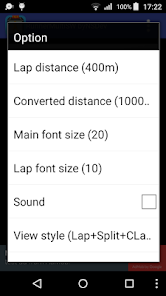
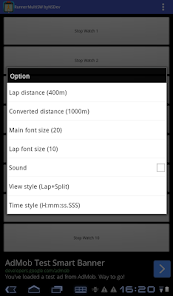
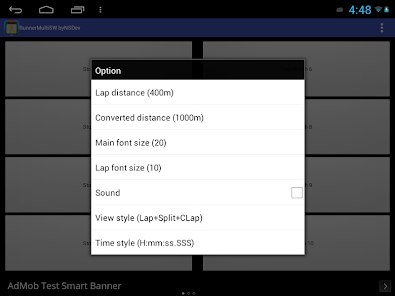
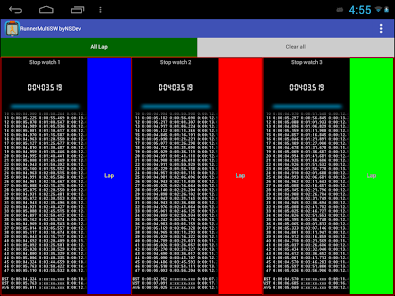
When you enter lap distance and conversion distance, the lap time converted by that distance is displayed.
For example, if you set the lap distance to 400 m and the converted distance to 1000 m, the lap time converted at 1000 m can be displayed.
*How to use
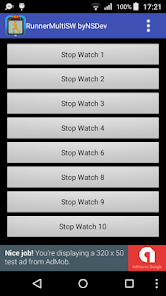
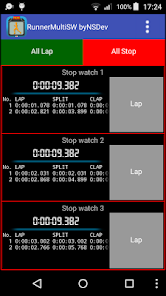
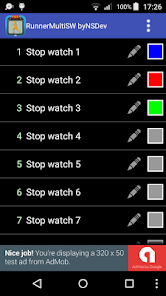
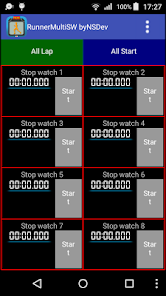
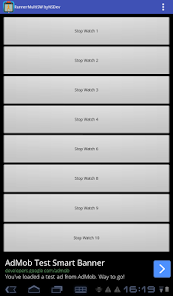
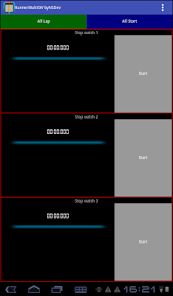
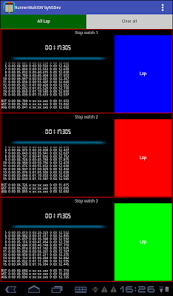
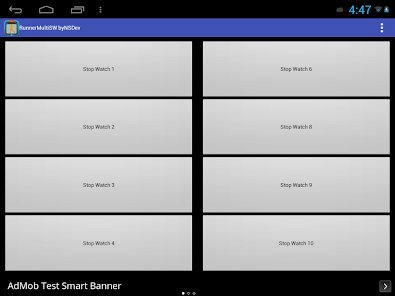
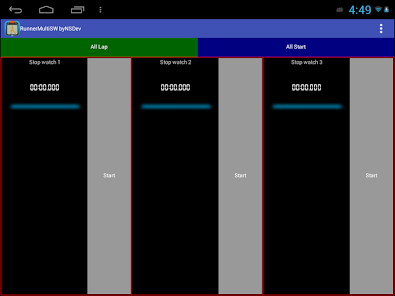
1.Select a menu required number of stopwatch.
2.Start by start buttons.
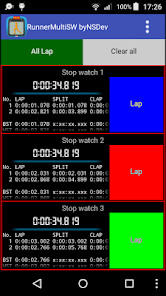
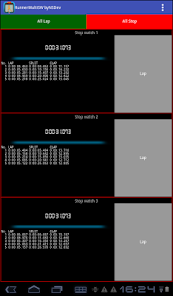
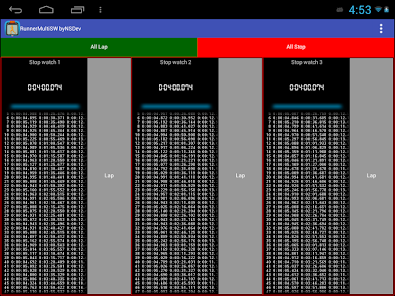
3.Press the lap button.
4.When the measurement is completed, press the All stop button.
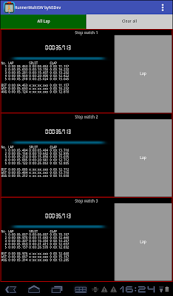
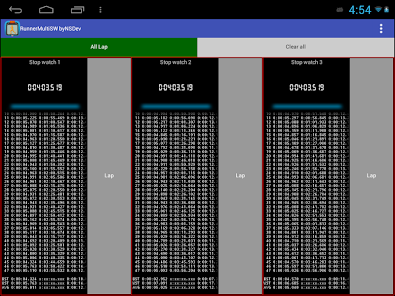
5.Pressing the Clear All button clears all.
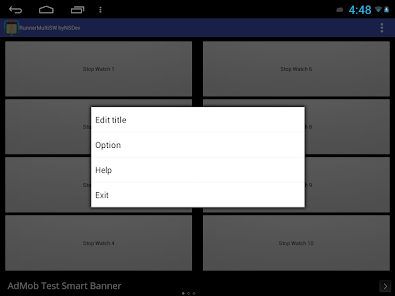
*Option
All Lap button
Adjust font size of the timer.
Adjust font size of the wrap.
ON / OFF of the sound.
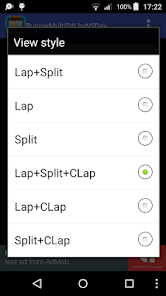
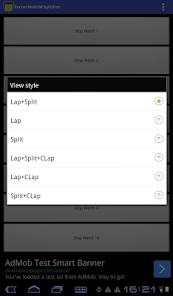
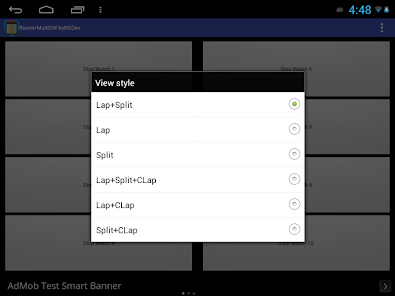
Setting lap, split, the display contents.
The setting of the display format of the time.
*Request
Please contact me at the reviews or e-mail if you have any requests or bug.
It helps you as much as possible in correspondence.
*Note
For any damage caused on the use, even if it does not take the author any responsibility, even if it is clear that due to this app. Please use in a range of its own responsibility.
For example, if you set the lap distance to 400 m and the converted distance to 1000 m, the lap time converted at 1000 m can be displayed.
*How to use
1.Select a menu required number of stopwatch.
2.Start by start buttons.
3.Press the lap button.
4.When the measurement is completed, press the All stop button.
5.Pressing the Clear All button clears all.
*Option
All Lap button
Adjust font size of the timer.
Adjust font size of the wrap.
ON / OFF of the sound.
Setting lap, split, the display contents.
The setting of the display format of the time.
*Request
Please contact me at the reviews or e-mail if you have any requests or bug.
It helps you as much as possible in correspondence.
*Note
For any damage caused on the use, even if it does not take the author any responsibility, even if it is clear that due to this app. Please use in a range of its own responsibility.
Aktualisiert am
Was die Sicherheit angeht, solltest du als Erstes verstehen, wie Entwickler deine Daten erheben und weitergeben. Die Datenschutz- und Sicherheitspraktiken können je nach deiner Verwendung, deiner Region und deinem Alter variieren. Diese Informationen wurden vom Entwickler zur Verfügung gestellt und können jederzeit von ihm geändert werden.

Keine Daten werden mit Drittunternehmen oder -organisationen geteilt

Keine Daten erhoben

Daten werden bei der Übertragung verschlüsselt

Daten können nicht gelöscht werden
Neuerungen
Android 15 compatible
Support für diese App
Informationen zum Entwickler
NIHON SYSTEM DEVELOPER CORPORATION
nsd@nsgd.co.jp
691-1, SUE, AYAGAWACHO
AYAUTA-GUN, 香川県 761-2103
Japan
+81 87-816-0304


