All document Reader - Edit PDF
Contains adsIn-app purchases
4.0star
7.97K reviews
1M+
Downloads

Everyone
info





About this app
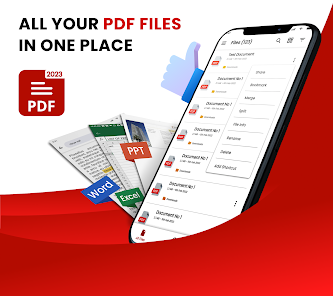
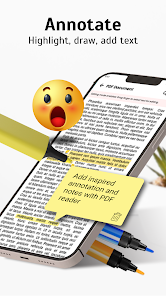
Simple PDF Reader - PDF editor allows you to open and read pdf files from your phone with just one click. All document Reader - Edit PDF can use pdf expert to annotate, edit, merge, convert, encrypt, and sign PDF documents.
Features of All document Reader - Edit PDF
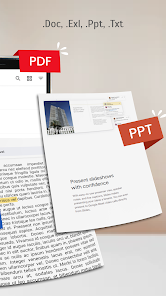
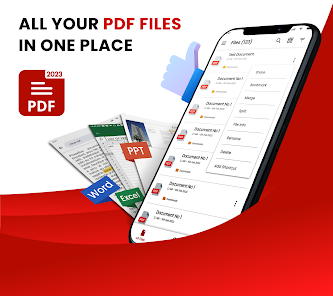
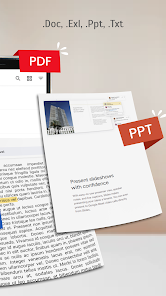
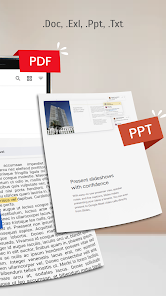
• PDF converter support all formats PDF, DOC, DOCX, XLS, XLXS, PPT, TXT, etc.
• Merge multiple files with PDF annotate.
• Editing PDF's with our powerful PDF editor.
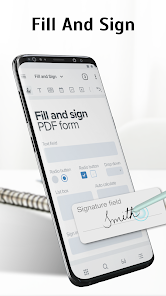
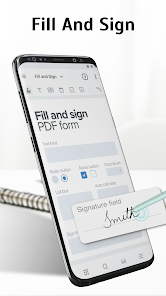
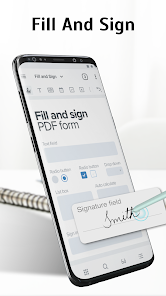
• Add e-signatures to PDF files with File reader.
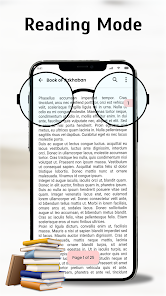
• PDF viewer - PDF opener optimized for a smooth reading experience.
• PDF reader - word reader to read all PDF files.
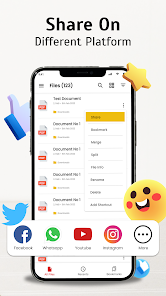
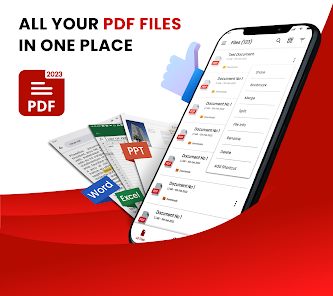
• Rename, delete, share & view PDF files easily.
• Set password to protect your documents.
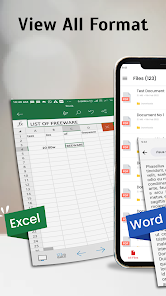
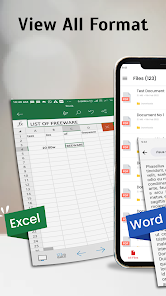
• Read PDF element Support all formats office documents like Microsoft word, Excel, PowerPoint & TXT.
• Fast conversion between PDF and Word, Excel, JPG, PNG, etc.
• Sort read documents according to your needs.
Free PDF viewer app - PDF editor pro
A PDF annotate - word reader is a tool that allows you to make changes to an existing PDF document. You can add or remove text, images, and other content, as well as manipulate the layout and formatting of the document.
PDF Expert - PDF reader
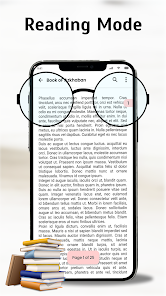
A PDF opener is a tool that allows you to read pdf, view and navigate through PDF documents. All document Reader - Edit PDF include features such as the ability to search for specific words or phrases, zoom in and out, and navigate through bookmarks or table of contents with PDF viewer - File reader.
Document reader - Read all PDF
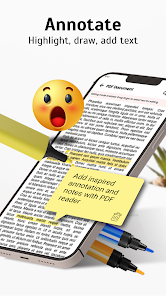
PDF editor - PDF annotate has added simple options for editing & marking text in PDF files.PDF readers are commonly used for reading documents such as eBooks, digital manuals, reports, and other types of documents that are meant to be viewed in their original format. So that users can not only read/view PDF book reader OR also edit them with this word reader - excel reader.
File reader- Read PDF
Now PDF annotate - PDF elements, view PDFs documents, read files and other document files with the sign PDF opener: PDF editor for android.
PDF converter – PDF expert
Download PDF viewer - simple PDF reader for android and try “All document Reader - Edit PDF” now and provide us with your valuable feedback for the excel reader or any suggestions/improvements.
Features of All document Reader - Edit PDF
• PDF converter support all formats PDF, DOC, DOCX, XLS, XLXS, PPT, TXT, etc.
• Merge multiple files with PDF annotate.
• Editing PDF's with our powerful PDF editor.
• Add e-signatures to PDF files with File reader.
• PDF viewer - PDF opener optimized for a smooth reading experience.
• PDF reader - word reader to read all PDF files.
• Rename, delete, share & view PDF files easily.
• Set password to protect your documents.
• Read PDF element Support all formats office documents like Microsoft word, Excel, PowerPoint & TXT.
• Fast conversion between PDF and Word, Excel, JPG, PNG, etc.
• Sort read documents according to your needs.
Free PDF viewer app - PDF editor pro
A PDF annotate - word reader is a tool that allows you to make changes to an existing PDF document. You can add or remove text, images, and other content, as well as manipulate the layout and formatting of the document.
PDF Expert - PDF reader
A PDF opener is a tool that allows you to read pdf, view and navigate through PDF documents. All document Reader - Edit PDF include features such as the ability to search for specific words or phrases, zoom in and out, and navigate through bookmarks or table of contents with PDF viewer - File reader.
Document reader - Read all PDF
PDF editor - PDF annotate has added simple options for editing & marking text in PDF files.PDF readers are commonly used for reading documents such as eBooks, digital manuals, reports, and other types of documents that are meant to be viewed in their original format. So that users can not only read/view PDF book reader OR also edit them with this word reader - excel reader.
File reader- Read PDF
Now PDF annotate - PDF elements, view PDFs documents, read files and other document files with the sign PDF opener: PDF editor for android.
PDF converter – PDF expert
Download PDF viewer - simple PDF reader for android and try “All document Reader - Edit PDF” now and provide us with your valuable feedback for the excel reader or any suggestions/improvements.
Updated on
Safety starts with understanding how developers collect and share your data. Data privacy and security practices may vary based on your use, region, and age. The developer provided this information and may update it over time.


Ratings and reviews
4.0
7.86K reviews

Sayyed Shafiuddin Hashmi
- Flag inappropriate
July 3, 2024
Nice features but too many adds, it is irritating and not allowing to work, un installing the app.
22 people found this review helpful

sayyed sumair shah
- Flag inappropriate
June 19, 2024
Such a good app but a lot of adds contained in this app which create the problems for readers during reading time
29 people found this review helpful

JulieAnn
- Flag inappropriate
July 5, 2024
it is very good and thorough .. I am still in the learning stage
5 people found this review helpful


